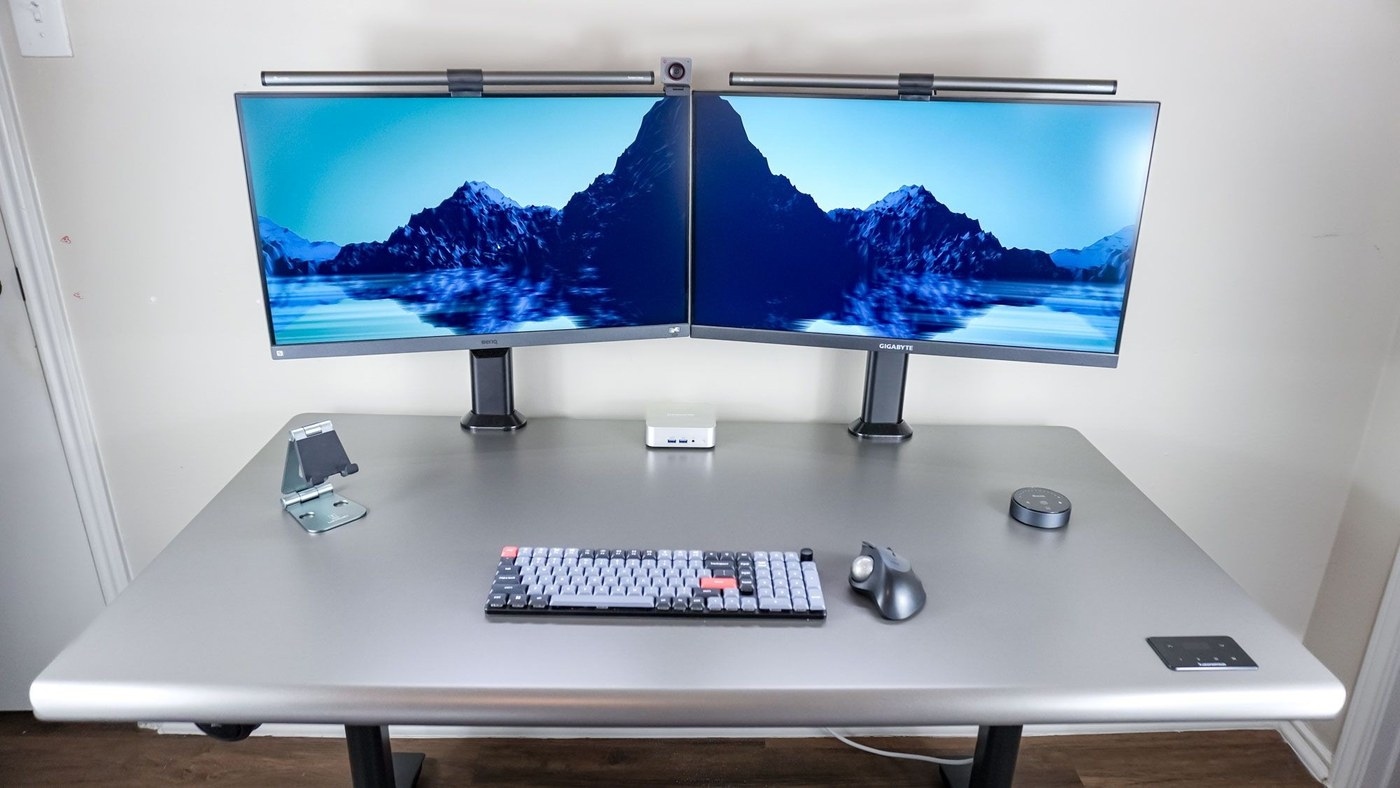
A Tom's Guide desk experiment highlights both the extra flexibility and the additional wiring involved in returning to two monitors.
Angle the displays together
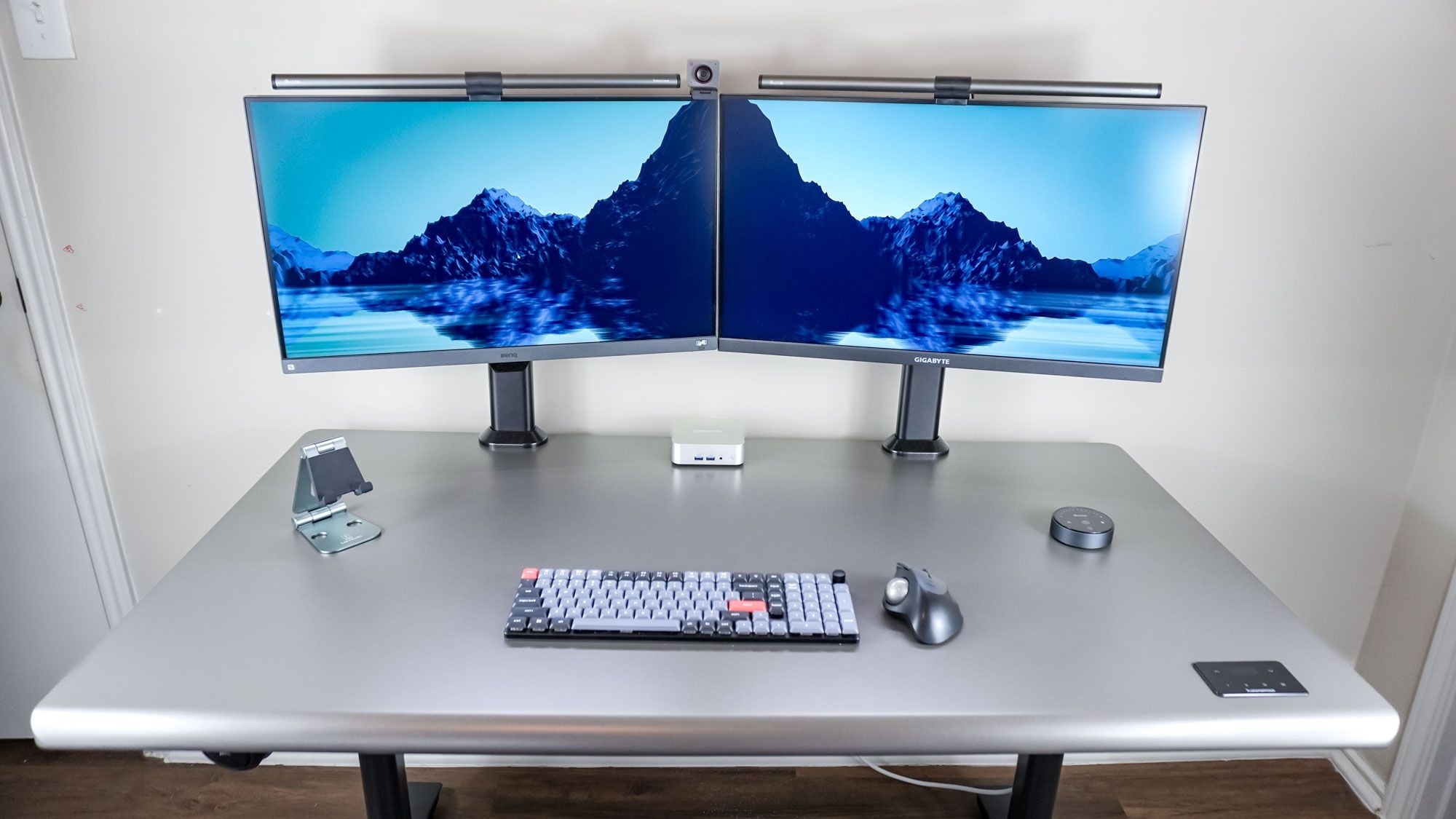
The writer arranged a 27-inch and a 28-inch monitor at slight angles so their inner edges met. The layout provided separate full-screen spaces for two browser windows while avoiding a wide central gap. Matching monitors would have created a more uniform appearance, although the experiment deliberately used screens already available.
Budget for the extra connections
Two displays meant more cables to route than a single ultrawide. Separate clamp-on Hemudu stands helped organize the wires using their posts and clips. Monitor light bars drew power from USB ports instead of taking additional wall outlets, and the screen arrangement left room for a webcam between the displays. The useful lesson is to plan accessories alongside the monitors: camera position, lighting and cable paths all affect whether the finished layout feels orderly.
A Tom's Guide desk experiment highlights both the extra flexibility and the additional wiring involved in returning to two monitors.


Leave a Comment
Comments (0)