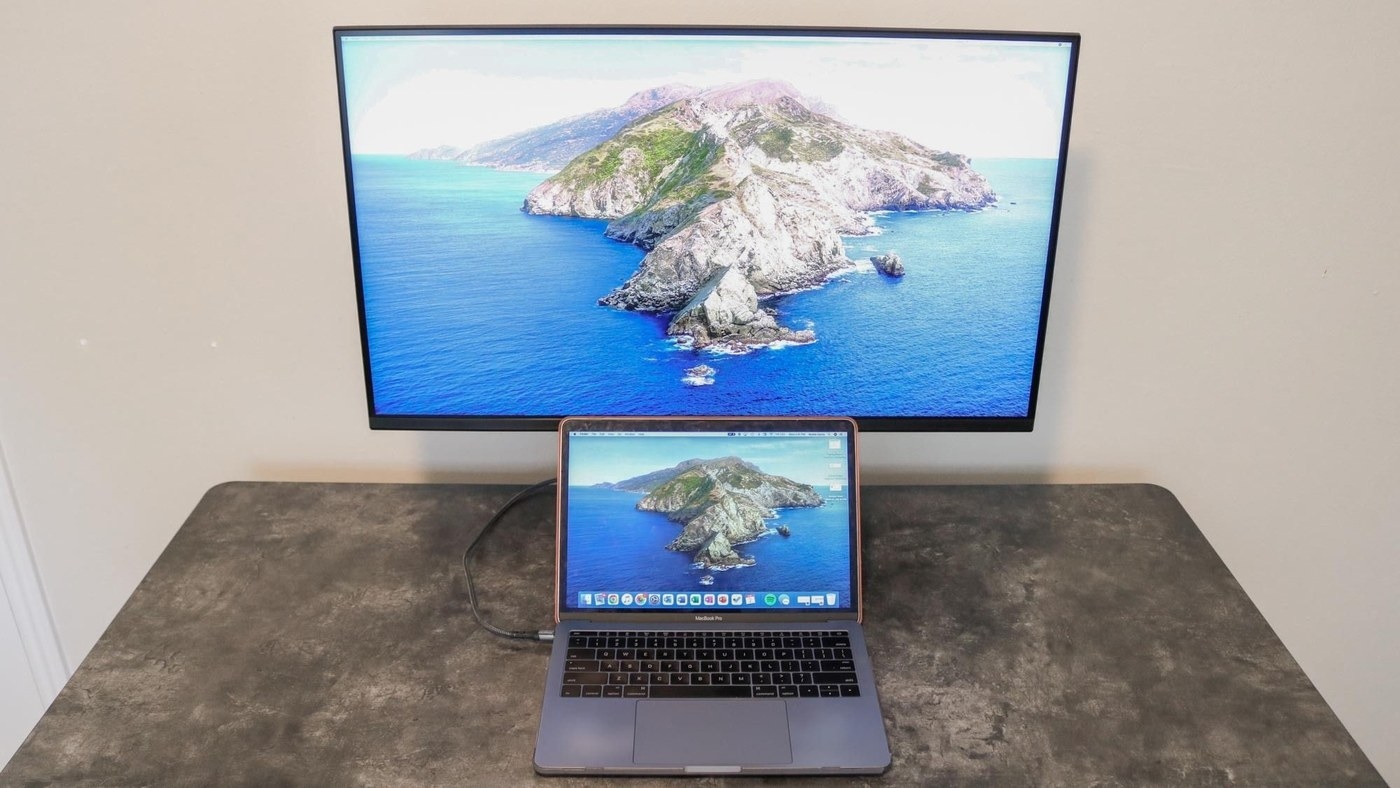
A USB-C display can act as the connection point for a home-office laptop, but only when its supported functions match the computer.
Verify video and charging support
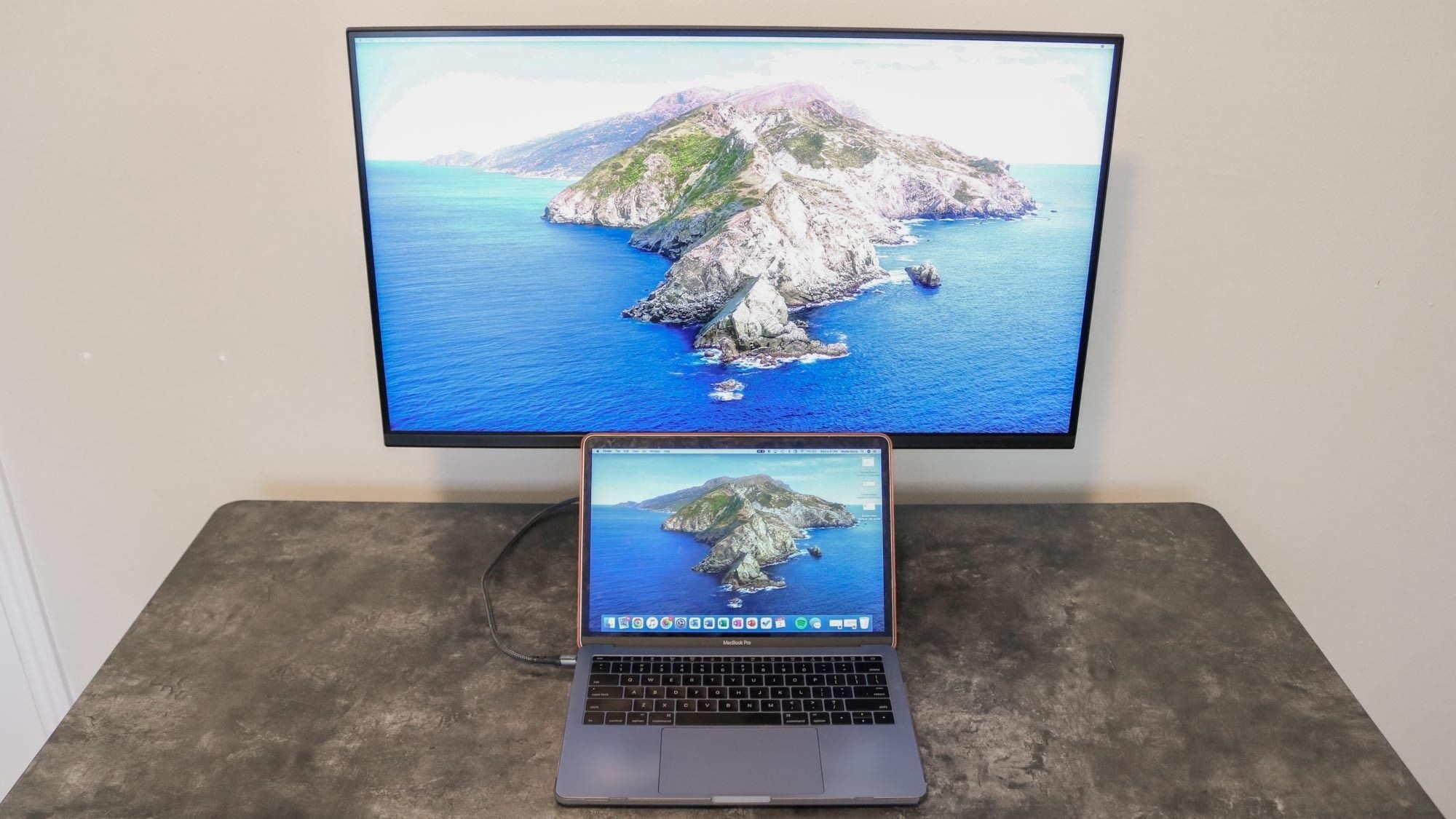
Tom's Guide's laptop-workstation advice distinguishes the presence of a USB-C socket from support for video output and power delivery. The laptop needs the relevant capabilities, and the display must provide enough charging power for the machine's workload. Otherwise, a separate laptop power cable remains necessary even when video is carried through USB-C.
Keep shared devices in one place
The article also describes monitors with hardware KVM switching, allowing a keyboard and mouse to work across more than one connected computer. That can reduce repetitive cable swapping in a mixed work-and-personal desk arrangement. The feature requires the correct video and data connections; it is not included in every monitor with a USB hub. Plan the ports and daily switching tasks first, then decide where the laptop can sit comfortably.
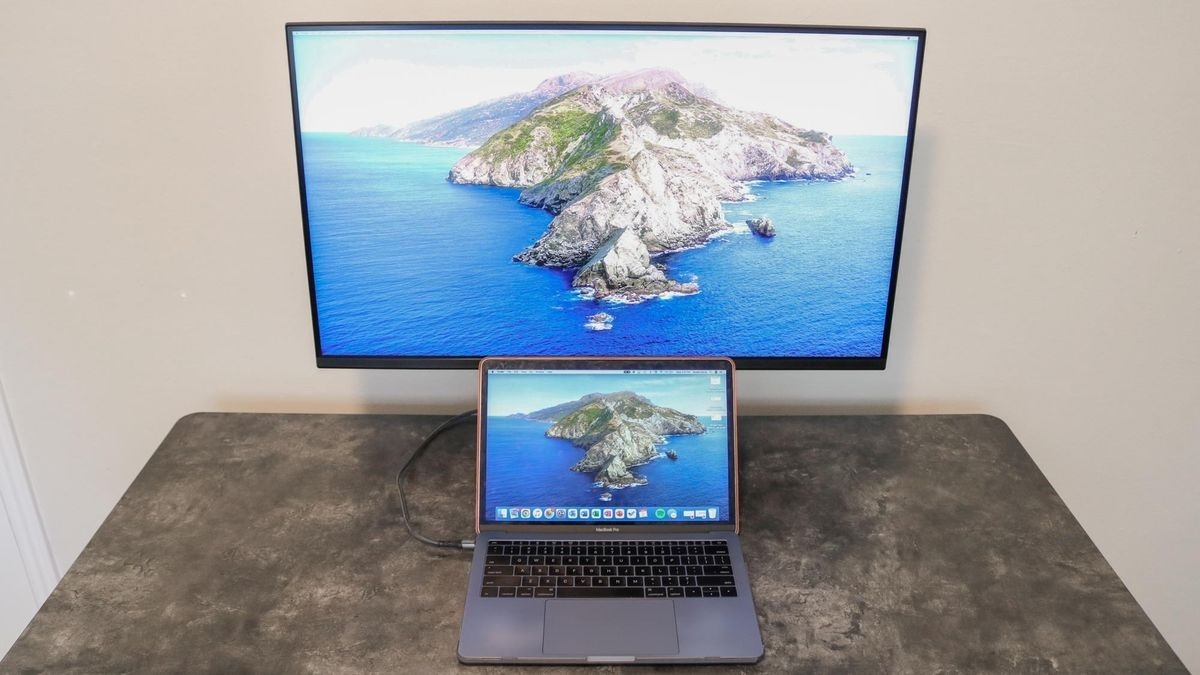
A USB-C display can act as the connection point for a home-office laptop, but only when its supported functions match the computer.


Leave a Comment
Comments (0)