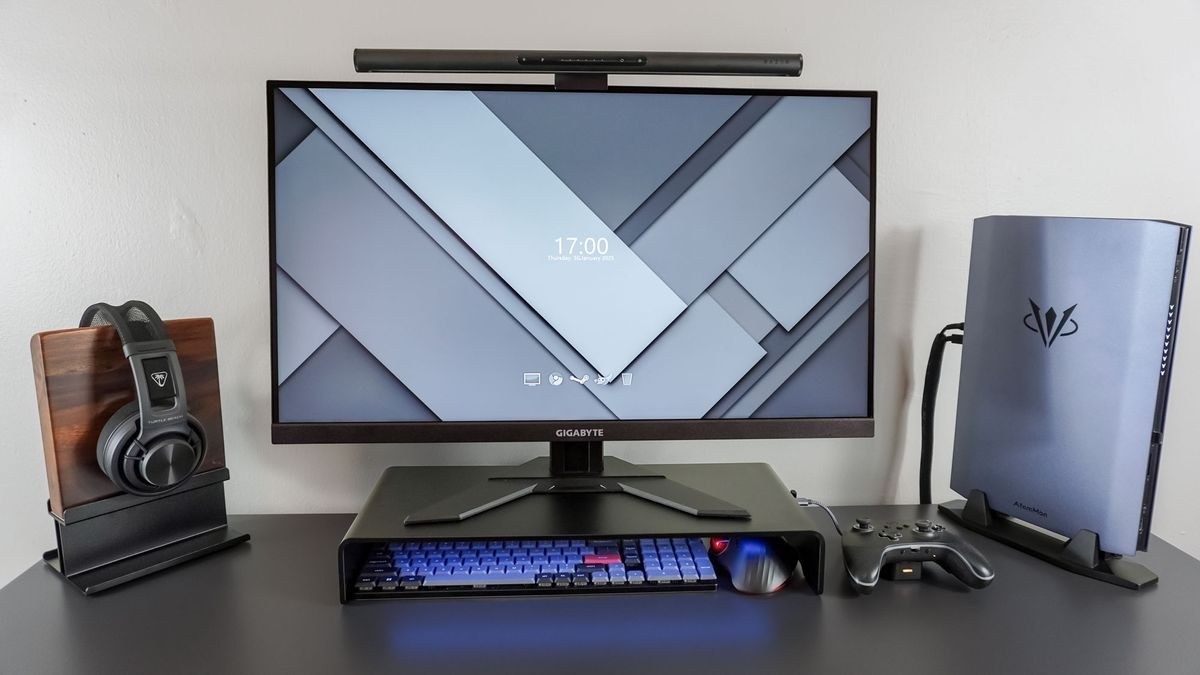
OSHA notes that a corner can provide more monitor depth, while height, readability and reflections still need individual adjustment.
Start with the seated position
The guide recommends a monitor directly ahead, with its top at or slightly below eye level. A typical viewing distance is 20 to 40 inches, adjusted so text can be read with the torso upright and the back supported. If small text encourages leaning forward, increasing text size can be more useful than compromising the seated position. Limited desk depth may require changing the desk arrangement rather than forcing the screen close to the face.
Check tilt and light together
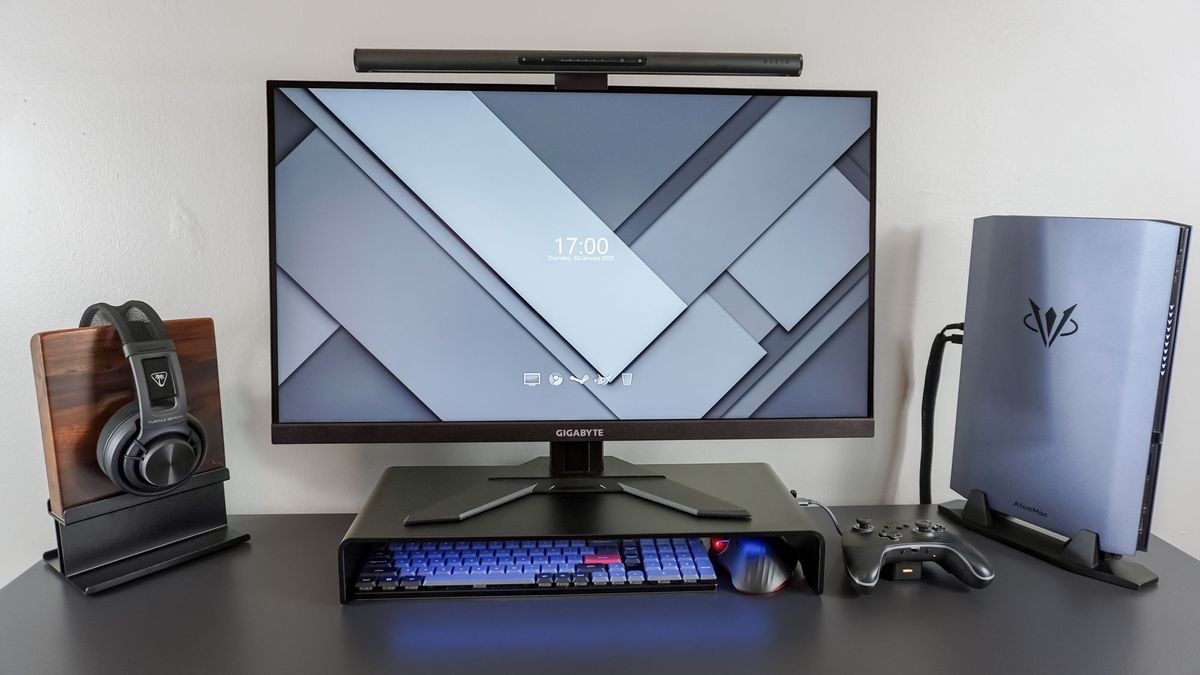
The screen should allow suitable changes in distance, tilt and rotation. OSHA recommends placing it perpendicular to a window and warns that excessive backward tilt can reflect overhead lighting. People wearing bifocals may need a lower screen position. Periodically look away and blink, and alternate computer work with other duties where possible; a carefully positioned screen does not eliminate the need for breaks.
OSHA notes that a corner can provide more monitor depth, while height, readability and reflections still need individual adjustment.


Leave a Comment
Comments (0)