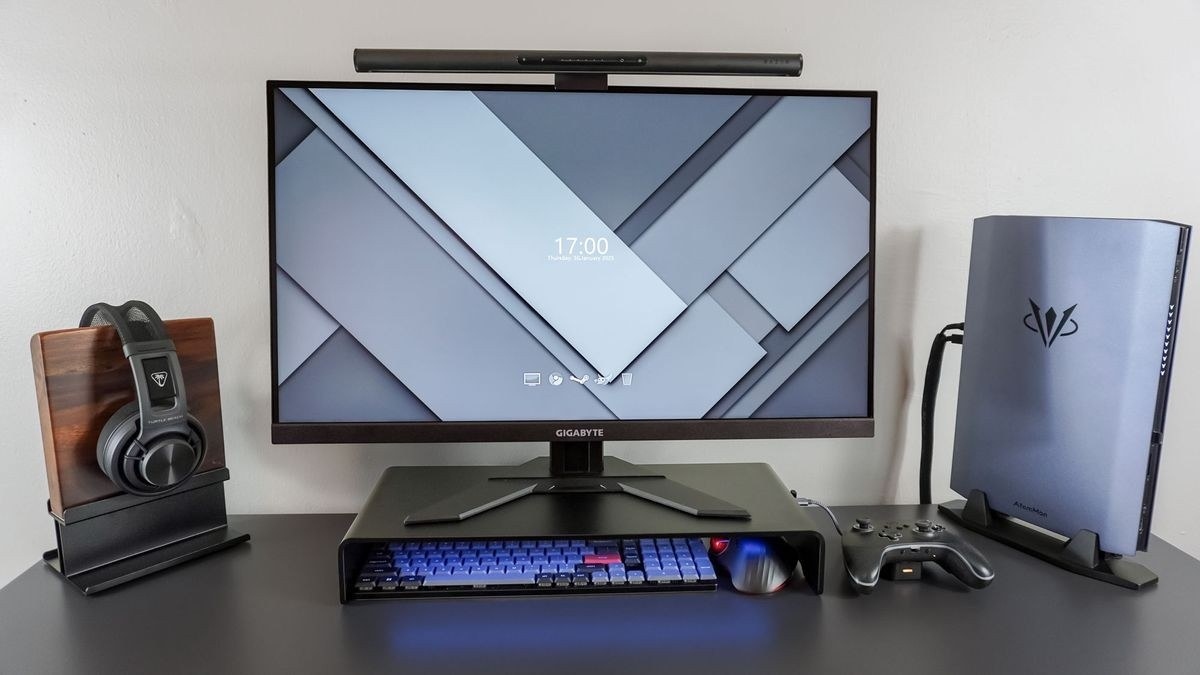
OSHA guidance prioritizes neutral wrists, relaxed shoulders and adequate pointing-device space regardless of the surrounding desktop shape.
Adjust height and reach together
A keyboard that sits too high can make the shoulders rise, while poor height or tilt can bend the wrists. The guide recommends placing the keyboard directly ahead with the elbows comfortably close to the body. Adjust the chair, work surface or keyboard position as a coordinated setup instead of treating one accessory as a complete solution.
Evaluate a tray and keyboard shape carefully
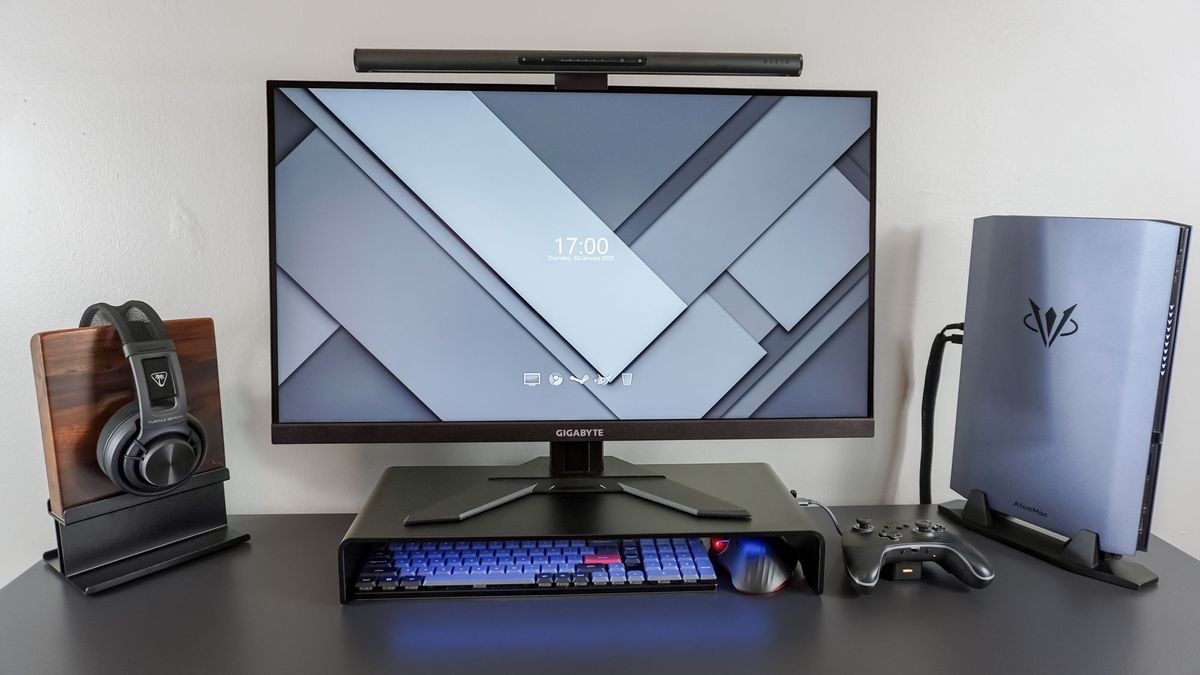
Where normal adjustment is insufficient, a tray may help, but it needs height and tilt adjustment, leg clearance and room for the mouse as well as the keyboard. Keyboard feet should not be extended if they increase wrist bending. Alternative layouts can help some users find a neutral position, but OSHA notes that evidence does not conclusively show that these products prevent discomfort or injury. Try the actual arrangement before committing to long-term use.
OSHA guidance prioritizes neutral wrists, relaxed shoulders and adequate pointing-device space regardless of the surrounding desktop shape.


Leave a Comment
Comments (0)