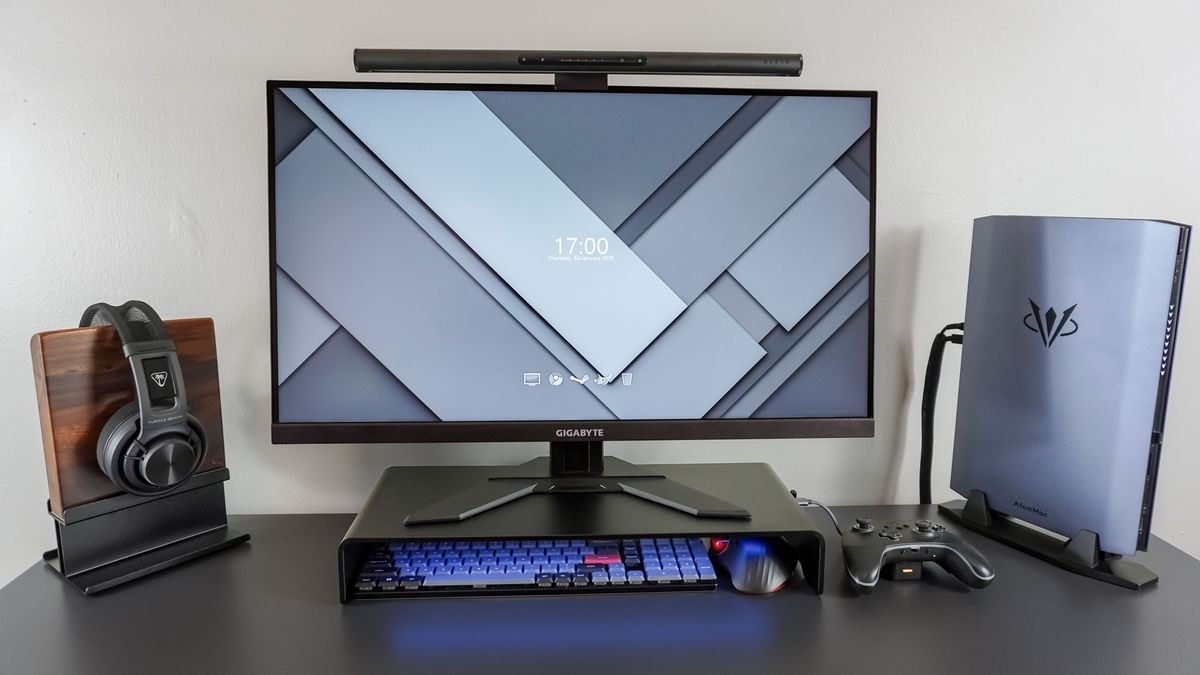
CCOHS describes how a crowded workstation can place the mouse too far back, increasing unsupported shoulder reach.
Notice the position of the arm
On a restricted desktop, the mouse may be pushed toward the upper corner behind the keyboard. The fact sheet describes how that arrangement encourages leaning and holding the arm forward without support. The resulting shoulder and upper-back load is separate from the smaller repeated finger and hand movements involved in clicking and scrolling.
Review the whole working pattern
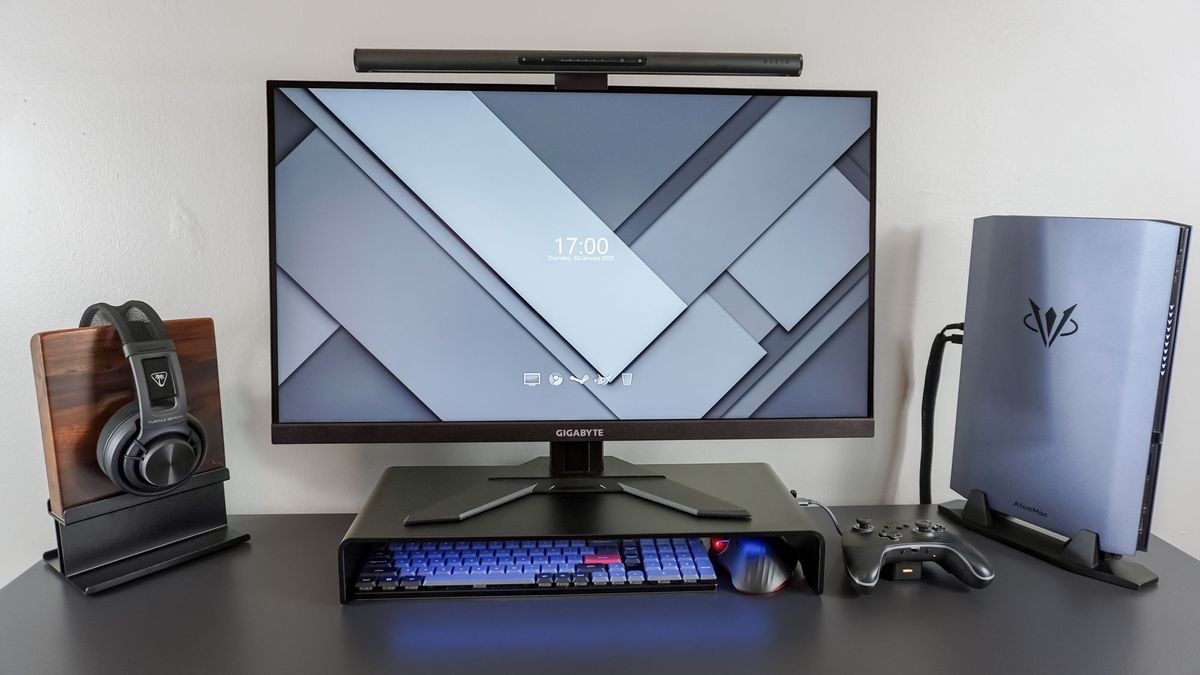
The guidance recommends considering the monitor, keyboard, chair, desk and work practices together. A better-fitting device can help, but it does not compensate automatically for poor placement or uninterrupted repetition. Suitable positioning, awareness of posture and changes in pace or activity all matter. The source explicitly notes that complete elimination of discomfort is not guaranteed. If the pointer feels difficult to reach, clearing a closer usable space is a more direct starting point than buying another device without changing the layout.
CCOHS describes how a crowded workstation can place the mouse too far back, increasing unsupported shoulder reach.


Leave a Comment
Comments (0)