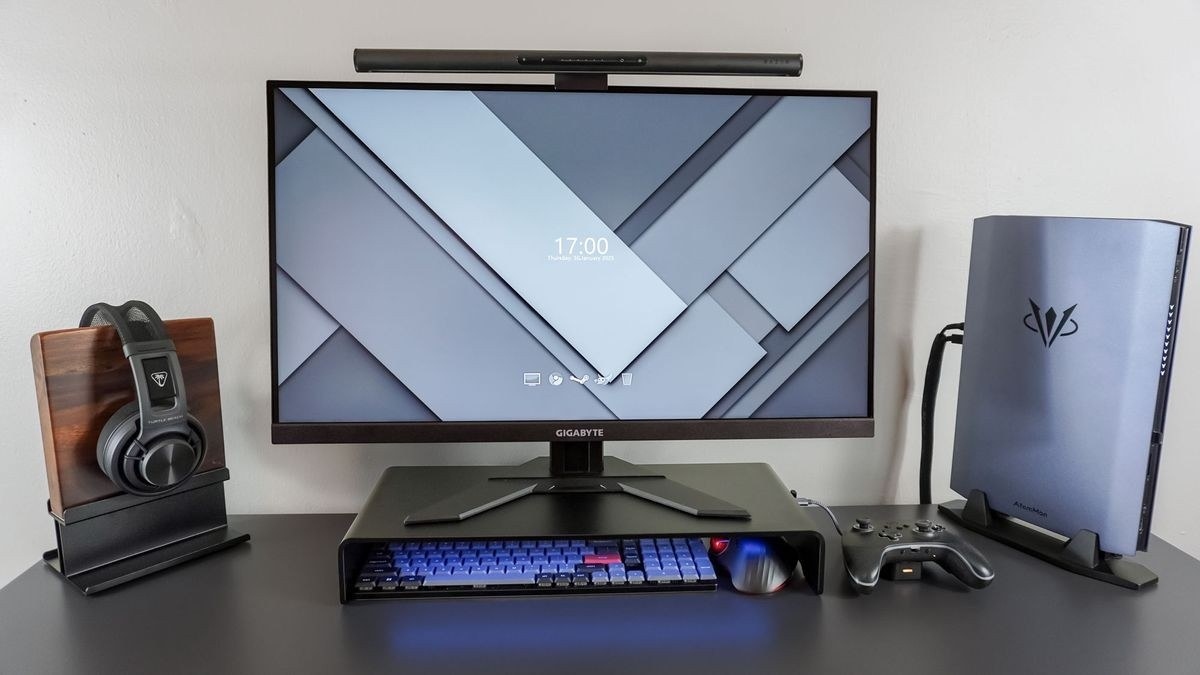
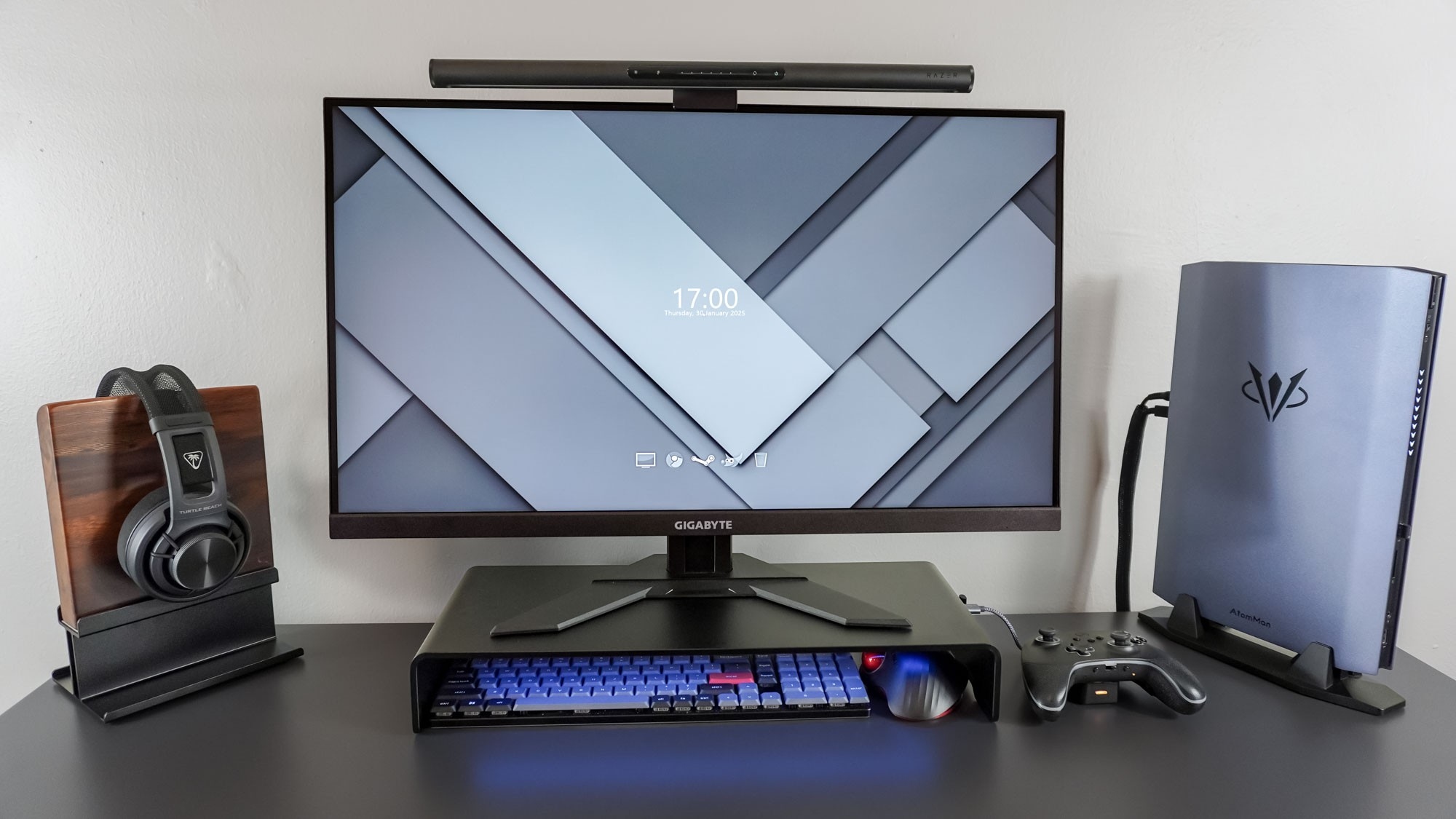
Razer's Monitor Stand Chroma combines elevated screen placement with storage space and accessible peripheral ports.
Make the space below useful
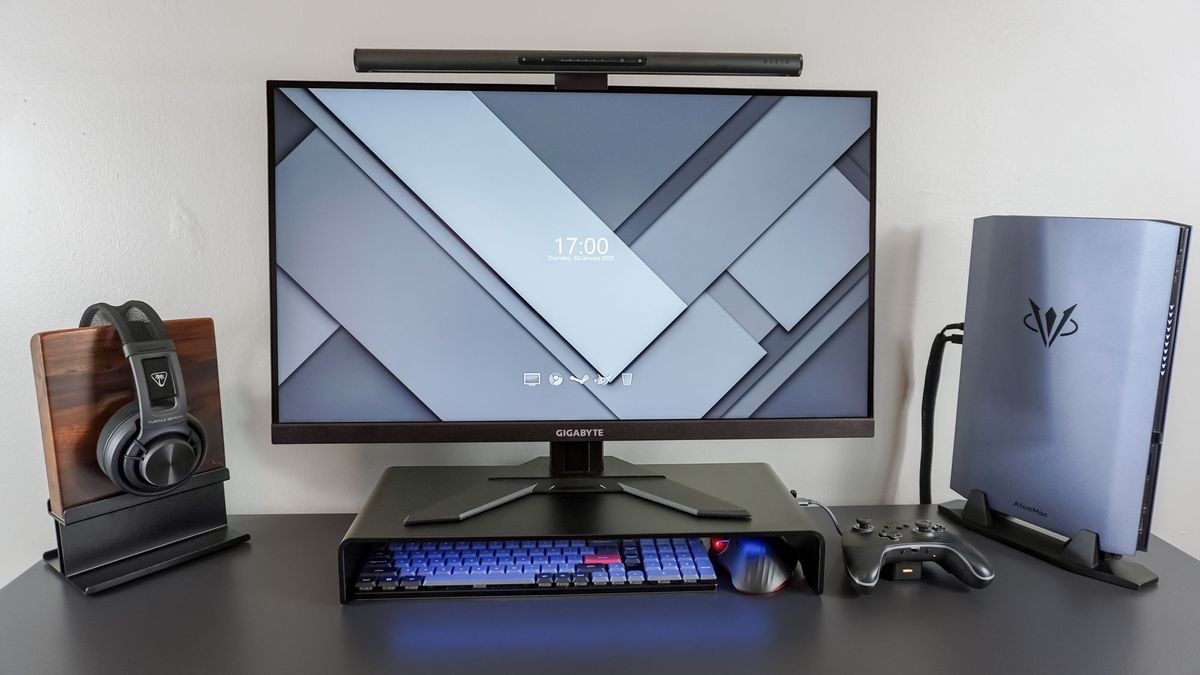
The Tom's Guide review describes placing a Gigabyte monitor on the aluminum stand, creating room below for a keyboard and trackball. A laptop can also fit beneath the shelf, although a larger 16-inch machine may project beyond it when the desk sits against a wall. Measuring that clearance matters as much as checking the monitor's weight.
Separate video from charging
A USB-C input connects the laptop to the stand, while HDMI connects the external screen. Side USB ports make wireless receiver dongles and other accessories easier to reach. The important limitation is power: this is a hub, not a full laptop-charging dock. The laptop still needs its own power supply. That distinction changes the cable plan for a supposedly tidy single-shelf workstation and should be checked before buying.
Razer's Monitor Stand Chroma combines elevated screen placement with storage space and accessible peripheral ports.


Leave a Comment
Comments (0)