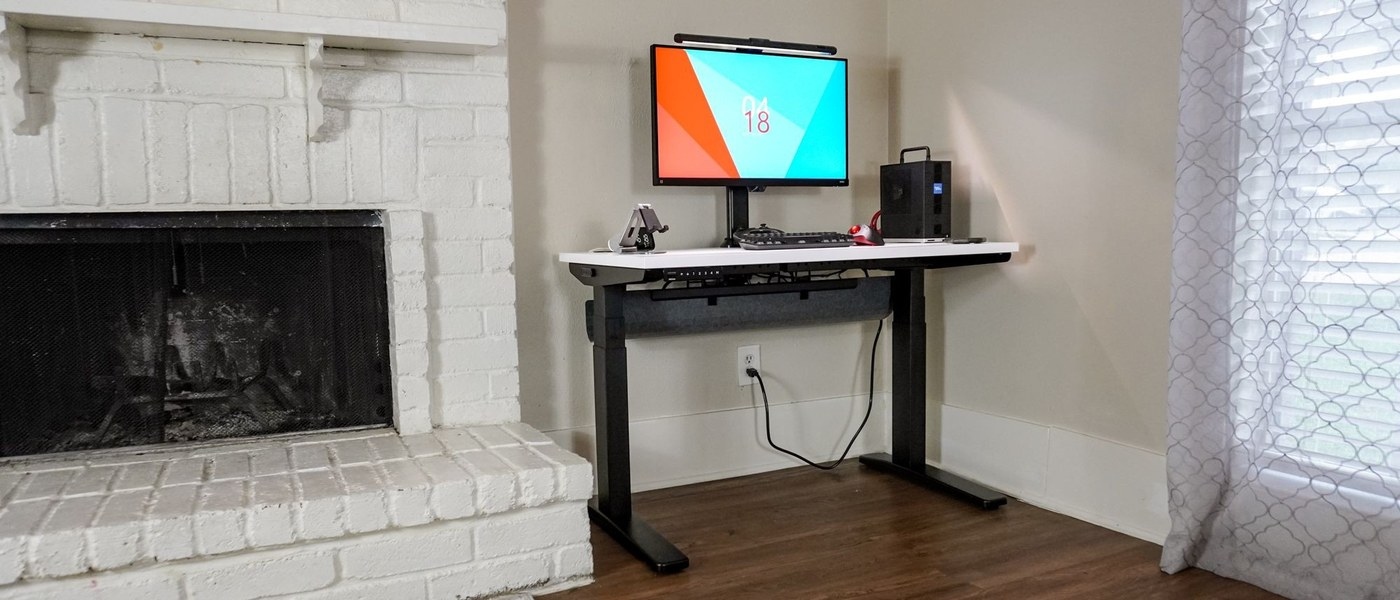
Uplift's adjustable tray can make room for rear monitor hardware while still holding adapters and a power strip.
Use the mounting positions
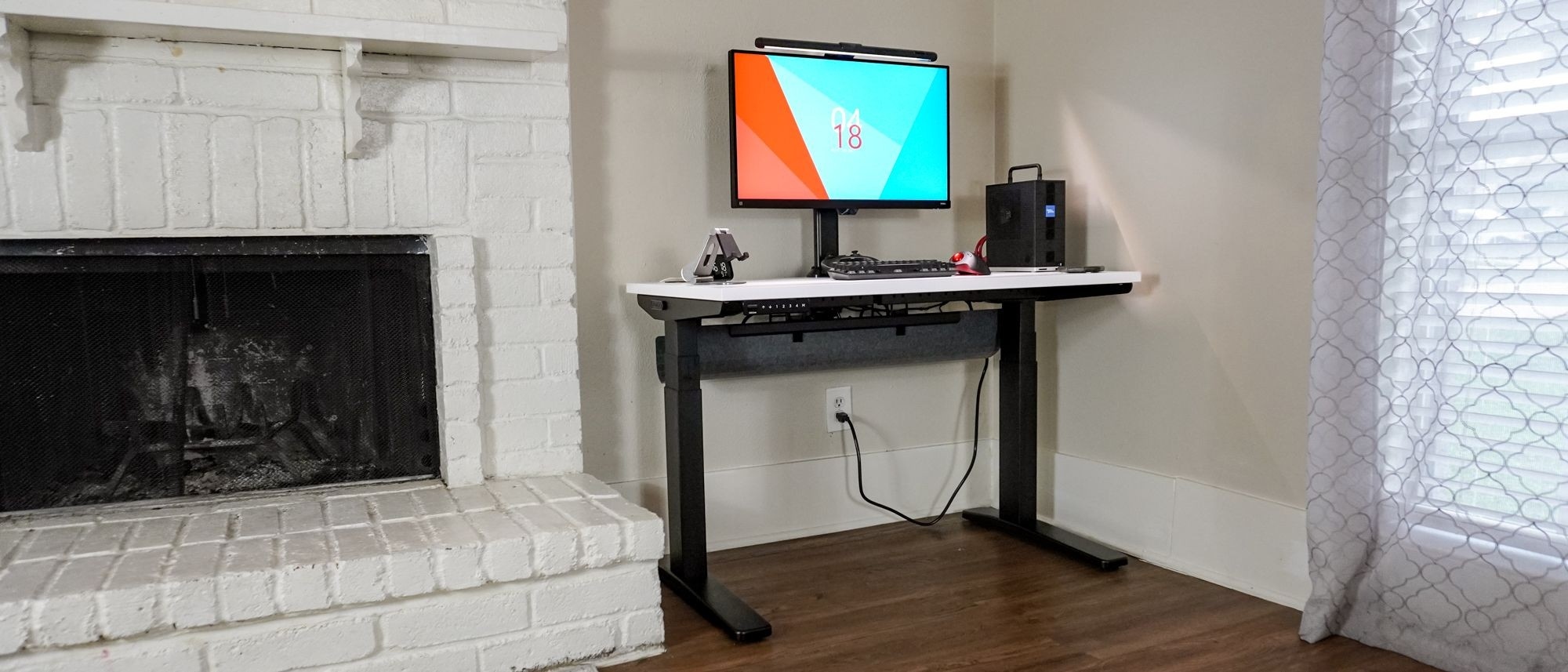
Tom's Guide describes the included FlexMount Cable Manager as wider and more flexible than the previous tray. It attaches to brackets at the rear using predrilled holes, with several mounting and height positions. That adjustment lets the tray move relative to the desk edge rather than occupying one fixed location regardless of the equipment above.
Plan around the rear clamp area
The reviewer specifically notes the benefit of making space for monitor arms while still accommodating a surge protector and power bricks. Those items often compete for the same area behind the desktop. The tray is therefore useful as part of an overall layout, not merely a final hiding place for leftover wires. Decide where the monitor clamps and larger adapters belong before settling the tray position, and follow the desk's installation instructions for the selected arrangement.
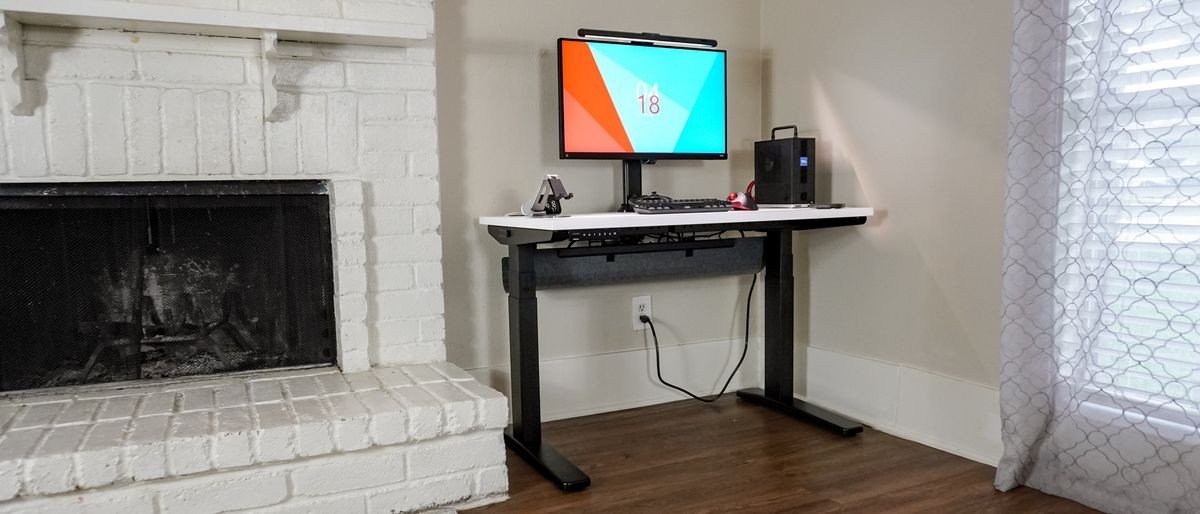
Uplift's adjustable tray can make room for rear monitor hardware while still holding adapters and a power strip.


Leave a Comment
Comments (0)