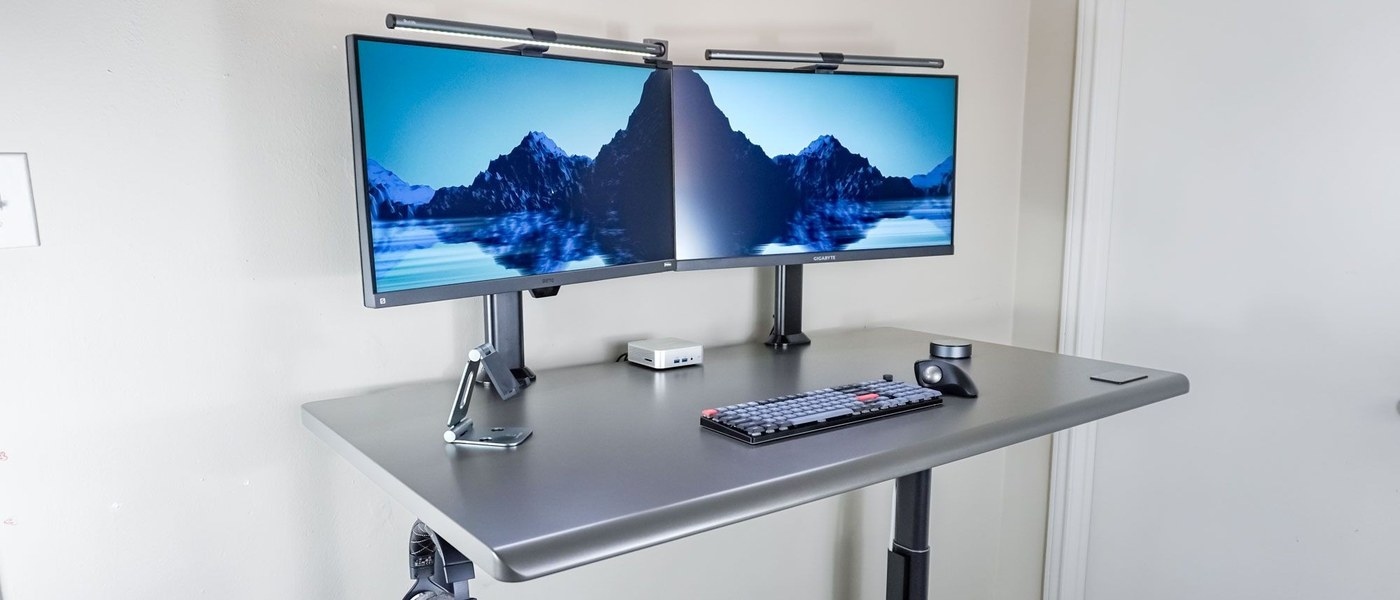
The Autonomous SmartDesk 5 hides connections underneath the desktop while keeping the cable compartment accessible.
Open the compartment from below
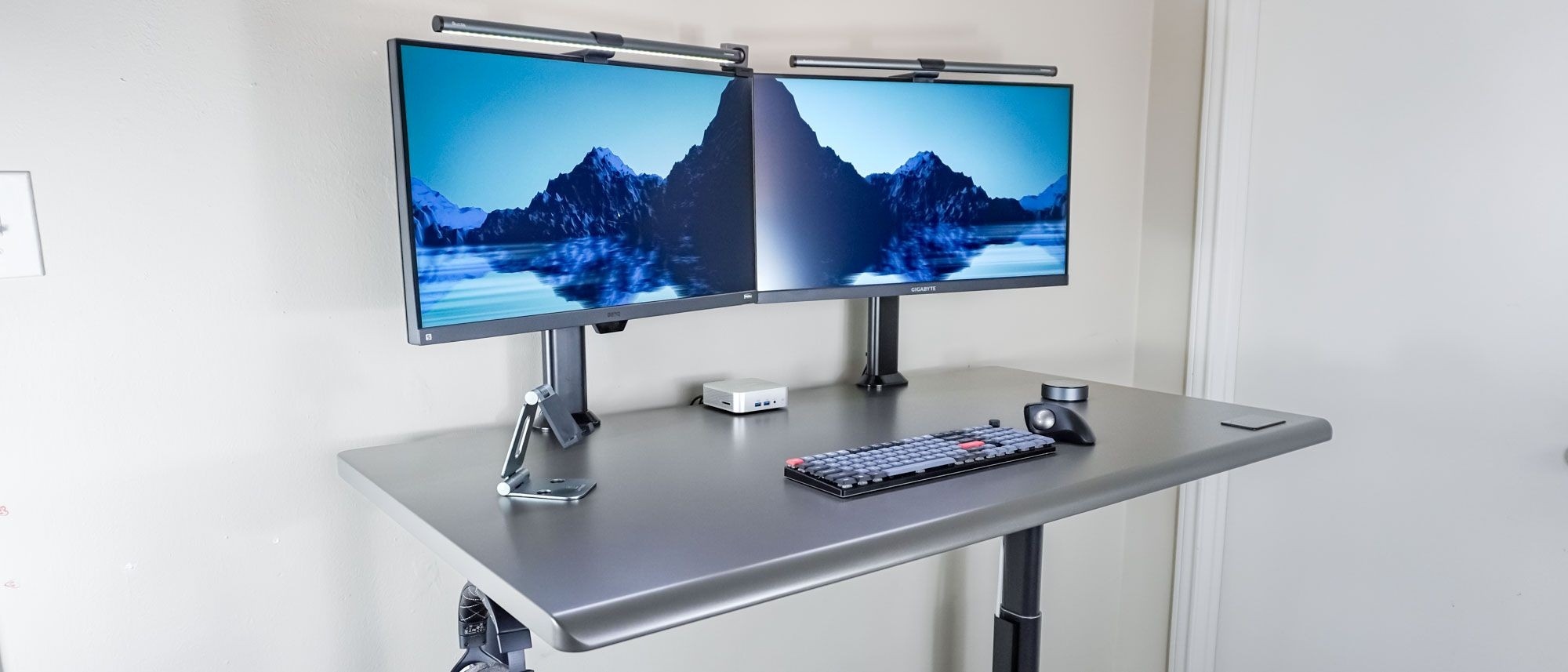
Tom's Guide describes a built-in cable-management door released with two thumbscrews. Inside are the desk's control box, an included three-outlet power strip and metal posts for wrapping excess cable. This differs from a tray that requires reaching over the back of the desk, and it provides a defined place for connections as the surface moves.
Make room for the adapters
The review found that a mini PC's external power brick made the compartment cramped. A computer with integrated power reduced that particular problem, but the broader point is to account for adapter bulk before deciding that everything will fit. Three outlets can also be limiting for a busy workstation. Count the devices and check access with the actual power supplies, rather than judging the solution only by the clean appearance of the desktop.
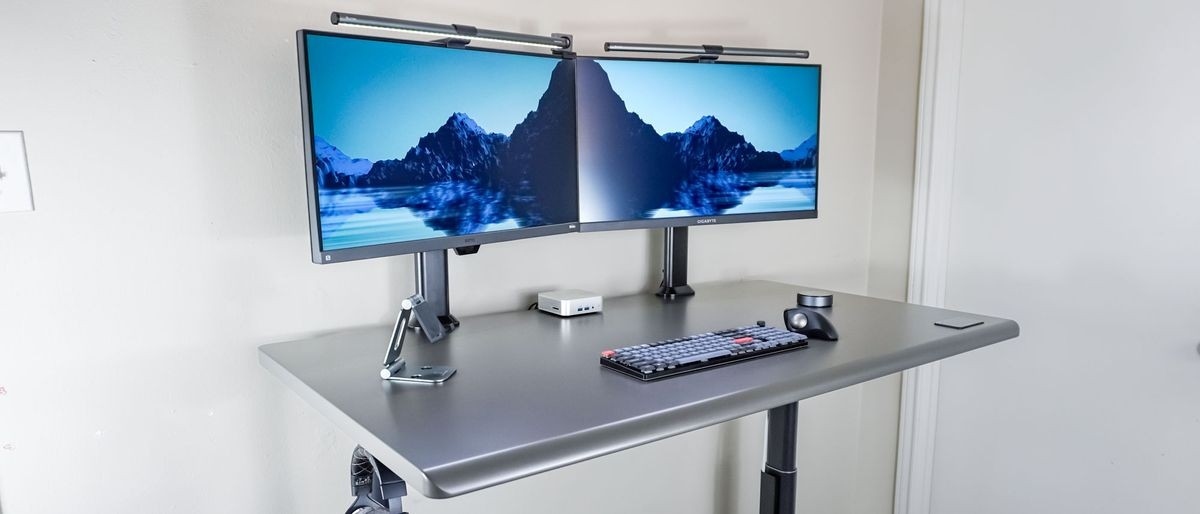
The Autonomous SmartDesk 5 hides connections underneath the desktop while keeping the cable compartment accessible.


Leave a Comment
Comments (0)