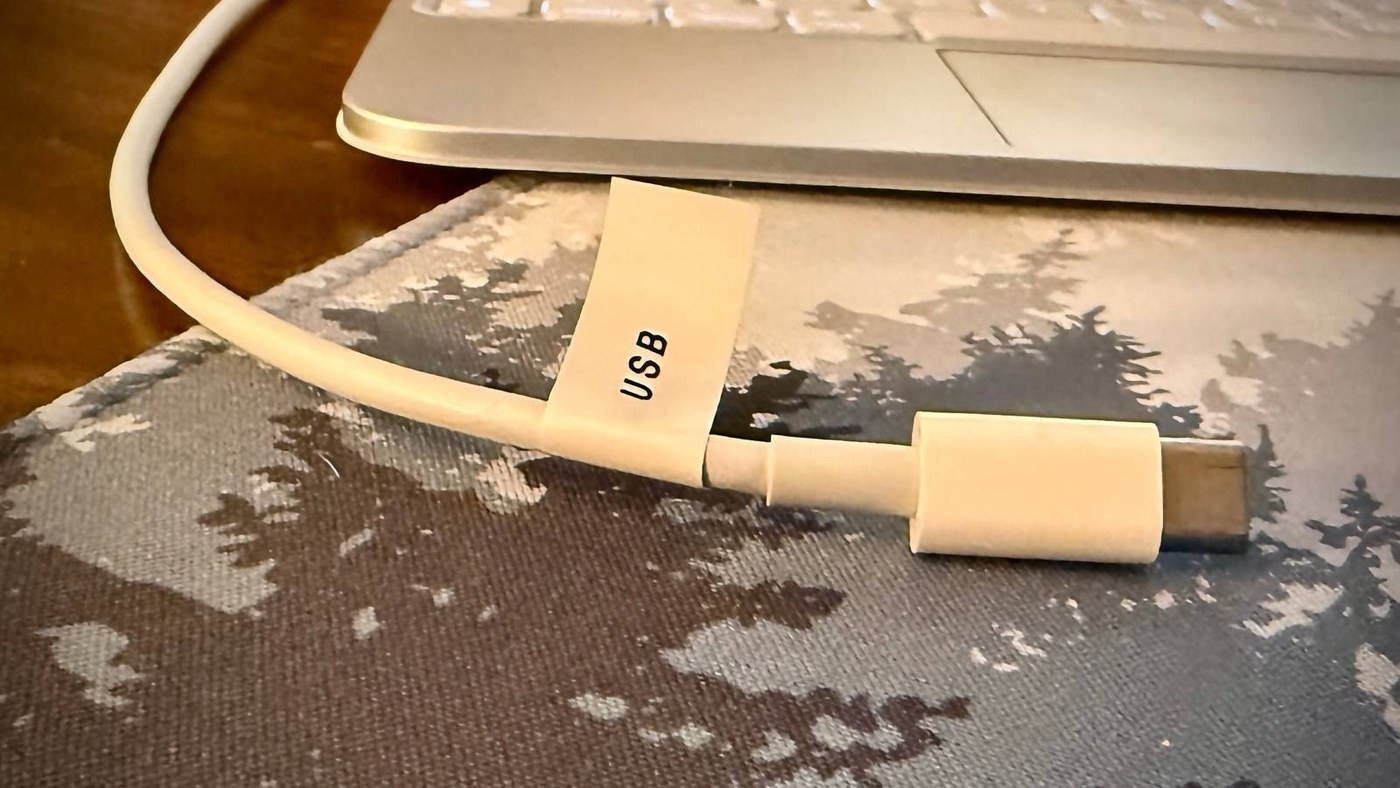
Do not rely on connector appearance
Similar looking USB cables can support different charging and data functions. How To Geek recommends labeling the information that is difficult to recognize by sight, such as a cable's supported power or data capability. Check the manufacturer's specifications before writing those details. A USB-C connector alone does not establish that two cables are interchangeable for every monitor, charging adapter or file transfer task.
Keep the naming system concise
Printed labels, tape with a marker and colored tags can all distinguish cables in a home office. The article favors short descriptions over a long list of obvious connector details. If colors indicate functions, keep a reference card so another person can understand the system too. Combining text with color can make frequently used leads easier to identify without memorizing every shade. Update the label when a cable changes role, and organize stored cables by the categories the labels actually describe.
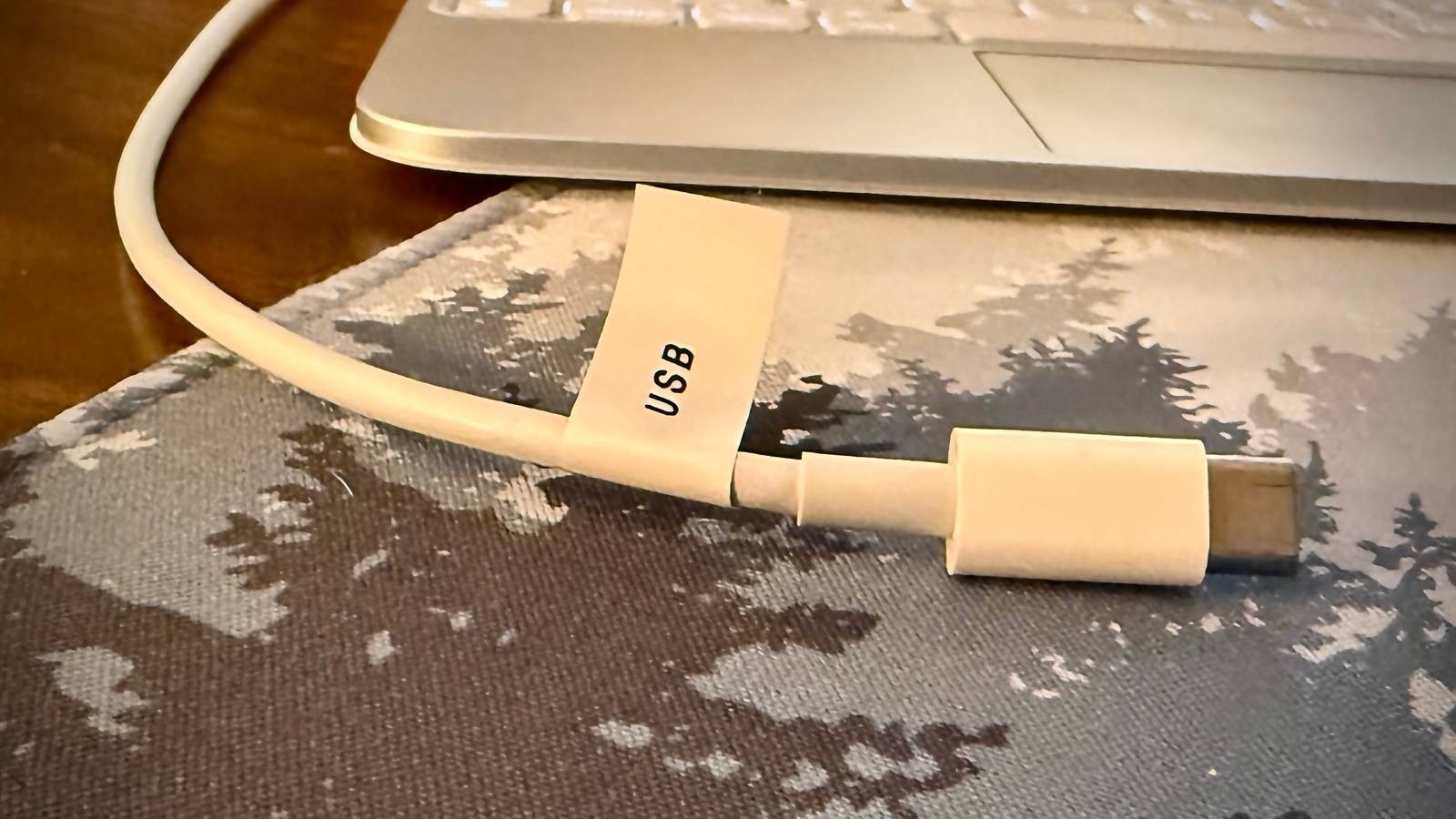
Similar looking USB cables can support different charging and data functions.


Leave a Comment
Comments (0)