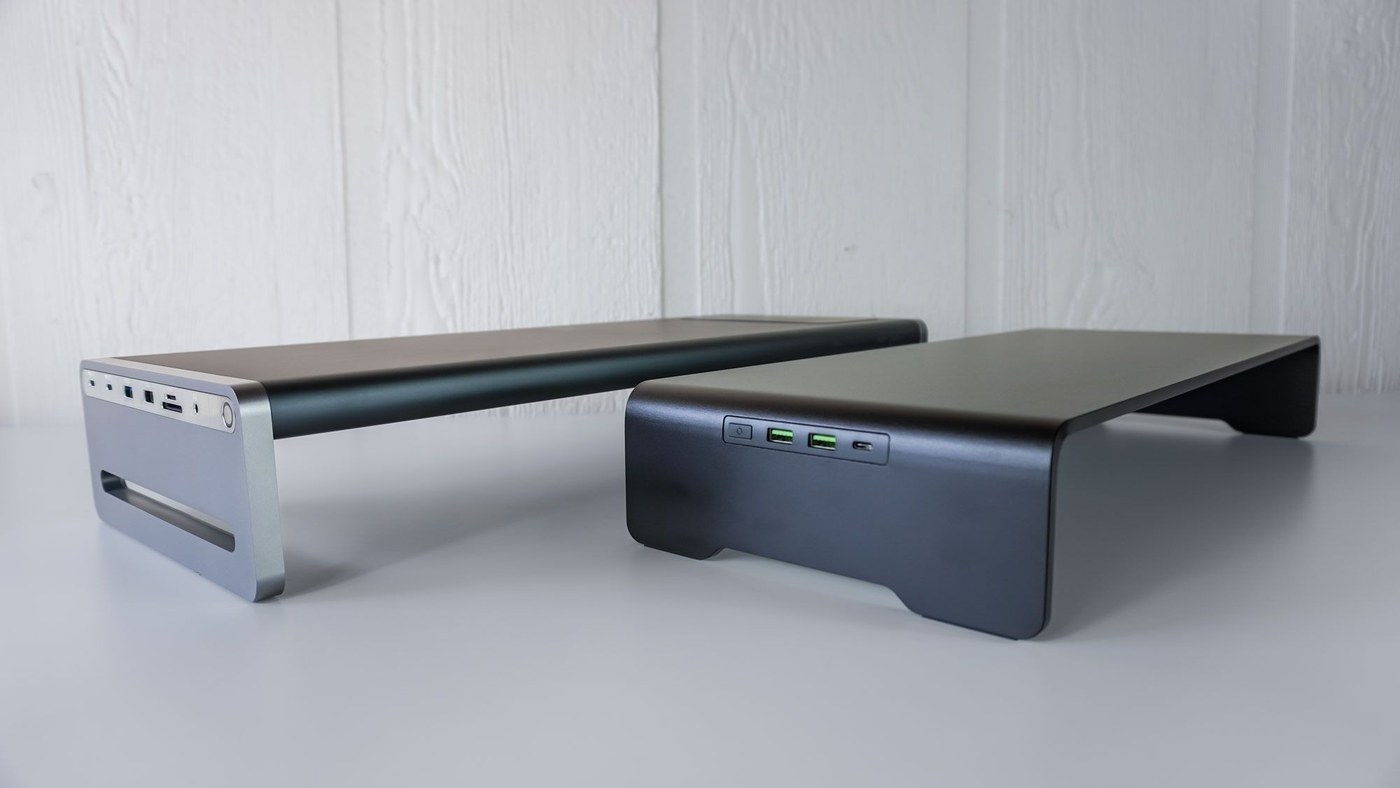
A comparison of Razer's stand and Anker's 675 dock shows why similar-looking desk shelves can create very different laptop workstations.
A shelf is not always a dock
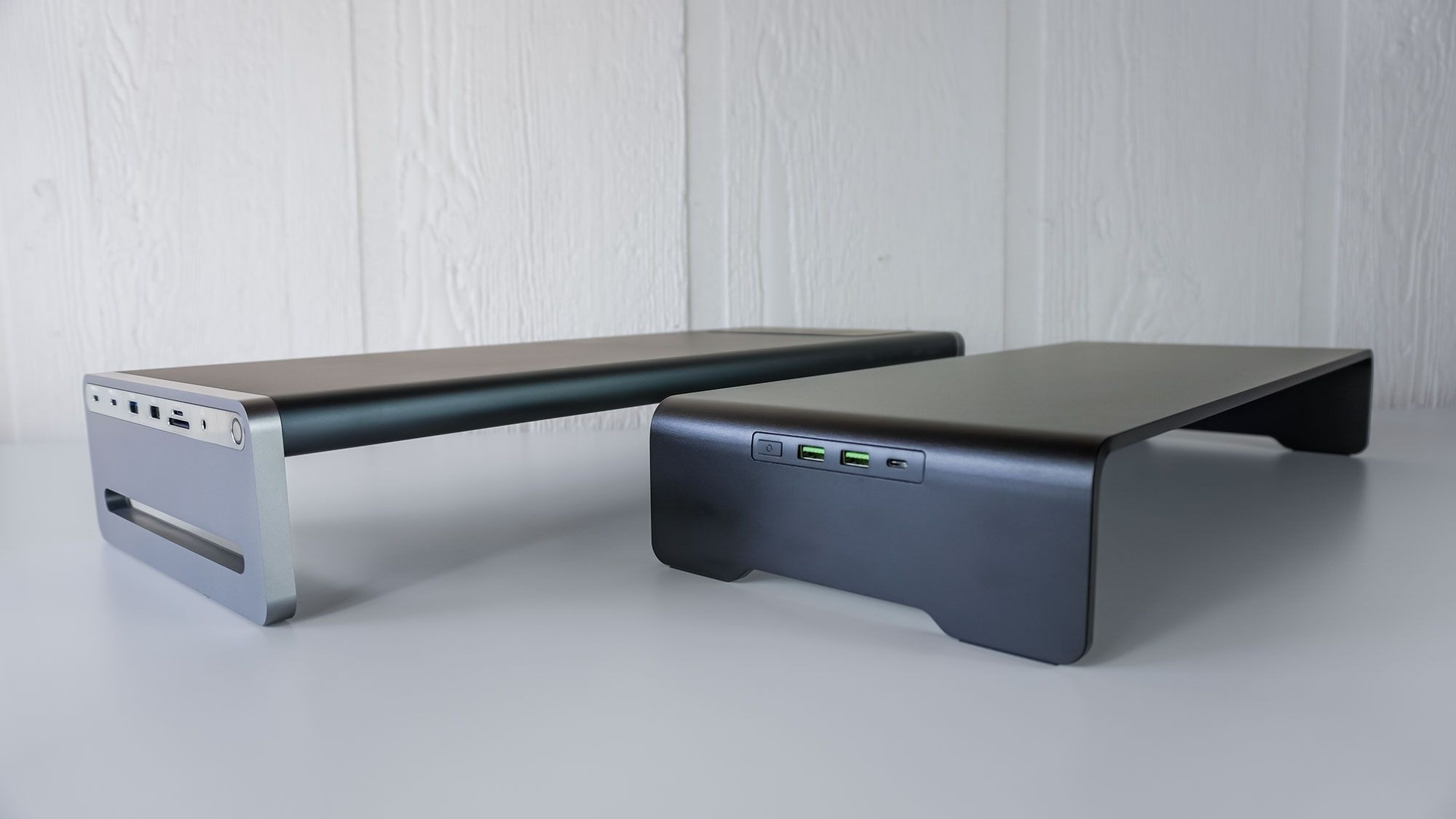
Both products lift a monitor and leave storage below, but their connections differ. Tom's Guide notes that the Razer Monitor Stand Chroma provides a USB-C hub and HDMI output without charging the laptop. The Anker 675 includes a power supply, laptop charging, card readers and additional ports, making it a more integrated docking option.
Match the load and the layout
Razer's all-aluminum construction supports more weight than the Anker shelf, while the Anker unit is slightly larger. The comparison also highlights different port locations, which affect where a laptop and its cables can sit. Neither product's single HDMI output makes it a complete multi-monitor dock. Decide whether the priority is lifting one display, reducing separate chargers, or bringing ports within reach, then check the specific model rather than judging by the shelf shape.
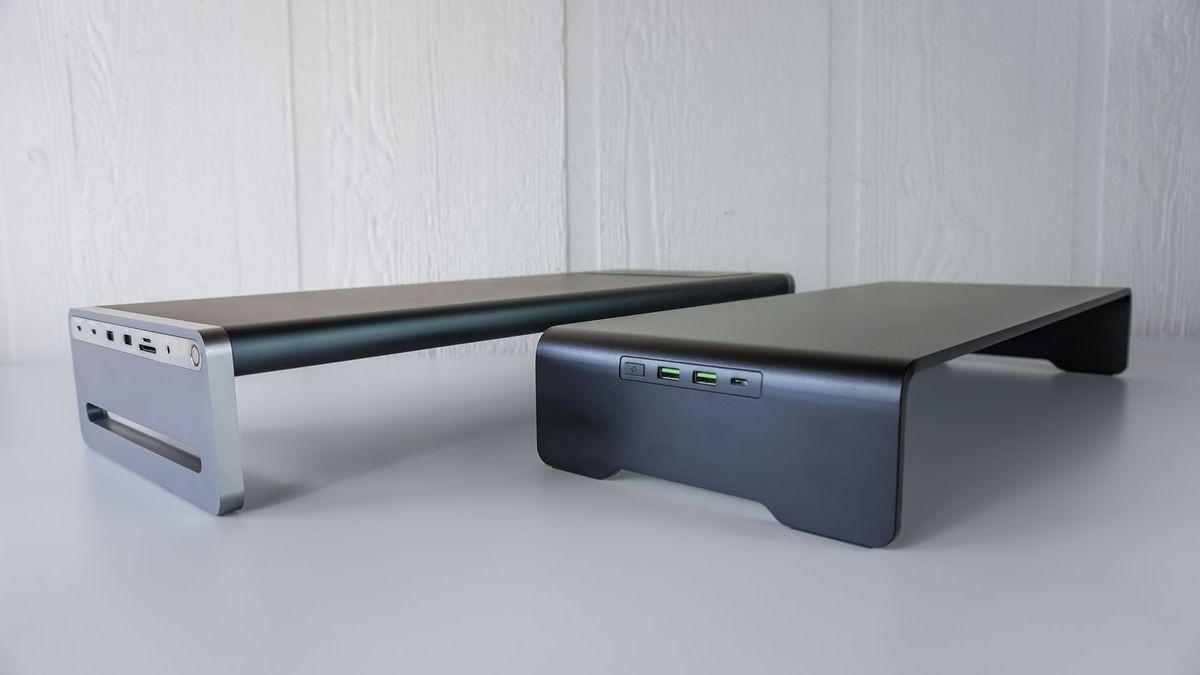
A comparison of Razer's stand and Anker's 675 dock shows why similar-looking desk shelves can create very different laptop workstations.


Leave a Comment
Comments (0)