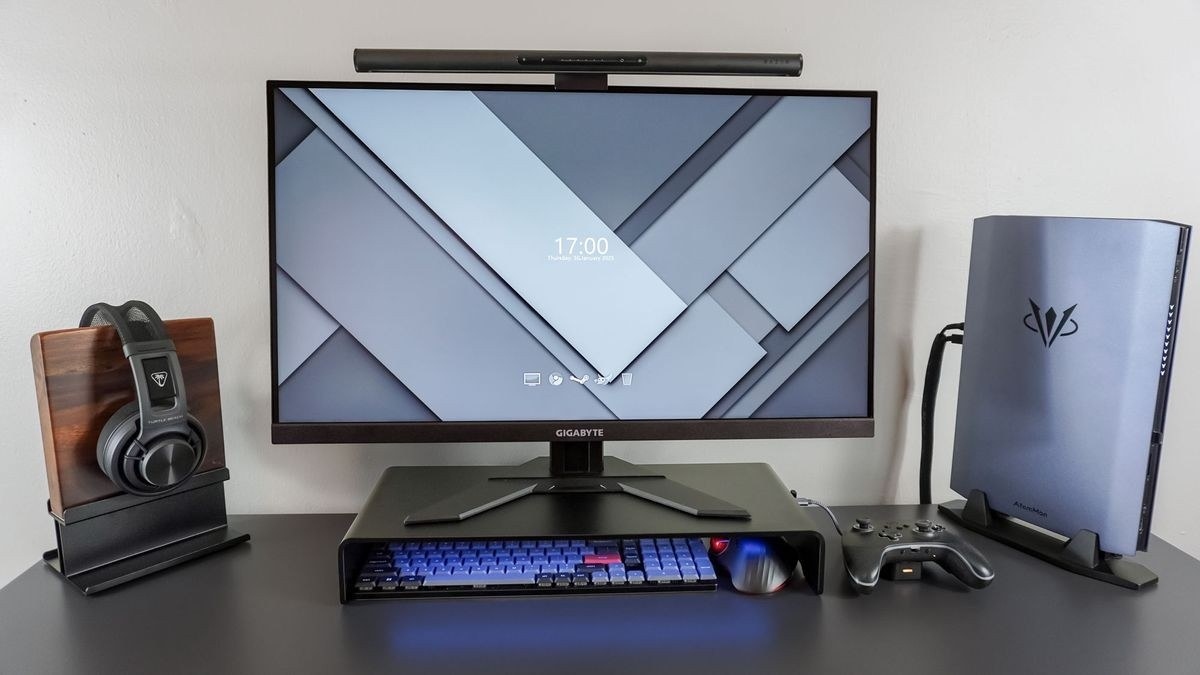
Mayo Clinic places the display behind the keyboard and describes a practical viewing range alongside chair and input-device adjustments.
Set up support and easy reach
The chair should support the spine and let the feet rest on the floor or a suitable footrest. Keep the leg space under the desk clear. The keyboard belongs directly ahead, with the mouse close by on the same surface, shoulders relaxed and wrists aligned with the forearms. Frequently used objects should be reachable without repeated stretching.
Place the display after the seated position
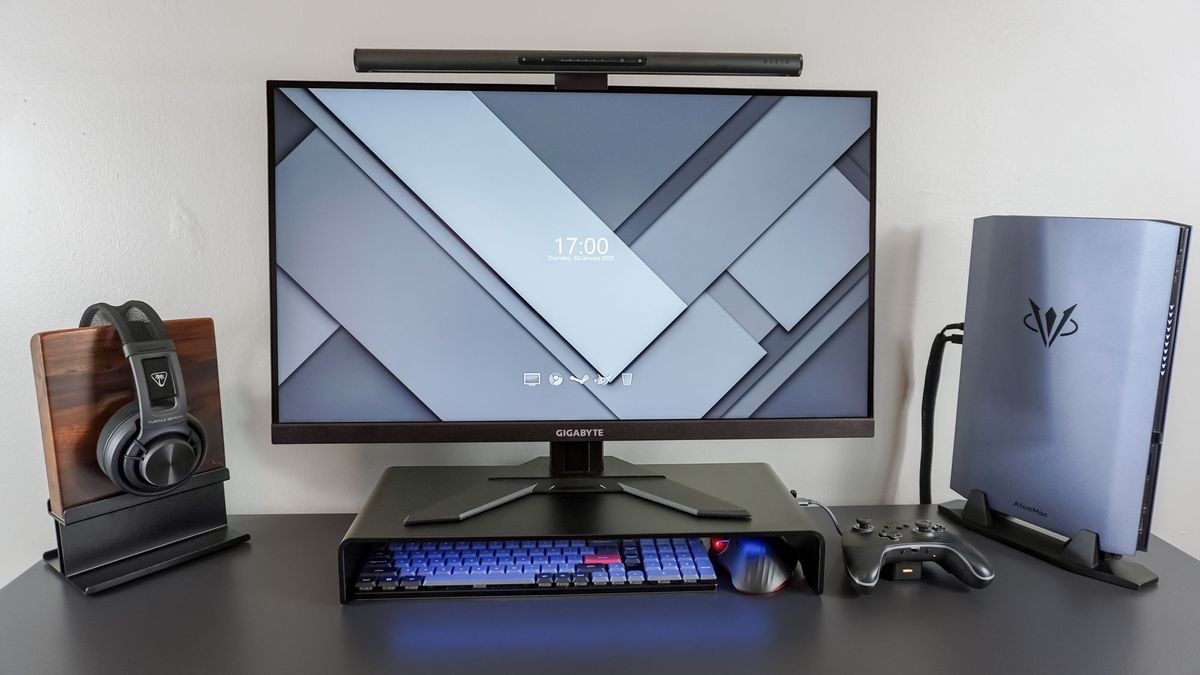
The guide recommends a screen about an arm's length away, with its top at or slightly below eye level. Bifocal wearers may prefer it lower. For extended laptop use, a stand plus separate input devices can avoid the compromise between a low display and cramped typing. A hard desktop edge may need padding to reduce contact pressure. Even a suitable arrangement should be accompanied by regular changes of position and opportunities to stand or walk.
Mayo Clinic places the display behind the keyboard and describes a practical viewing range alongside chair and input-device adjustments.


Leave a Comment
Comments (0)