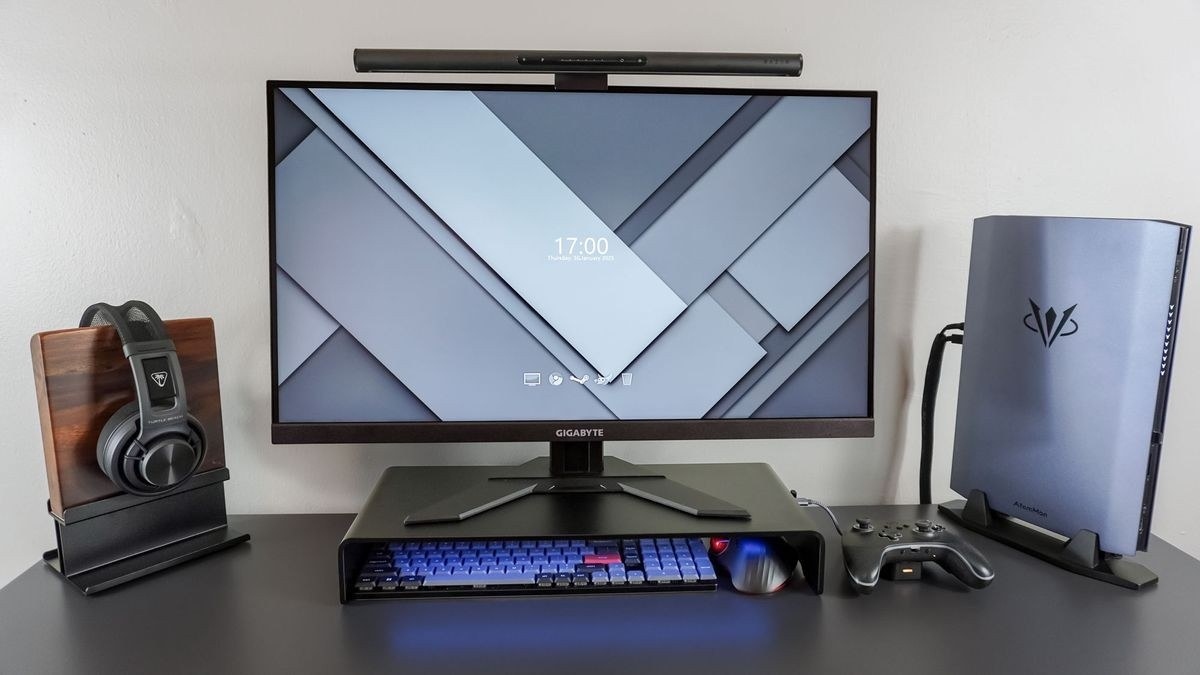
HSE recommends approximately an arm-length viewing position within a centered setup that avoids twisting the body.
Line up the daily working area
The screen and keyboard should be central so the user does not twist the back to work. The top of the display is around eye level, with roughly an arm's-length viewing distance. The keyboard sits just below elbow height, the mouse is in line with the elbow, and the shoulders remain relaxed rather than lifted to reach the surface.
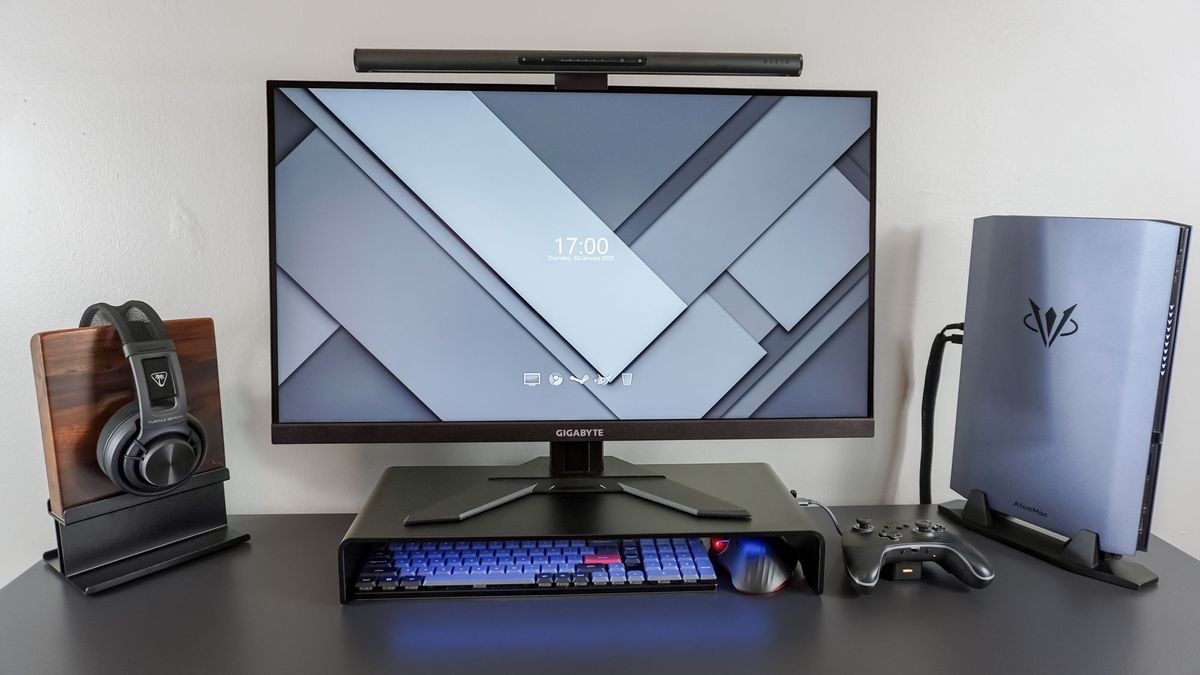
Support the body and separate laptop components
The chair should provide lower-back support and support the thighs, with a small gap behind the knees rather than pressure from the seat edge. A cushion can help where extra support or seated height is needed. For prolonged laptop work, the guidance suggests separate keyboard and mouse devices so the screen can be elevated on a riser, or a separate display can be used. The arrangement should be taught and adjusted for the individual user.
HSE recommends approximately an arm-length viewing position within a centered setup that avoids twisting the body.


Leave a Comment
Comments (0)