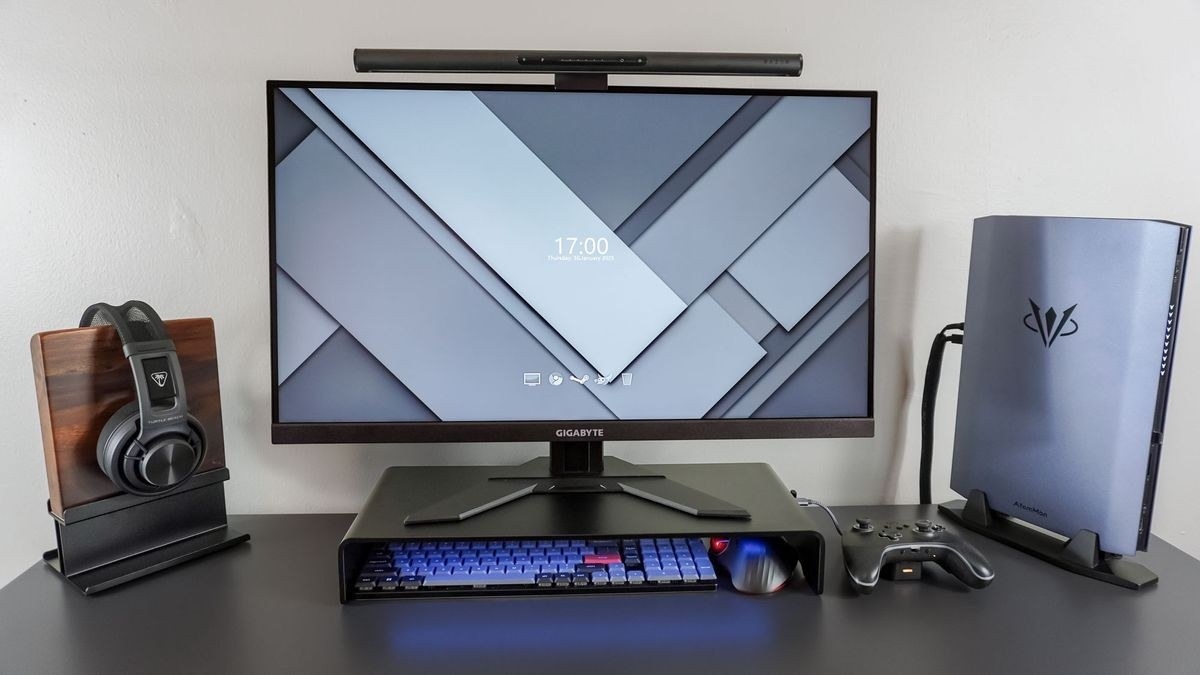
CCOHS includes viewing distance among several interacting factors, including reflections, readability, dry air and uncorrected vision.
Aim task lighting at the work
A screen produces its own light, while paper documents need separate illumination. The fact sheet recommends directing a task lamp toward the document rather than the monitor, avoiding a bright reflection on the display. Adjustable blinds, diffused overhead light and less reflective surrounding finishes can help manage glare without forcing the user to lean into an awkward position.
Check readability and take visual breaks
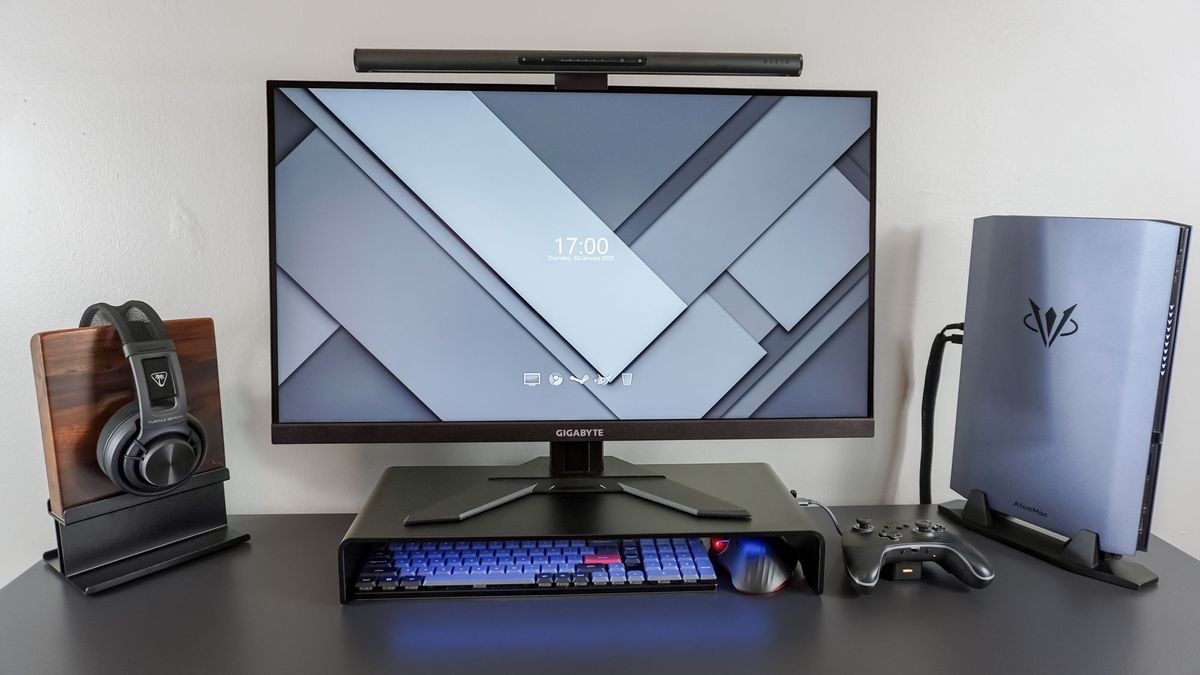
Brightness and contrast should suit the user, and blurred or tiny characters deserve attention instead of compensation through strained posture. CCOHS generally favors controlling the lighting and monitor position before adding a separate anti-glare screen, which can affect image quality. It also describes regular look-away breaks and the 20-20-20 approach. Persistent discomfort warrants an eye examination, because uncorrected vision and environmental factors such as dry air may be involved alongside the workstation arrangement.
CCOHS includes viewing distance among several interacting factors, including reflections, readability, dry air and uncorrected vision.


Leave a Comment
Comments (0)