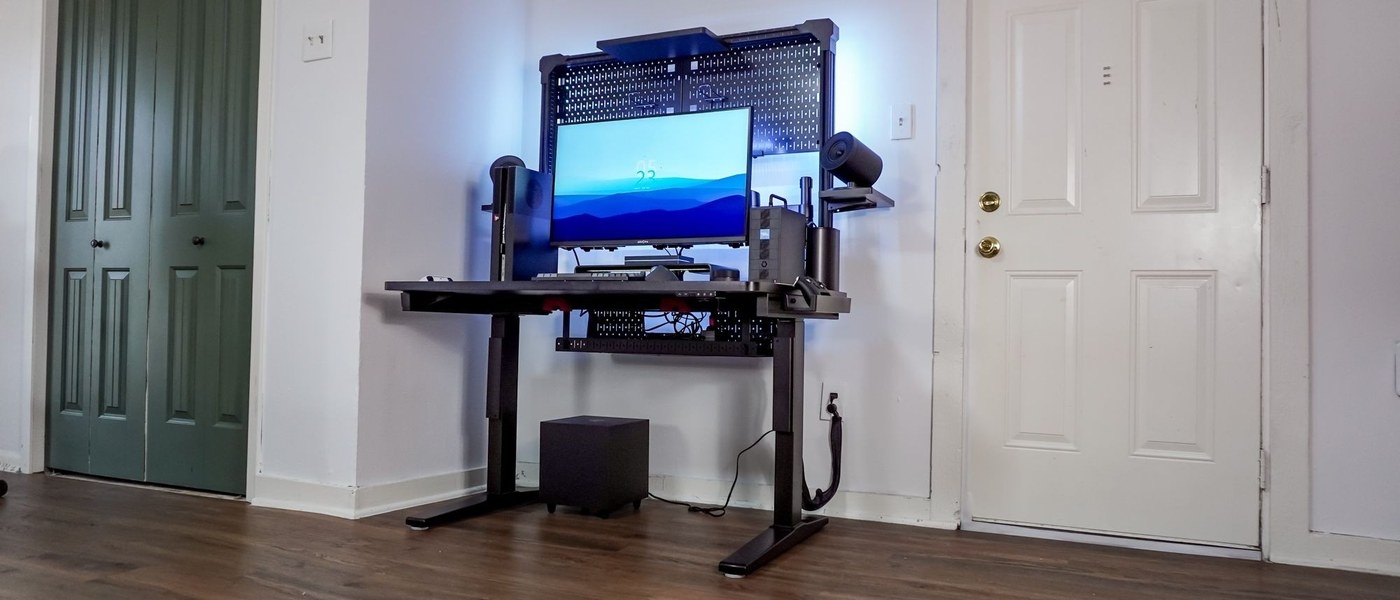
Corsair attaches its supplied arm to a T-channel rail that permits sideways adjustment within the furniture system.
Position the hardware together
Tom's Guide describes assembling the frame and legs before fitting the metal cable tray behind the desk. A T-channel rail then sits along the rear and supports the included monitor arm. The arm can slide sideways on that rail instead of depending on a separate clamp at a fixed spot. This makes the monitor position and the under-desk cable area parts of one furniture system.
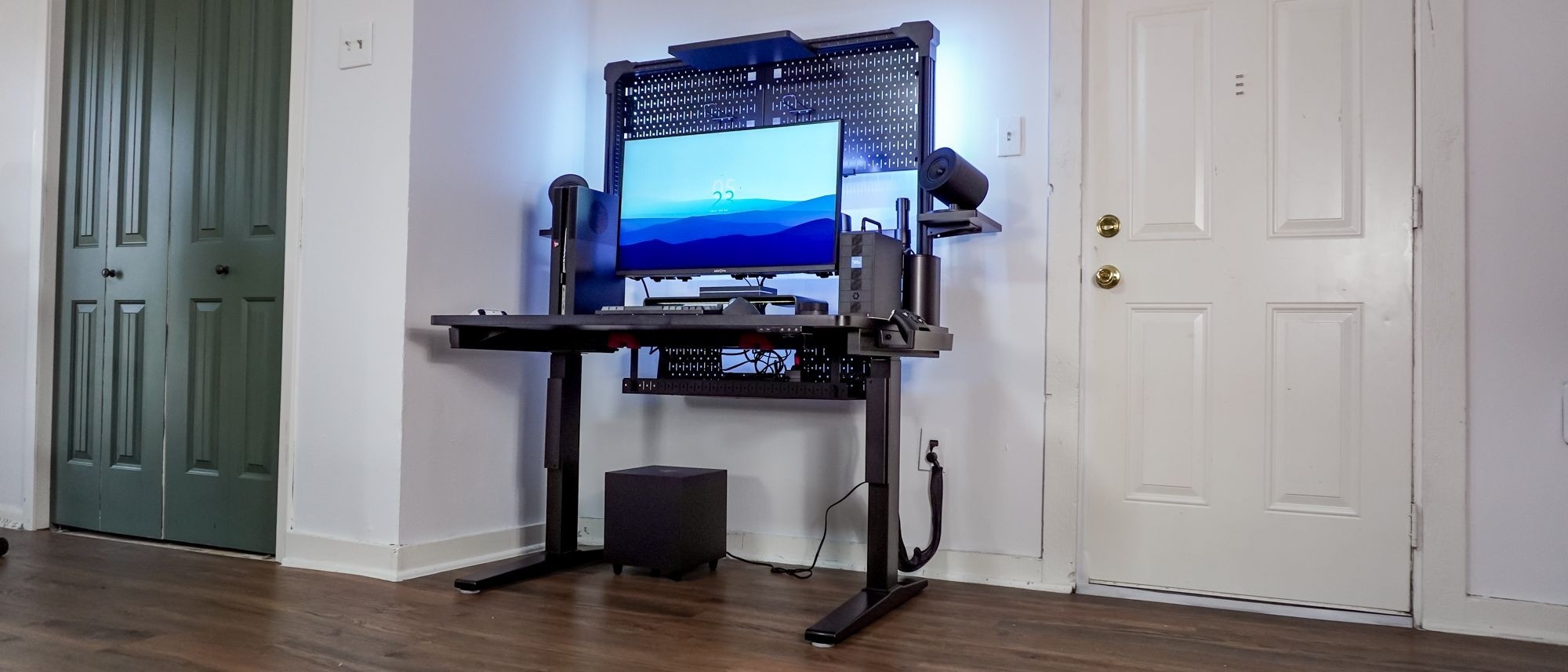
Distinguish included and optional storage
The wide tray accommodates power adapters and a surge protector, while a small compartment above provides accessory storage and USB ports. Those ports still require a connection to a computer or suitable power adapter. The prominent multiframe pegboard, shelves and hooks are optional additions. The review found that accessory more awkward to assemble than the desk itself. Check the complete package and installation instructions before assuming every pictured organizer is included.
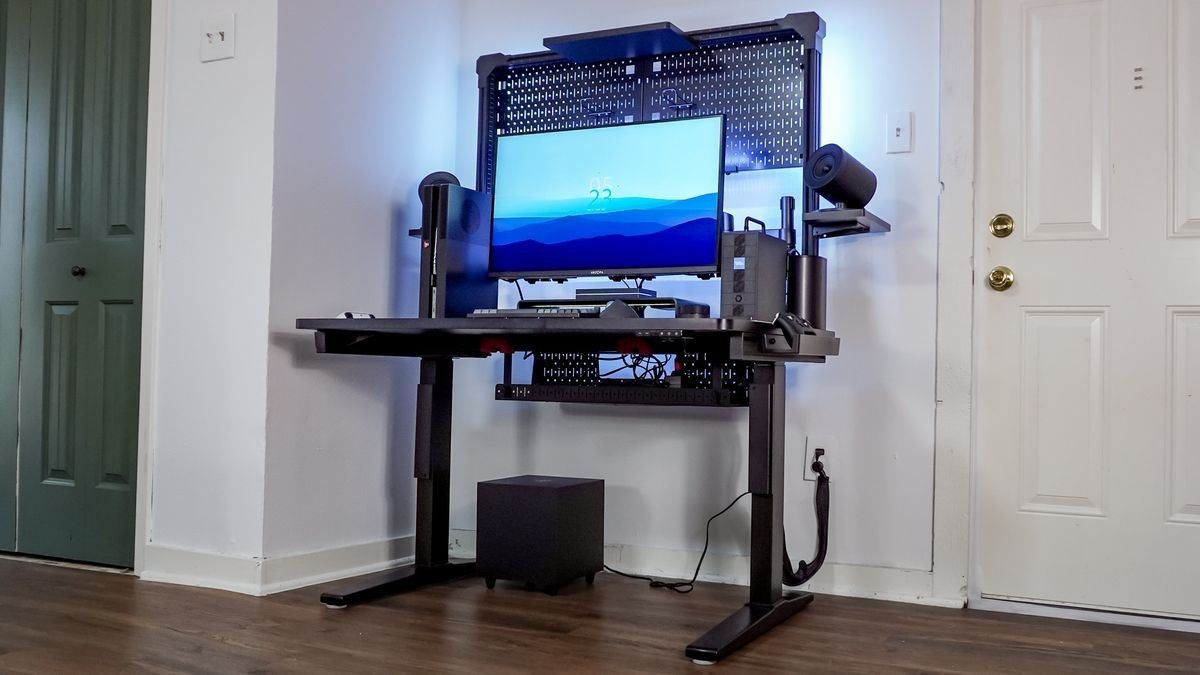
Corsair attaches its supplied arm to a T-channel rail that permits sideways adjustment within the furniture system.


Leave a Comment
Comments (0)