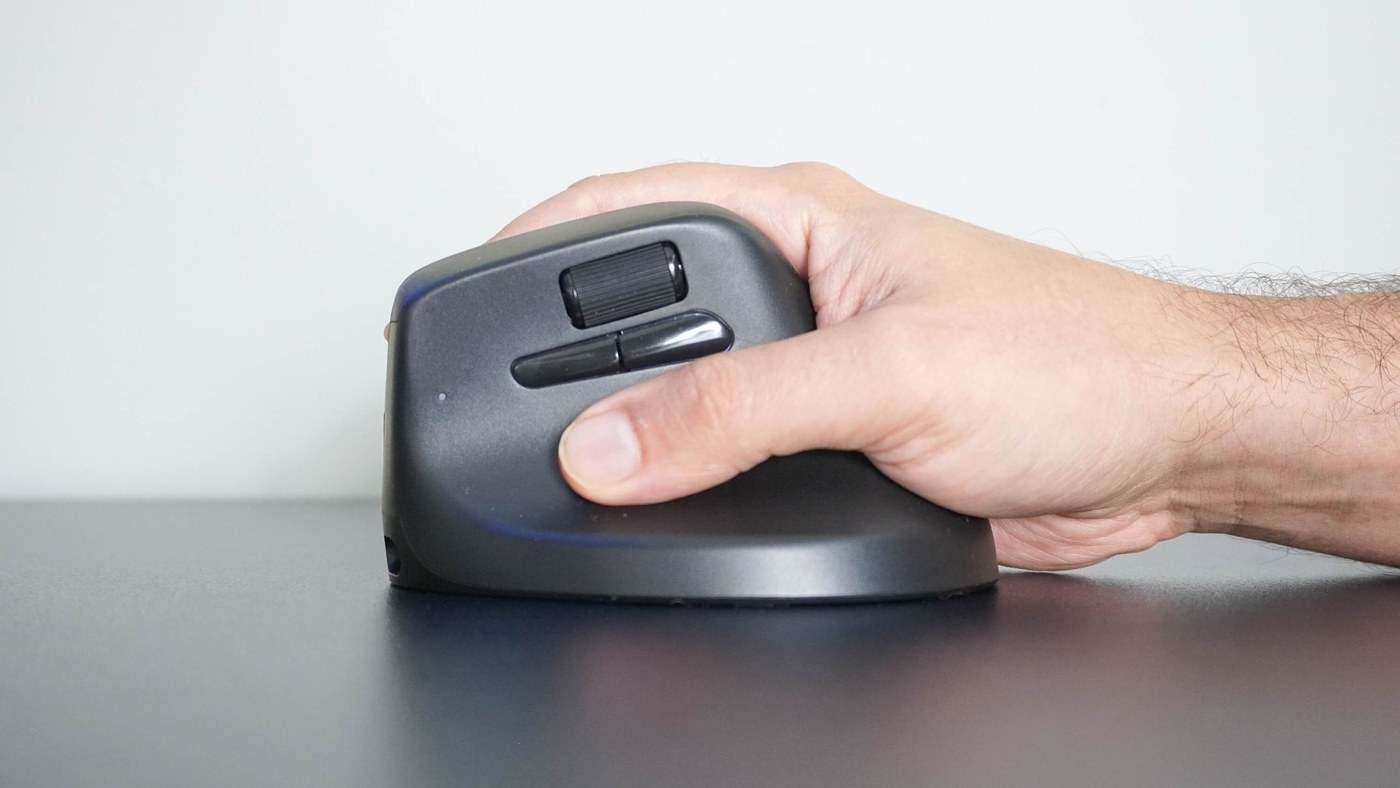
A Keychron M5 account compares a familiar mouse workflow and tilted grip with the writer's usual trackball arrangement.
Compare the movement as well as the shape
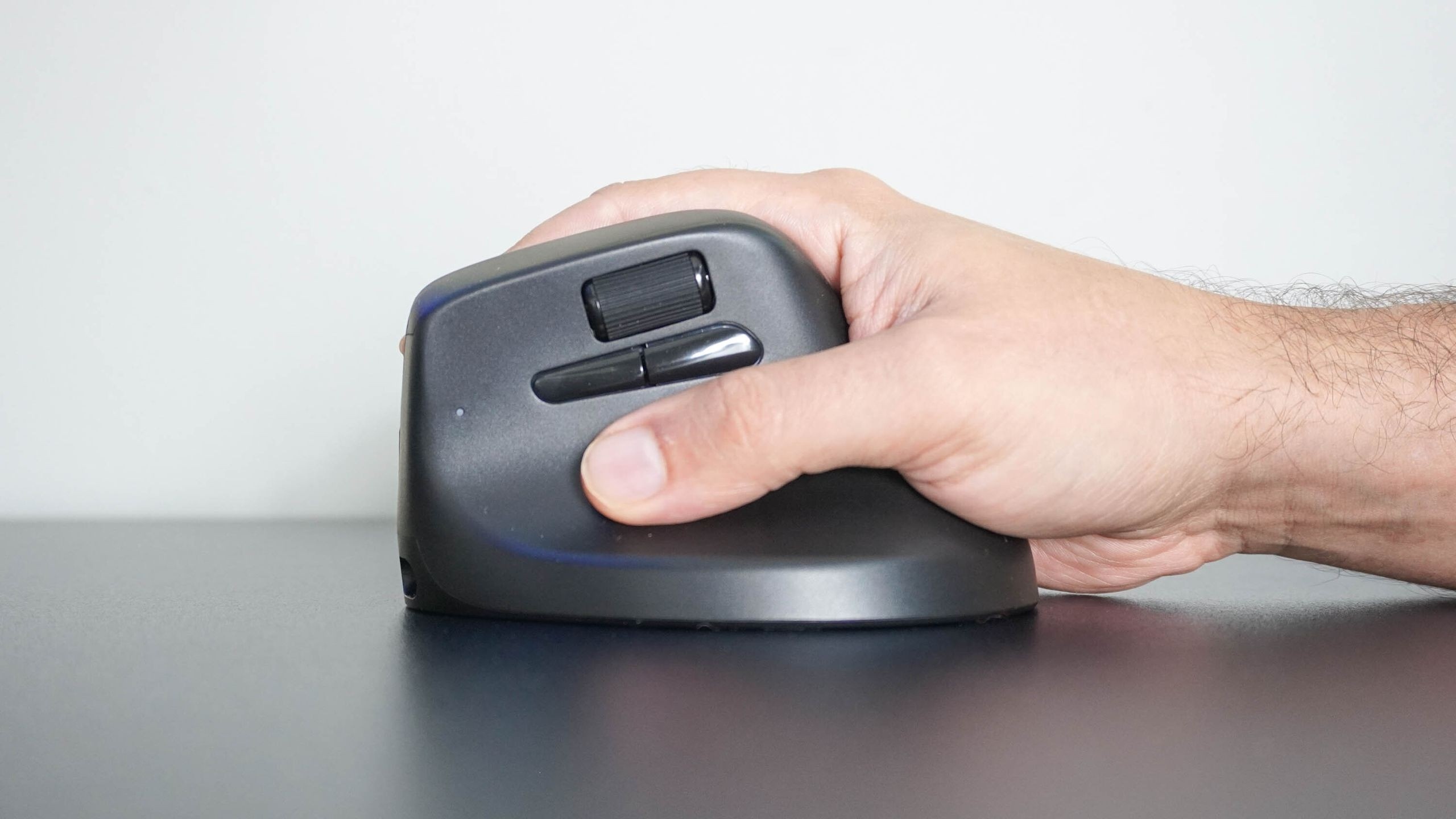
Tom's Guide describes a mouse that puts the hand into a tilted, handshake-like position rather than flat over conventional buttons. Unlike a stationary trackball, it still needs room to move. The reviewer used it beside a split keyboard and initially had to overcome the habit of placing the hand flat. The account describes personal comfort, not a clinical guarantee for other users.
Match the extra controls to the work
The M5 includes a second scroll wheel and customizable side buttons. The writer used its browser-based configuration tool to assign copy and paste and to enable horizontal scrolling for wide spreadsheets. It can connect by receiver or Bluetooth and can also operate through its charging cable. Those workflow features matter alongside the grip. Compare available desk movement, hand fit and the functions actually used before choosing it over a trackball.
A Keychron M5 account compares a familiar mouse workflow and tilted grip with the writer's usual trackball arrangement.


Leave a Comment
Comments (0)