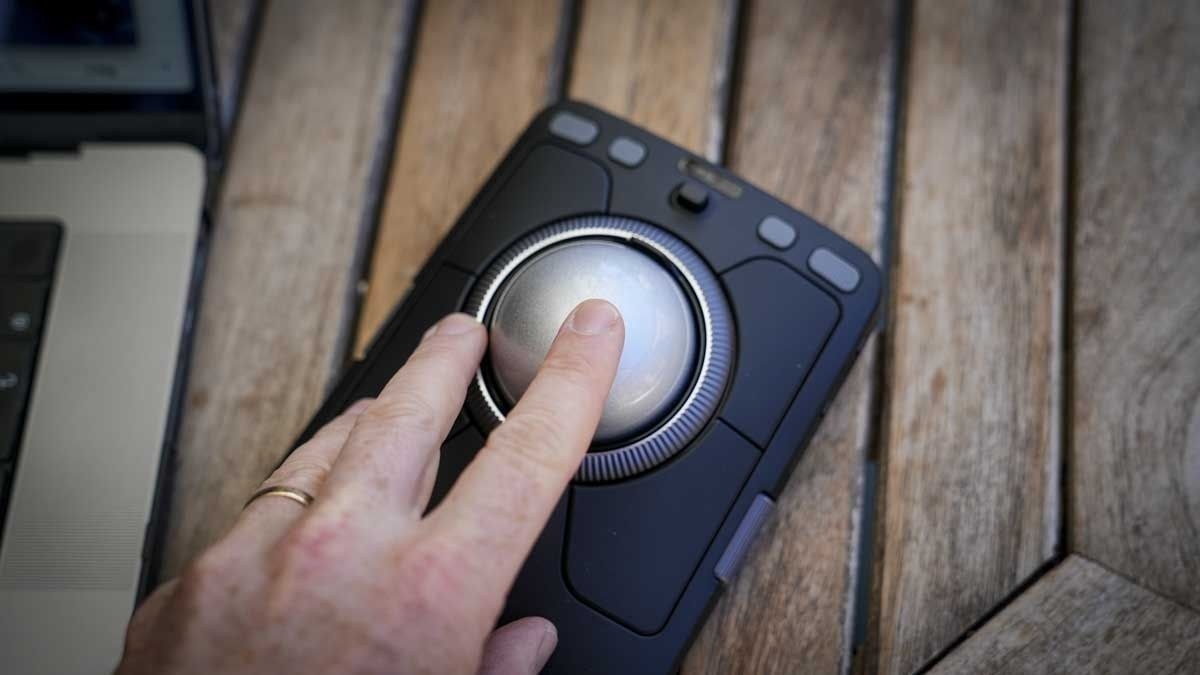
The Kensington TB900 review describes stationary navigation and application-specific editing settings with an initial learning period.
Keep the device still
TechRadar describes the trackball as a fixed pointing device, so it does not need a clear travel area beside the keyboard. The reviewer initially reduced sensitivity through Kensington's Konnect software and used two fingers on the ball for controlled movement. That adjustment illustrates why the first few minutes with a trackball may not represent how it works once configured.
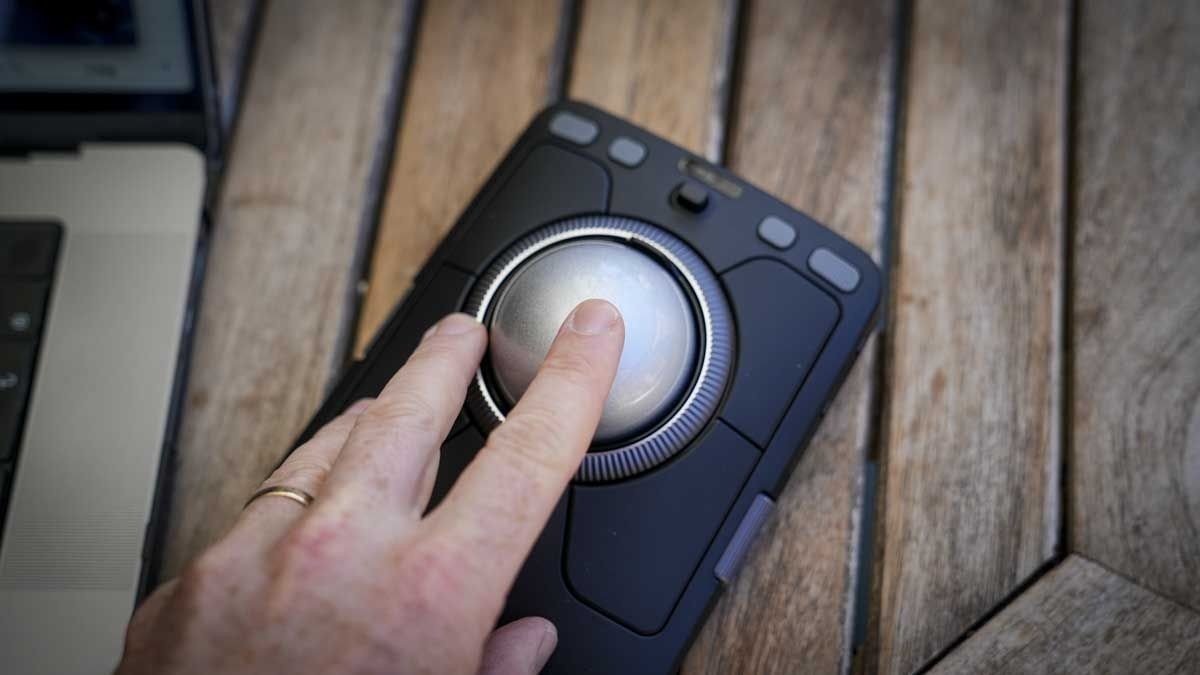
Program for individual applications
In video editing, the reviewer assigned the surrounding buttons to selection and editing actions while using the scroll ring for fine timeline movement. Other mappings suited Word and creative applications. These are the reviewer's chosen settings and results, rather than a universal speed improvement. A keyboard remained necessary for text and some shortcuts. Consider whether per-application controls, stationary operation and the learning period fit the intended work before replacing an ordinary mouse.
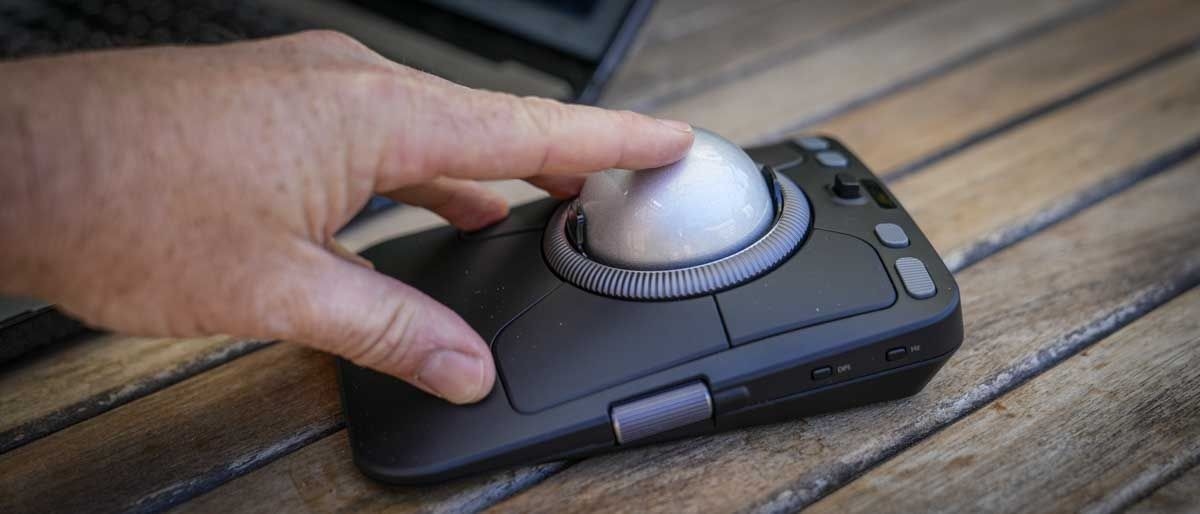
The Kensington TB900 review describes stationary navigation and application-specific editing settings with an initial learning period.


Leave a Comment
Comments (0)