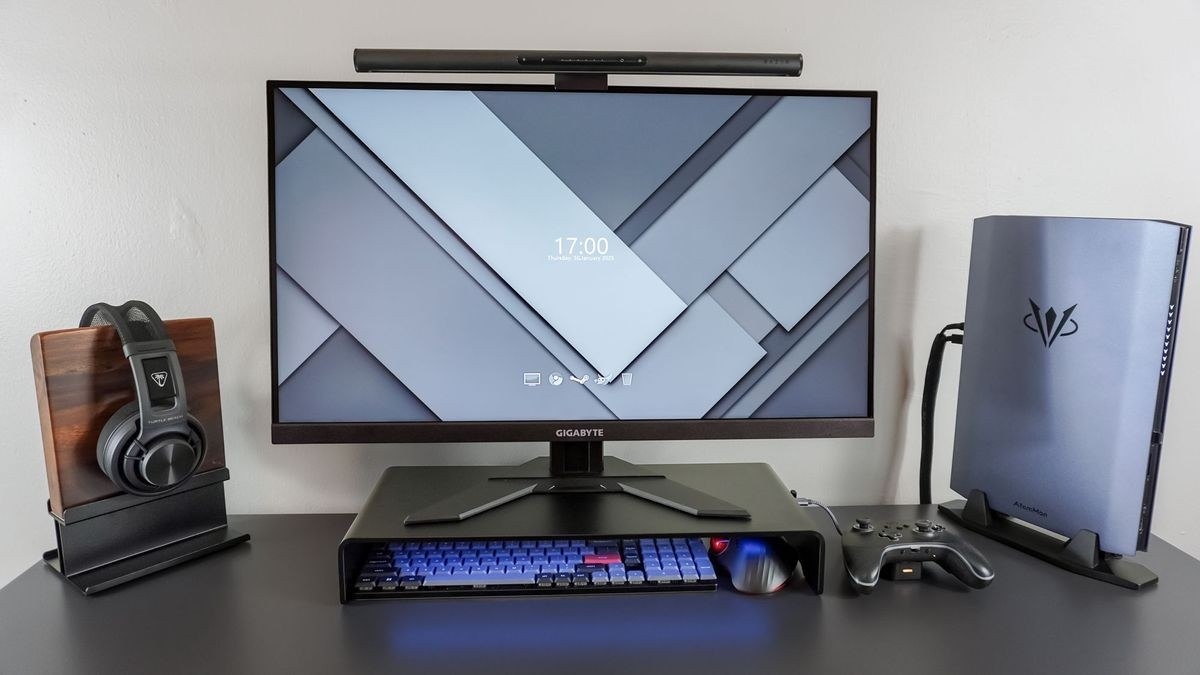
CCOHS connects keyboard height and position with device size, key action and the ability to work without overreaching.
Consider size as well as shape
A shorter keyboard can reduce the need to reach outward and create more options for mouse placement. Split or tented designs may help certain users find a suitable arm position, while the key action should not require heavy force or trigger accidental extra input. A separate number pad can also provide flexibility that a permanently attached keypad does not.
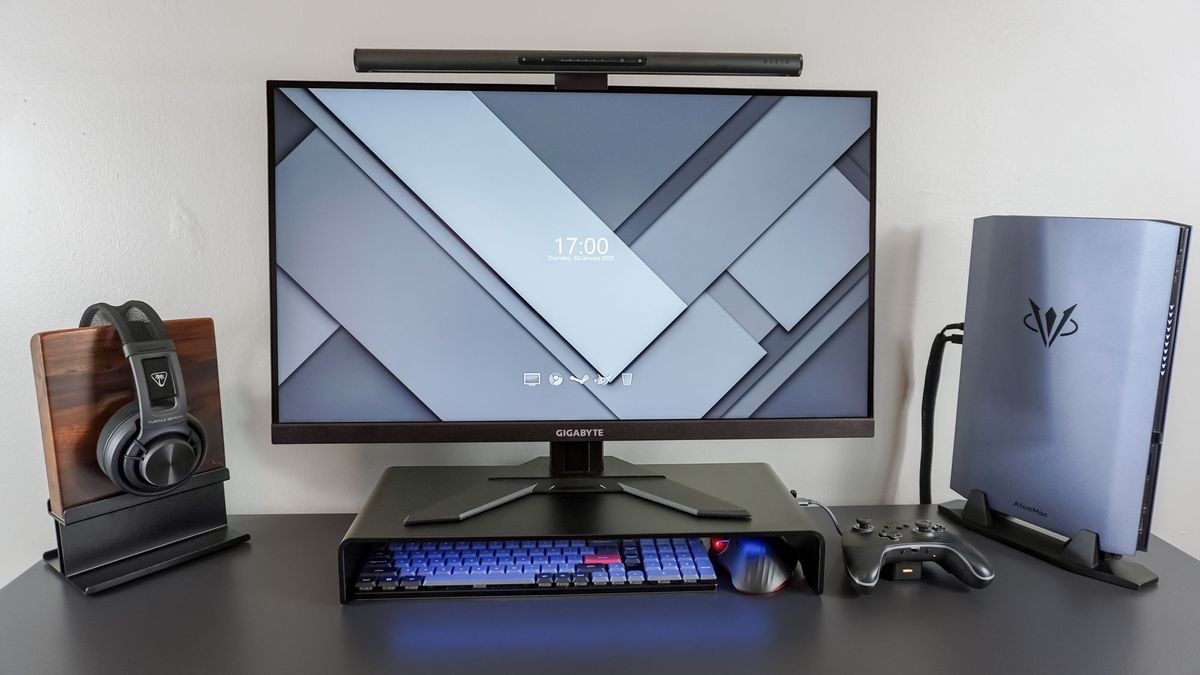
Place it as part of the workstation
The keyboard should be directly ahead, with relaxed shoulders, elbows near the body and wrists in line with the forearms. Height and tilt should be adjusted to maintain that alignment. The guide cautions against resting the wrists heavily on the desk and recommends evaluating any wrist support within the whole setup. Even a comfortable design does not remove fatigue from prolonged keyboard use, so short breaks and changes in activity remain important.
CCOHS connects keyboard height and position with device size, key action and the ability to work without overreaching.


Leave a Comment
Comments (0)