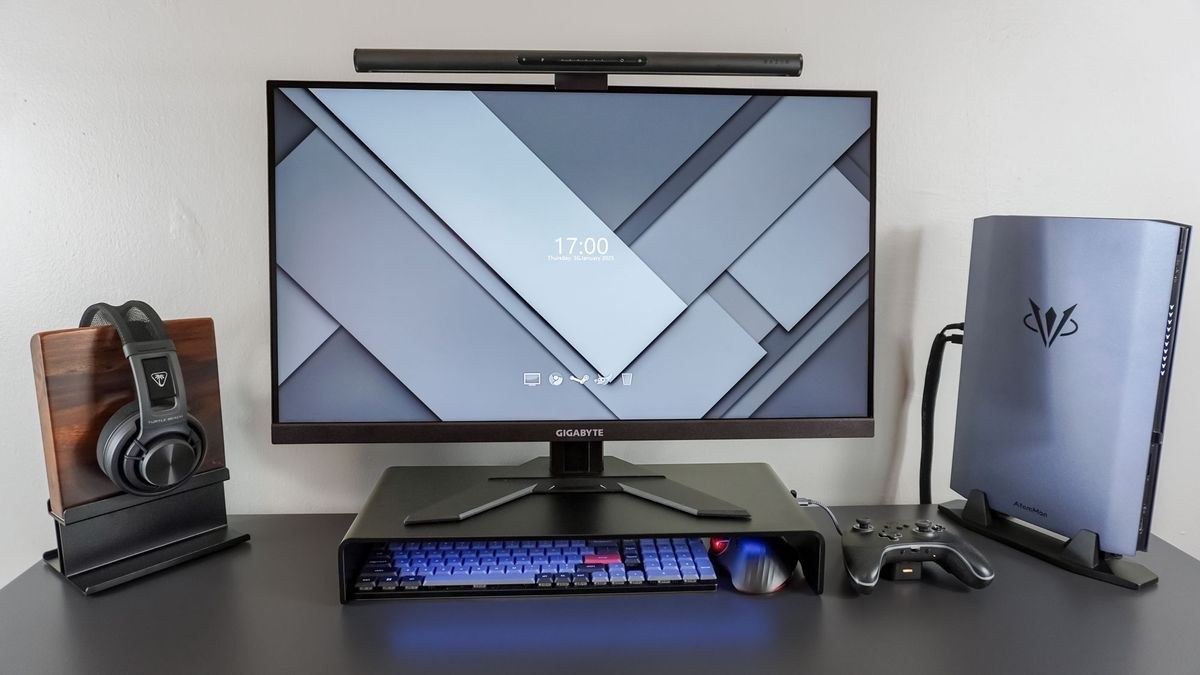
OSHA describes larger trays, separate mouse surfaces and keyboards without fixed number pads as ways to avoid excessive reach.
Make space beside the keyboard
The pointer should be close enough that its use does not require the arm to reach outward for long periods. If the tray is too small for both devices, OSHA describes alternatives including a larger tray, an additional mouse surface or a keyboard without a fixed number pad. The aim is enough usable space for a straight wrist, not simply squeezing the devices onto a crowded ledge.
Match the device and settings to the hand
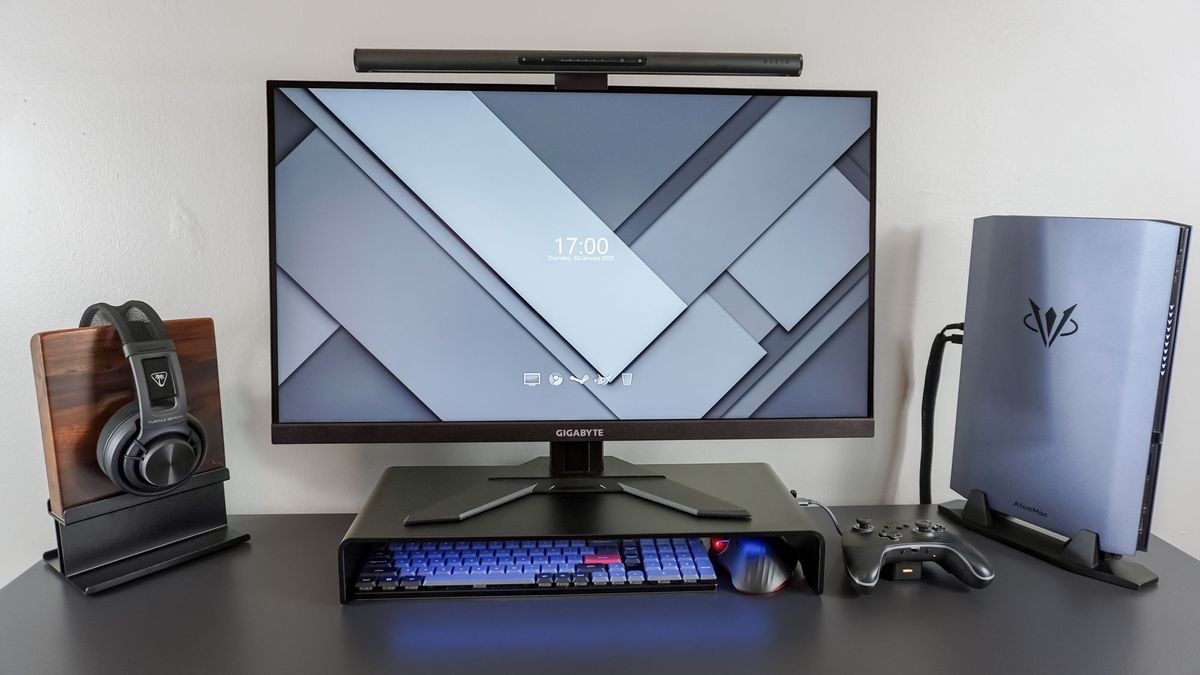
Size and shape need to fit the hand that uses the pointer. Sensitivity should let the cursor cover the screen without excessive wrist movement or a tight grip. Trackballs and touchpads are possible alternatives, but the guidance recommends trying a device before long-term use. Keyboard shortcuts and changes between tasks can also reduce continuous pointing work; no single mouse design removes the need to consider the full workstation.
OSHA describes larger trays, separate mouse surfaces and keyboards without fixed number pads as ways to avoid excessive reach.


Leave a Comment
Comments (0)