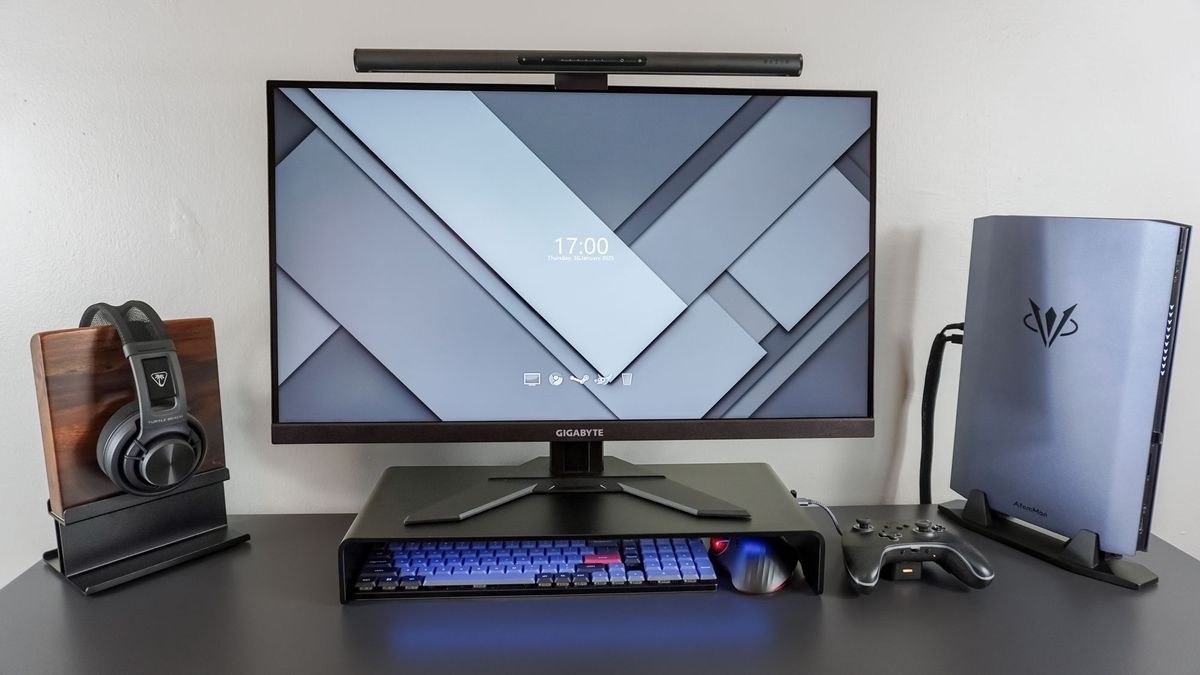
CCOHS compares mouse and trackball options while emphasizing relaxed grip, neutral wrists and a suitable shape for the user.
Try the shape before committing
The fact sheet recommends a mouse that supports the natural curve of the hand, with buttons that respond without excessive force or accidental clicks. Wireless models offer more positioning freedom. Trackballs allow the hand and arm to remain in one place while the ball moves the pointer, making them an option where the desktop has little room for sweeping mouse movements.
Keep the grip and workload varied
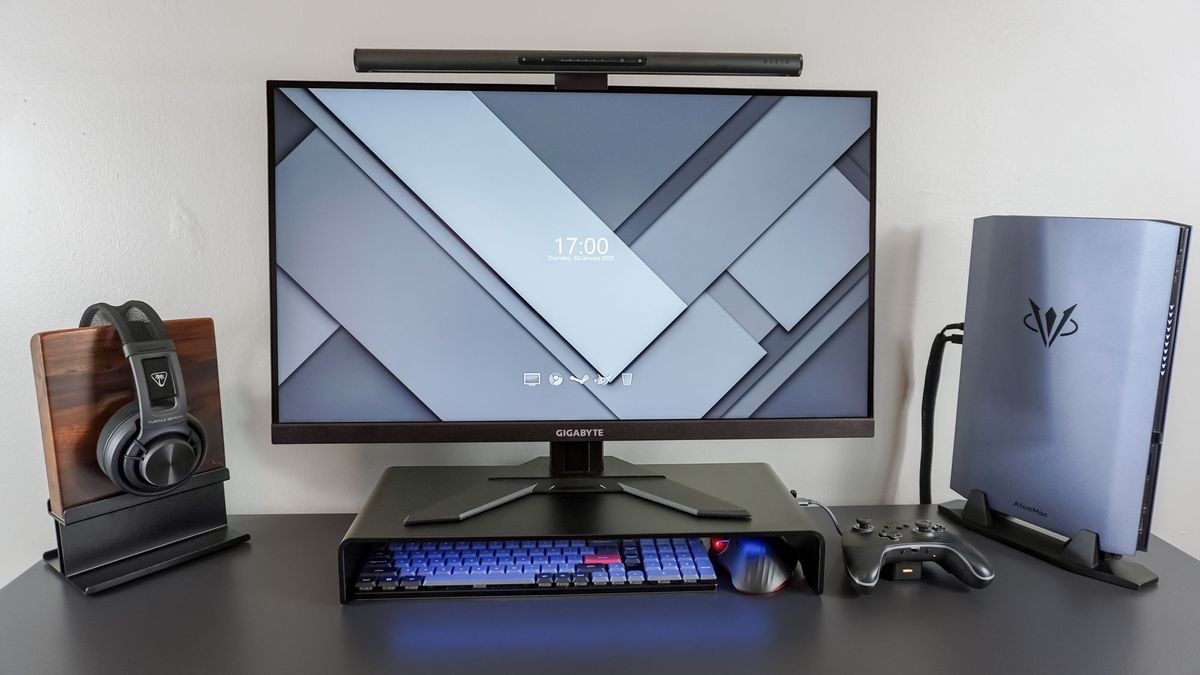
The guide advises a relaxed grip and moving an ordinary mouse from the elbow rather than repeatedly bending the wrist. Keyboard shortcuts and, where feasible, alternating hands can reduce continuous use. It also cautions that an incorrectly used wrist rest can increase pressure instead of helping. A comfortable device should be considered alongside the chair, keyboard and placement, and should not be assumed to suit another person simply because it worked well for the first user.
CCOHS compares mouse and trackball options while emphasizing relaxed grip, neutral wrists and a suitable shape for the user.


Leave a Comment
Comments (0)