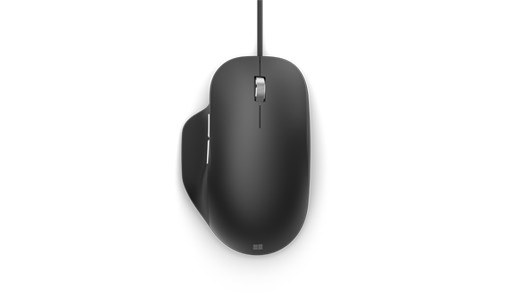
Microsoft Ergonomic Mouse is a wired accessory, so its setup differs from Microsoft's similarly named Bluetooth model. The official instructions call for a Windows 10 or Windows 11 PC and a direct USB connection. Plug the mouse into an available USB port; there is no Bluetooth pairing sequence or wireless battery compartment to configure.
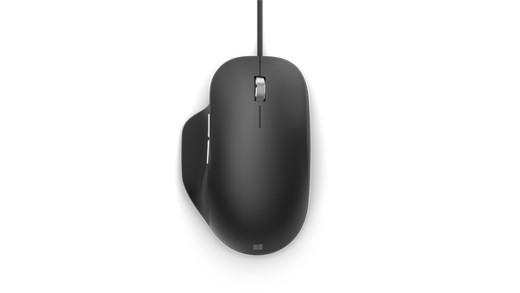
After connection, adjust its behavior through Mouse settings: Bluetooth and devices in Windows 11, or Devices in Windows 10. Microsoft Mouse and Keyboard Center provides further supported personalization. On a desk with several accessories, distinguish the cable-connected model before looking for wireless controls. Follow the relevant support guidance if it fails to respond instead of attempting Bluetooth troubleshooting on a device that communicates through USB.
The USB model offers a direct connection, with Windows settings handling its everyday behavior.


Leave a Comment
Comments (0)