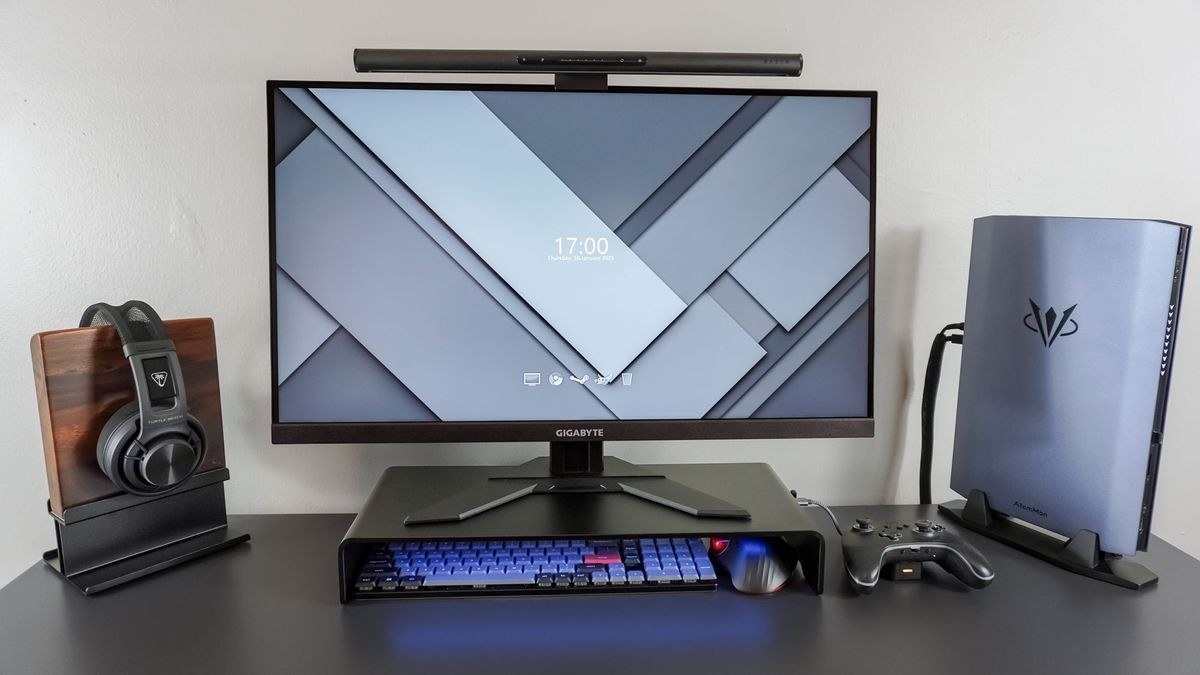
CCOHS identifies the reach benefits and height trade-offs of different ways to fit a pointing area beside the keyboard.
Assess the reach rather than choosing a side
The fact sheet explains that extra keys and a number pad can push the mouse too far outward. The correct position is the one that lets the particular user work without excessive leaning or reaching, rather than a fixed rule about where every mouse belongs. A shorter keyboard can free several inches beside the typing area, although its layout takes some adjustment.
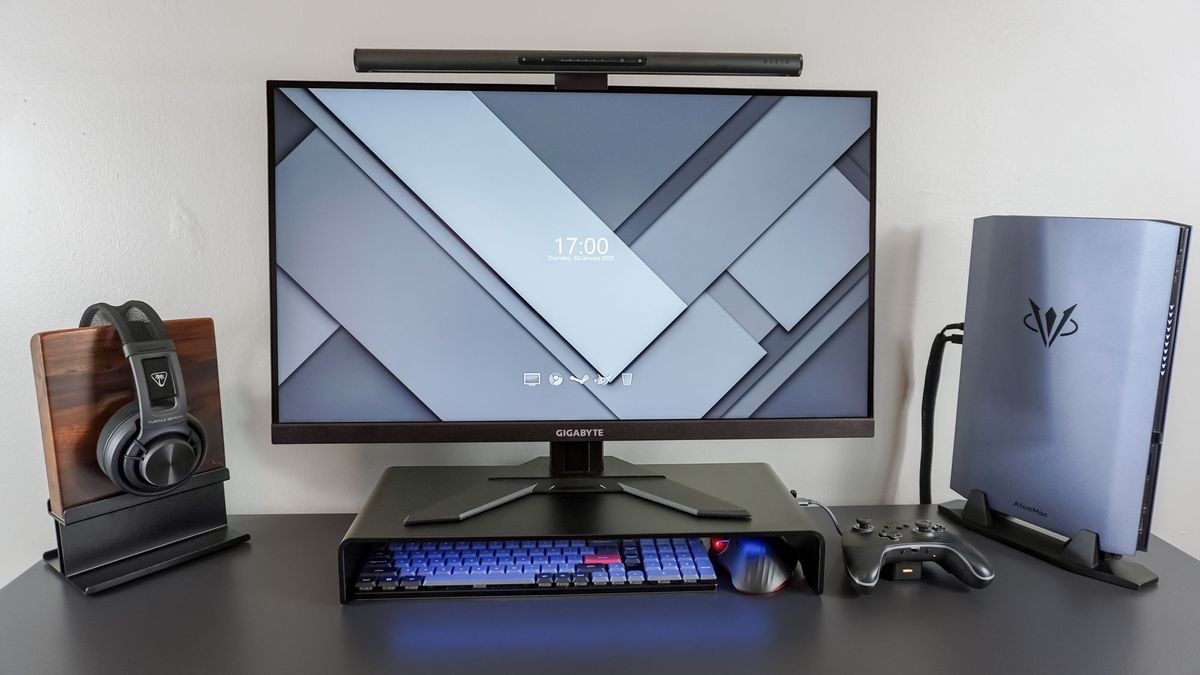
Consider the platform's height
A mouse platform can also place the pointer closer, including designs that cover the number pad. That reduces the area needed for mousing, but it may raise the hand above the keyboard. The source identifies that height difference as a disadvantage and discusses appropriate forearm support. A wireless mouse can avoid cable drag or snagging, but the overall keyboard, platform and arm position still need to be evaluated together.
CCOHS identifies the reach benefits and height trade-offs of different ways to fit a pointing area beside the keyboard.


Leave a Comment
Comments (0)