
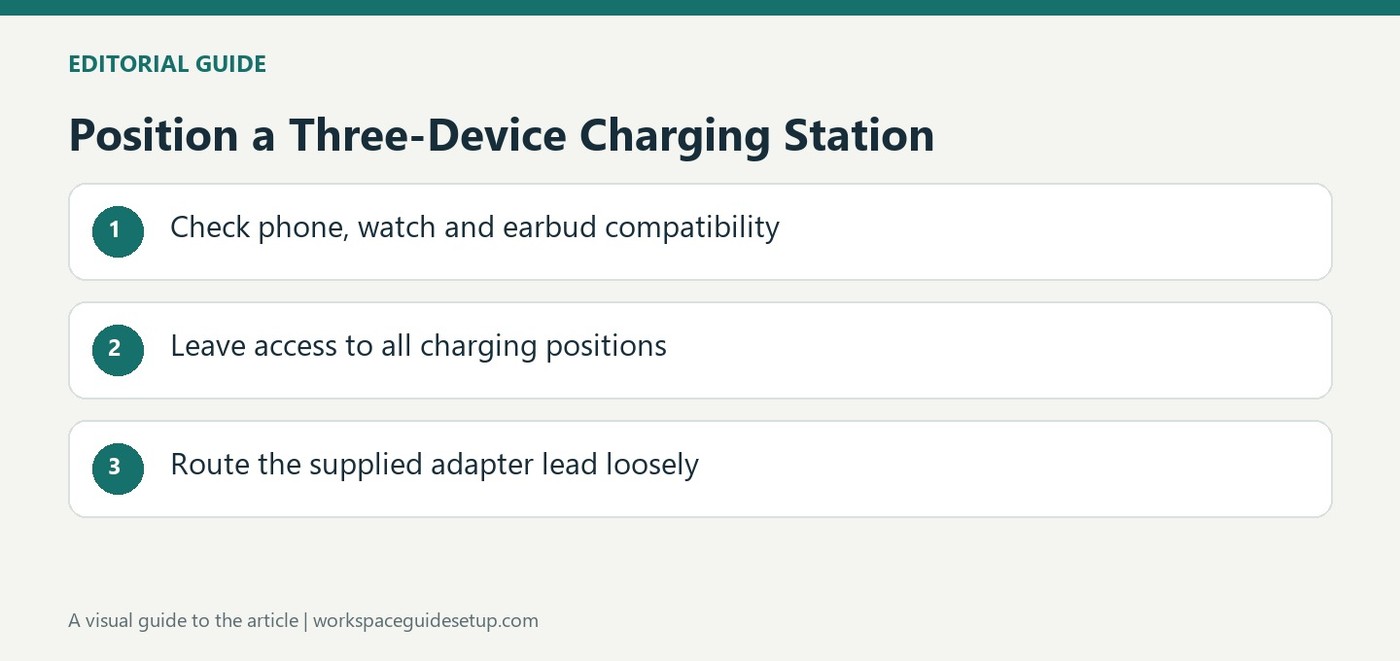
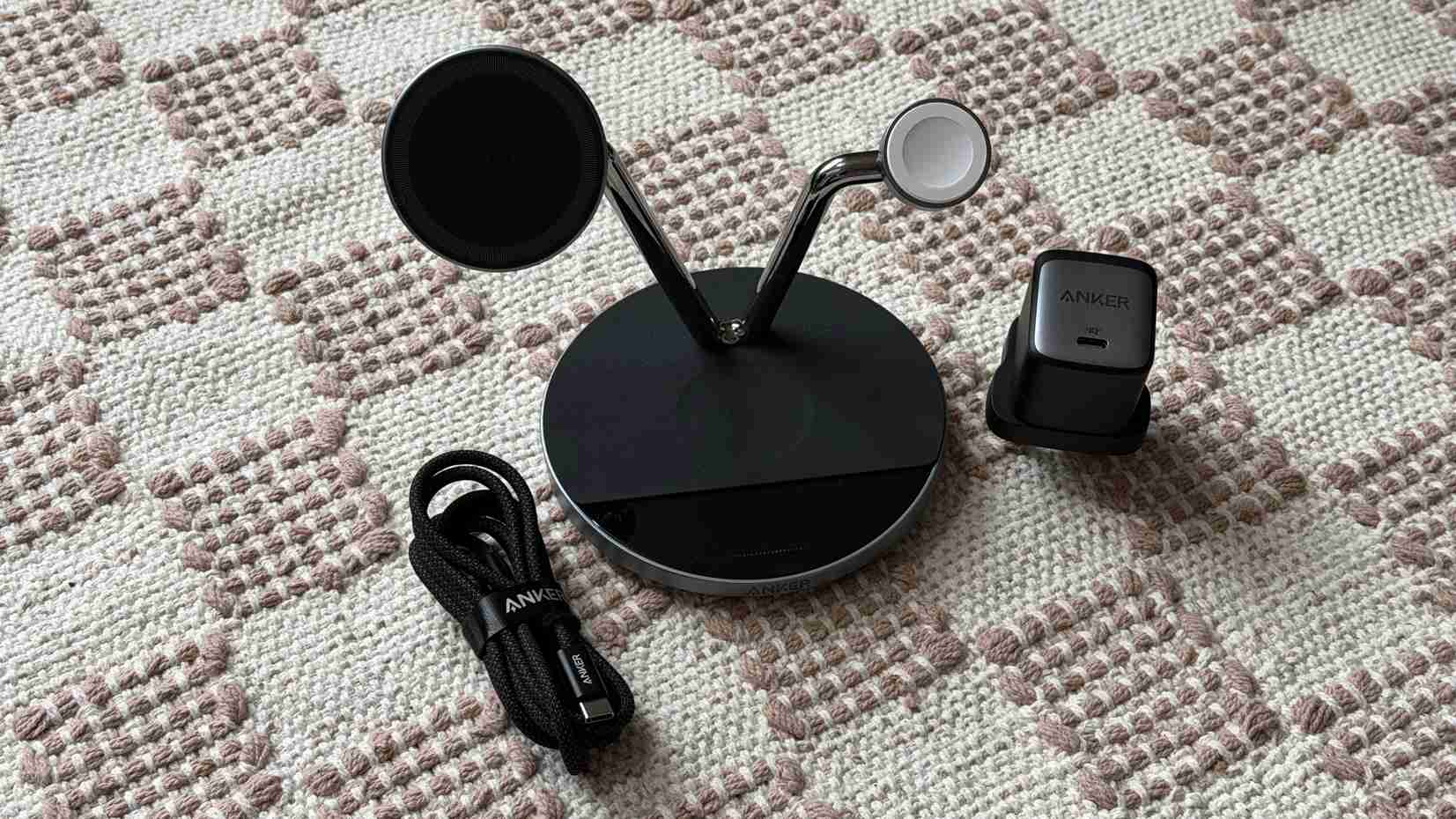
Tom's Guide describes an Anker Prime wireless station with a magnetic phone support, Apple Watch cradle and a charging area for earbuds. The package includes a compact power adapter and braided cable. That consolidates several compatible devices around one powered desktop object.
Check the exact model and device compatibility before expecting the advertised speeds. The station itself still needs a routed input lead and ventilation space. Place it where all devices sit securely without blocking the keyboard area or forcing the power cable across a frequently used surface.
Allow access to the three device positions
The source describes a raised magnetic phone support, an Apple Watch cradle and a Qi charging area on the base for compatible earbuds. Those are separate placements, so the phone's angle should not obstruct the lower charging area. The phone puck can rotate through almost 90 degrees. Test the chosen angle with the watch and earbud case in place before settling on a permanent position.
Understand the cooling and status controls
A fan built into the phone charging section aims to help manage temperature. The base touchscreen offers fan adjustments, power information and a clock screensaver, and the article also mentions Bluetooth access through an app. These controls add reasons to keep the stand visible and reachable. They do not mean that every phone accepts the highest advertised wireless rate; the handset and charging standard still determine compatibility.
Include the supplied adapter in the layout
The package in the report includes a compact 65W GaN supply and a braided lead between it and the station. That removes two separate shopping decisions, but the adapter still needs outlet clearance and the lead still needs a relaxed route. The original US and UK promotional terms differed and are historical. Evaluate the station on its device support, adjustment and desktop footprint rather than treating the cited discount as a current offer.
Check each device position rather than only the headline count
The station combines a magnetic phone support, an Apple Watch cradle and a Qi area on the base for compatible smaller accessories. Confirm the exact phone, watch and earbud-case support before assuming the three-in-one description fits the whole collection. A standard wireless-charging feature on one device does not automatically establish magnetic attachment or the highest advertised rate. The current model's compatibility information remains the practical starting point.
The source describes up to twenty-five watts at the phone section for supported equipment. Preserve that as a capability claim tied to compatibility, rather than saying every handset receives it. The separate watch and base areas also have their own roles. Place all three actual devices on the station together before deciding that the compact arrangement replaces the existing individual chargers without an access or fit compromise.
Try the adjustment with the base area occupied
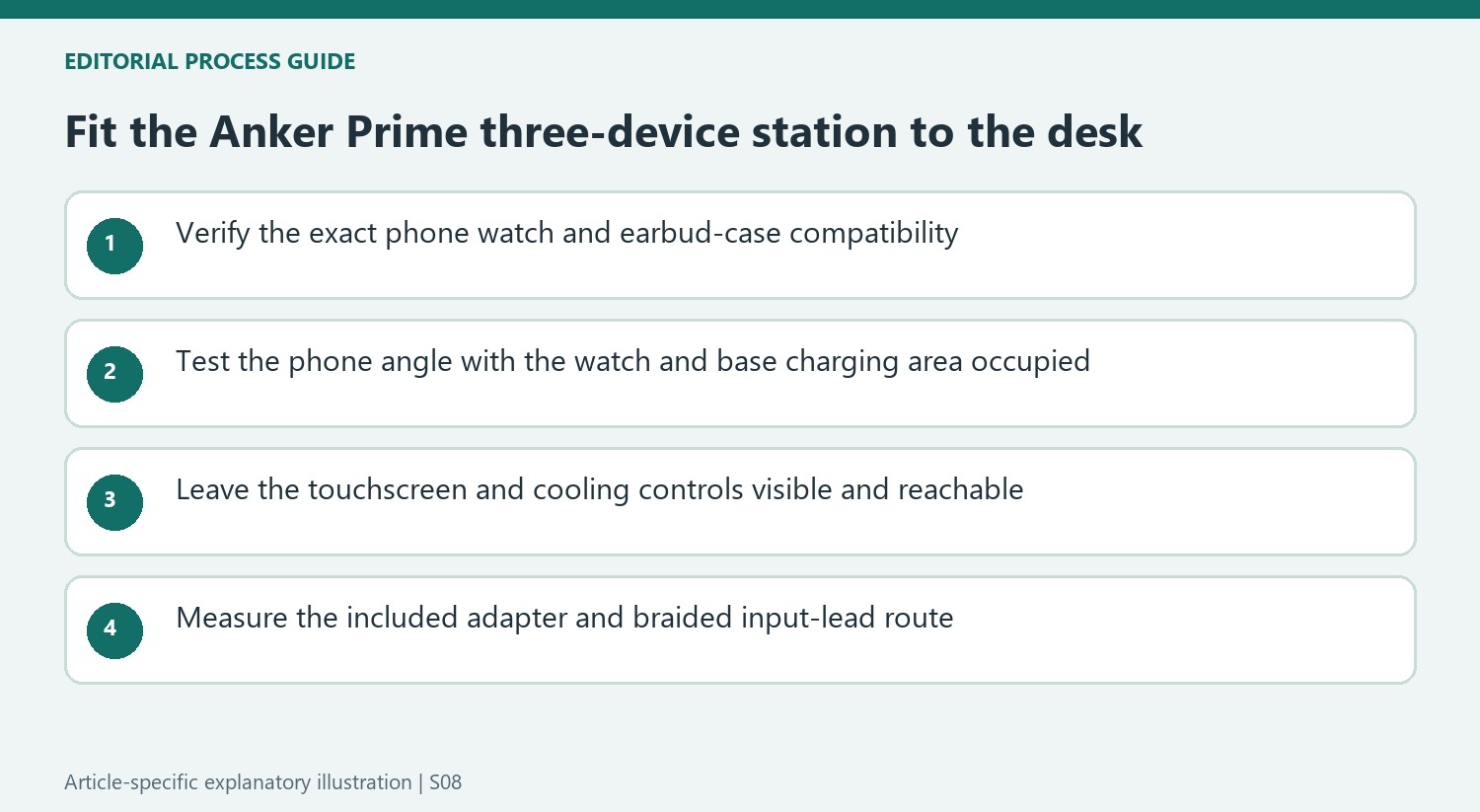
The phone puck rotates through nearly ninety degrees, allowing different viewing angles. Check the chosen position while the watch and earbud case are also present, since the raised phone should not obstruct retrieval from the lower charging area. A useful view for the phone alone may be less convenient when the complete daily collection is installed. Keep the station supported and leave a clear approach for picking up each device.
The built-in fan is part of the phone charging section, while the base touchscreen offers fan adjustment, power information and a clock screen. These controls provide reasons to leave the unit visible and reachable. They should not be interpreted as a guarantee that every phone maintains a particular charging speed. Follow the current placement guidance and check the fan behavior appropriate to the intended desk or bedside environment.
Include the single remaining supply path in the design
The reported package contains a compact 65W GaN adapter and a braided lead linking it to the station. That consolidates the purchase, but it still requires an outlet position with room for the adapter and a relaxed cable path. Measure the complete route before placing the station permanently beside the keyboard. Wireless charging changes the final connection to the devices, rather than eliminating the station's own power lead.
Bluetooth app access adds another control option in the coverage, so verify the current supported app and functions if remote status matters. The original US and UK promotions had different eligibility terms and should be treated as historical offers. Compare today's complete package and supported features with simpler stations. This model's appeal lies in a compatible three-device arrangement where adjustment, cooling controls and visible feedback are useful, rather than assuming the added screen is necessary for every charging location.
References
- Anker’s latest Prime Wireless Charging Station launched less than a month ago — but it’s already seeing a discount. Tom's Guide; Richard Priday.


Bir Cevap Yaz
E-posta adresiniz yayınlanmayacak. Gerekli alanlar * ile işaretlenmişlerdir.