
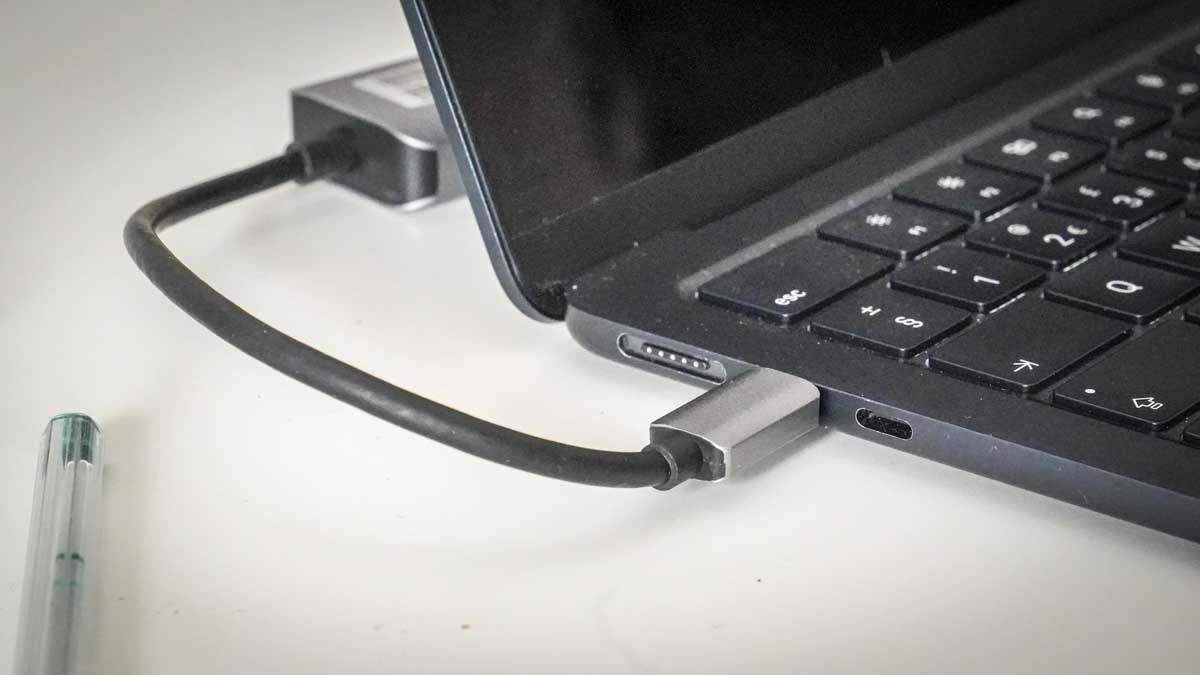
TechRadar's Plugable ten-in-one hub review describes a nonremovable seventeen-centimeter host cable. The reviewer could tuck the hub behind tested laptops, and found the ports spaced well enough for simultaneous use. Display, network, storage and input connections meet at that body.
All data devices share the hub's overall bandwidth, and full charging output needs suitable equipment. Choose a position within the fixed tether's reach without pulling on the laptop. A short integrated cable simplifies packing but limits where the hub can be hidden.
Choose the right port for the job
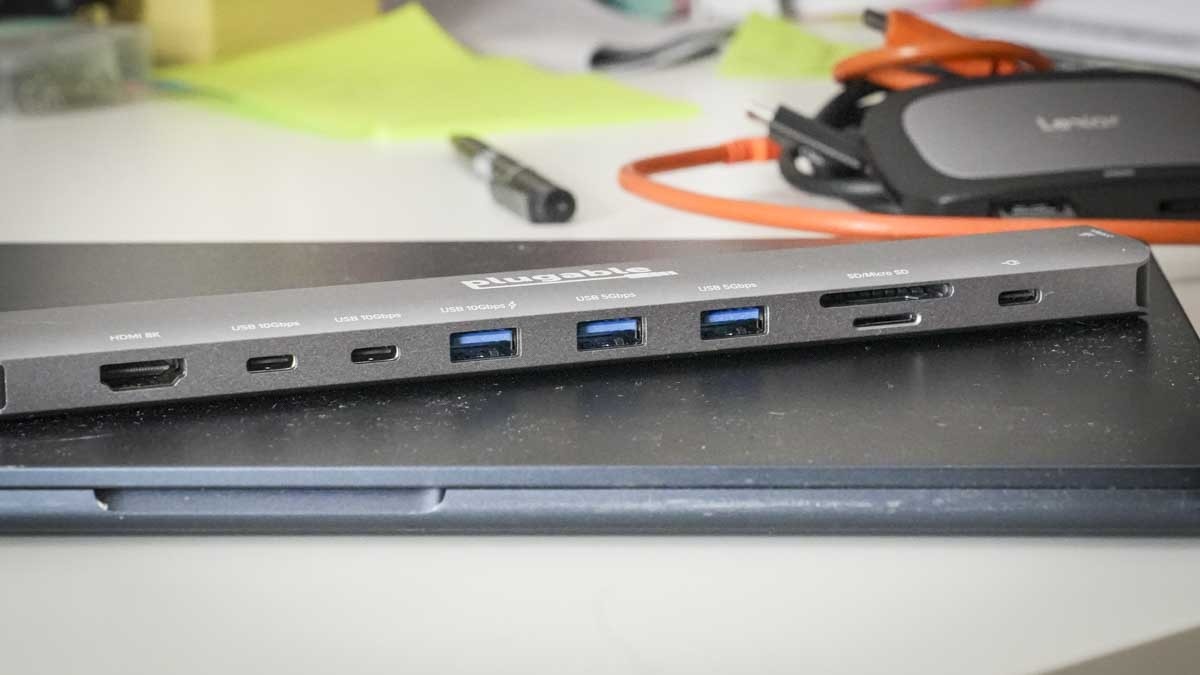
The two USB-C data ports are not video outputs; HDMI handles the external picture. The review's display tests ran at 4K 60Hz with the screens used, while higher advertised modes require a host capable of the appropriate DisplayPort and compression support. Confirm the actual laptop specification before expecting the headline refresh rate. SD and microSD readers are UHS-I, which may also matter for large camera-card transfers.
Do not equate normal charging with maximum passthrough
The review successfully charged the tested tablet computer through its 65W supply. Reaching the listed 125W host output instead requires a suitable 140W PD 3.1 EPR charger and cable. The successful lower-power test does not verify that maximum on every computer. Identify the power-input socket clearly, since the other USB-C ports serve a different role.
Plan for shared data traffic and heat
Several fast drives and card readers share the upstream USB data connection, so simultaneous transfers cannot each sustain the full headline bandwidth. The reviewer also noticed warmth under a busy load. Keep the metal enclosure uncovered and within the short tether's reach. Its long, narrow body provides useful connector spacing, but a hidden position must still allow access to cards and leads without tugging the laptop.
Map the short tether around the computer rather than hiding it first
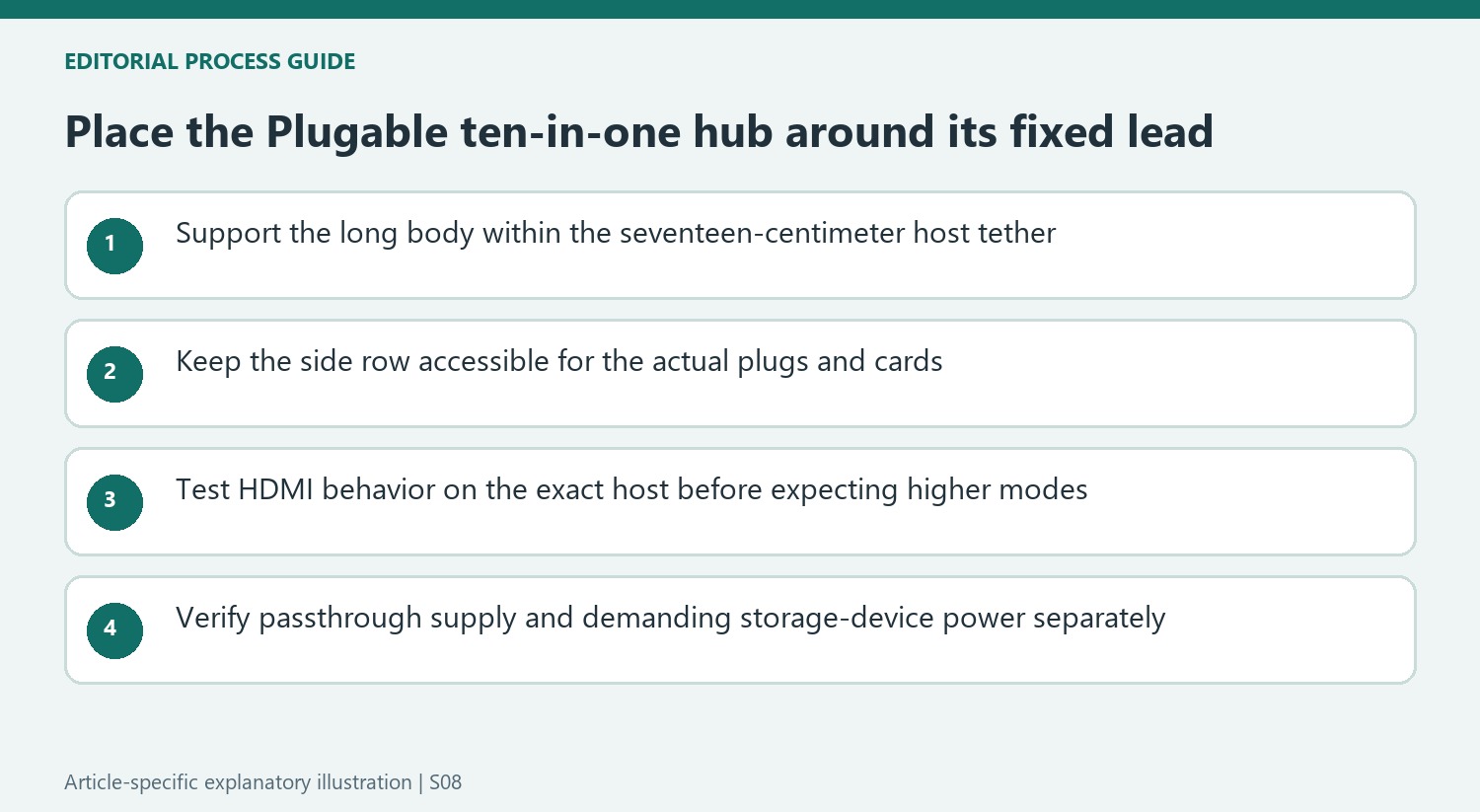
The integrated seventeen-centimeter lead is a deliberate packing convenience because there is no separate host cable to misplace. It also fixes the hub's practical distance from the computer. Place the long body on a supported surface within that reach, then test whether the laptop can move as required without pulling the connector. A narrow enclosure tucked behind one tested machine does not prove the same arrangement will suit every stand or tablet position.
The body is approximately 216 millimeters long and has its connections arranged along one side. The reviewer found sufficient spacing to occupy the ports together, which is useful when comparing compact hubs with crowded plug layouts. Include the actual cable heads and card access in the footprint. A hidden position should still permit a card or storage lead to be removed without lifting the laptop or dragging the hub by its attached tether.
Keep host display support and data traffic distinct
The two additional USB-C connections are data-only, while HDMI provides the external picture. The source tested the available displays at 4K and 60Hz. Higher advertised modes depend on the host's documented video capabilities, including the relevant DisplayPort and compression support. Verify the current compatibility information rather than promising the headline refresh rate to any computer with a USB-C socket.
Storage transfers share the upstream data capacity, so several devices cannot each receive an independent ten-gigabit connection. The reviewer found it useful to put one demanding drive directly on the computer while another reader used the hub. Some higher-demand drives also needed a direct connection because their power needs were unsuitable for the hub's ports. Adding passthrough input did not resolve those particular cases, so test the actual storage equipment rather than assuming external charging powers every peripheral.
Compare the charging and reader limits with the daily workload
The successful tablet-computer charge used its 65W supply. That establishes normal charging in the reported setup, not the maximum 125W host output. Achieving that listed maximum requires the appropriate 140W PD 3.1 EPR charger and cable. Identify the passthrough input separately from the data sockets, then compare the complete supported chain with the computer's requirements before retiring its usual charging arrangement.
The UHS-I SD and microSD readers can be convenient when the laptop has no slots, but photographers using faster cards may value a different reader more than the larger port count. The 2.5GbE connection is another useful capability only when the surrounding network supports the intended task. The reviewer observed warmth under load, so follow placement instructions and keep the enclosure unobstructed. Select the hub around the tether, readers, storage and power plan together rather than treating ten ports as ten equivalent upgrades.


Bir Cevap Yaz
E-posta adresiniz yayınlanmayacak. Gerekli alanlar * ile işaretlenmişlerdir.