
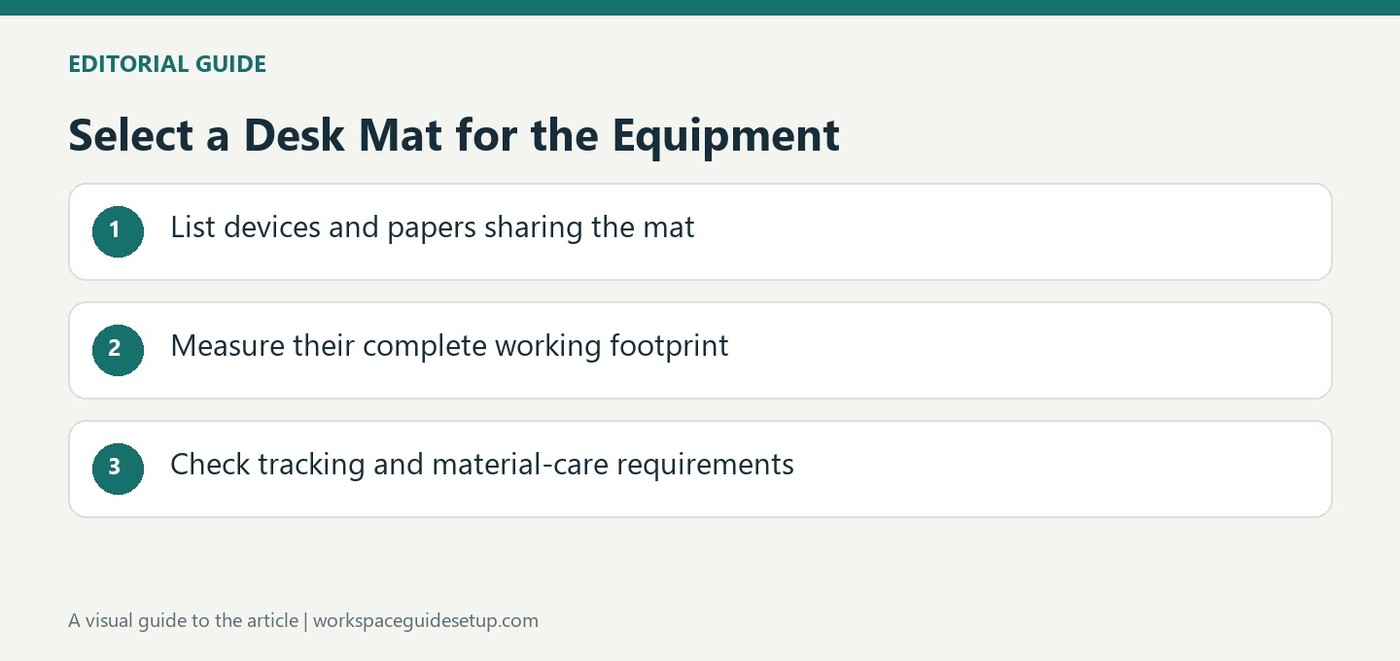
Good Housekeeping describes desk pads as a way to group a laptop, inputs and notes while protecting the furniture from ordinary wear. Its selections consider materials, available area and features such as charging or cable organization.
Measure the intended arrangement before choosing a size. A compact pad may suit laptop work yet be too small for both a monitor and keyboard. Check cleaning instructions and surface compatibility, and remember that water resistance does not make electronics safe from spilled drinks placed on the same pad.
Compare care requirements by material
The guide contrasts smooth synthetic surfaces that wipe clean with absorbent felt that needs more caution around liquid. A Merino-felt example uses a cork underside to resist movement, while other models use leather, plastic or PU. Those materials do not all behave like the same mouse surface. The clear frosted option is specifically described as likely needing the separate mouse pad supplied with it.
Choose storage features for a real need
One featured design combines a document layer, a small toolbar and a movable magnetic cable holder. Another includes wireless charging. These additions may help organize a particular workflow, but they also determine where papers, cables and devices sit. Confirm the charging compatibility and power input before expecting a mat to replace another charger. A hidden paper layer is useful only if the stored items remain easy to retrieve.
Separate researched recommendations from laboratory results
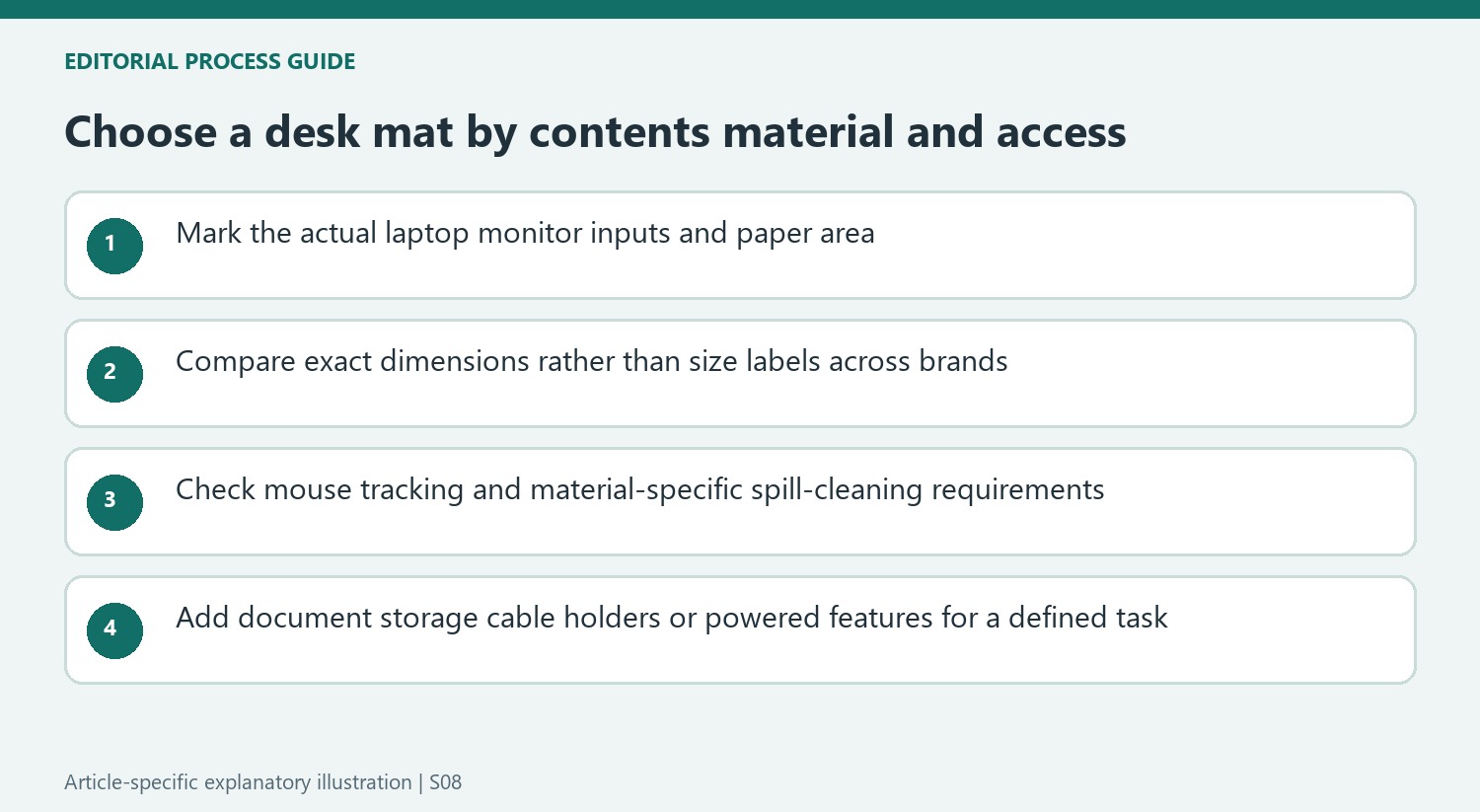
The source explains that the selection considered materials, dimensions, customer reviews and extra features. It explicitly says that at least one highlighted model had not been laboratory tested. Read product-specific claims accordingly, especially stain resistance or precision promises attributed to a brand. Select the footprint first, then check the current model's maintenance instructions and tracking behavior with the actual mouse before treating the desk as fully organized.
Choose the footprint from the equipment rather than the product category
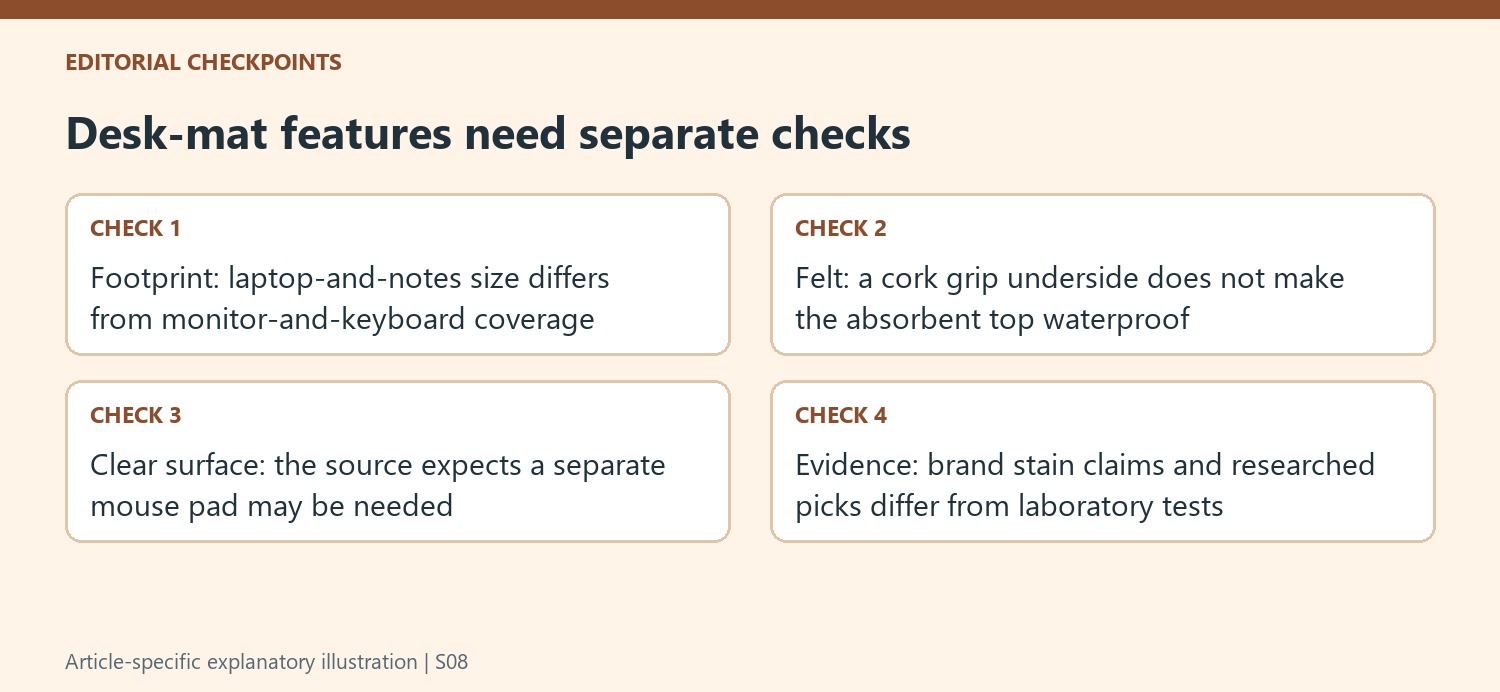
The guide's compact synthetic example suited a laptop and notes but was not large enough for a monitor and keyboard together. That makes intended contents the first measurement. Mark the real devices and the mouse movement area, then compare the current size options. A desk pad can frame an orderly zone without making an undersized footprint adequate for every component the user hoped to place on it.
A larger surface may accommodate more equipment, but it should still leave room for normal access and task changes. Check the relationship to a monitor base, laptop stand and any papers before selecting a size name such as medium or large. The guide includes models offered in several dimensions, and those labels are not universal measurements across brands. The actual width and depth are the useful basis for the comparison.
Compare tracking and cleaning at the specific material level
Smooth PU or plastic can be easier to wipe, while absorbent felt needs more caution around liquids. The Merino-felt example adds a cork underside to resist movement, which addresses base stability rather than making the upper material waterproof. Follow the selected pad's care guidance and keep spilled liquid away from electronics. A water-resistant mat does not protect devices sitting in the same spill merely because the furniture below is covered.
The clear frosted design in the source illustrates another distinction: it provides a smooth writing area and keeps notes visible beneath it, but is described as likely needing its supplied separate mouse pad. Do not assume every desk mat doubles as the same tracking surface. Test the actual mouse and paper task, then compare the texture and upkeep with the intended routine instead of choosing entirely by a leather, felt or clear-plastic appearance.
Assess extra organization features without upgrading claims
A hidden document layer, toolbar and movable magnetic cable holder can provide useful homes for specific items. Decide what would occupy each area and how it will be retrieved. A feature that conceals papers but makes them awkward to reach may not improve the workflow. A wireless-charging mat likewise requires compatible equipment and an appropriate input supply; it consolidates a charging position rather than eliminating every power lead from the desk.
The selection combines research, materials, dimensions and customer feedback, and it explicitly identifies at least one recommendation as untested in the laboratory. Keep stain-proof or precision claims attributed to the brand where the source does so. Lighting that synchronizes with other gaming equipment is an additional compatibility choice rather than a basic requirement. Select footprint, tracking, stability and care first, then include storage, charging or decoration because the particular function earns its place in the actual arrangement.
References
- A Simple Desk Pad Might Be the Key to a Less Cluttered Workspace. Good Housekeeping; Olivia Lipski.


Bir Cevap Yaz
E-posta adresiniz yayınlanmayacak. Gerekli alanlar * ile işaretlenmişlerdir.