
TechRadar's premium-accessory selection spans mice, keyboards, headphones, speakers and charging equipment. The article frames the choices around construction, engineering and practical features, with appearance forming another part of the decision.
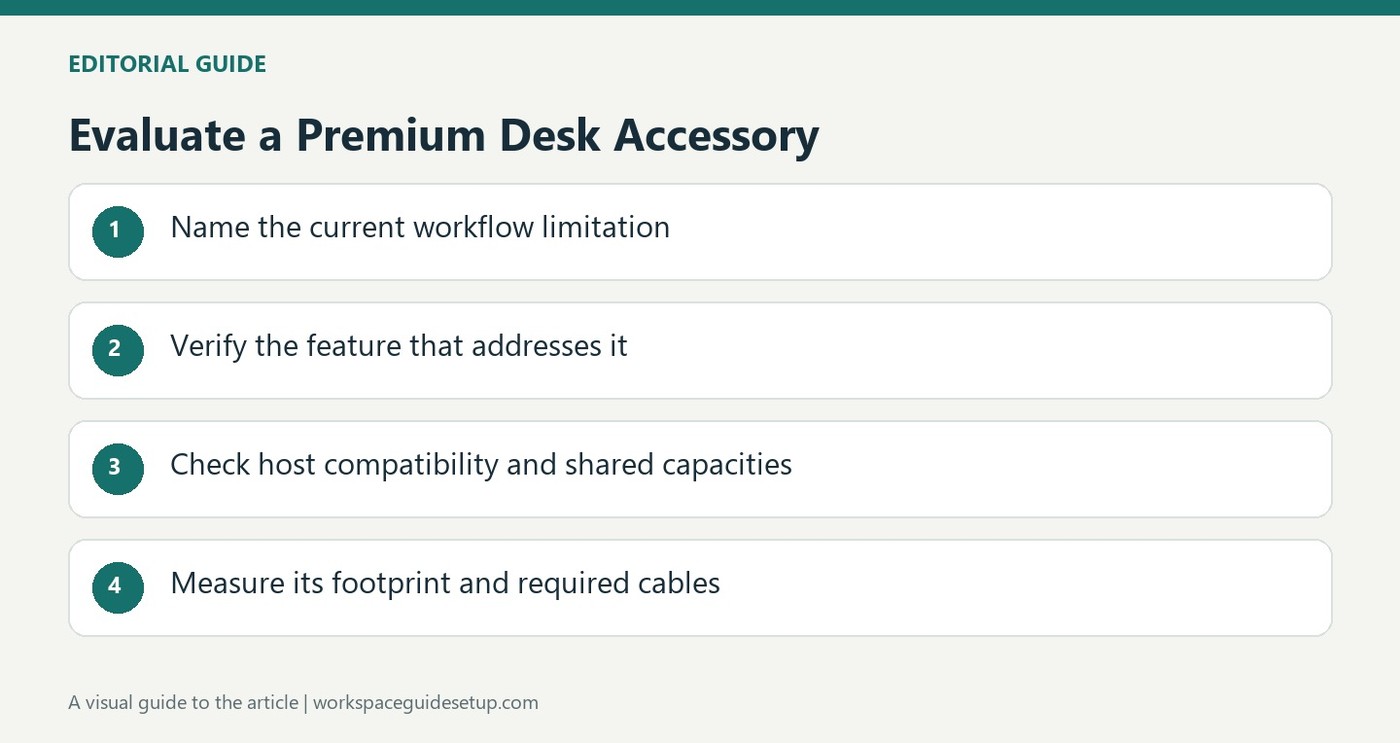
For an existing desk, assess the inconvenience you want an accessory to solve before upgrading. A better input device or charging arrangement may be more useful than another decorative gadget. Check physical size, connection requirements and how often it will be used so a higher-priced addition does not become another source of clutter.
Turn the premium brief into a specific requirement
The source's introduction covers inputs, audio and charging accessories, with design and engineering as selection criteria. It does not provide detailed test results for every item in the available text. Identify a concrete limitation in the current setup before choosing a category to upgrade, such as a missing connection, awkward control or inconvenient charging position. Price and appearance alone cannot establish whether that limitation will be solved.
Compare useful charging feedback with port allocation
TechRadar's separate Anker 140W charger review illustrates a feature that may justify an upgrade for some users: a display showing per-port consumption and temperature information. It also explains that output is shared when several sockets are occupied. That makes the value specific rather than abstract. Someone who only needs one basic phone connection may not use the extra display or multiport capability.
Look for compatibility costs hidden behind a polished enclosure
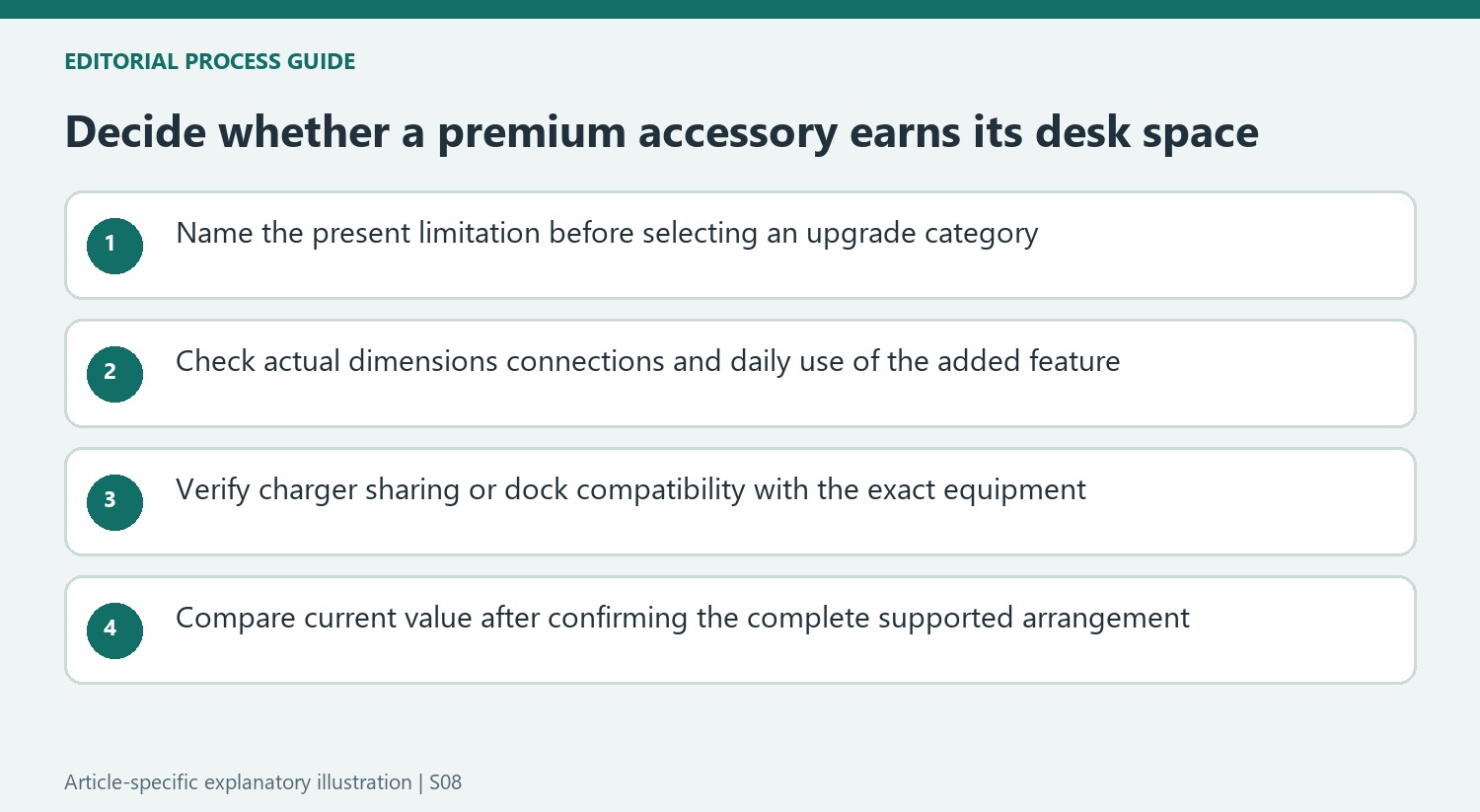
Tom's Guide's Belkin Connect Pro review liked the construction and port placement but identified Mac multi-monitor restrictions and only one downstream Thunderbolt socket. A premium finish did not remove those limits. Use that example when evaluating another accessory: verify the exact host, devices and cable routes, then decide whether the improved control, construction or appearance warrants the space and cost in the actual workstation.
Define the improvement before judging the finish
The source's premium brief values construction, engineering and practical features rather than price alone. Its introduction covers inputs, audio and charging but does not provide detailed test evidence for every listed accessory. Turn that broad idea into a concrete requirement, such as a missing connection, a control that is awkward to reach or an unreliable place to charge devices. That makes the intended improvement assessable after purchase.
Check the physical size and connection needs of the actual product before assuming a more polished enclosure is easier to live with. A larger keyboard, speaker or charger can improve one function while reducing space needed for another. Compare the whole workstation and how often the feature will be used. A premium accessory earns its place through a useful role, with appearance as another reason to prefer it once the functional match is established.
Evaluate charging feedback alongside the simultaneous power budget
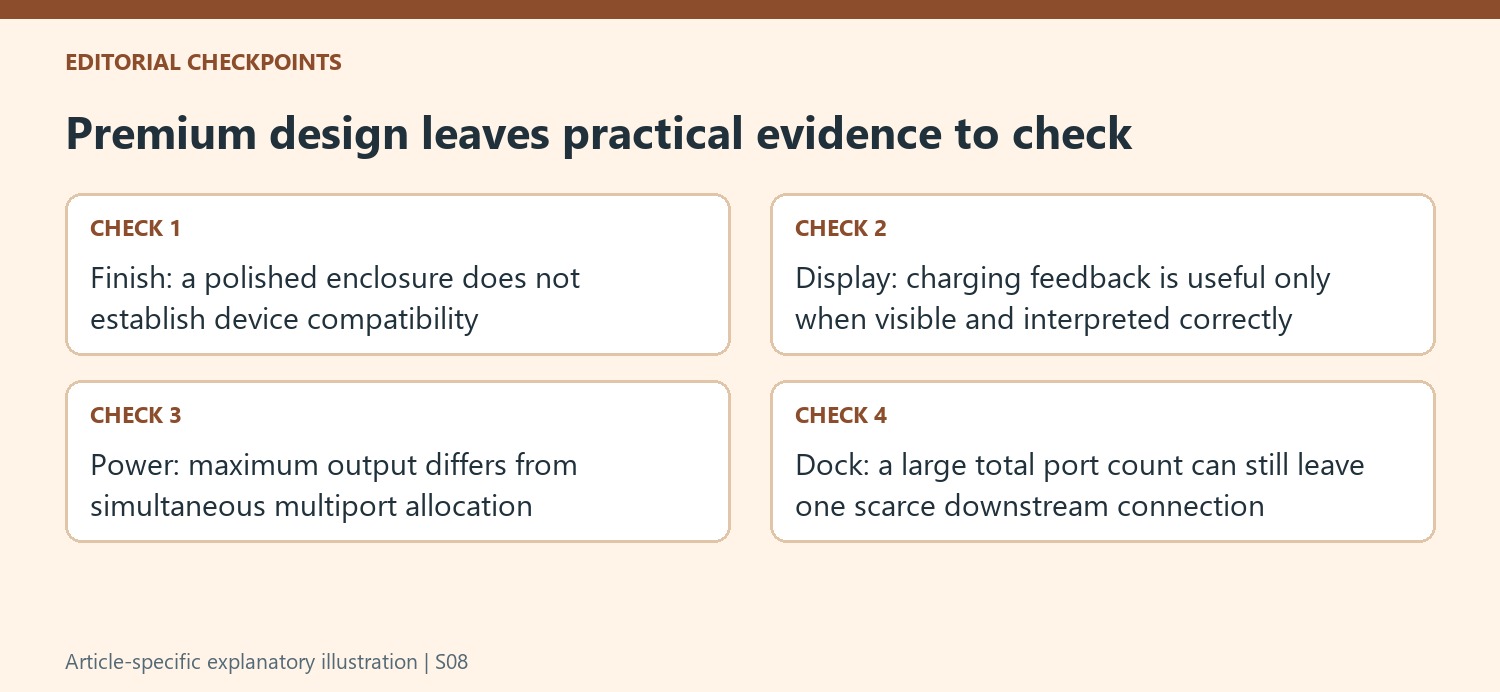
The separate Anker review cited here gives a specific example of an added feature: a display reporting individual consumption and temperature information. That can help someone understand a multi-device charging point if the screen remains visible. A person charging one phone in a fixed place may have less need for it. The practical value depends on using the feedback rather than hiding the adapter behind furniture and paying mainly for its appearance.
The same charger illustrates why a premium headline output still needs a port-allocation check. The source describes up to 140W from either of the first two USB-C ports alone, with lower allocations when all connections are occupied. The display does not create extra capacity beyond the supported shared budget. Verify the actual device protocols and leads, and interpret changing consumption readings in the context of battery demand instead of treating a maximum rating as a permanent output at every socket.
Check compatibility before paying for consolidation
The cited Belkin dock review liked the construction and placement of front and rear connections but found limits important for its Mac setup. Two HDMI sockets did not provide the desired independent extended-display behavior through macOS, and the alternative route used the single downstream Thunderbolt connection. That is a concrete example of a polished twelve-port product still requiring strategic allocation. A high total does not establish that the scarce port type remains available for another fast device.
Apply the same method to a new accessory: test the exact host, needed functions and cable route before fastening it permanently into the desk. Compare current prices and versions rather than transferring an older review's value judgment unchanged. Better materials, convenient controls or a coordinated appearance can justify an upgrade, but only in an arrangement that supports the required work. Keeping the evidence specific prevents the premium label from substituting for verified fit and useful everyday capability.
References
- 12 premium desk accessories I'd recommend for your home office. TechRadar; Wayne Williams.
- This powerful phone charger has been making faces at me, but I kinda love it. TechRadar; Harry Padoan.
- Belkin Connect Pro Thunderbolt 4 Dock sort of feels 'pro' — but it’s a no-go for Mac users. Tom's Guide; Jason England.


Bir Cevap Yaz
E-posta adresiniz yayınlanmayacak. Gerekli alanlar * ile işaretlenmişlerdir.