
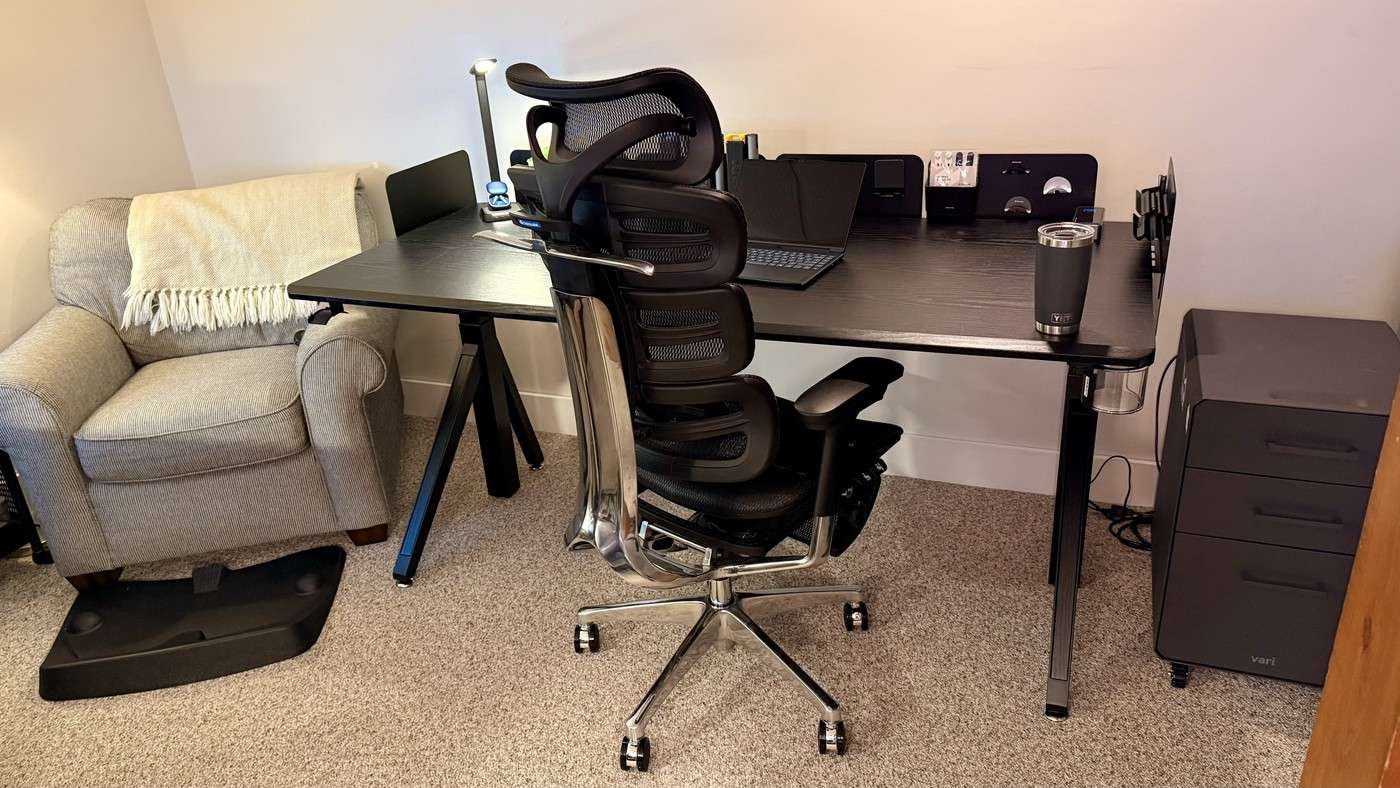
Dezctop's modular desk uses vertical holders and flexible lower cable storage to free the primary working surface.
Put small objects above the worktop
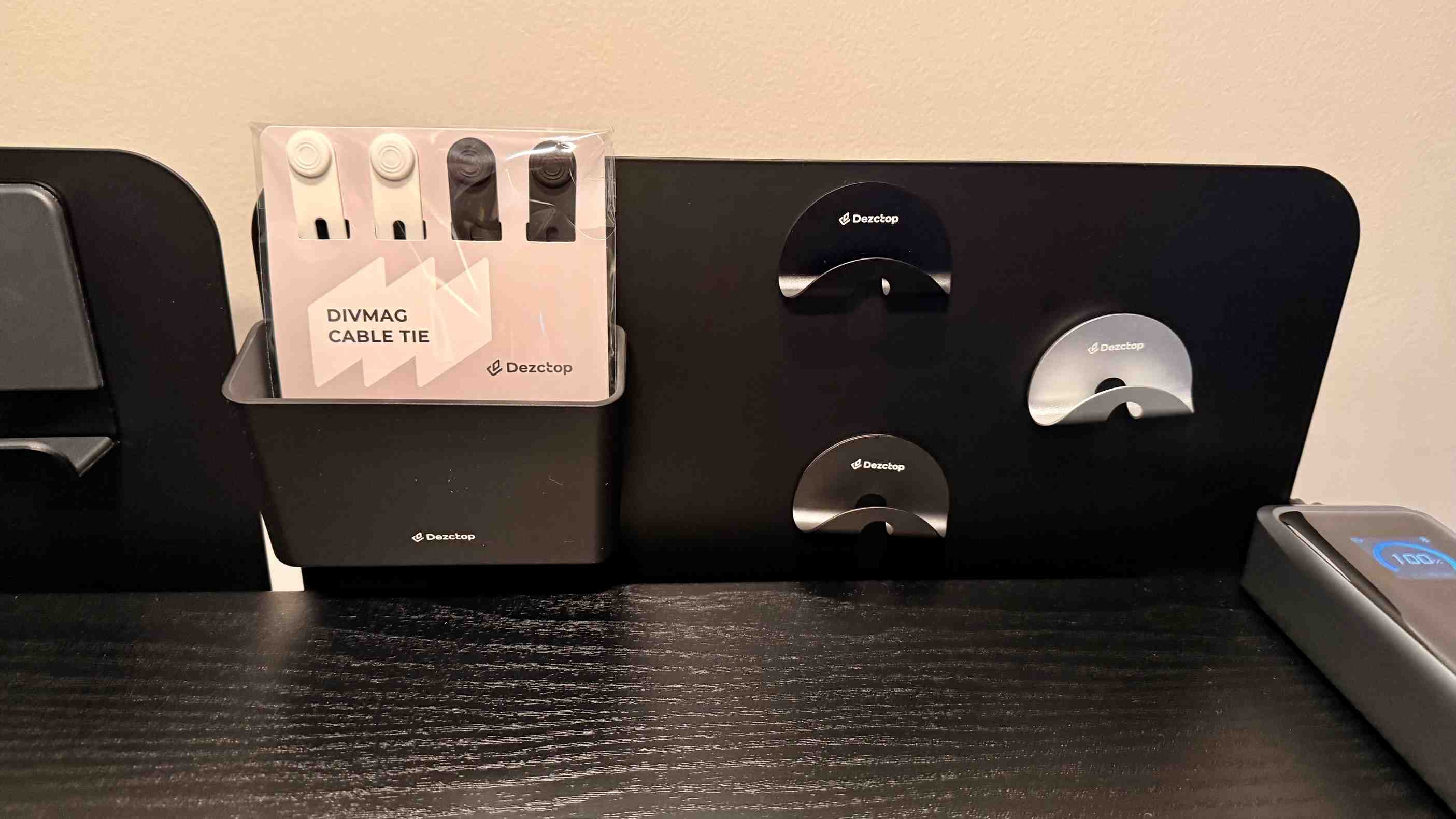
TechRadar describes the DivMag system as proprietary panels with metal faces that accept magnetic accessories. Cups, pen holders, shelves and hooks can move ordinary desk items off the main surface. The reviewer notes that compatible magnets are not limited to the manufacturer's own holders. This gives the setup a different organizing method from simply adding another drawer underneath the desk.
Configure the lower area too
The sections below can form a useful cable space for power bricks and adapters, and the controller can be positioned to suit the user. The reviewer tried laptops, conventional monitor bases and an arm clamped at the side. The panels can also be removed if only the cable-management arrangement is wanted. Treat the modularity as a layout choice: reserve useful positions for everyday items and check the complete accessory package rather than buying every available holder.
Place the controller where the arrangement permits
The reviewer describes a magnetic controller connected through a cable with ports at either end. It could sit below the surface or attach elsewhere on the metal structure, rather than being fixed permanently to one side. This allows the controls to move with the rest of the organization plan. Keep the connecting lead clear of the desk mechanism and choose a position reachable from the ordinary work posture. The source lists a height range of 25.6 to 51.2 inches and a 264-pound lifting capacity; confirm current specifications and all accessory loads before assembling the complete setup. Modularity provides options, but each selected configuration still needs stable mounting and clear movement.
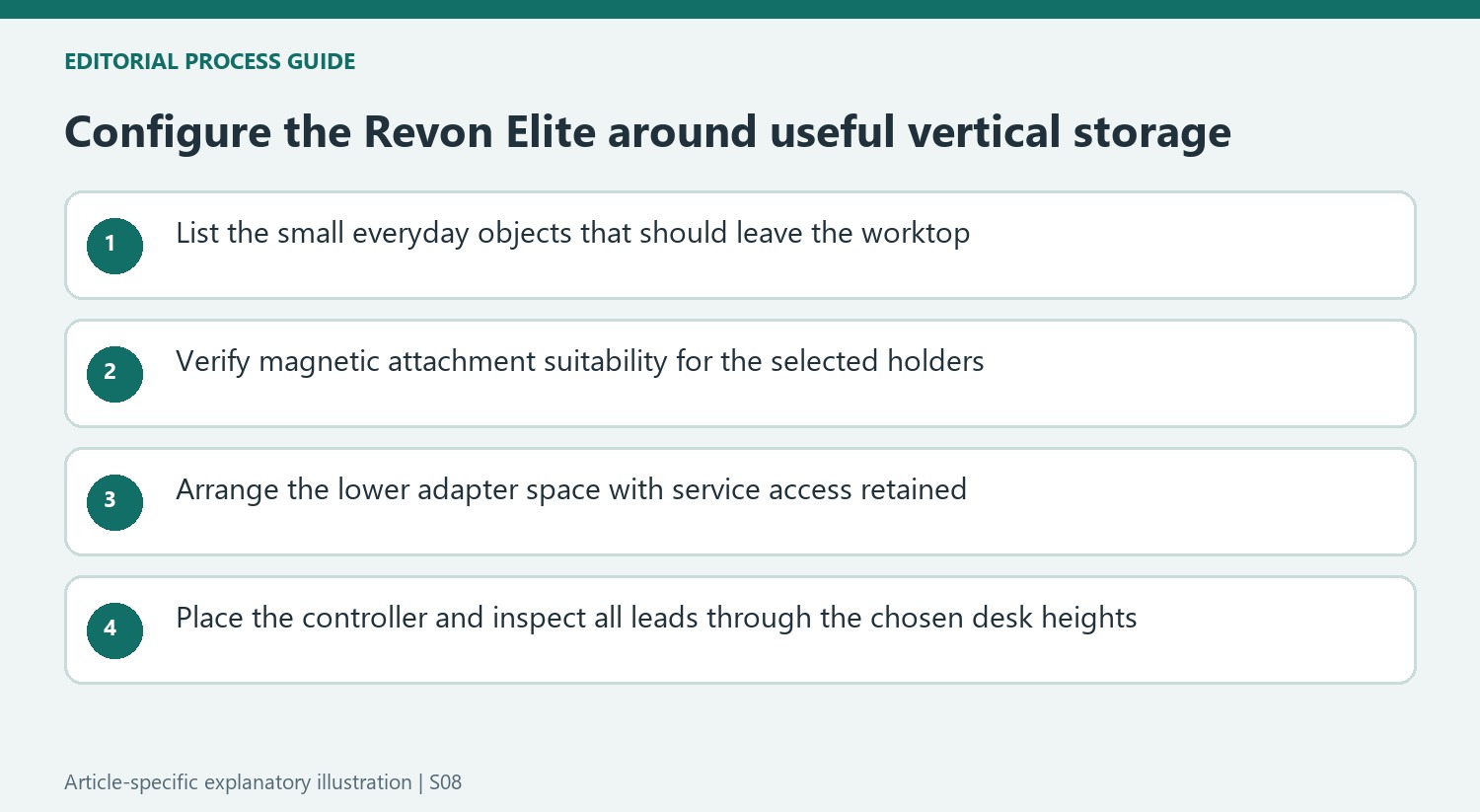
Choose the vertical storage around objects used every day
The metal-faced DivMag panels create a place for magnetic cups, hooks, trays and small shelves above the main surface. That can free the keyboard and paper area when the holders contain items that otherwise sit there. Start with those objects and their retrieval pattern rather than ordering every accessory. A pen cup needed during most sessions deserves a different position from a decorative object that is rarely handled.
The review says the panels themselves are proprietary while compatible magnetic attachments are not limited to the manufacturer's range. That does not establish that any magnet will safely hold any load. Check the current accessory and mounting guidance for the selected objects. The modular design provides choices, but a useful arrangement still needs stable attachments and clear access without reaching over the display or disturbing another holder each time a tool is retrieved.
Treat the lower cable space and controller as working components
The reviewer describes rearranging the lower sections to form space for adapters, power bricks and other supporting hardware. Measure the actual plugs and equipment before deciding where those sections belong. Leave enough room to identify and unplug a changing device. A hidden power supply remains part of the operating setup, so follow its placement requirements rather than treating the lower compartment as unrestricted storage for anything that will fit.
The magnetic controller can move to a suitable metal position and connects by a lead with sockets at either end. Choose a reachable location that remains practical in both sitting and standing positions. Keep the control cable clear of the mechanism and follow the documented connections; a familiar-looking connector should not be interpreted as permission to use it as an ordinary network port. The movable control is a layout advantage when its own cable path is considered alongside the accessories.
Verify the complete configuration before relying on modularity
The source tried a laptop-only arrangement, a display on its usual base and an arm clamped at the side. Those examples illustrate flexibility without proving every arm and load arrangement is supported. Check the current clamp, desktop and load guidance for the actual combination. The listed 264-pound capacity and 25.6-to-51.2-inch travel describe the model in the review, so verify the present version before assembling the full equipment collection.
The writer found stability useful but did not rank it with the strongest flagship frames, and noted limited sizes and colors. Compare those constraints with the desired work area instead of allowing the distinctive panels to dominate the decision. The source also says the upper panels can be removed when only the lower cable management is wanted. That makes modularity useful for a changing routine when the selected configuration remains accessible, supported and clear through the desk's actual height movement.
References
- Dezctop Revon Elite standing desk review. TechRadar; Collin Probst.


Bir Cevap Yaz
E-posta adresiniz yayınlanmayacak. Gerekli alanlar * ile işaretlenmişlerdir.