
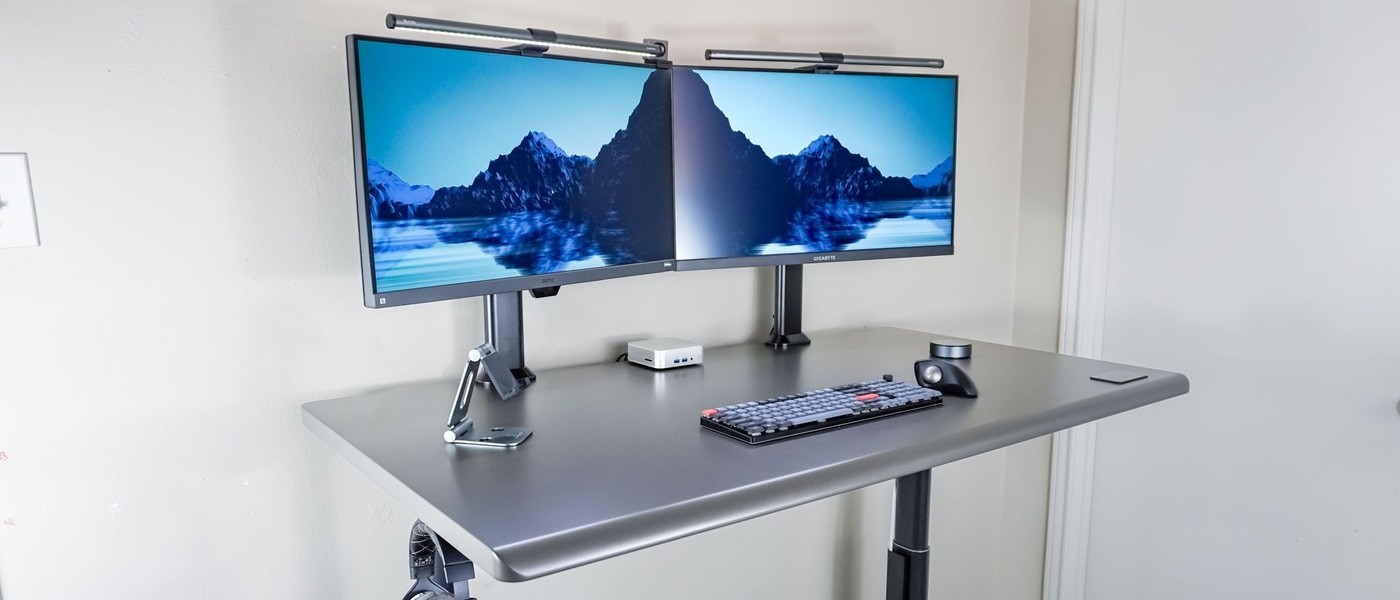
The Autonomous SmartDesk 5 hides connections underneath the desktop while keeping the cable compartment accessible.
Open the compartment from below
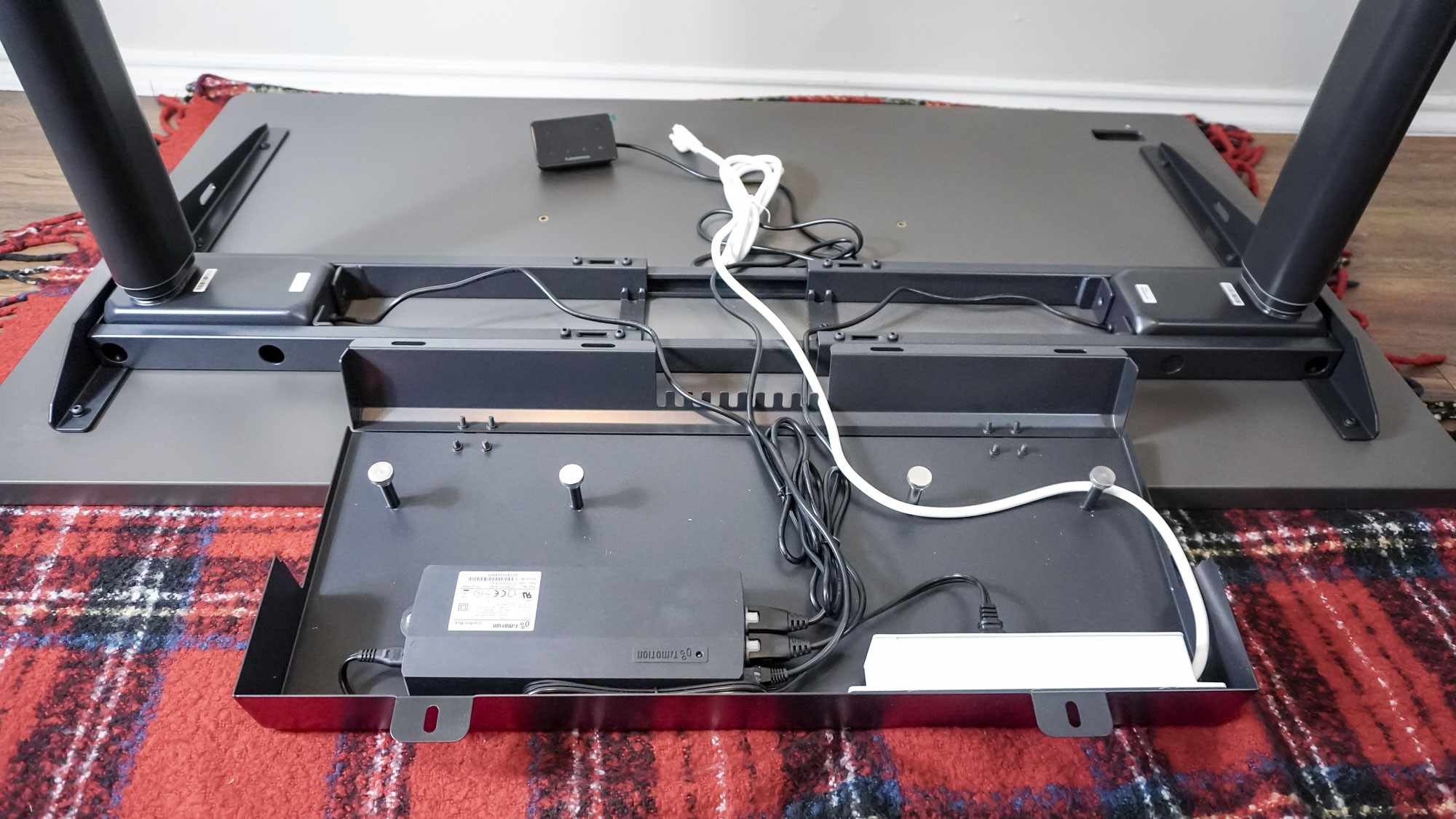
Tom's Guide describes a built-in cable-management door released with two thumbscrews. Inside are the desk's control box, an included three-outlet power strip and metal posts for wrapping excess cable. This differs from a tray that requires reaching over the back of the desk, and it provides a defined place for connections as the surface moves.
Make room for the adapters
The review found that a mini PC's external power brick made the compartment cramped. A computer with integrated power reduced that particular problem, but the broader point is to account for adapter bulk before deciding that everything will fit. Three outlets can also be limiting for a busy workstation. Count the devices and check access with the actual power supplies, rather than judging the solution only by the clean appearance of the desktop.
Count usable sockets after powering the desk
The included strip has three outlets, but the desk itself occupies one, leaving two for other equipment. In the reviewer's desktop setup, those remaining positions went to the computer and monitor. A lamp or powered speakers would therefore require a different supply arrangement. The source specifically discourages adding another strip in a chain. It also notes a long supply lead and a magnetic clip for routing it down a leg. When planning this desk, assess the socket count, adapter shapes and moving cable path as one system. The tidy compartment is useful only if the intended devices can be powered and reached without crowding its door. Allow space for opening both thumbscrew fasteners.
Count occupied outlets before choosing the equipment
The included strip has three positions, with one already needed by the desk. That leaves a different practical budget from an external strip with three unused outlets. List the monitor, computer and any lamp, speakers or chargers that need mains power. The source's desktop arrangement used the remaining two sockets, so an additional accessory could require a separately planned supply route rather than simply being added to the hidden compartment.
Do not use another chained strip as the default solution to the shortage; the review explicitly discourages that approach. Check the current equipment and power instructions and plan an appropriate arrangement for the complete load. A monitor hub may change some accessory connections, but it does not automatically supply every device's required power. The useful decision begins with the actual socket count rather than the clean appearance of a single cord leaving the desk.
Test adapter bulk and service access together
The reviewer's external mini-PC power brick made the compartment feel crowded. Compare the actual adapter shapes and plug directions before expecting every component to fit. A small computer can still have a bulky external supply, while a larger device may incorporate its power electronics internally. That distinction matters more for this compartment than the computer's desktop footprint alone. There is no need to assume all adapters can be packed tightly merely because the door closes.
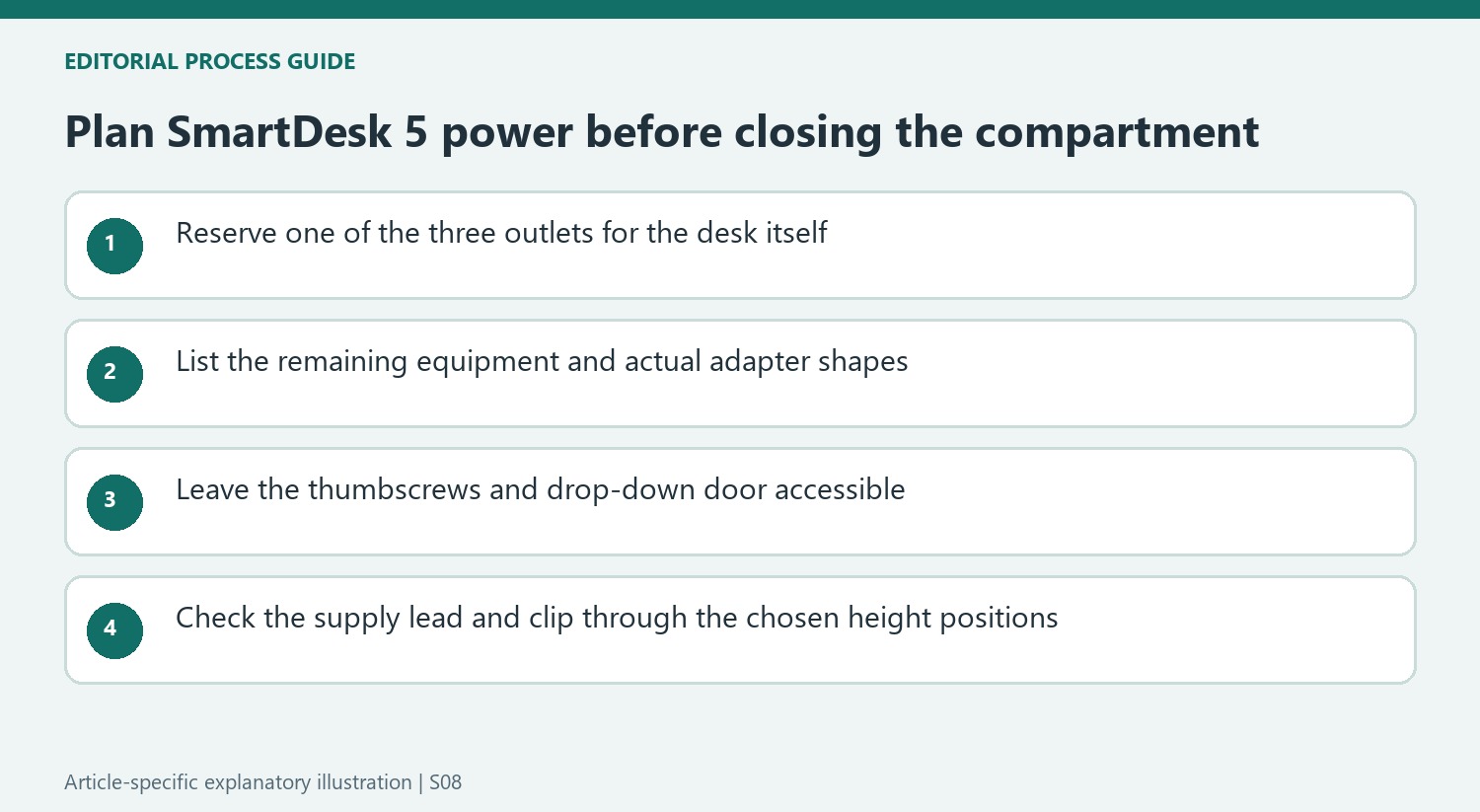
Leave the two thumbscrew fasteners and the door's opening path accessible. A hidden connection remains useful only if a plug can be identified and removed when equipment changes. The metal posts organize excess lead length, but they do not make an inaccessible socket easy to service. Follow the current routing and ventilation requirements, keeping wiring away from moving parts and avoiding an arrangement that requires tugging on several leads to reach one charger.
Verify movement with the selected frame and cable route
The source distinguishes frame versions with different height ranges while describing one main desktop size. Confirm the current dimensions and travel for the version being ordered rather than treating the appearance as the only difference. The integrated touch controls and presets make height changes convenient, but each stored position still needs a workable cable path to the wall and to any equipment that does not move with the surface.
The long supply lead and magnetic leg clip can help control that route. Inspect the available slack at the actual sitting and standing positions without pulling the cord taut or allowing it to catch nearby objects. The two-month review provides a positive use account rather than a guarantee for every load and workspace. Evaluate the built-in storage, realistic socket budget and accessible movement together before deciding that the integrated system replaces all other cable planning.
References
- I tested this standing desk with touchscreen controls and built-in cable management for 2 months — and I’m in love. Tom's Guide; Anthony Spadafora.


Bir Cevap Yaz
E-posta adresiniz yayınlanmayacak. Gerekli alanlar * ile işaretlenmişlerdir.