
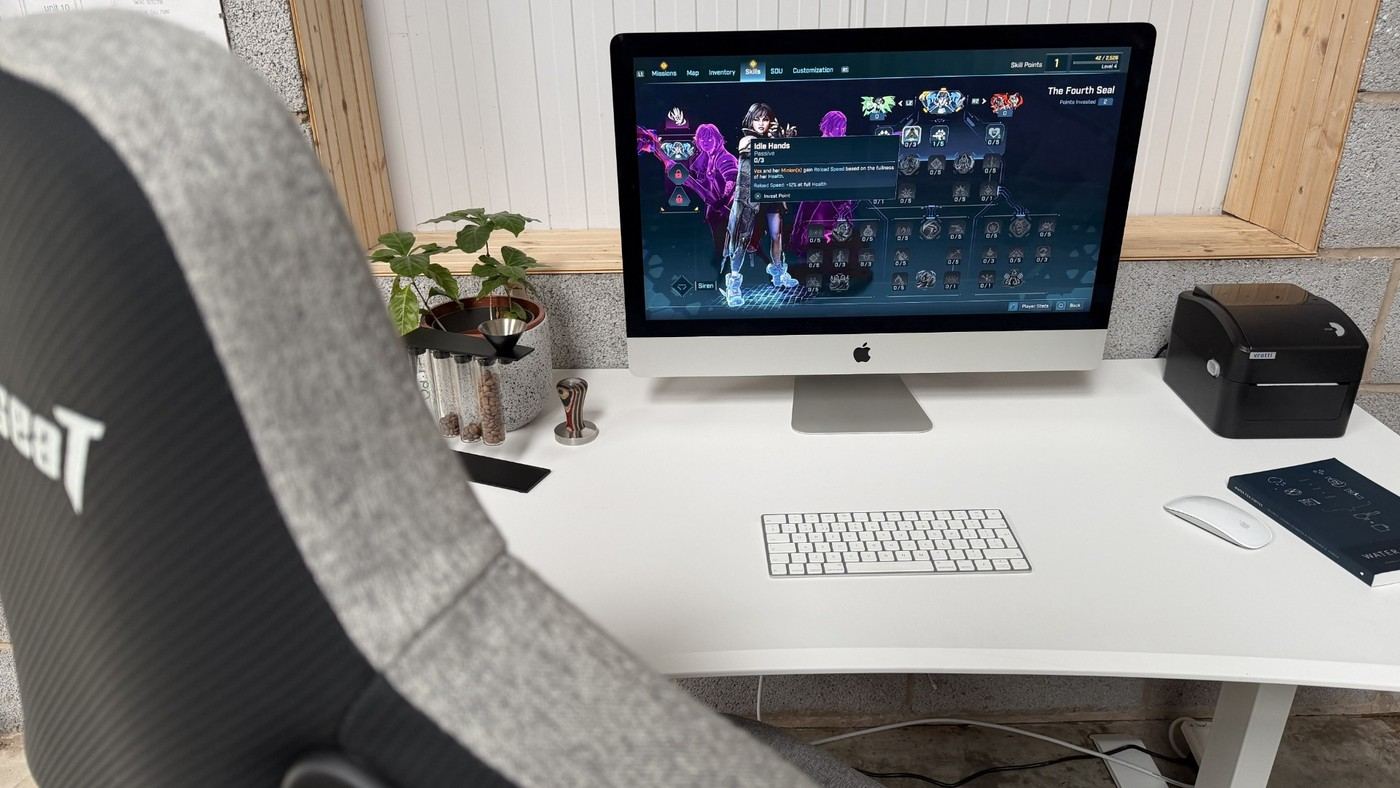
The AndaSeat Xtreme desk review shows why access matters as much as concealment in an under-desk cable arrangement.
Watch the gap above the tray
TechRadar found that the cable caddy at the back of the desk left insufficient clearance for threading plugs once it was installed. Reaching an extension lead could require unscrewing the caddy. That is a significant practical issue for a workstation where equipment is connected and disconnected frequently, even if the finished desk looks tidy.
Check the whole routing path
The desk includes adhesive cable tie points and ties, plus a rear cutout for routing leads. Those additions help with loose wires but do not solve an inaccessible power connection. The useful planning lesson is to consider both the cable path and the size of the plug or adapter that must pass through it. Before fastening an organizer, verify that the intended connections can be installed and serviced using the manufacturer's assembly method.
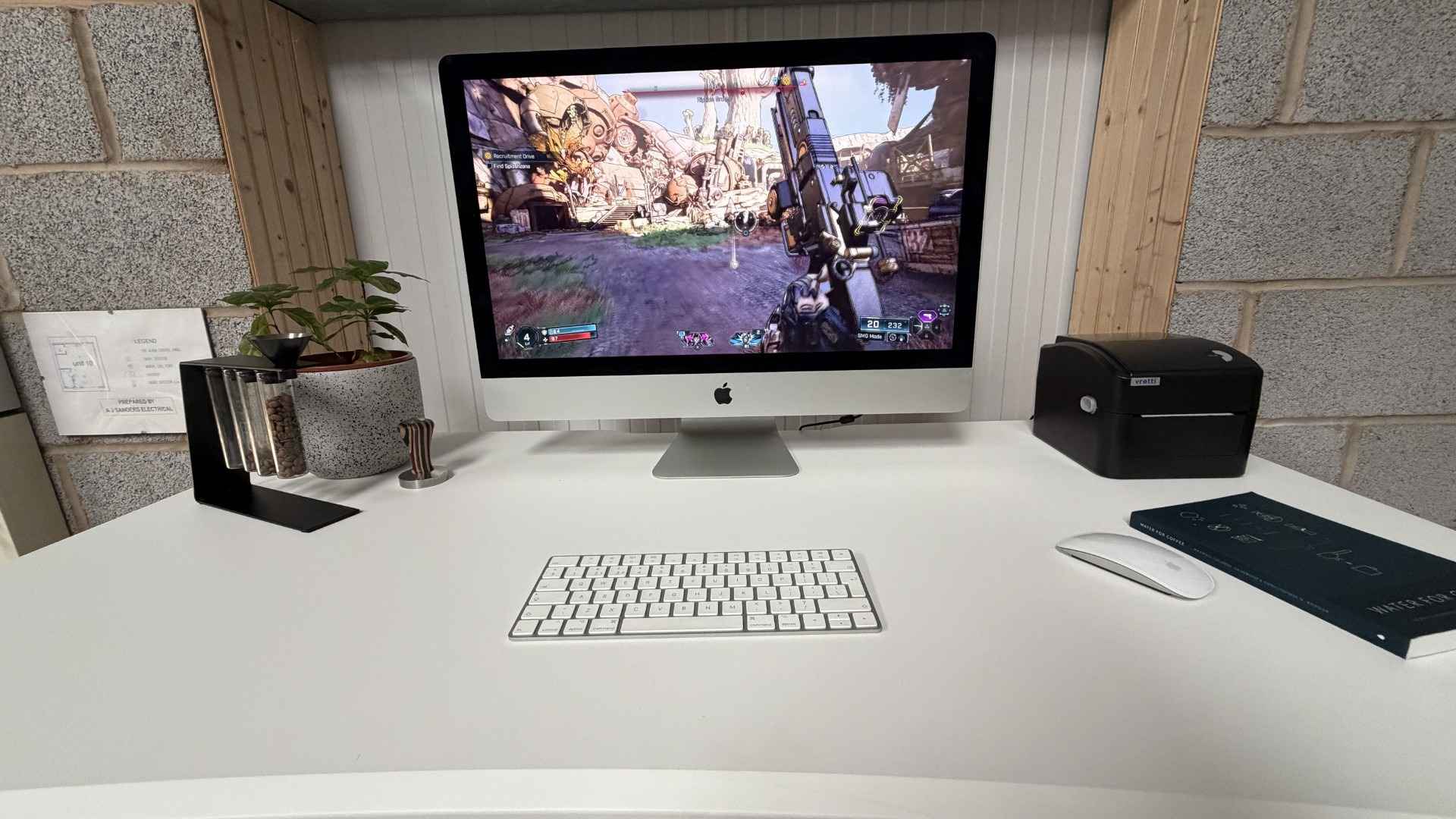
Do not mistake a fixed caddy for a hinge
The reviewer reports four Allen screws holding the cable caddy in place. Product imagery appeared to suggest a drop-down action, but the tested assembly did not provide that access. Loosening one side and bending it was not presented as a suitable fix, because it could damage the MDF surface. The review also describes a rear cutout and several saved height positions, so access must be considered throughout that vertical movement. Resolve plug placement while following the assembly instructions, and allow for later equipment changes. Cable ties can organize slack, but they cannot turn a tightly enclosed power strip into an easily serviced connection point. Leave service access available.
Check plug clearance before securing the organizer
The source's main problem was not a lack of ties or routing points but insufficient space above the installed caddy. A thin cable can pass through a gap that does not admit its plug, while a bulky adapter may also be difficult to insert once the strip is inside. Compare the actual connectors with the current assembly instructions before final fastening. A tidy cable path and a usable electrical connection are separate parts of the same plan.
Identify which items are connected rarely and which need frequent access. A permanent monitor lead and a charger swapped every day create different service demands. The rear cutout helps route leads across the desktop boundary, but it does not automatically make the enclosed strip accessible from below. Test the intended plug-removal action using the approved assembly method instead of assuming the presence of cable management proves that later equipment changes are straightforward.
Treat the tested caddy as fixed hardware
The review describes four Allen screws securing the caddy rather than a functioning drop-down hinge. Product animation that suggests a different movement should not override the actual instructions or tested assembly. Confirm the current version if access is a deciding purchase requirement. The source's criticism is specific to its sample and should be presented as an observed limitation, without inventing a later revision or a documented hinge that was not there.
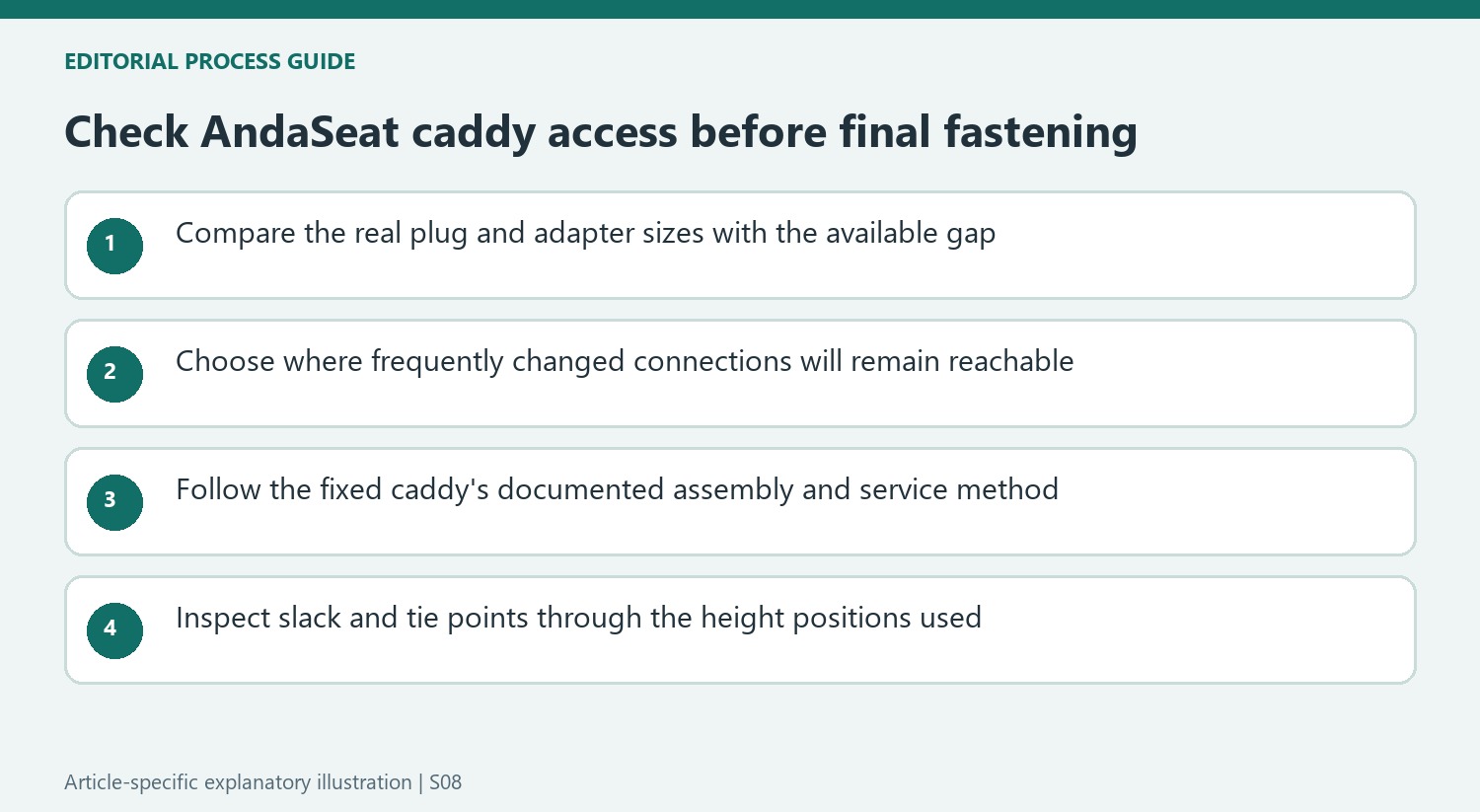
Do not use bending or partial loosening as an assumed conversion to hinged access. The reviewer specifically noted possible damage to the MDF surface from that approach. Follow the maker's service procedure when a connection must change. The lesson for another desk is to compare access mechanisms directly: a removable fixed tray, an open shelf and a designed drop-down compartment can look similarly tidy from the front while behaving very differently during maintenance.
Inspect routing throughout the height changes actually used
Saved height profiles make the desk easier to reposition, but the lead path still needs inspection at those positions. Keep sufficient slack between moving equipment and fixed room connections and prevent ties from creating a tight pull on a socket. Adhesive attachment points can organize loose wiring when used as instructed; they cannot compensate for inaccessible plugs or turn an unsuitable power-strip position into a convenient one.
The source also describes different desktop sizes and a curved front edge. Measure the actual equipment layout and attachment clearances rather than transferring a photograph from one size to another. The manufacturer's current load limit remains the relevant boundary; an anecdotal overload in a review is not a recommended test. The cable-management decision is strongest when surface fit, accessible connections and the required movement all work together within the documented assembly and operating conditions.


Bir Cevap Yaz
E-posta adresiniz yayınlanmayacak. Gerekli alanlar * ile işaretlenmişlerdir.