
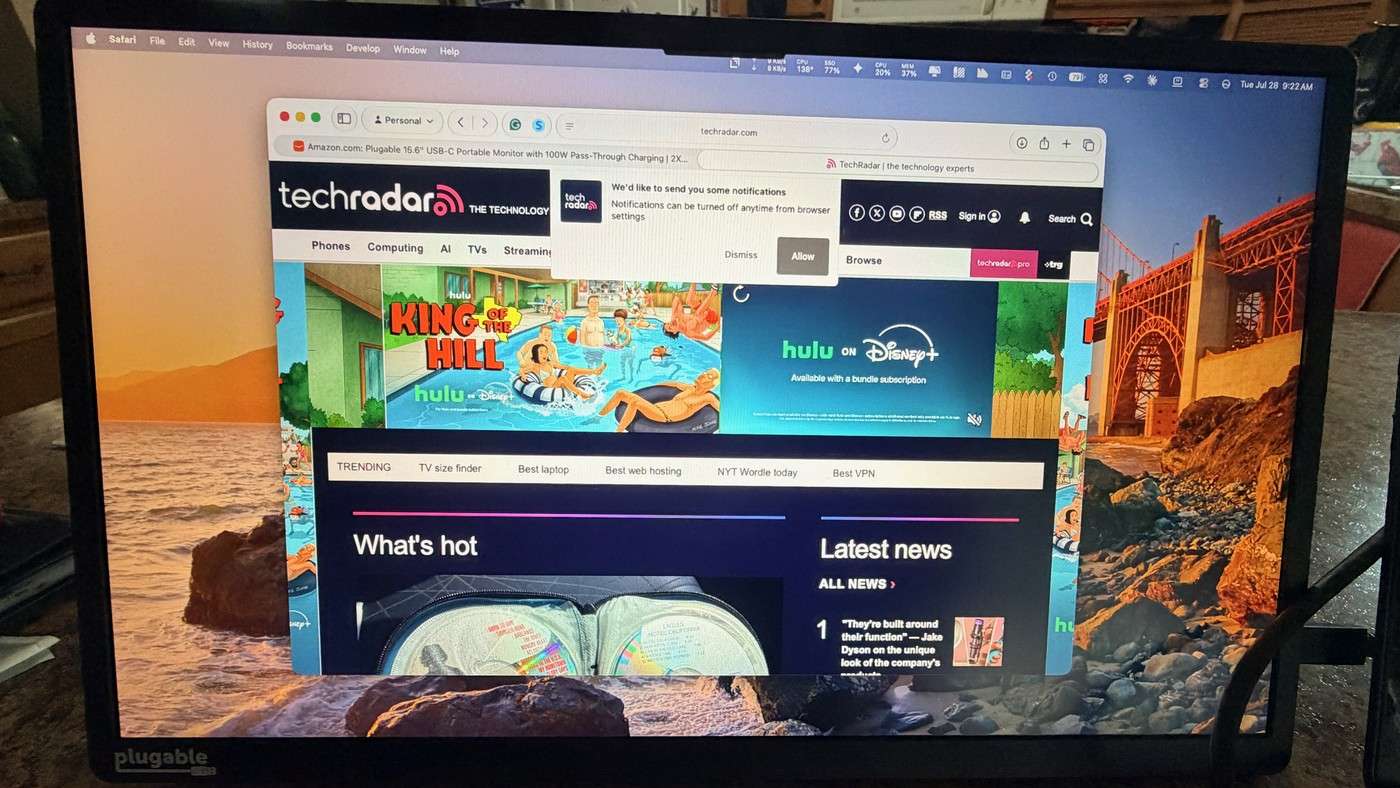
A TechRadar writer found that Plugable's portable monitor needs a video-capable USB-C port and appropriate cable. A charge-only lead cannot provide a picture despite looking similar. The display can also pass suitable charger power through to a compatible laptop.
Test the complete setup before securing a longer cable behind the desk. Confirm video, data and power ratings together and leave slack for screen movement. Successful routing begins with a working connection rather than discovering incompatible cabling after the leads have been bundled out of reach.
Check the host port before changing the cable
The monitor requires a video-capable USB-C connection, such as DisplayPort Alt Mode, USB4 or Thunderbolt. A laptop may have several similar-looking sockets with different abilities, so moving to another port can be more relevant than reinstalling software. The writer describes immediate operation with the included cable and a suitable host, without a driver installation. Establish that baseline before adding other devices.
Budget power for the display itself
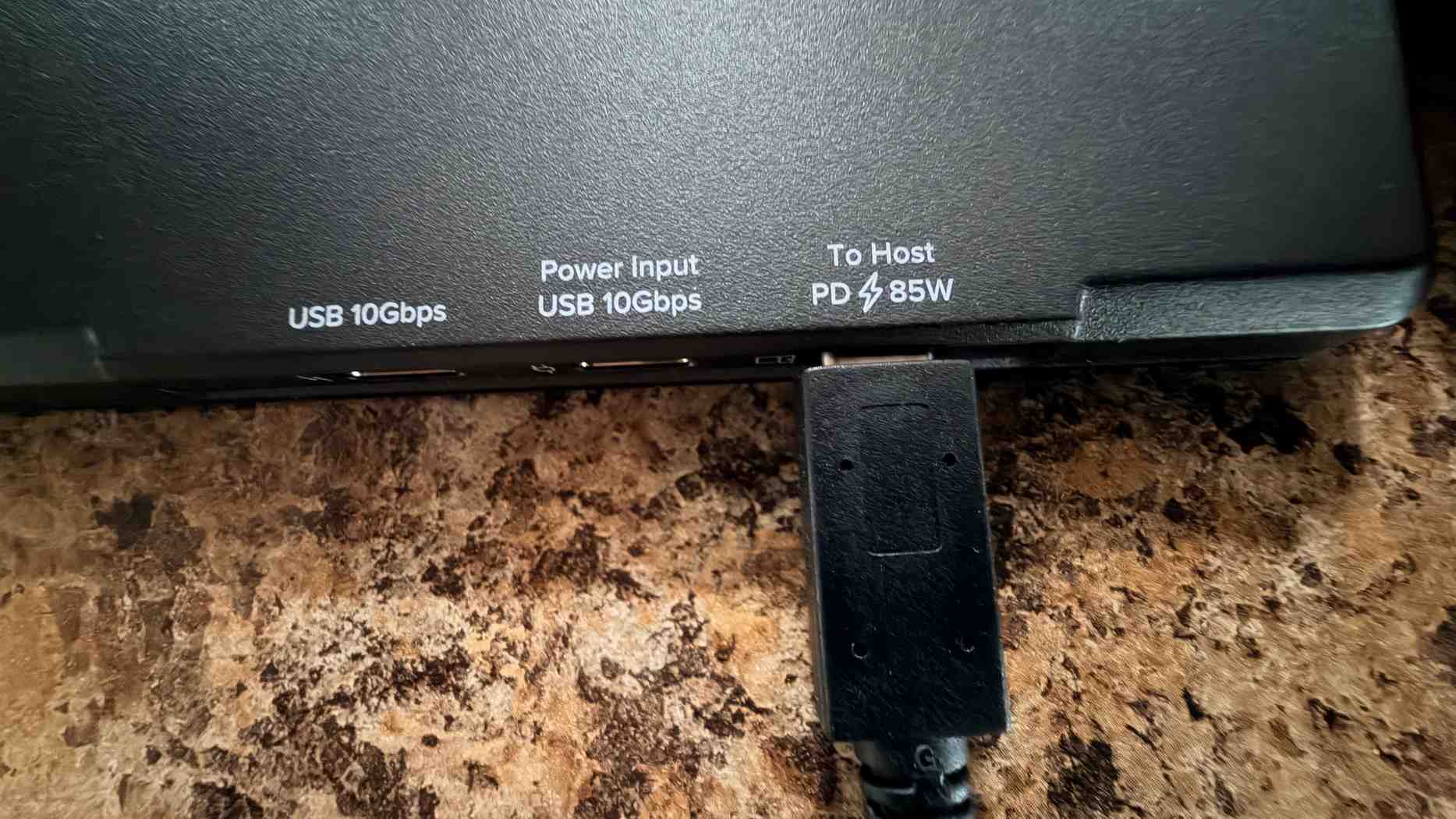
The article describes up to 100W entering through the monitor's charger connection, with 15W used by the display and as much as 85W passed to the laptop. This is different from promising a full 100W to the computer. Phones and tablets generally need an external supply for this arrangement. Include that input lead in the routing plan even when the host connection carries both image and power.
Choose the screen for the actual workload
The 15.6-inch panel provides 1080p resolution at 60Hz and two additional 10Gbps USB-C connections. The writer valued leaving messages on one display while working on the other, and used a connected SSD without another hub. The account also identifies limits for bright outdoor conditions, precise color work and fast games. Those trade-offs matter more than simply counting how many cables the second screen can replace.
Establish the connection before designing the hidden route
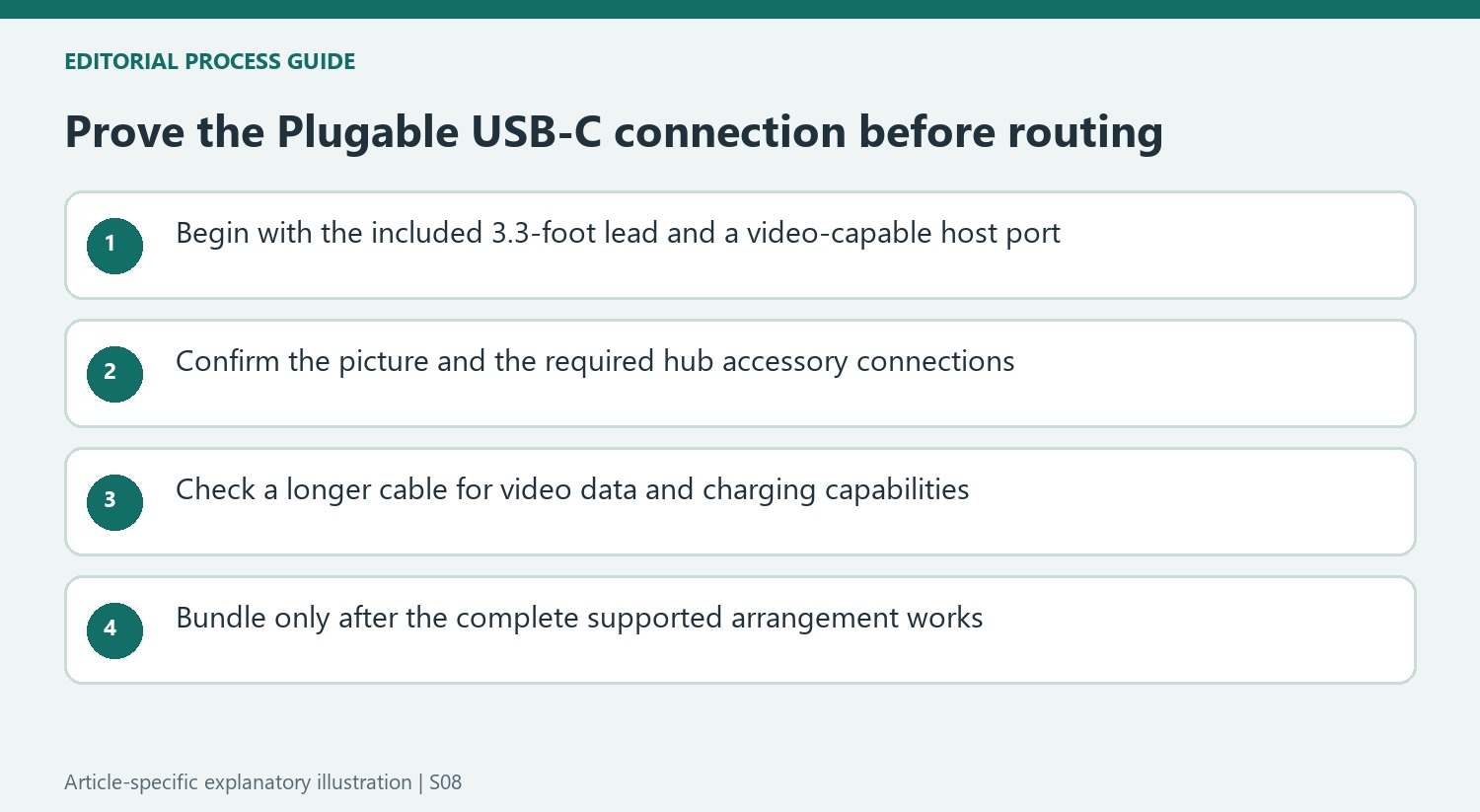
Start with the supplied 3.3-foot cable and a host port documented to provide video. That gives a known working arrangement against which a replacement cable can be judged. The writer's immediate connection is useful evidence for the tested combination, while it does not make every USB-C port equivalent. If the screen stays dark, identify the port's supported functions before assuming that the monitor or operating system requires a software repair.
Only then measure the route that a longer lead would follow. Check its explicit video, charging and data specifications rather than selecting by connector shape alone. A cable intended only to recharge a device can look entirely plausible beside this monitor. Keep the successful original lead available while testing a longer replacement, and complete the picture, charging and hub checks before bundling the new cable behind furniture.
Draw the power and accessory connections separately
The monitor can reduce the need for a separate hub when its two additional USB-C connections suit the accessories. The writer used an SSD successfully, making storage a concrete example rather than promising compatibility with every peripheral. List the devices actually required at the station and check their data and power needs. A connection that works for a drive does not by itself establish the behavior of a different accessory.
The charger input remains another cable in the arrangement even when one host lead carries several functions. The stated 100W input includes the monitor's own 15W allowance, leaving up to 85W for the computer. Compare that figure with the laptop's needs rather than expecting the full input to pass through unchanged. A phone or tablet also needs confirmed external-display support; the writer's broad portability experience does not establish that feature on every mobile device.
Give the second screen a realistic place in the workflow
The writer used the additional workspace for messages and email while maintaining the main task on the primary display. That is a useful role for a 15.6-inch 1080p panel without turning one person's experience into a universal productivity result. Try the actual text size, viewing distance and folio-supported angle. A lightweight 1.85-pound screen is easier to move, but its support still needs a stable patch of the working surface.
Its anti-glare finish and stated 300-nit brightness do not remove the reported limitations in strong sunlight. The 60Hz refresh rate and color limitations also remain relevant when the task changes from communication to games or critical image work. Choose the cable route around the display's suitable everyday role. A successfully hidden lead is the final detail of a compatible setup, rather than a substitute for selecting the right screen and host combination.
References
- I bought a portable monitor for my laptop, but one frustrating USB-C rule almost ruined it. TechRadar; Bryan M Wolfe.


Bir Cevap Yaz
E-posta adresiniz yayınlanmayacak. Gerekli alanlar * ile işaretlenmişlerdir.