
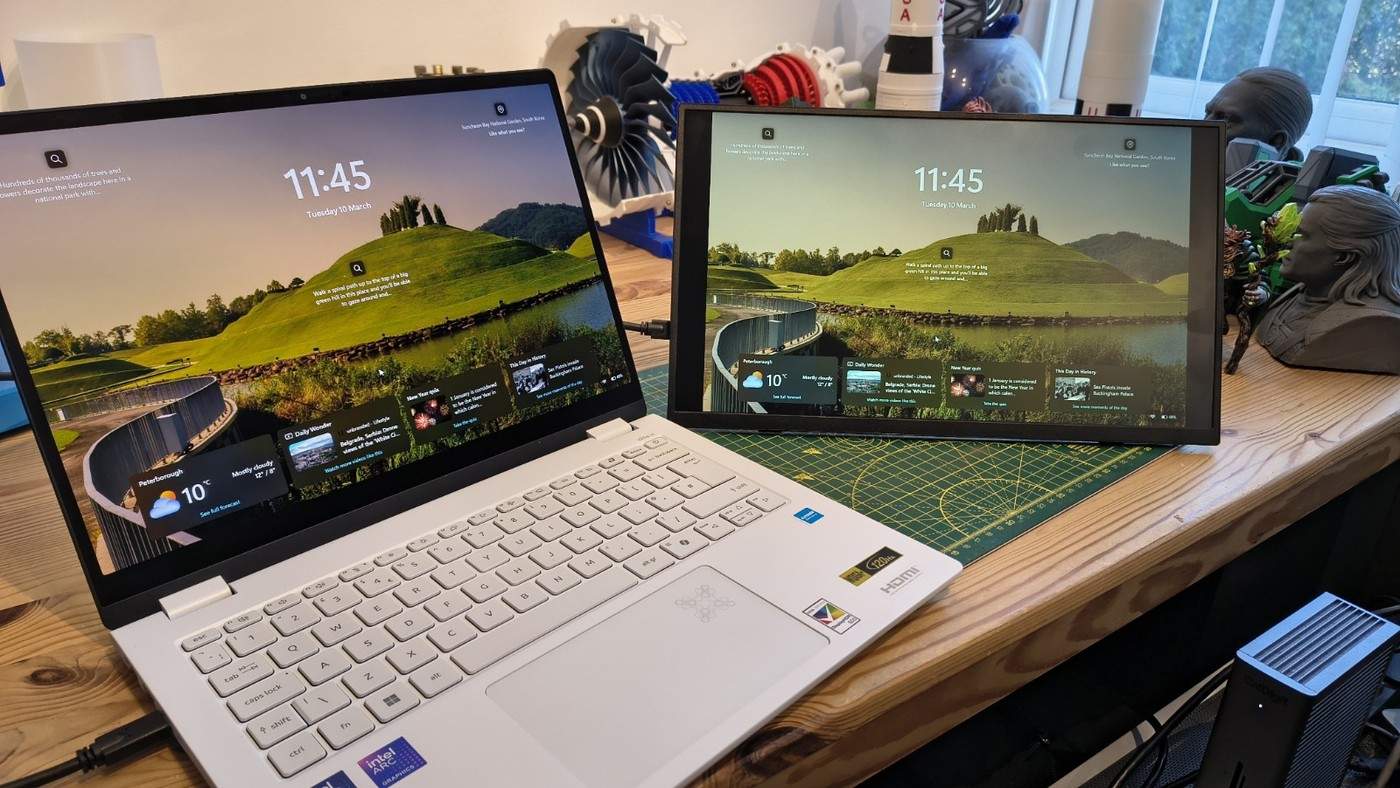
TechRadar's UPerfect Ufree V review describes a support that covers ports and controls when folded flat. Connected USB-C or mini-HDMI leads can conflict with that position. The left-side inputs also influence where the screen sits relative to a laptop.
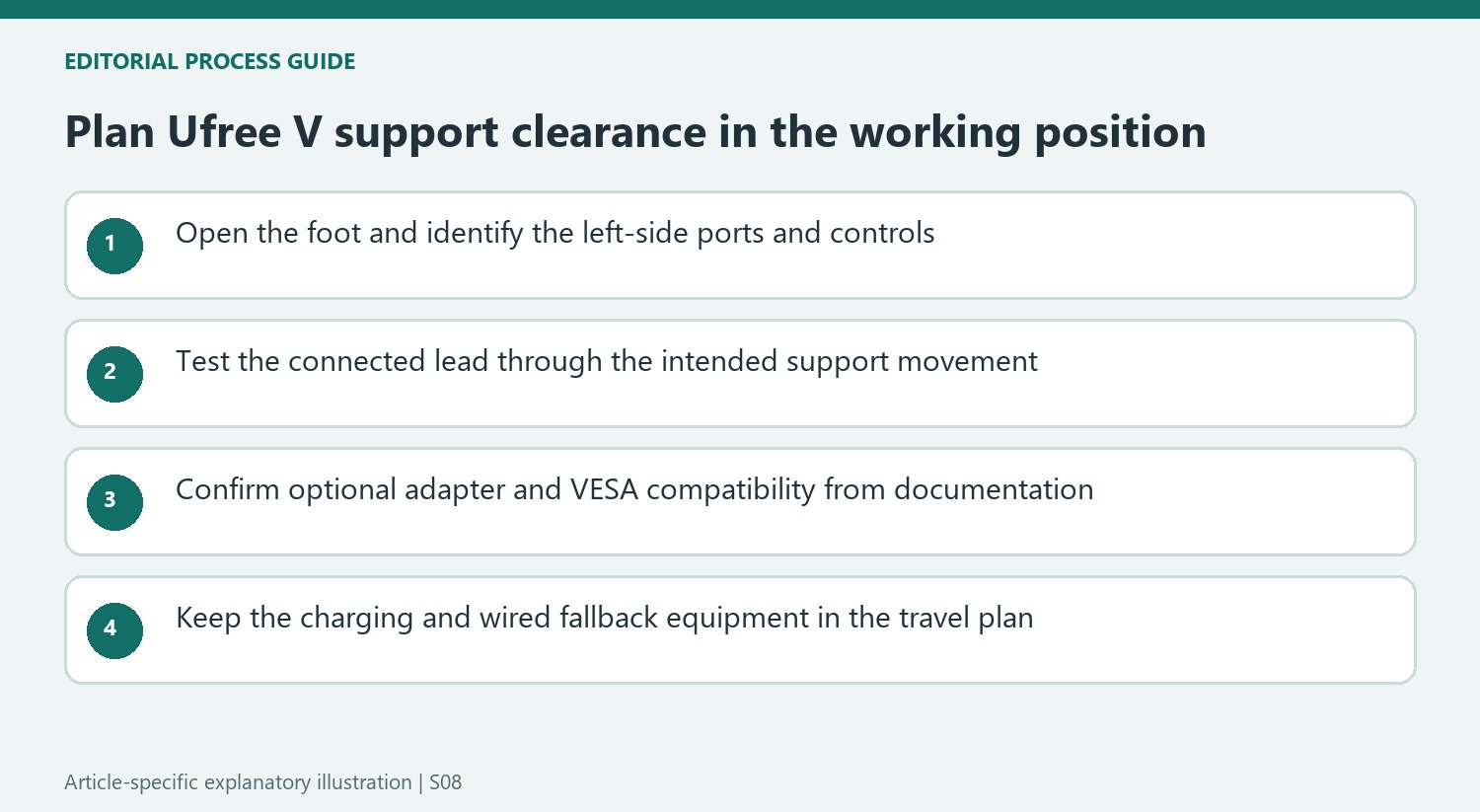
Check the stand's full movement before securing cables or using the VESA mount. An optional U-shaped adapter changes USB-C direction, but compatibility and clearance still need checking. Wireless capability does not eliminate the power connection or make it safe to press a support against attached leads.
Separate wireless display from battery endurance
The UFree system uses its own USB-C transmitter rather than requiring ordinary Bluetooth pairing for the picture. The review also lists other wireless options and wired inputs. A built-in 8,000mAh battery can temporarily remove the external power lead, but the source quotes roughly four hours of operation rather than unlimited use. Plan a charging point and retain a wired fallback for longer sessions.
Treat advertised color coverage cautiously
The source's measurements found about 80 percent sRGB coverage, below the much larger quoted figure. Maximum brightness was approximately 348 nits, while the controls were awkward to reach and brightness advanced in discrete steps. That makes this a flexible extra workspace rather than a dependable color-grading display. Keep the measured limitations separate from the manufacturer's broad specification claims.
Inspect the packed and deployed positions
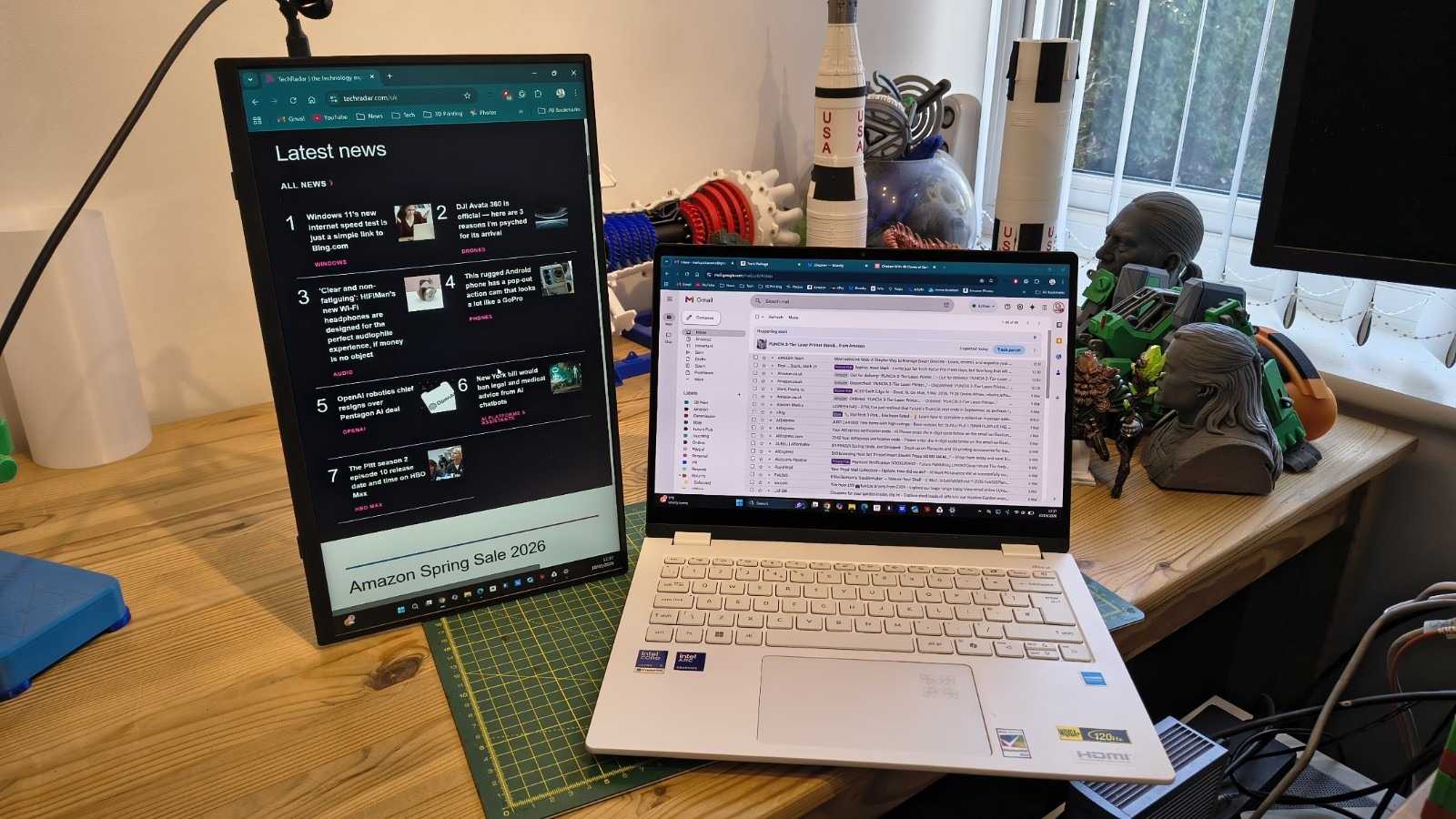
The tested bundle included cables, a power supply, a cover and a Bluetooth keyboard, although the article notes that retailer packages can differ. The screen alone weighed about 0.79 kilograms, with the complete collection heavier. Confirm the actual contents before packing for work. The support, connectors and controls need clearance both in use and during storage, particularly if the screen is mounted or rotated into portrait orientation.
Leave room for the support and the connectors together
The support's folded position is a particular problem because it occupies the area containing the sockets and controls. A cable that connects successfully with the foot open can still conflict when the assembly is repositioned. Inspect the entire movement before selecting a fixed location beside a laptop. The ports being on the left also influences how a lead crosses the workspace, without requiring every laptop to have its own sockets on that side.
A U-shaped USB-C adapter may redirect a connection, but it is an optional compatibility choice rather than a universal cure. Verify its supported functions and the remaining clearance against the actual monitor instructions. The same physical issue matters when using the listed 75-by-75-millimeter VESA mounting points. Mounting does not remove the existing foot or its cable conflict automatically, and the current documentation should determine the correct M4 hardware and installation arrangement.
Separate wireless convenience from the complete travel kit
The proprietary transmitter is part of the UFree approach; it should not be confused with pairing an ordinary Bluetooth keyboard. The review also discusses Miracast as another option. Decide which supported connection will be used with the intended host, then retain the appropriate charging or wired-picture leads. Mini-HDMI carries picture and audio, while the display still needs its battery or an appropriate separate power supply to operate.
The quoted four-hour battery figure describes an upper operating claim rather than a full measured session in this review. A half-hour YouTube check at maximum brightness used eleven percentage points from a nearly full charge, but that brief observation is not a complete endurance test. Plan around the actual workload and accessible charging. The screen's roughly 0.79-kilogram weight also differs from carrying the entire approximately 2.2-kilogram tested collection of accessories.
Evaluate ordinary second-screen work against the measured panel
The review measured brightness near the advertised 350-nit level, but its color-coverage result was much less reassuring. Approximately 80 percent sRGB coverage should not be replaced by the much larger quoted marketing figure when describing the tested screen. Uneven corner brightness and imperfect tone and white-point behavior further limit confidence for color-critical work. These observations can coexist with a useful secondary display for ordinary documents and communication.
The hidden four-button controls and ten-step brightness adjustment also affect daily use. Check that the selected support or mount leaves them reachable rather than treating setup as a one-time task. The review's package included a keyboard, while listings can differ, so confirm the actual bundle before comparing travel value. This monitor's appeal comes from several connection and placement options; choosing among them still requires room for the foot, usable controls and a realistic power plan.
References
- UPerfect's wireless portable monitor combines great specification with a few caveats, at a low price. TechRadar; Mark Pickavance.


Bir Cevap Yaz
E-posta adresiniz yayınlanmayacak. Gerekli alanlar * ile işaretlenmişlerdir.