
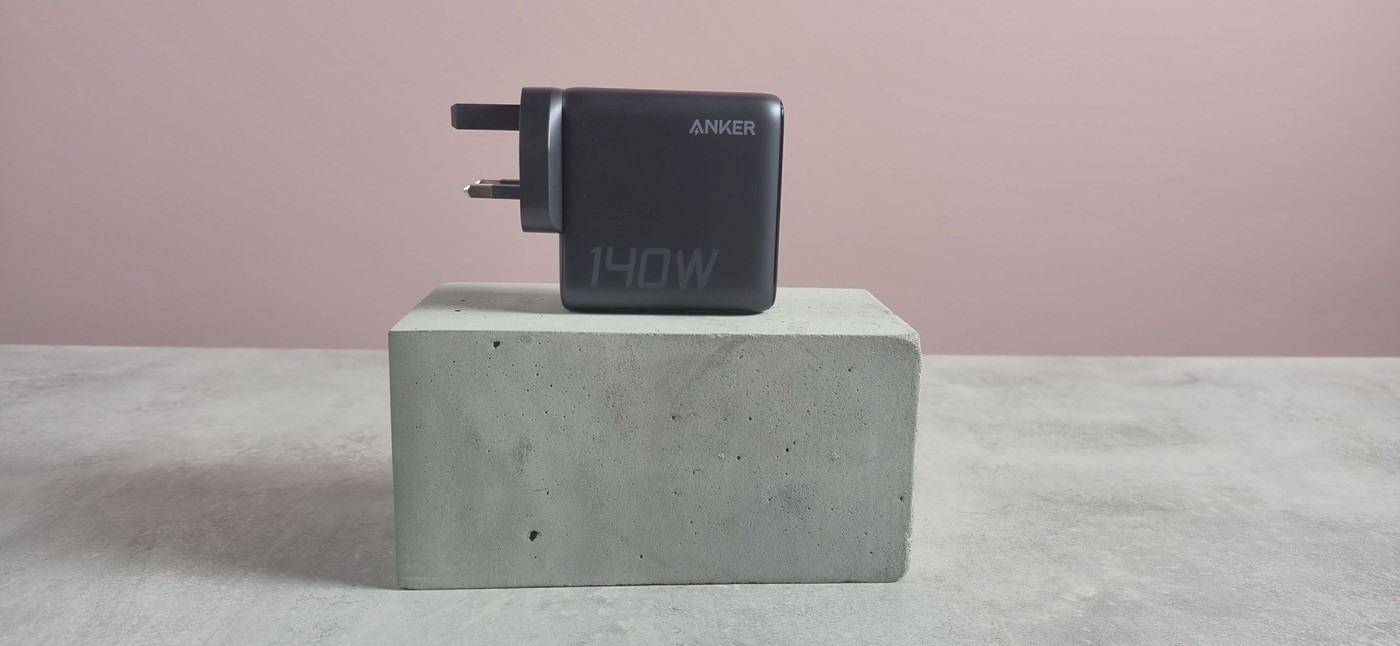
TechRadar's Anker multiport-charger review discusses a display-equipped power adapter supplied with a USB-C lead. The writer finds that combination useful compared with alternatives requiring a separate cable purchase. Its premium price reflects features beyond basic single-device charging.
Check the exact port allocation and device protocol before planning several simultaneous connections. Route the included cable without obstructing access to the remaining sockets or the display. A visible status screen can help understand charging, while the physical leads still need space and ventilation around the adapter.
Distinguish total output from each port
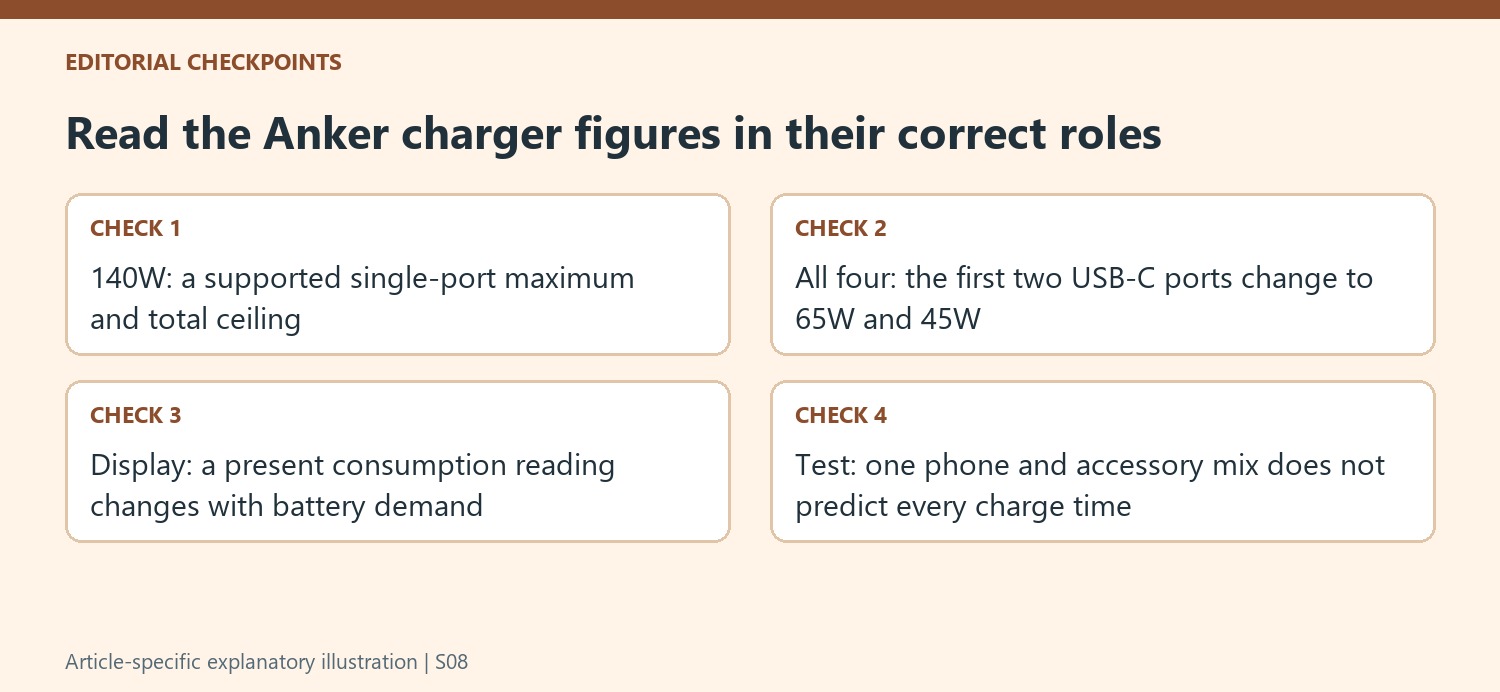
The charger has three USB-C sockets and one USB-A socket. The source lists up to 140W from either of its first two USB-C ports when used alone, while four-device operation changes the allocation: the first two supply up to 65W and 45W respectively. The 140W label therefore describes an overall ceiling, not four identical high-power outputs. Match each connected device with the appropriate port.
Read the display as changing information
The top screen can show per-port consumption, combined wattage and temperature information after its startup face. The reviewer preferred watching individual outputs and found the thermal status useful. A device's charging demand changes as its battery fills, so a displayed value is a current reading rather than a permanent performance rating. Leave the screen visible if that feedback is part of the reason for choosing this model.
Allow clearance beneath the plug
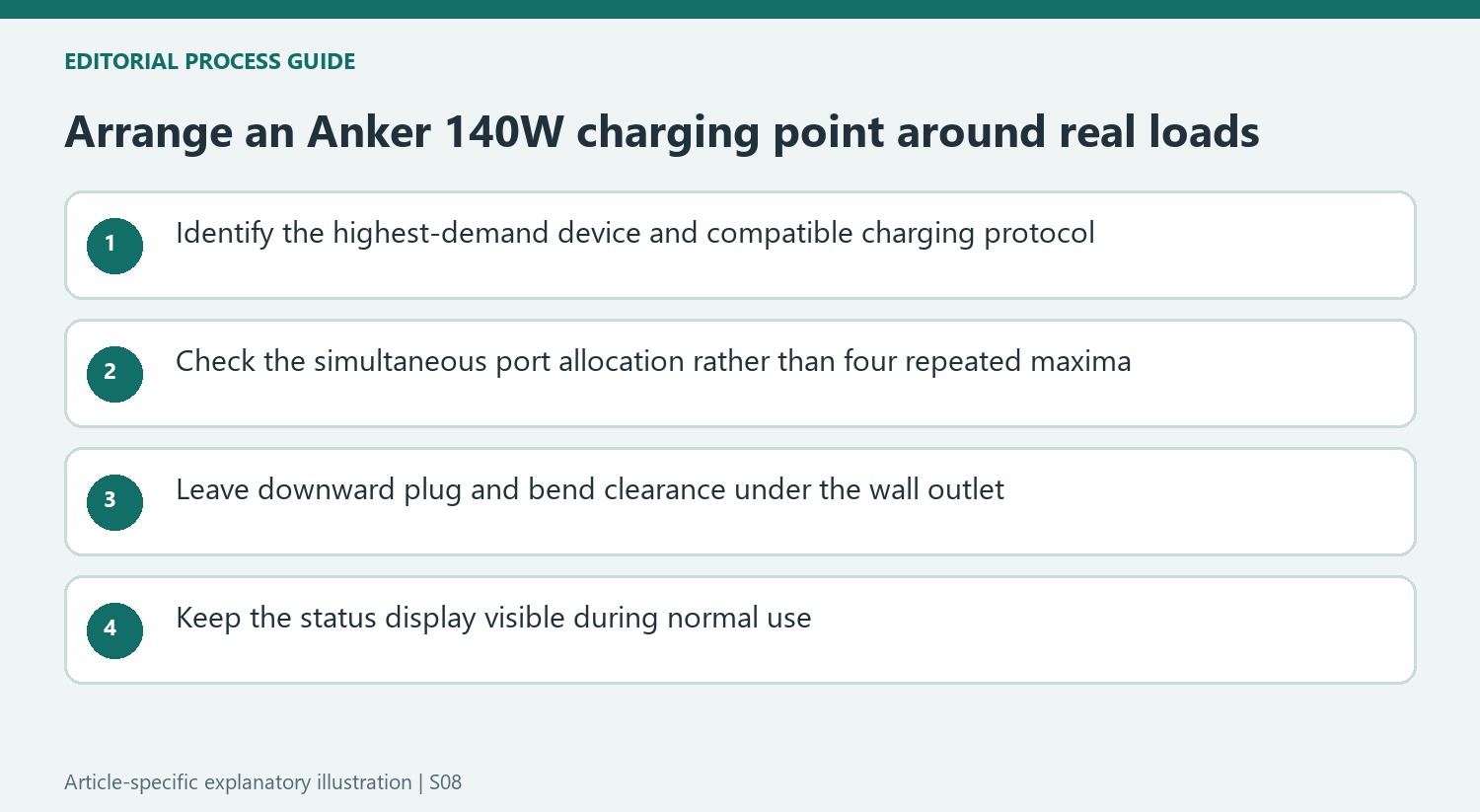
The ports face downward when the charger is in a wall outlet, which the reviewer liked near furniture because cables avoid projecting straight into it. That still requires space below the socket for connectors and their bend. Foldable prongs help with packing, and the supplied USB-C cable reduces the accessories needed separately. The review's phone test reached a full charge in under 80 minutes with all four ports occupied, describing that particular test rather than every possible load.
Choose port assignments before tidying the leads
Write down the devices that will charge together and identify the highest-demand one first. Either of the first two USB-C ports can provide the advertised 140W when used alone, while the all-port arrangement changes those outputs to up to 65W and 45W. The remaining connections should be assigned using the current allocation chart rather than assuming the leftover power is divided equally. The source does not establish every possible three- or four-device combination.
Device protocol support and the cable's capability remain part of that calculation. A matching USB-C connector does not establish that the connected equipment accepts the adapter's highest output. The included lead is a useful accessory, but its presence does not remove the need to match the whole charging chain. Test the chosen arrangement before fastening the leads into permanent positions so a reassigned port does not require dismantling the desktop cable route.
Keep the information screen useful in its actual location
The reviewer's preferred display view showed individual port consumption. That makes the screen most useful when it can be seen from the normal working position, rather than concealed simply because the ports face downward. Check its visibility after connecting the actual plugs. A readout hidden behind the desk may be less useful than expected even when the adapter itself fits comfortably into the outlet.
Interpret the numbers as observations of the connected equipment at that moment. Charging demand can fall as a battery fills, so a lower reading alone does not prove a defective cable or a missing advertised capability. The temperature information similarly describes the charger's reported state, rather than serving as an independent professional measurement. Leave the charger in the arrangement permitted by its instructions and use the display to understand operation within that context.
Compare a premium charger against the full space requirement
The listed 69-by-69-by-36-millimeter body is only part of the occupied area. Downward-facing sockets need the depth of the plugs and room for relaxed bends below the outlet. That can suit some positions near furniture, but a shelf or floor immediately beneath the socket changes the fit. Check the regional version as well, since the described folding-prong convenience should not be transferred automatically to every plug configuration.
The phone test under eighty minutes is a reported result with four occupied ports, not a universal promise for another battery or set of devices. Its value is the concrete demonstration alongside the useful allocation information. Historical pricing and regional color choices should be checked against a current listing. The strongest reason to pay for this model is a supported multi-device arrangement where the power budget, included cable and visible feedback all address actual needs.
References
- This powerful phone charger has been making faces at me, but I kinda love it. TechRadar; Harry Padoan.


Bir Cevap Yaz
E-posta adresiniz yayınlanmayacak. Gerekli alanlar * ile işaretlenmişlerdir.