
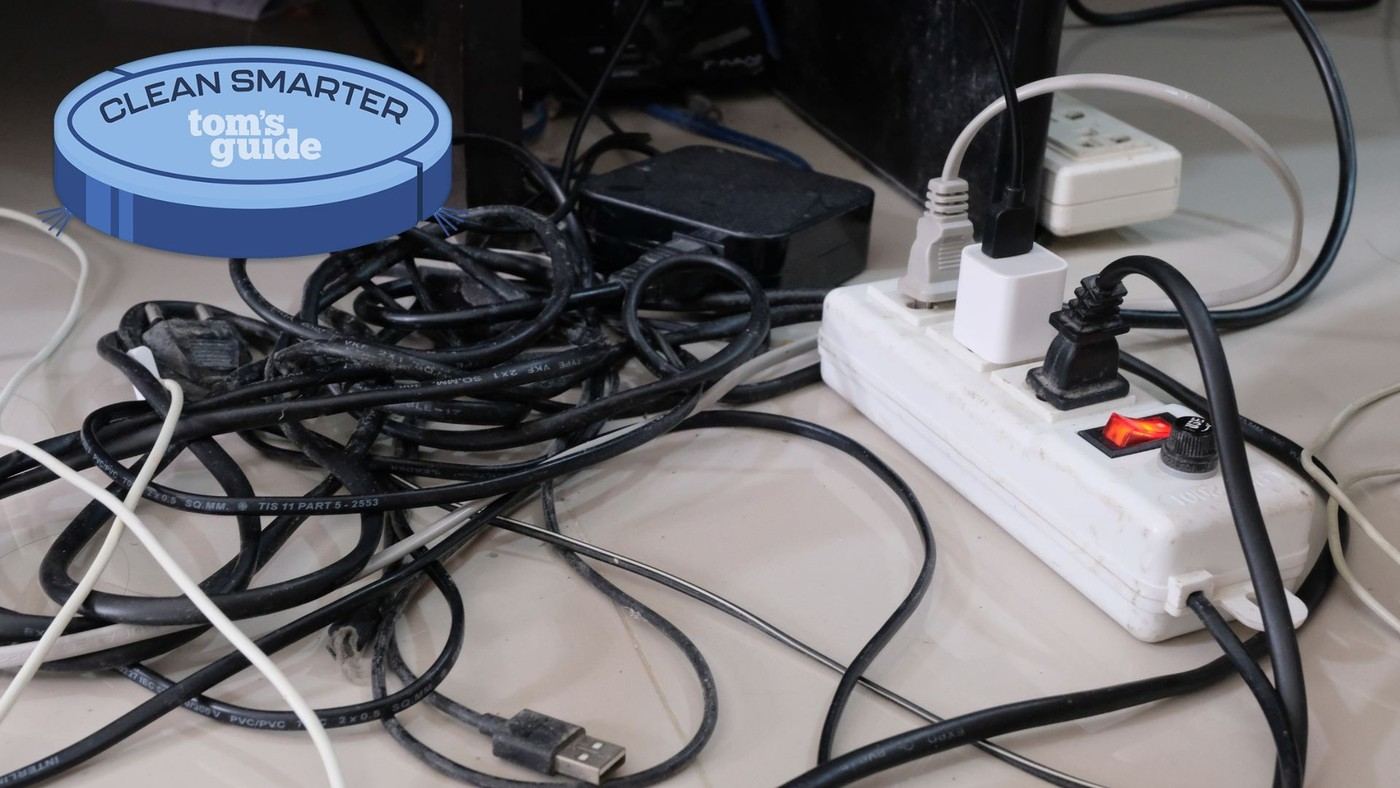
Cable clips, sleeves and separated spare leads offer different ways to manage active connections and unused display cables.
Keep active connections reachable
Tom's Guide describes small adhesive Command clips placed on furniture corners near outlets. They hold frequently used charging leads where they can be found without repeatedly untangling the whole group. Other contributors use sleeves or corner concealers for visible runs, distinguishing cables in daily use from wires that simply need a discreet route across a room.
Give spare cables their own system
One writer stores unused leads in a hanging shoe organizer, separated into networking, HDMI, USB and miscellaneous groups. The article also contrasts screwed trays with clamp-mounted alternatives and describes a padded-clamp tray that avoids new holes in the desk. Choose the method around the furniture and access needed. Concealment alone is not organization if unplugging one device requires dismantling the rest of the arrangement.
Reduce repeated leads without hiding compatibility issues
Another contributor uses a multi-device wireless station so the phone, watch and earbuds share one adapter connection. That reduces the number of leads reaching the outlet, but the station still has to support the actual devices. A different contributor describes an installed under-desk charger that required drilling. These are distinct levels of intervention, so start with the furniture permissions and charging needs. The article's removable clips suit its renter's circumstances, while the grouped spare-cable organizer addresses a different problem entirely. Select a place for active charging ends, a route for permanent runs and separate storage for unused cables instead of expecting one accessory to solve all three. The appropriate attachment also depends on whether furniture alterations are allowed.
Sort cables by what must remain accessible
The contributors describe different problems that can otherwise be mistaken for one untidy pile. A charging end needed several times a day benefits from a reachable clip, while a permanent television lead may benefit from a sleeve or discreet corner route. An unused HDMI cable belongs in storage. Begin by placing each lead in one of those roles before purchasing an accessory that only conceals the visible bundle.
The small Command clips were positioned near outlets on furniture corners so active ends would not disappear. Check the current surface and removal instructions for that attachment rather than assuming every finish tolerates it. For longer visible runs, a concealer and paintable finish are separate installation choices with their own requirements. The source's renter-friendly example is useful precisely because it selected an attachment suitable for its circumstances rather than treating drilling as the default.
Choose tray access and spare storage as separate jobs
The feature contrasts a screwed tray with a padded clamp-mounted option, the latter described as roughly 16 inches wide, 3 inches deep and 4.5 inches high. Compare the present tray specification with the actual desk edge and planned power strip. Clamp presence alone does not establish compatibility with an apron, thick edge or unusual underside. Also leave a practical way to unplug a changing accessory after the strip is installed.
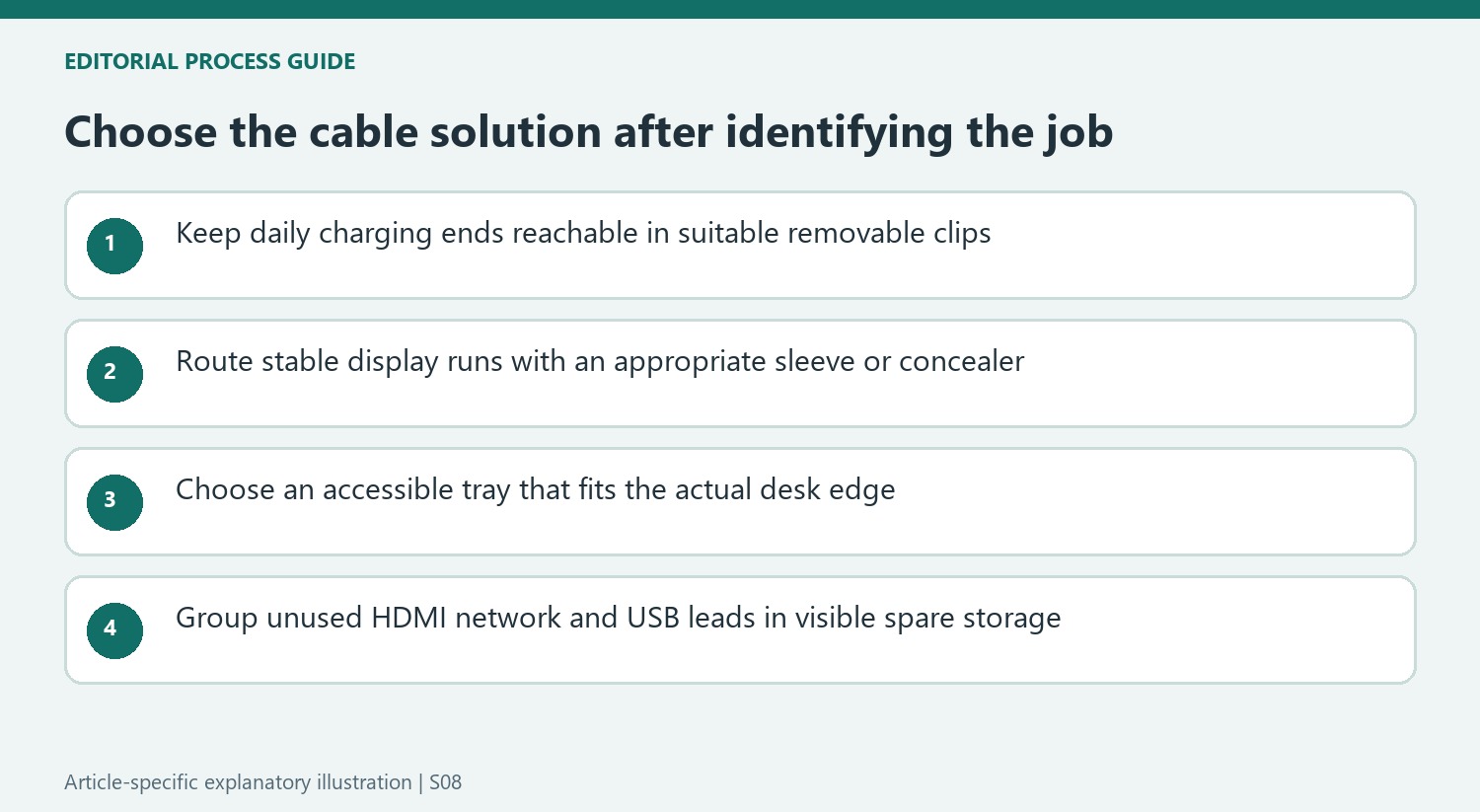
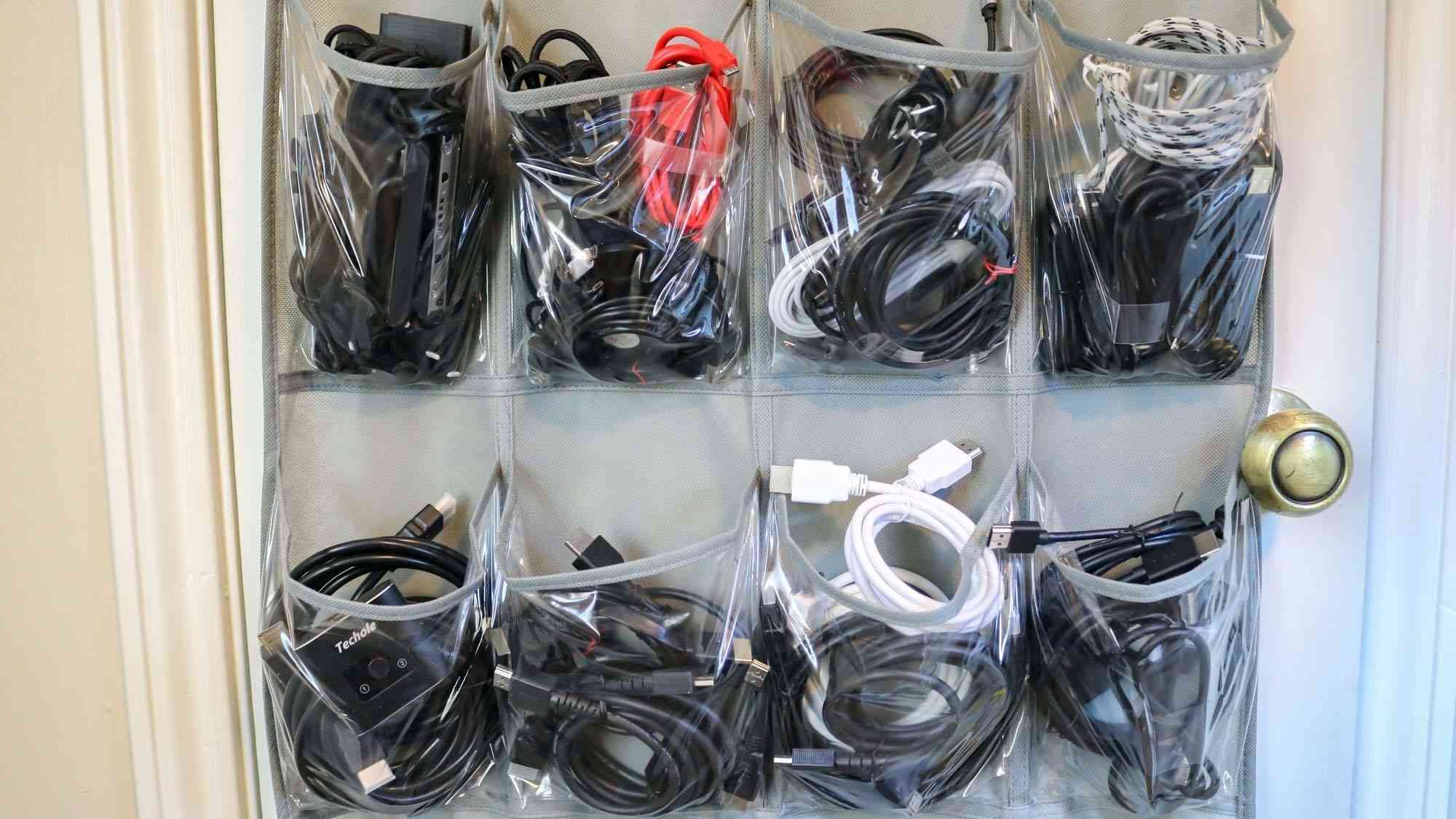
The hanging shoe organizer solves a different problem by dividing spare leads into visible groups. The writer separated networking, HDMI, USB variants and miscellaneous equipment instead of placing everything into one box. Use categories that match the cables actually kept, and avoid assigning a permanent routed lead to a storage pocket merely to imitate the photograph. A tidy inventory of spares helps only when it remains easy to identify and return the correct item.
Reduce connections only where the replacement suits the equipment
A combined wireless station can replace several separate charging leads with one adapter connection when it supports the particular phone, watch and earbuds. It does not eliminate its own power cord, and device compatibility remains essential. The source also describes a writer's under-desk wireless installation that required drilling. That is a different level of furniture modification and needs the current kit and desktop compatibility information before it becomes a sensible choice elsewhere.
Wireless input devices similarly reduce certain active leads while retaining their own charging or battery needs. Consider where those occasional connections will be made rather than hiding the only available cable. Leave working slack and service access in permanent routes, and give unused equipment a distinct storage location. The shared principle across these examples is that frequently handled ends, fixed runs and spares become easier to manage when each has a deliberate and suitable place.
References
- I asked 5 tech journalists how they beat cable clutter — here are their tips. Tom's Guide; Camilla Sharman.


Bir Cevap Yaz
E-posta adresiniz yayınlanmayacak. Gerekli alanlar * ile işaretlenmişlerdir.