
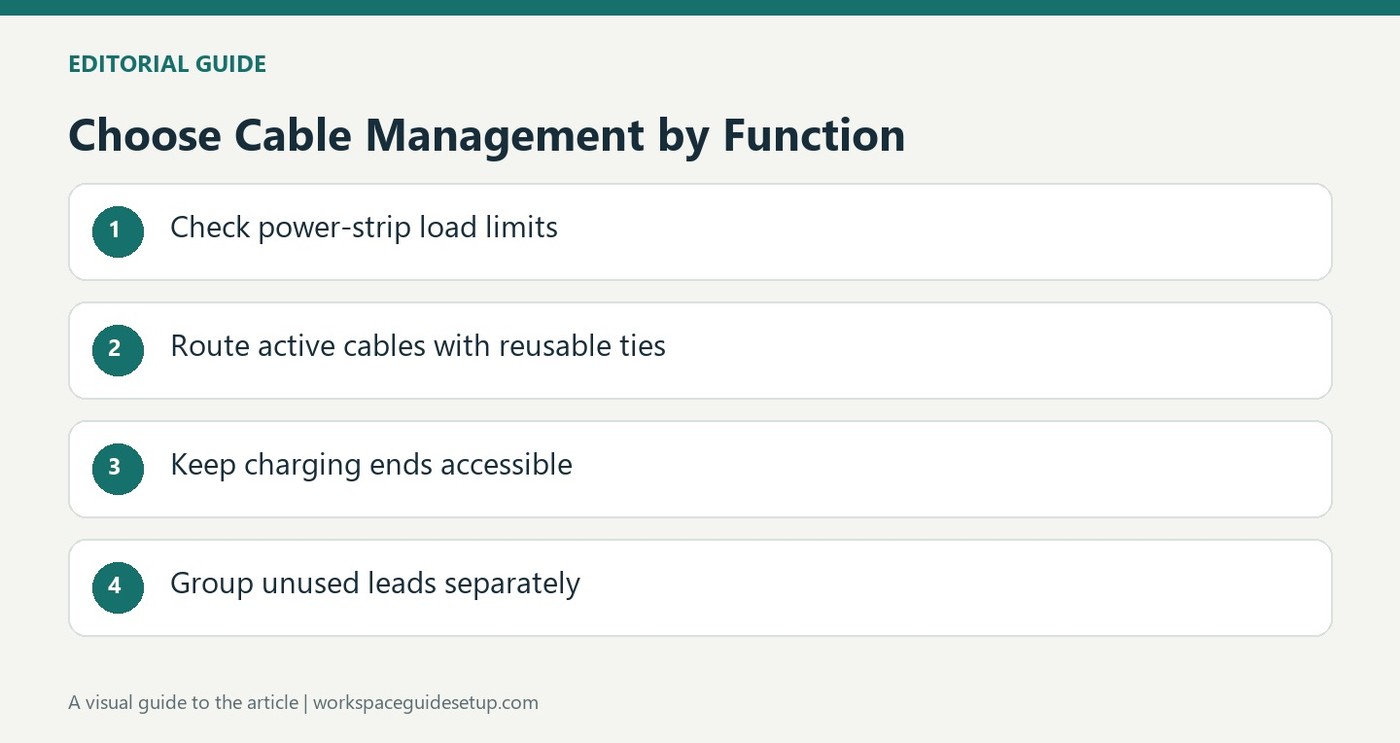
The cable-management guide recommends reusable ties for gathering wires or attaching them to desk legs. Unlike disposable zip ties, they can be reopened when a device changes. Sleeves and split tubing provide another option for collecting several runs into one visible route.
Small clips can keep a charging connector from falling behind furniture. Power strips may consolidate outlet runs, but their rated total load remains essential. Leave connections accessible and avoid compressing, sharply bending or overheating cords in the effort to hide them.
Match the attachment to how often things change
The guide distinguishes screw-mounted racks from clamp-mounted trays. A clamp solution can collect adapters below a desk without drilling, while a fixed rack may suit furniture intended to remain unchanged. Reusable ties are especially helpful when drives or monitors are regularly swapped. Check the cable path and attachment surface before deciding which method will still allow ordinary maintenance.
Separate a visible run from spare storage
A sleeve combines several active cables into one route, but it does not remove the need for reachable connectors at either end. Unused leads need a different system. The article suggests pockets in a hanging shoe organizer, grouped by cable type, and periodic removal of duplicates or leads for discarded equipment. That prevents the backup collection from becoming another hidden tangle.
Keep electrical capacity ahead of appearance
The source recommends adding up simultaneous device demand and comparing it with the power strip's rated maximum. A device power-supply label may describe its ceiling rather than its usual consumption, but that does not justify overloading a strip. Similarly, a cable bundle should remain serviceable. Disconnect equipment before working near power leads, and avoid fastening methods that can pierce or damage insulation while trying to make a run less visible.
Choose fasteners around future changes
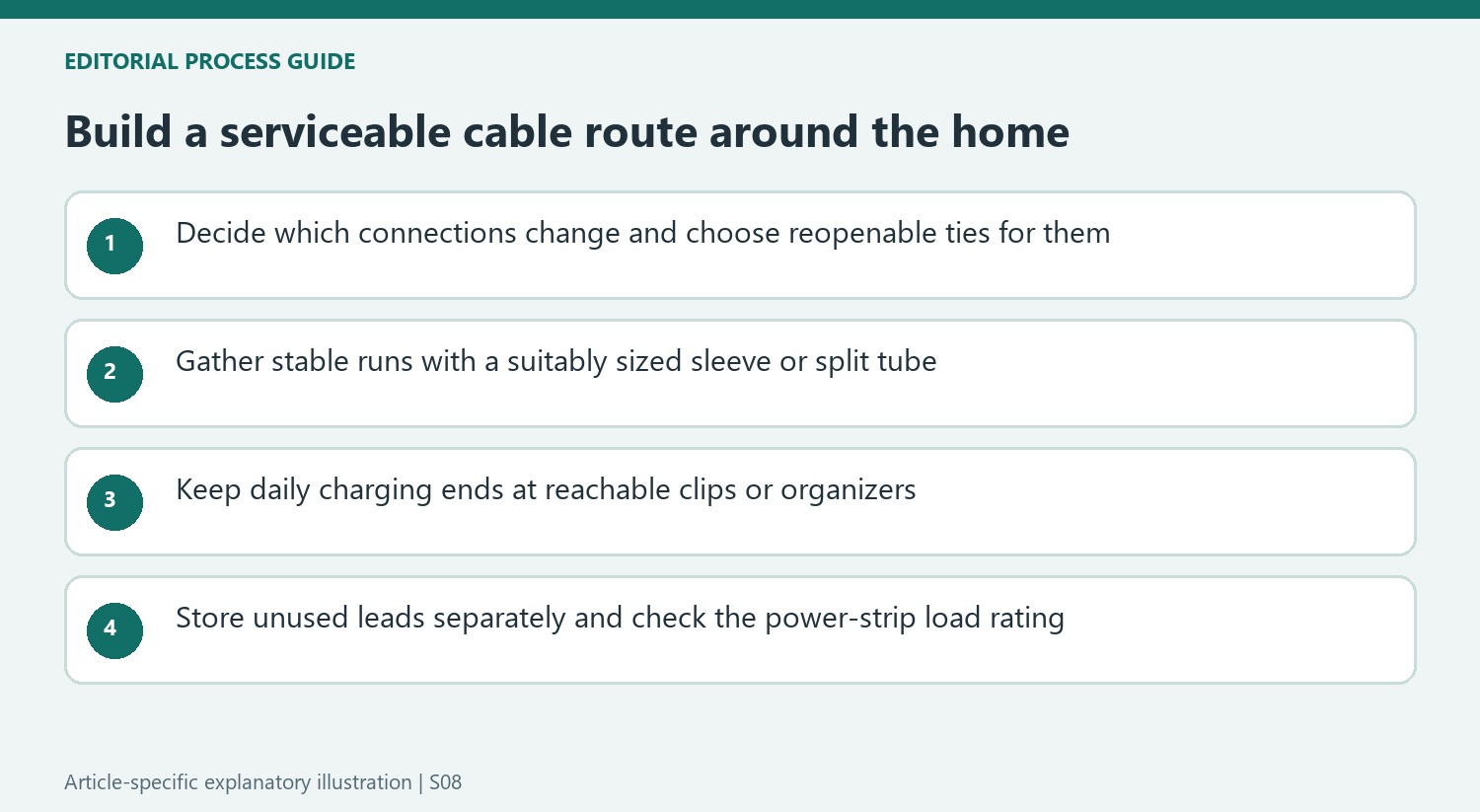
Reusable ties are especially useful when a monitor, storage drive or laptop lead is likely to change. They can gather a run and secure it to an appropriate desk structure while remaining easy to open. The guide also discusses ordinary zip ties for arrangements expected to stay fixed longer. The key distinction is serviceability: decide how another cable would be added before tightening the existing group into a route that is difficult to reopen.
A sleeve or split tube changes the appearance of several cables by collecting them into a single run. It should still leave sufficient length at each end for the plugs to reach normally. Select an appropriate size and follow the installation guidance instead of compressing a crowded group simply to obtain a thinner outline. The visible result may remain a cable route, but it can be more orderly and easier to position than several independent hanging leads.
Separate reachable connectors from hidden equipment
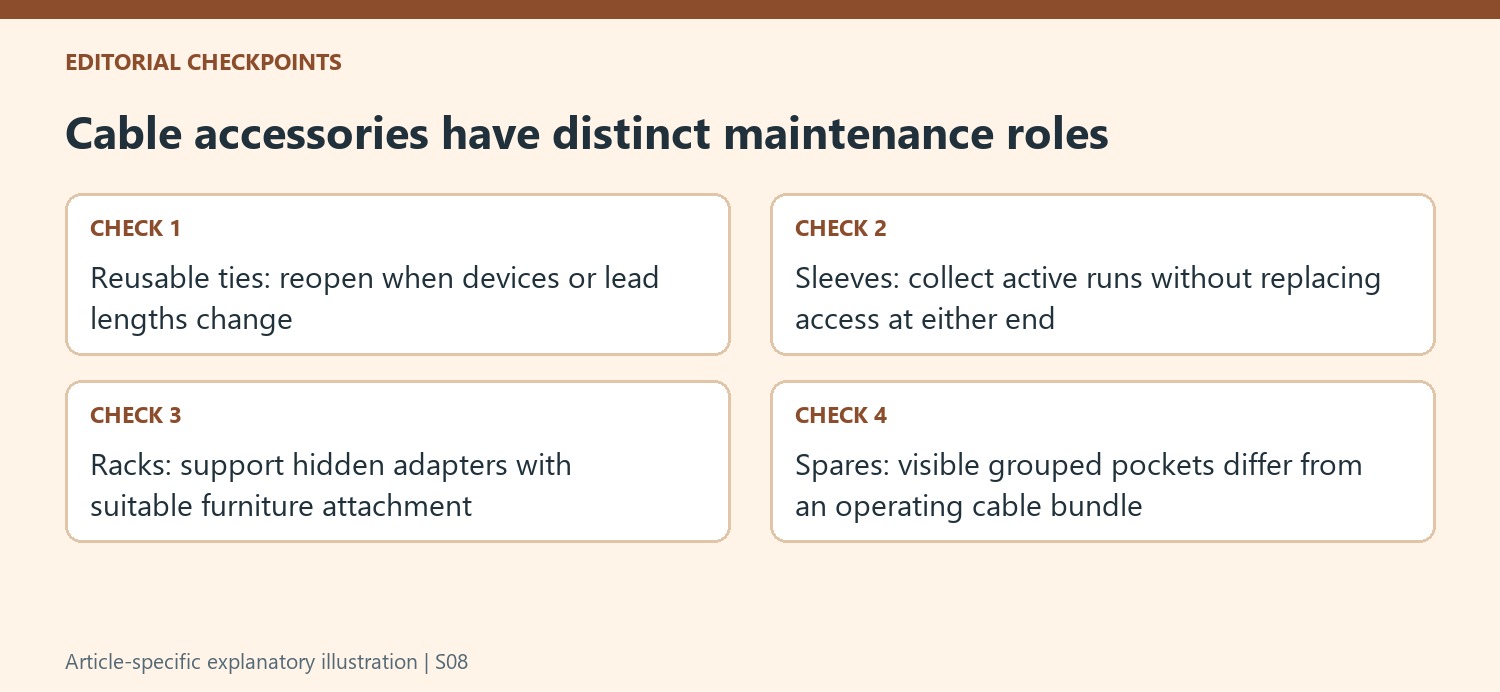
The small adhesive clip example addresses charging ends that disappear behind a desk or nightstand. A larger cord organizer gives several frequently used ends their own consistent positions. Compare the actual connectors and intended attachment surface before choosing between them. Their purpose is to retain useful access, so hiding the organizer itself where it cannot be reached would defeat the benefit even if the resulting photograph appeared cleaner.
An under-desk rack instead collects bulky adapters and routes that rarely need handling. The guide contrasts screwed and clamp-mounted installations, allowing the furniture and modification requirements to influence the decision. Check desk-edge fit, current tray dimensions and permitted loading before using either approach. Retain a service route to the power strip and individual plugs; placing equipment below the worktop does not eliminate the need to identify and unplug a particular connection later.
Review spares and power demand before finishing
Unused leads deserve a storage arrangement distinct from the active installation. The guide's hanging shoe organizer lets similar cable types occupy separate pockets, making duplicates more visible. Periodically compare that collection with the equipment still owned before retaining another cable by habit. Reusable straps can keep stored coils manageable, while the purpose remains finding a working spare promptly rather than transferring the original tangle into a closed cupboard.
A power strip can consolidate several mains runs into one wall connection, but its load rating remains a separate requirement. Add the relevant simultaneous device demands using their documentation rather than estimating from cable count or assuming that a large strip has unlimited capacity. Wireless networking or a supported single-cable laptop display can reduce certain leads, but each replacement has its own compatibility requirements. Finish the arrangement only after the required connections, access and electrical capacity make sense together.
References
- 10 Cable Management Tips for Around the Home. How-To Geek; Tim Brookes.


Bir Cevap Yaz
E-posta adresiniz yayınlanmayacak. Gerekli alanlar * ile işaretlenmişlerdir.