
TechRadar's Anker Prime fourteen-in-one coverage highlights a single-cable laptop setup for compatible external displays and peripherals. The dock also supplies charging and high-speed data connections. Its permanently attached power cable is a practical limitation for travel or unusual desk routes.
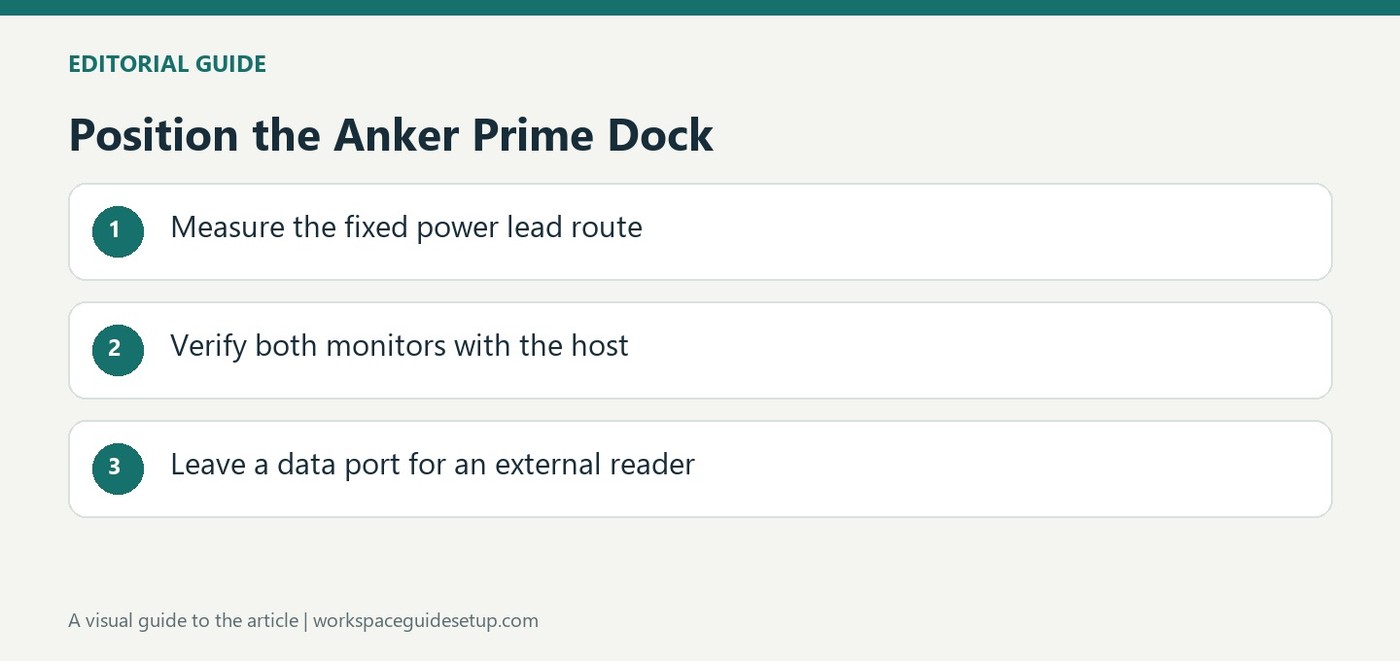
Measure the mains path before committing the dock to a hidden position. The model lacks built-in SD and microSD readers, so some workflows still need another accessory. Test the complete display and power arrangement before fixing its outgoing leads in place.
Distinguish data ports from charging ports
The coverage lists two 10Gbps USB-C data connections alongside dedicated high-output charging connections. Identical connector shapes do not make those jobs interchangeable. The reported 160W charging budget is shared across devices, so a maximum for one port cannot be assumed at every connection simultaneously. Identify the laptop link and the accessory ports before the cables are grouped.
Check the external-display arrangement first
Dual HDMI outputs are described as supporting 4K at 60Hz. That is a dock capability, while the number of independently extended screens also depends on the host and its software support. Verify both displays with the intended computer before building a concealed installation. If the laptop will regularly leave the desk, keep the host connection accessible rather than fastening it into the permanent cable bundle.
Leave room for the missing reader
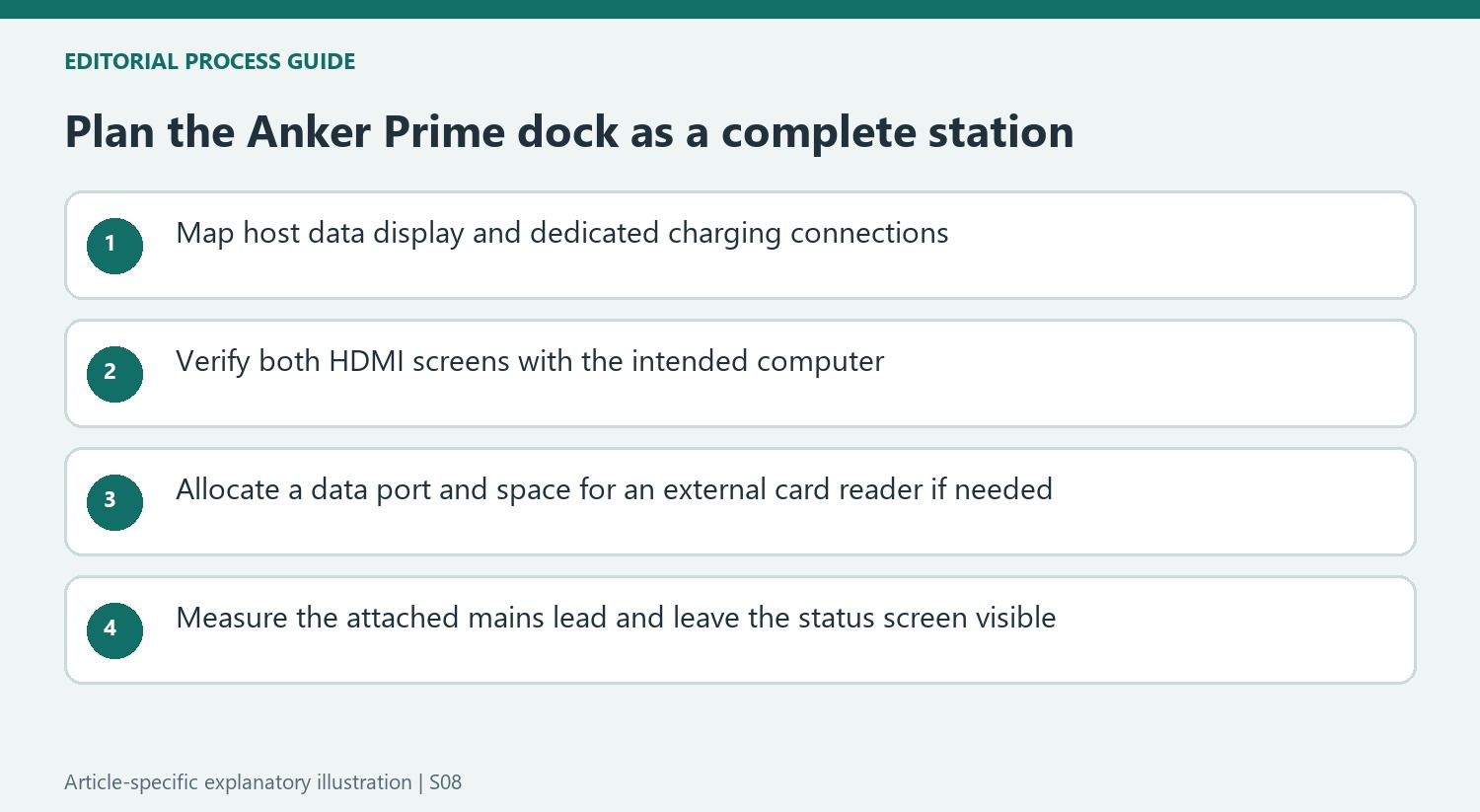
The review coverage identifies the absence of SD and microSD readers as the main port-selection omission. A photographer may therefore still need an external reader using one of the data ports. The onboard display can help monitor charging and connection status, which argues for a visible position. The original discount is historical; the practical decision is whether these combined functions justify the size and fixed power lead in the current workspace.
Build a port map before treating the dock as one connection
The fourteen-in-one description includes display, network, audio, data and charging functions rather than fourteen equivalent accessory sockets. The coverage identifies two USB-C data connections rated at 10Gbps alongside separate high-output charging connections. Mark which ports serve the laptop and which are intended for peripherals before routing the leads. An identical connector shape does not prove that a charging socket provides the data connection required by an external drive.
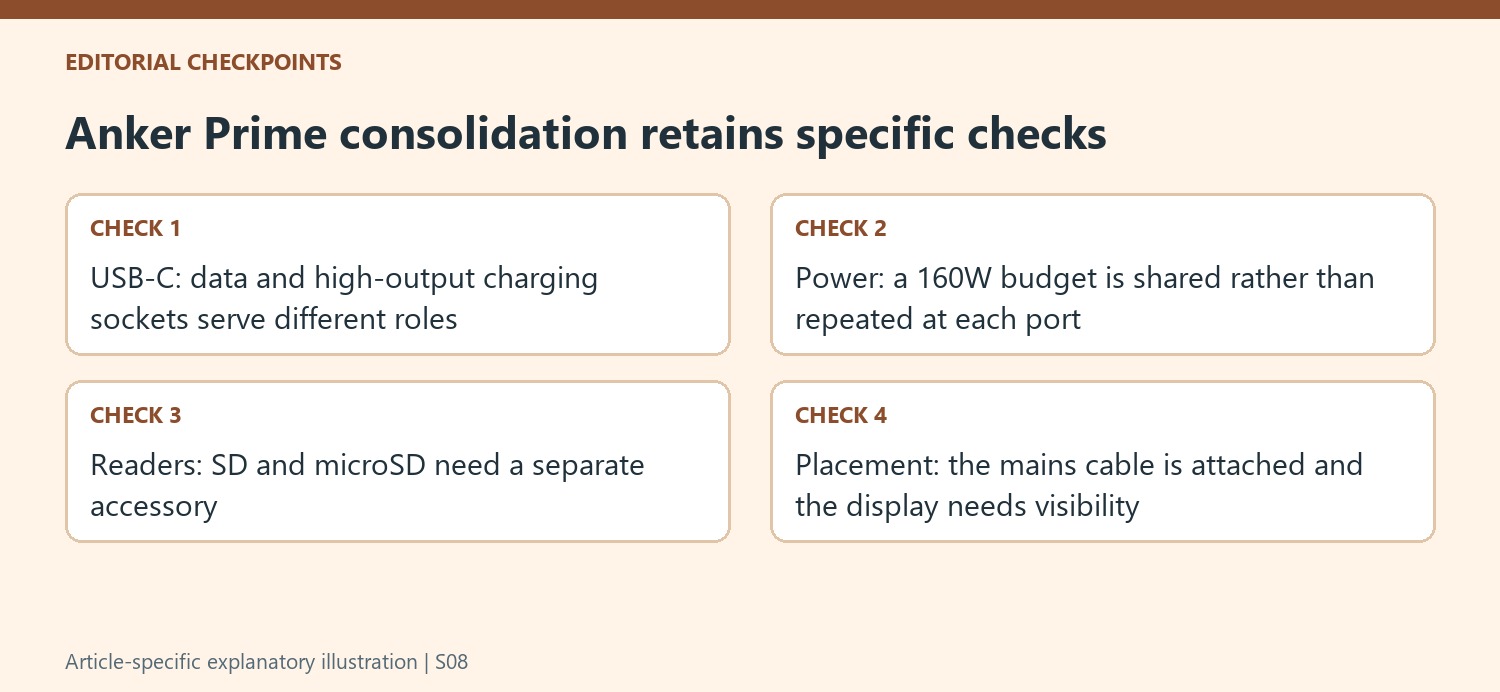
The reported 160W charging budget is shared across the dock's outputs. It should not be expanded into several simultaneous 100W supplies merely because an individual connection has a high listed maximum. Consult the current model's allocation chart for the intended device mix. The source's positive simultaneous-charging experience supports the tested use account, while a different laptop and accessory collection still needs its own supported power arrangement.
Check the monitor and reader requirements together
The dual HDMI outputs are described as supporting 4K at 60Hz. Verify that resolution, refresh rate and independent extended-display behavior with the actual computer rather than relying solely on the number of video sockets. A dock's advertised display capability and a host's permitted external-screen configuration are different parts of the connection. Complete the test with both monitors active before committing the cables to a hidden desk route.
The absence of an integrated SD or microSD reader is especially relevant if the desk is used for photography. An external reader may solve the omission, but it consumes an appropriate data connection and occupies another physical position. Include it in the initial port map rather than discovering that the last convenient socket has already been assigned to storage. The most suitable dock is the one whose available functions match the workflow, not necessarily the one with the largest headline total.
Place the attached mains cable before concealing the dock
The power cable is permanently connected, so its routing cannot be changed simply by fitting another detachable lead. Measure the practical path to the outlet and examine the packing implications if the dock will travel. Keep the cable relaxed and follow the placement instructions. At a fixed desk, that constraint may be minor, while an unusual outlet position can make it more important than the compactness of the visible box.
The onboard screen is another reason to check the final position before hiding the enclosure. Its charging and connection information is most useful when it remains visible from the workspace. The original price reduction belongs to the offer period and requires a current comparison. A simpler charger or hub may suit basic needs, while this integrated model makes more sense when its data ports, dual-video arrangement, charging budget and status display are all useful in the same supported setup.
References
- Anker Prime 14-in-1 dock gets a price cut that 'hits the right notes'. TechRadar; Bryan M Wolfe.


Bir Cevap Yaz
E-posta adresiniz yayınlanmayacak. Gerekli alanlar * ile işaretlenmişlerdir.