
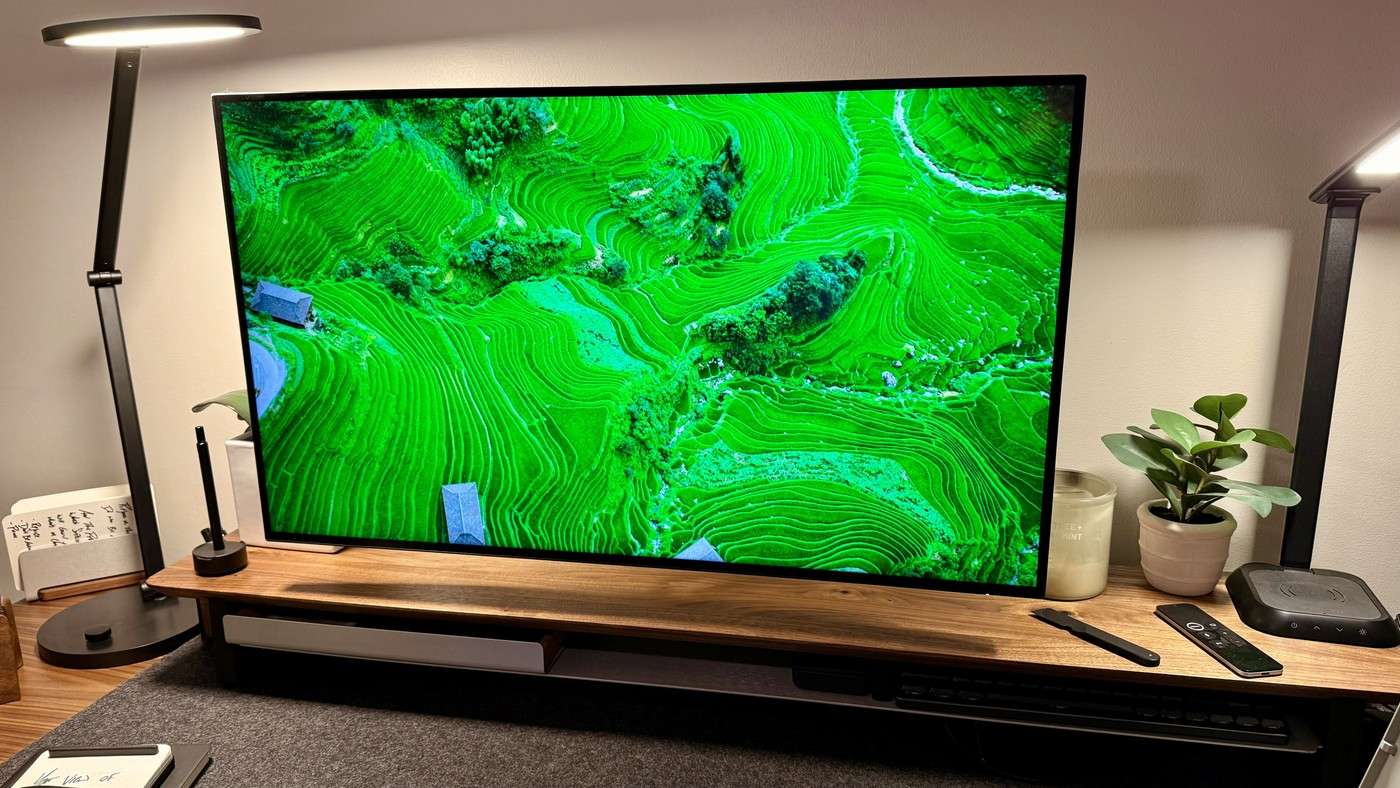
TechRadar's Dell UltraSharp thirty-two-inch review describes using the monitor's hub for laptop video, data and charging. The reviewer also connects other hardware through HDMI or DisplayPort without adding a separate dock. Compatible daisy-chaining can extend the arrangement to another screen.
Verify the actual host and display limits before planning several panels. Keep frequently swapped leads reachable and persistent power leads grouped behind the support. Using an arm releases desk space, but the extra movement needs cable slack rather than tighter hidden bundles.
Use the shared-peripheral feature deliberately
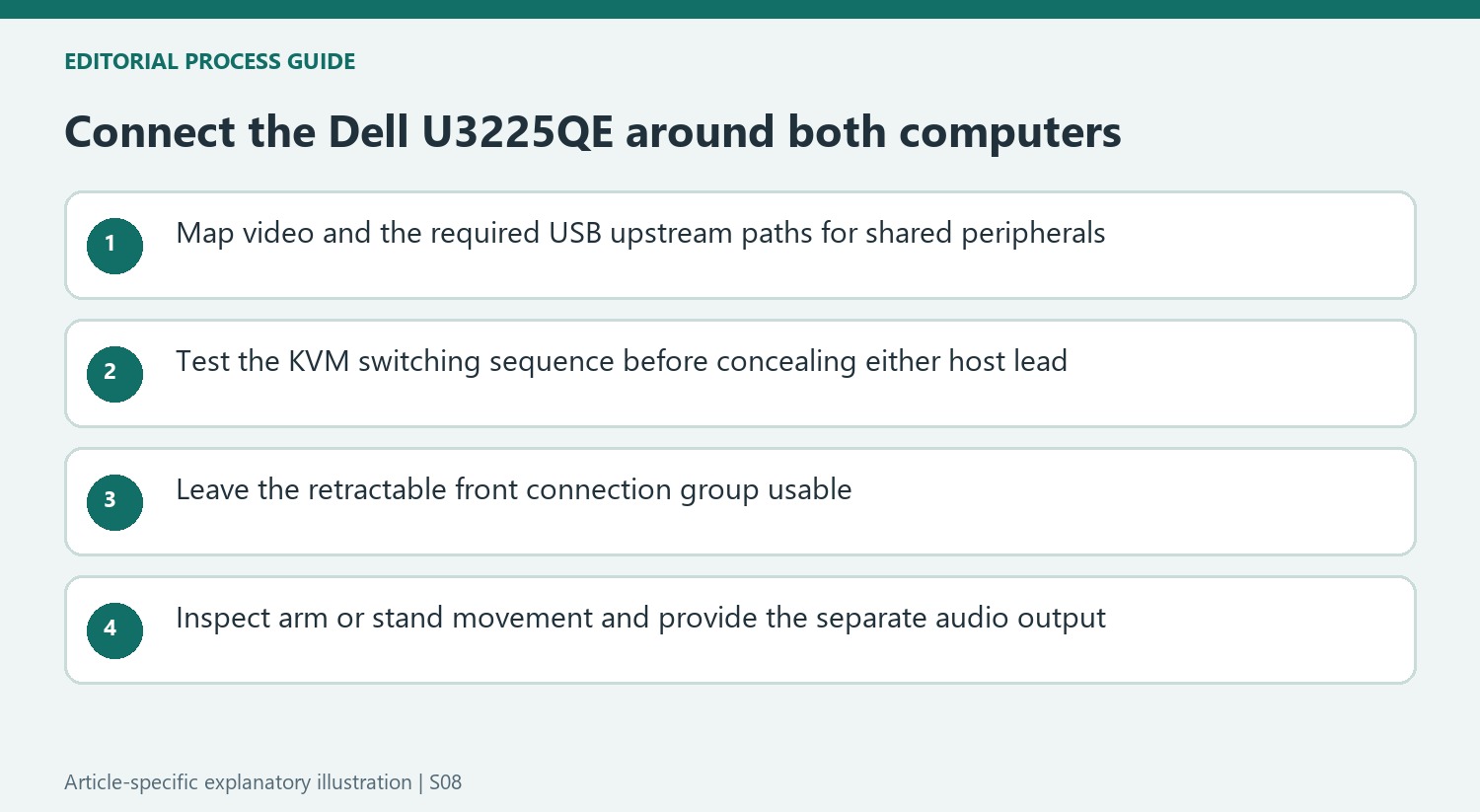
The U3225QE includes a KVM function as well as its Thunderbolt hub. The reviewer describes switching the screen and connected keyboard, mouse and other accessories between a work computer and a personal machine. That can reduce duplicate desktop inputs, but it requires the appropriate upstream connections to both systems. Test the desired switching sequence before routing either computer's leads out of reach.
Separate quick-access ports from permanent wiring
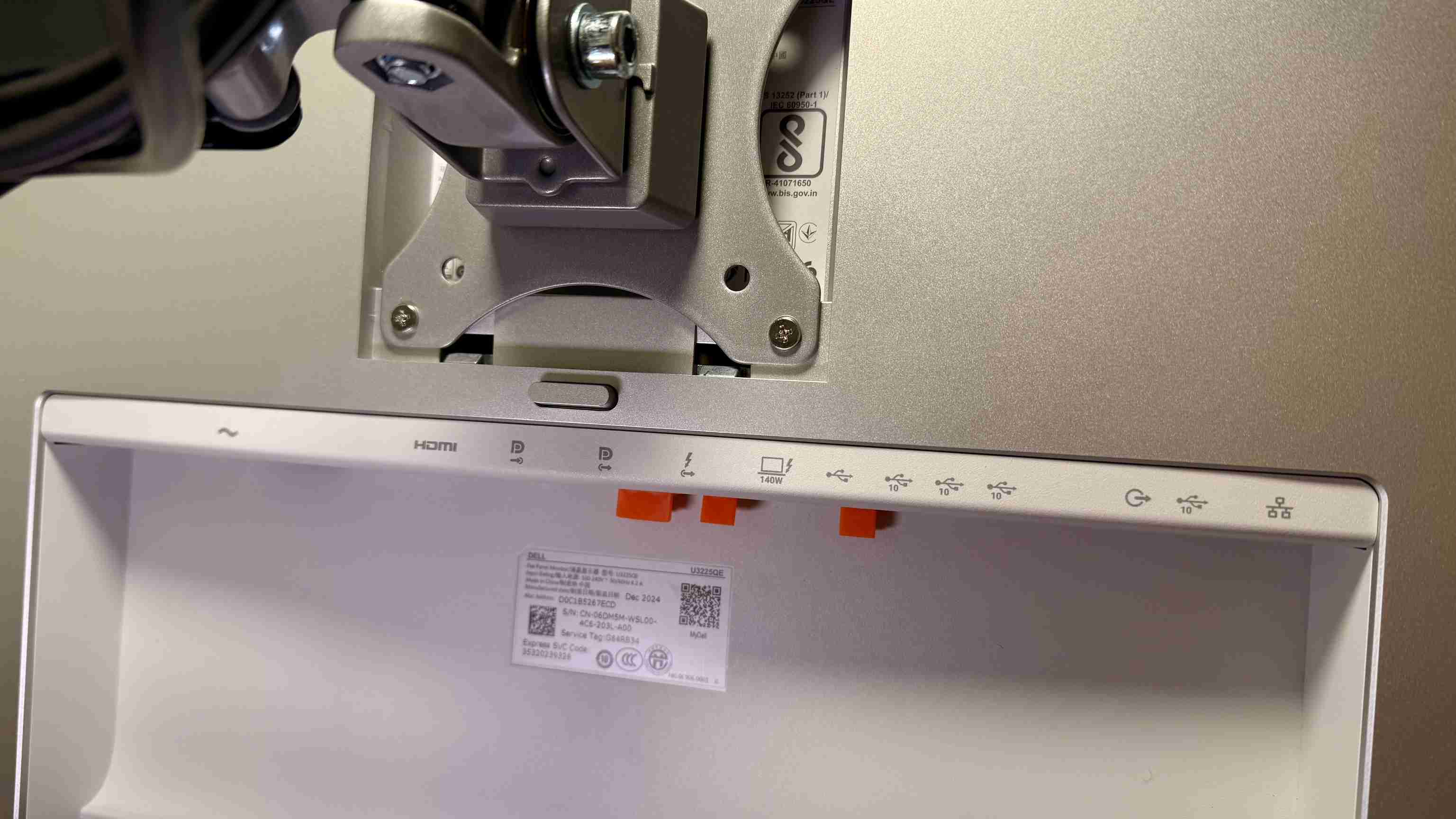
Dell places a retractable group of connections beneath the front edge for temporary devices, with the larger port collection at the rear. The supplied stand has integrated cable routing, while the reviewer instead used a compatible VESA arm to regain surface area. Either position needs space for the temporary connections and for the display's full adjustment, rather than simply hiding every lead tightly against the support.
Include audio in the setup plan
The review emphasizes the absence of built-in speakers. A single-cable display-and-hub arrangement therefore does not automatically provide meeting audio without headphones or another output device. The tested screen combines 4K resolution, a 120Hz refresh rate and an IPS Black panel, rather than OLED. Choose those characteristics for the work being done and account for any remaining audio accessories in both the port count and the cable layout.
Distinguish video input from shared accessory access
The reviewer's testing desk accepted different laptops through the monitor's USB-C connection while also allowing HDMI or DisplayPort picture sources. Those are useful options, but a video input alone should not be assumed to provide the USB upstream path needed by every attached accessory. Map both computers' required connections when planning the KVM function. Test keyboard, mouse and other shared equipment along with the picture before fastening either host's leads behind the display.
The practical attraction of the KVM is using one set of peripherals for work and personal systems. That can reduce duplicate hardware on the desktop when the selected computers support the intended arrangement. Check the switching sequence in the actual setup rather than treating the source's example as a complete installation procedure for every host. Other equipment such as a console can be a useful video source without necessarily taking part in the same peripheral-sharing workflow.
Preserve access to the retractable connections
The quick-access port group below the front edge is designed for temporary devices. It remains useful only when the monitor's height and surrounding desk accessories let it open and accept the real plugs. Keep routine drive or accessory connections separate from the permanent rear wiring. This distinction can make the integrated hub more convenient than simply replacing a separate dock with an equally inaccessible cluster behind the panel.
The supplied stand provides cable routing and height adjustment, while the reviewer chose a VESA arm to recover surface area. Select compatible hardware using the current size and load documentation. Whichever support is used, inspect cable slack through the movement actually required. A tightly hidden host cable may look orderly at one position and pull on a socket when the screen is raised or moved toward another part of the desk.
Choose the integrated display around the complete workload
The 31.5-inch 4K IPS Black panel combines a 120Hz refresh rate with a stated 3,000-to-one contrast ratio. The reviewer's positive picture impression does not turn it into OLED or establish that every application needs that refresh rate. Compare the display characteristics with the intended work as well as the hub features. Similarly, the eye-comfort marketing mentioned in the source should not become a personal medical or fatigue guarantee.
There are no built-in speakers, so conferencing and other audio require an appropriate separate output. Include that equipment in the port and cable plan. Daisy-chaining may extend a compatible arrangement, but host bandwidth and external-display limits still determine the usable result. The monitor is most convincing as an integrated workstation when picture quality, shared peripherals, temporary access and the remaining audio needs all fit the real setup without assuming the hub replaces every accessory.
References
- I tested Dell's UltraSharp 32-inch 4K Thunderbolt business monitor and might be the perfect office upgrade. TechRadar; Collin Probst.


Bir Cevap Yaz
E-posta adresiniz yayınlanmayacak. Gerekli alanlar * ile işaretlenmişlerdir.