
Record both ends of the connection
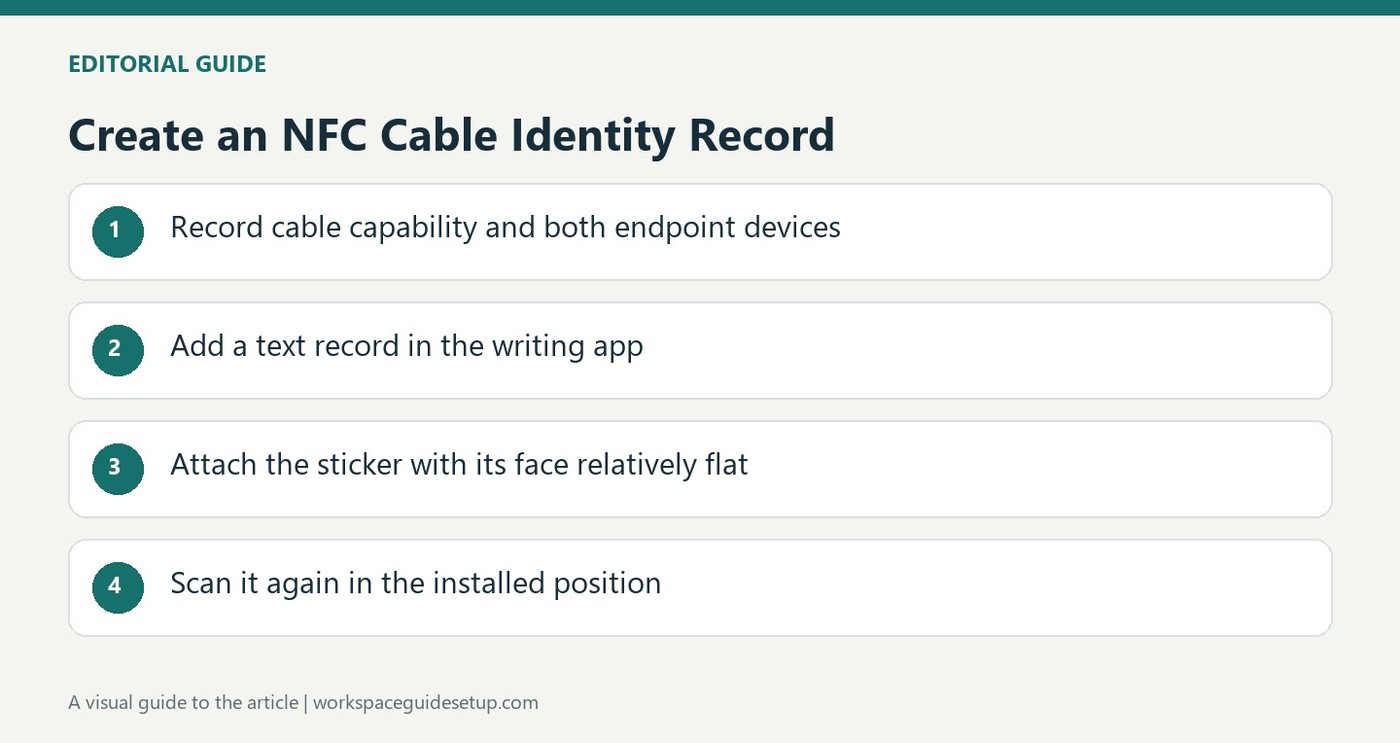
A cable label is most useful when it explains where the connection goes, rather than repeating a connector shape that is already visible. A How To Geek article describes programming NFC stickers with the cable type and the devices attached at each end. Scanning a tag with a phone then reveals information that would be difficult to fit on a tiny handwritten label beneath a crowded desk.
Keep the tag readable
The source uses a phone app to write a text record to each sticker, then attaches the tag so its face remains relatively flat. Wrapping the sticker tightly around a narrow cable can interfere with scanning. The stored text can be reused as a starting point for similar labels and erased when a tag needs another purpose. This approach suits connections with several possible destinations, though it requires a compatible phone and a successful scan rather than an immediately visible printed name.
Write a text record and verify it in place
In the source, NFC Tools on Android provides a Write section where the user adds a Text record, enters the label and writes it by touching the phone to the tag. The example identifies the DisplayPort version, graphics card and destination monitor, which distinguishes that lead from another display connection. After attaching a sticker, scan it again in its actual position beneath the desk. The article notes that NTAG213 capacity is already sufficient for this task, while NTAG215 offers more storage. Dedicated NFC cable tags and ties also exist, but the writer chose ordinary stickers already available from another project. This makes readability and correct endpoint information more relevant than buying the highest-capacity tag.
Describe the connection rather than only the connector
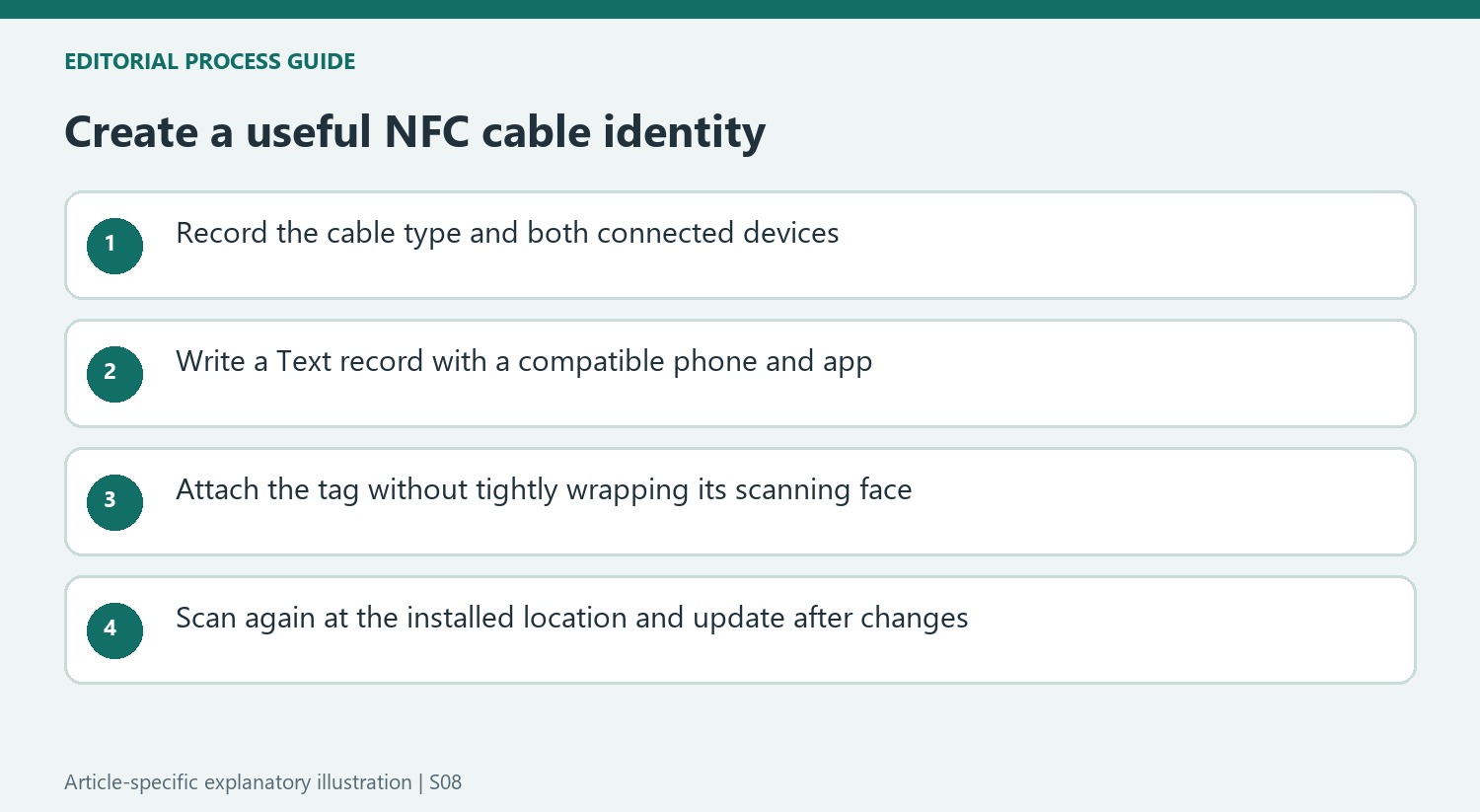
The writer's problem involved several screens, a desktop, a mini PC and other peripherals sharing a crowded area. In that setting, a label saying only HDMI or DisplayPort leaves the most useful question unanswered: which two devices does this particular lead connect? Record the cable type followed by both endpoints. When more than one graphics output is possible, identifying the actual graphics card or port can make the description more precise.
This information has a different purpose from a cable's power or transfer-speed specification. A destination record helps locate a connection; it does not prove an unknown cable's technical capability. Retain the manufacturer's documented ratings if those details are included. The source's DisplayPort-version example makes the label useful for one installed arrangement, while its endpoint names are what distinguish that lead from another similar display connection beneath the same desk.
Keep writing and attachment as separate checks
The writer used NFC Tools on Android to add a Text record in the Write section, entered the intended label, then touched the phone to the sticker to program it. The stored wording could be edited as a starting point for another lead. Review both endpoints before each write rather than duplicating a previous record unchanged. A successfully programmed sticker with the wrong destination is still an inaccurate cable label.
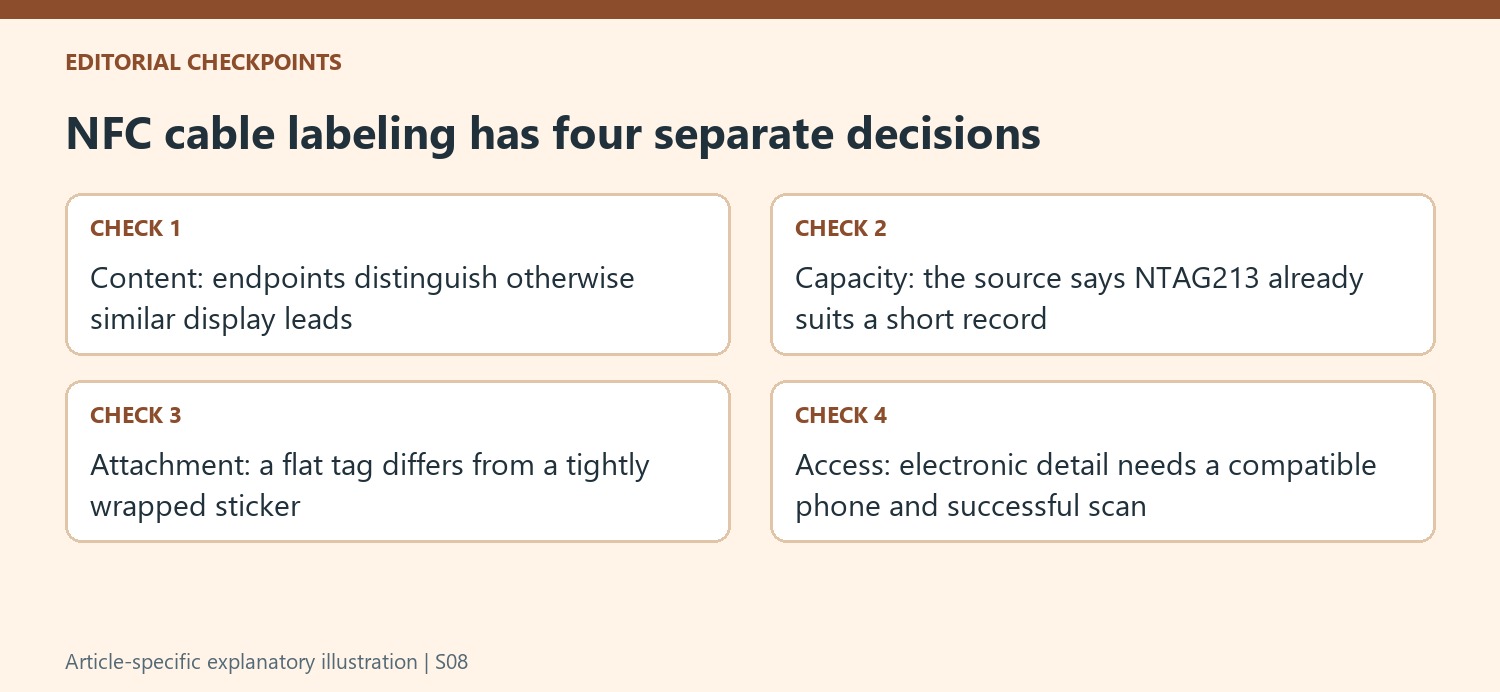
Attachment needs its own verification because the tag must remain relatively flat for scanning. The article specifically rejects wrapping the sticker tightly around a narrow cable. Position it according to the tag and attachment instructions, then scan it from the actual approach available below the desk. A label readable on the worktop may be awkward to reach after the cable enters a crowded bundle, so choose the final position before treating the task as complete.
Choose between electronic detail and immediate visual access
The source had spare stickers from another project, making reuse an attractive starting point. NTAG213 capacity was already described as sufficient for these short records, while NTAG215 offered additional space. Dedicated NFC cable tags and ties were another option at a higher cost. Compare the physical attachment and scan access before paying for larger storage that the endpoint description may not need.
Electronic text provides room for a detailed identification in a small footprint, but it also requires a compatible phone and a successful scan. A printed destination can remain easier where immediate visual access matters. If equipment changes, update or erase and rewrite the tag using the supported app function so the stored record continues to describe reality. The useful result is reliable identification at the point of maintenance, rather than adding a clever sticker that preserves an obsolete connection history.
References
- I labeled every cable at my desk with NFC stickers, now I never need to guess which is which. How-To Geek; Ismar Hrnjicevic.


Bir Cevap Yaz
E-posta adresiniz yayınlanmayacak. Gerekli alanlar * ile işaretlenmişlerdir.