
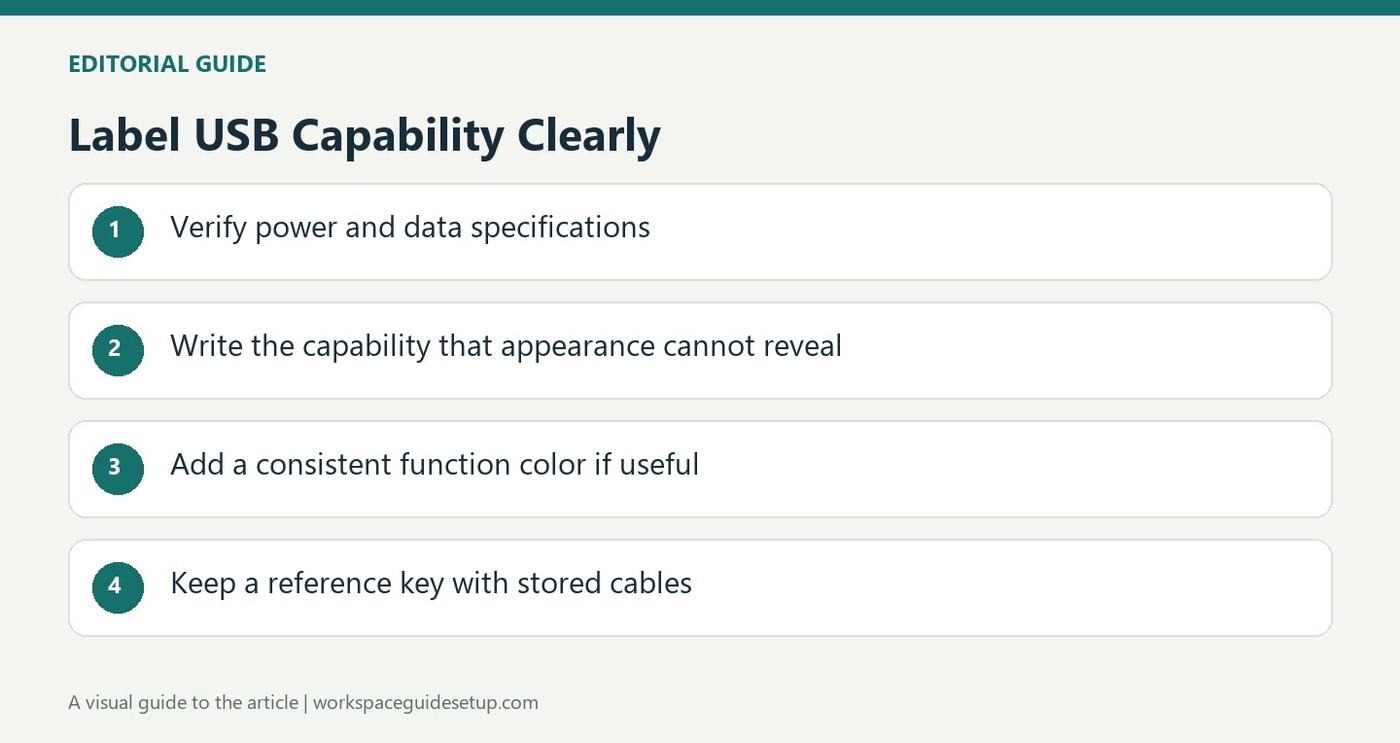
Do not rely on connector appearance
Similar looking USB cables can support different charging and data functions. How To Geek recommends labeling the information that is difficult to recognize by sight, such as a cable's supported power or data capability. Check the manufacturer's specifications before writing those details. A USB-C connector alone does not establish that two cables are interchangeable for every monitor, charging adapter or file transfer task.
Keep the naming system concise
Printed labels, tape with a marker and colored tags can all distinguish cables in a home office. The article favors short descriptions over a long list of obvious connector details. If colors indicate functions, keep a reference card so another person can understand the system too. Combining text with color can make frequently used leads easier to identify without memorizing every shade. Update the label when a cable changes role, and organize stored cables by the categories the labels actually describe.
Make the system understandable to another user
The writer's own familiarity with connector types allowed very short labels, but a less technical family member benefited from clearer identification in the shared storage drawer. That distinction matters when deciding what is obvious enough to omit. Keep the details needed by the people who actually retrieve the cables, then sort the stored groups accordingly. The source describes combining written speed information with a color indicating function. It also recommends a reference card for that code. A label cannot establish an unknown cable's capability, so retain the packaging or manufacturer's specification as the basis for the wording instead of guessing from thickness or color. Keep that information with the stored lead.
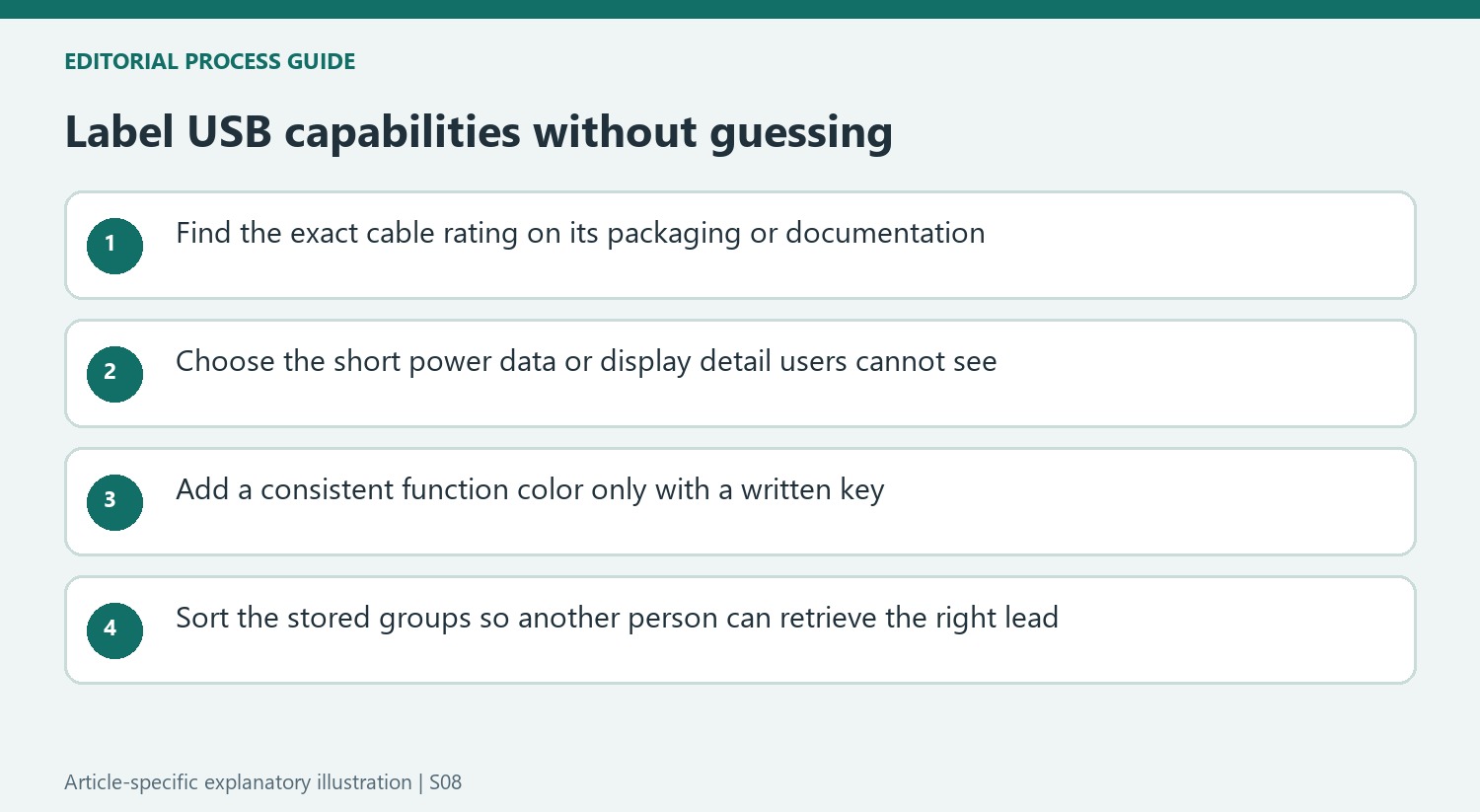
Decide which hidden capability the label must explain
A connector can be recognizable while its supported data rate and charging capability remain unclear. Begin with the packaging or manufacturer's specification for that exact cable, then select the information that prevents the most common mix-up. A charging limit and a data-speed rating answer different questions. Do not turn an unknown lead into a supposedly high-speed or high-power cable merely by assigning it a confident label.
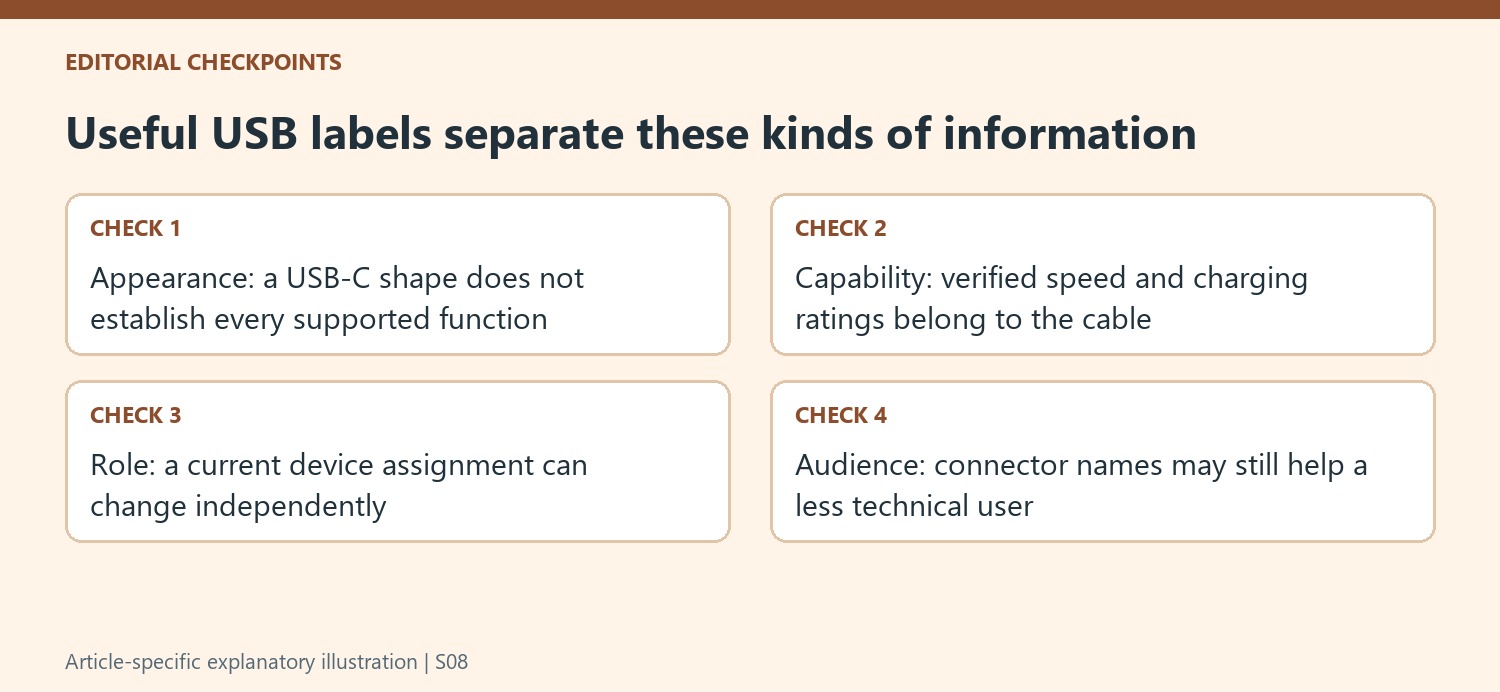
The source recommends omitting information that the intended user already recognizes, such as an obvious connector pair. That can shorten a label enough to make its important detail legible. However, the writer also describes a family member who benefits from clearer connector identification. Choose wording for the people retrieving the cable rather than treating the author's own technical familiarity as a universal reason to remove names from every label.
Make text and color reinforce the same system
A printed label, tape with permanent-marker wording and a colored tag are alternative ways to convey the information. They need not become an expensive project. Start with a short description of the verified capability and check whether it remains readable on the coiled or installed lead. A long phrase that obscures the key rating defeats the purpose even if every word is technically accurate.
The article's color examples assign different shades to charging, data and display roles. Those are suggested categories, not an industry-wide code that another person will automatically know. If colors are used, keep a visible reference card defining them. Written speed information can accompany the function color when that distinction is useful. Avoid creating more combinations than the household can interpret without repeated explanation.
Organize the drawer around the information people actually use
After labeling, group stored leads using the chosen categories rather than placing everything back into the original mixed pile. A person looking for a display-capable connection should be able to find that group without inspecting every coil. The writer found that this helped both personal retrieval and requests to another family member. The benefit comes from the labels and storage order working together, not from the presence of a label maker alone.
Recheck the system when a new device or cable joins the collection. A temporary device assignment may change even though the cable's documented capability does not, so keep those two kinds of information distinct. Device charging and transfer performance also depend on the equipment at both ends; a cable rating does not force a phone or drive to use its maximum. Concise verified labels reduce uncertainty while leaving those wider connection requirements intact.
References
- I’ve started labeling my USB cables, and you should too. How-To Geek; Nate Pangaro.


Bir Cevap Yaz
E-posta adresiniz yayınlanmayacak. Gerekli alanlar * ile işaretlenmişlerdir.