
Group connections logically
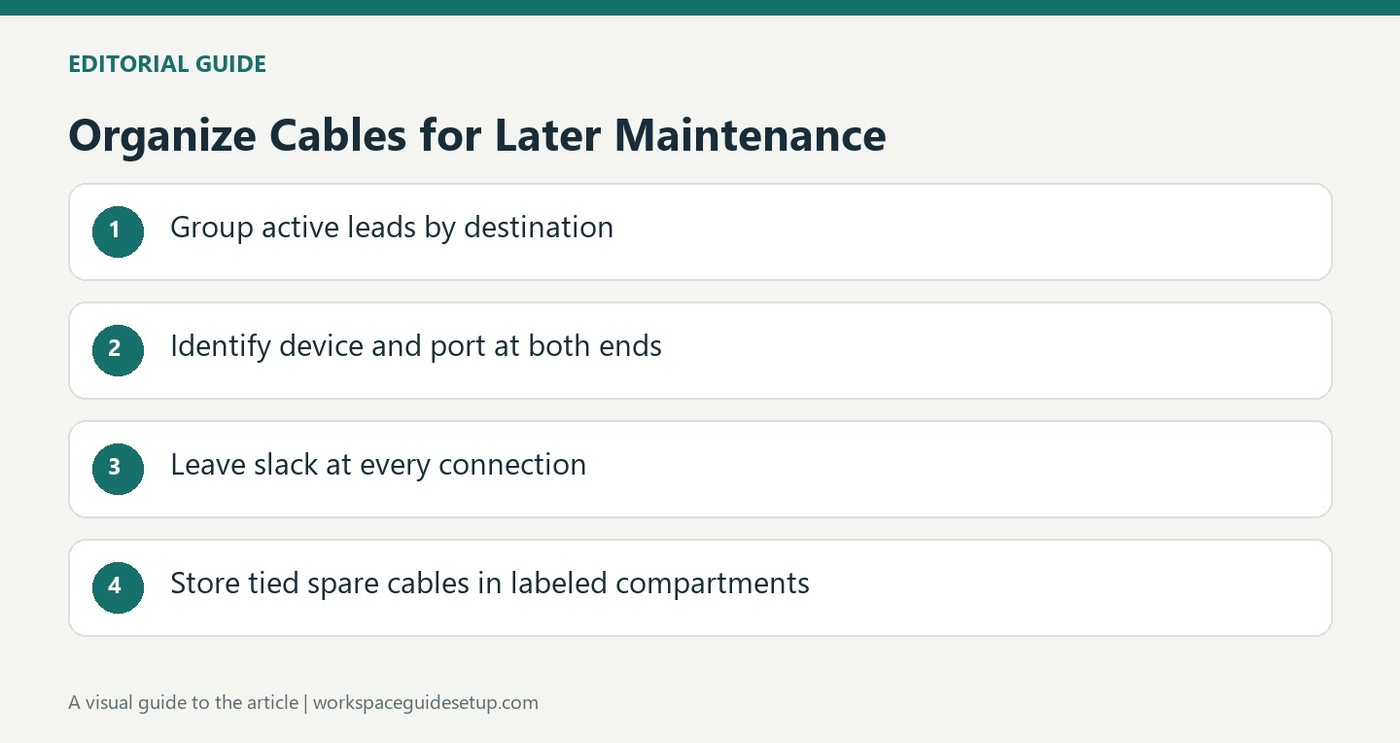
Neat cables are easier to maintain when their grouping reflects where they go. How To Geek suggests bundling by destination rather than gathering unrelated leads solely because their connector types match. A group heading to a monitor or computer is more useful during troubleshooting than an anonymous mix. Marking a tie can identify that group while leaving the individual connections accessible for later changes.
Choose reusable support where needed
Hook and loop ties suit cables that move regularly, while plastic ties are less convenient when a bundle must be opened often. Leave slack so the arrangement does not pull on ports or strain connectors. Adhesive clips can guide cables beneath a desk, but their mounting surface should be clean and their hold checked over time. Sleeves and raceways can conceal longer runs after their destinations are understood. Keep the identification readable at an accessible point rather than burying every useful marker inside the hidden bundle.
Label the port at both ends
The article recommends naming the device and, where useful, its port number at each end of a cable. A label such as a particular television input distinguishes several otherwise identical HDMI connections. This adds detail that a destination-level bundle marker cannot supply on its own. The guide also suggests coiling spare cables with reusable ties and placing them in separate shoe-organizer pockets, with the compartments labeled. Keep that spare-storage system separate from active routes. A permanent-looking installation still needs a way to release a failed lead; the author's final point is that later replacement and upgrades should remain possible after the first tidy arrangement is complete.
Choose groups that explain the route
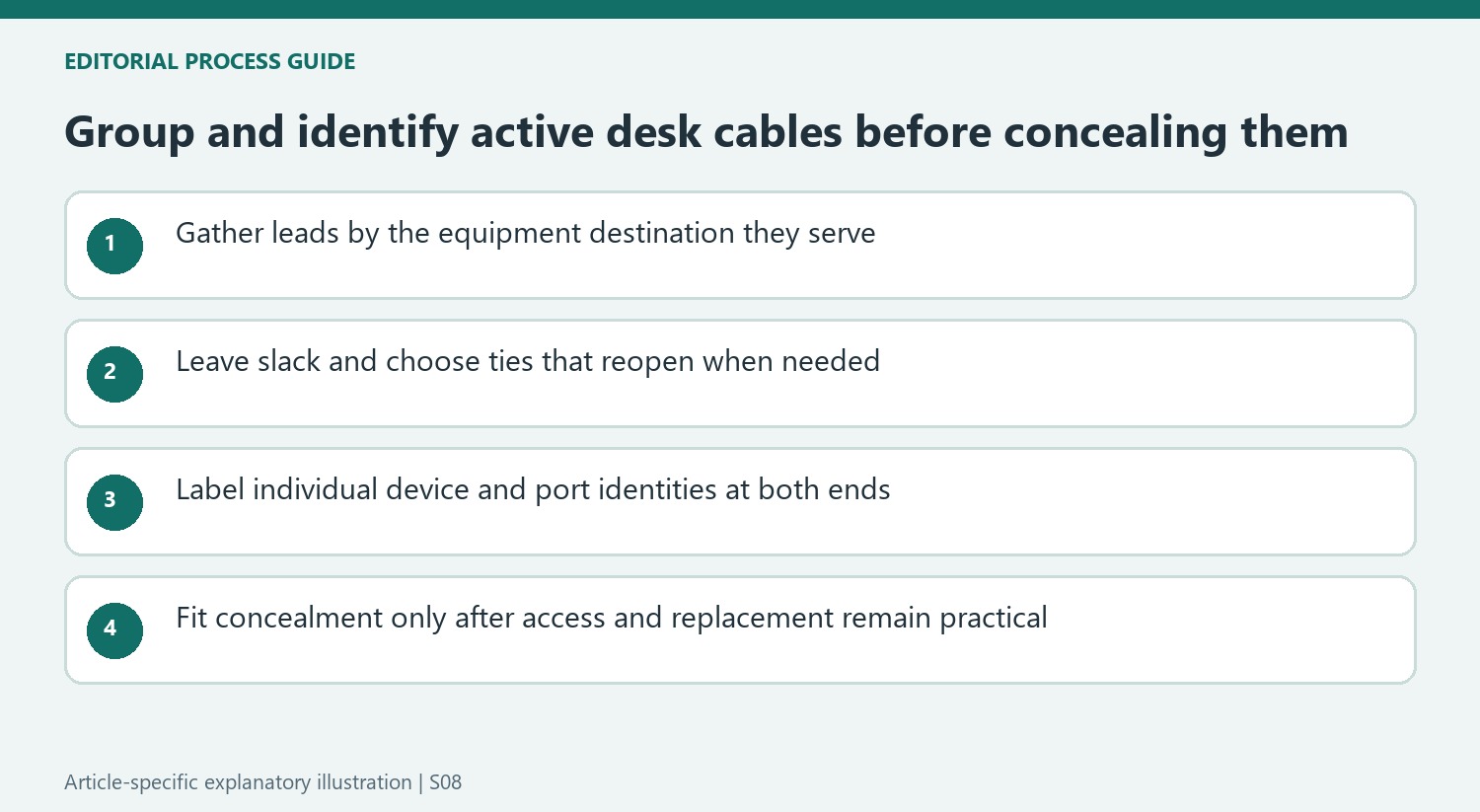
The guide favors destination over connector type when gathering active leads. A monitor group might contain both video and power connections, while a computer group can include several different plug styles. That makes the bundle more meaningful when one part of the station moves or requires troubleshooting. Gathering all HDMI cables together solely because they look alike may create an orderly shape without explaining which equipment each one serves.
Mark the group at an accessible tie if that helps identify it, then retain enough slack for the real route. The article distinguishes plastic ties for more stable installations from reusable hook-and-loop ties where changes are frequent. Decide how the bundle will reopen before fastening it. A neat route should not depend on pulling a tight group sideways to reach a connector or cutting multiple permanent ties for every routine accessory change.
Identify individual endpoints before adding concealment
A group marker does not replace a label on an individual lead. The source recommends identifying the device and relevant port at both ends, particularly when several identical HDMI connections are present. Naming a particular television input provides more information than simply writing HDMI. Check the actual port assignments before labeling and keep the wording visible from the approach used when unplugging the equipment.
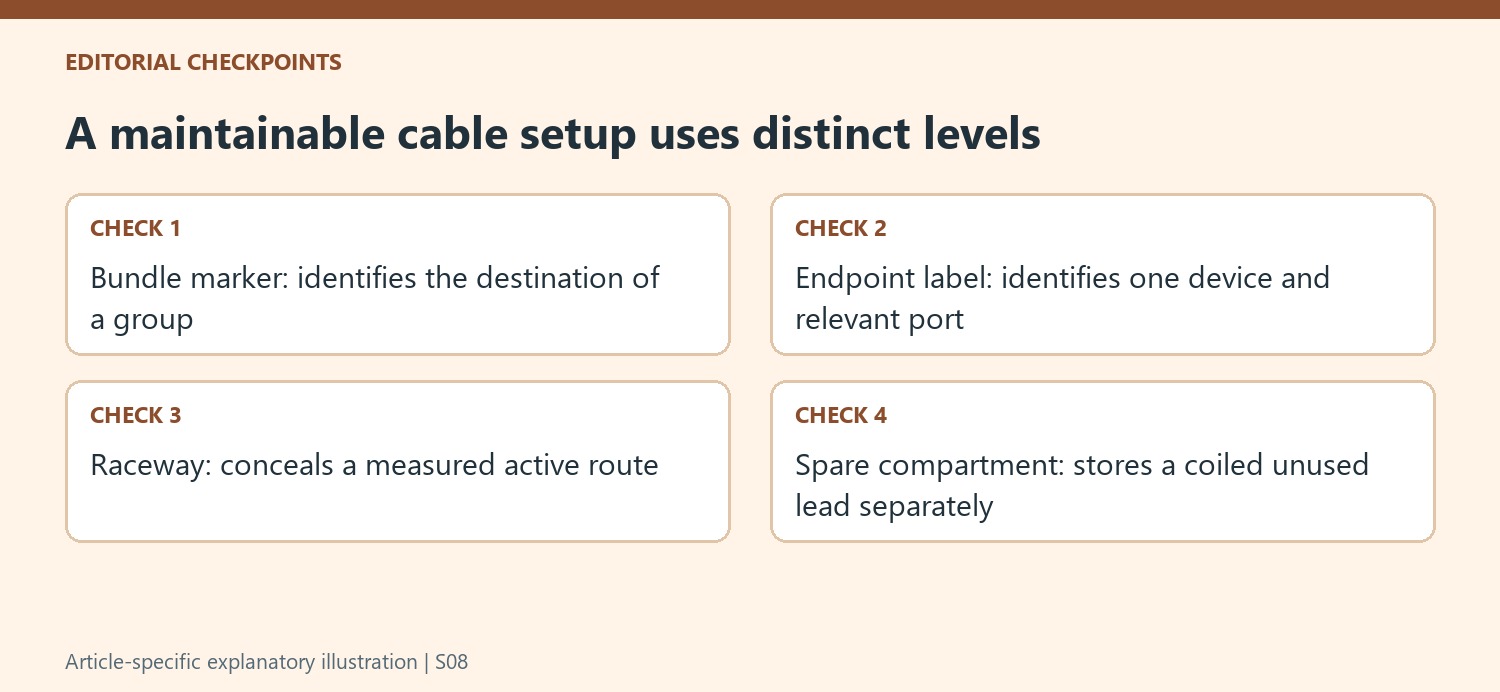
Once the routes are understood, a raceway or split tubing can collect exposed runs. Measure the path and follow the selected product's fitting and finish instructions rather than assuming that every room needs the same cover. A concealed route still needs access where connections change. The source's central lesson is to make later replacement possible, so avoid hiding every useful label beneath a continuous cover that must be dismantled to identify one lead.
Keep attachment condition and spare storage in the plan
Adhesive pads work best when attached to a properly prepared compatible surface. The writer describes cleaning before application and checking the hold over time rather than assuming the initial installation remains permanent. If a clip loosens, correct the attachment according to its instructions instead of letting the cable's weight transfer to a connector. Where fixed fasteners are considered, avoid a fit that pinches or damages the cable.
For unused cables, the suggested segmented shoe organizer provides visible compartments rather than another mixed box. Coil each spare with an appropriate reusable tie and identify the compartment so retrieval remains straightforward. That storage system serves a different purpose from destination-based active bundles. Review the collection as equipment changes, keeping usable spares in recognizable groups while preserving a practical way to remove or upgrade every lead still operating behind the desk.
References
- Leave bad cable management in 2025 with these 6 tips. How-To Geek; Timothy Jacob Hudson.


Bir Cevap Yaz
E-posta adresiniz yayınlanmayacak. Gerekli alanlar * ile işaretlenmişlerdir.