
Make the routing understandable
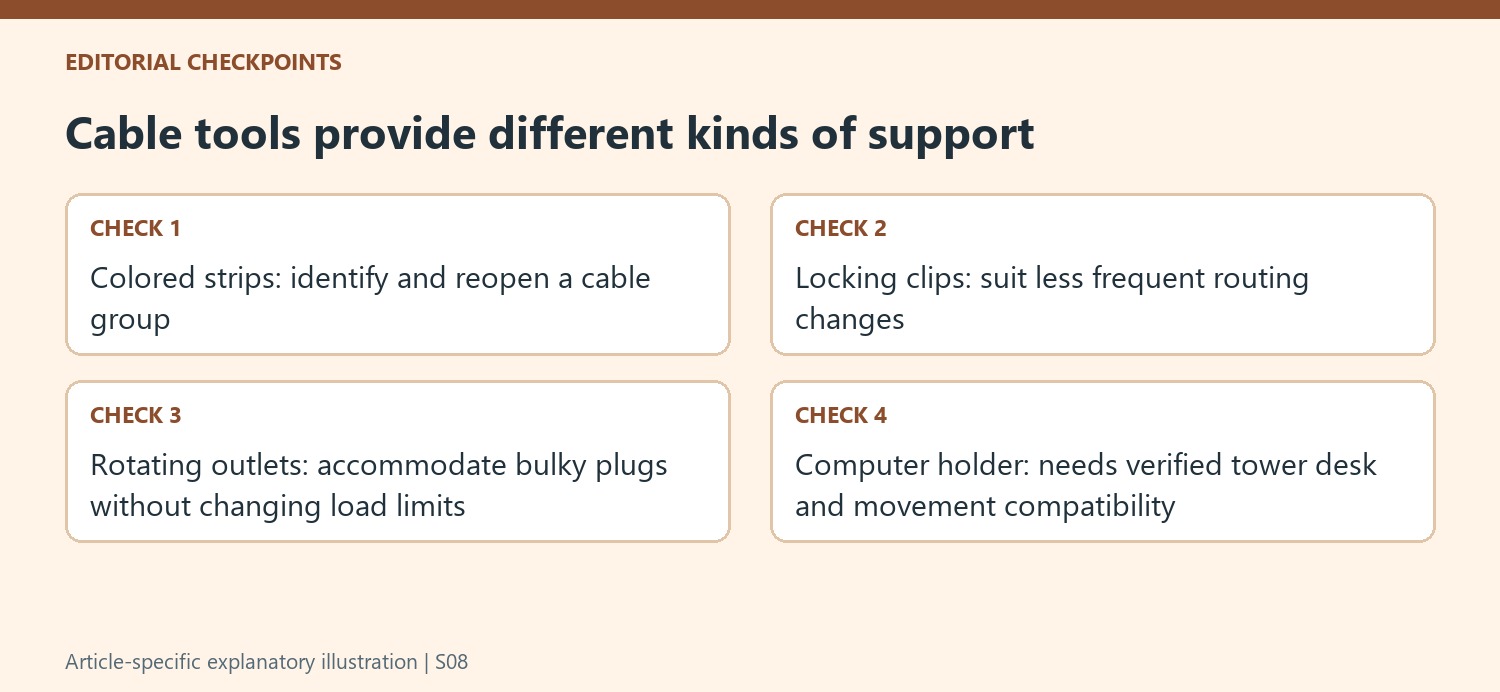
A home office can look tidy while remaining difficult to service if every cable disappears into the same bundle. How To Geek's cable management guide describes reusable hook and loop strips as a flexible starting tool. Black ties keep the appearance subdued, while multicolored versions can help identify groups in a more complicated setup. Choose a consistent visual system so the colors communicate something useful when a connection needs attention.
Keep access alongside concealment
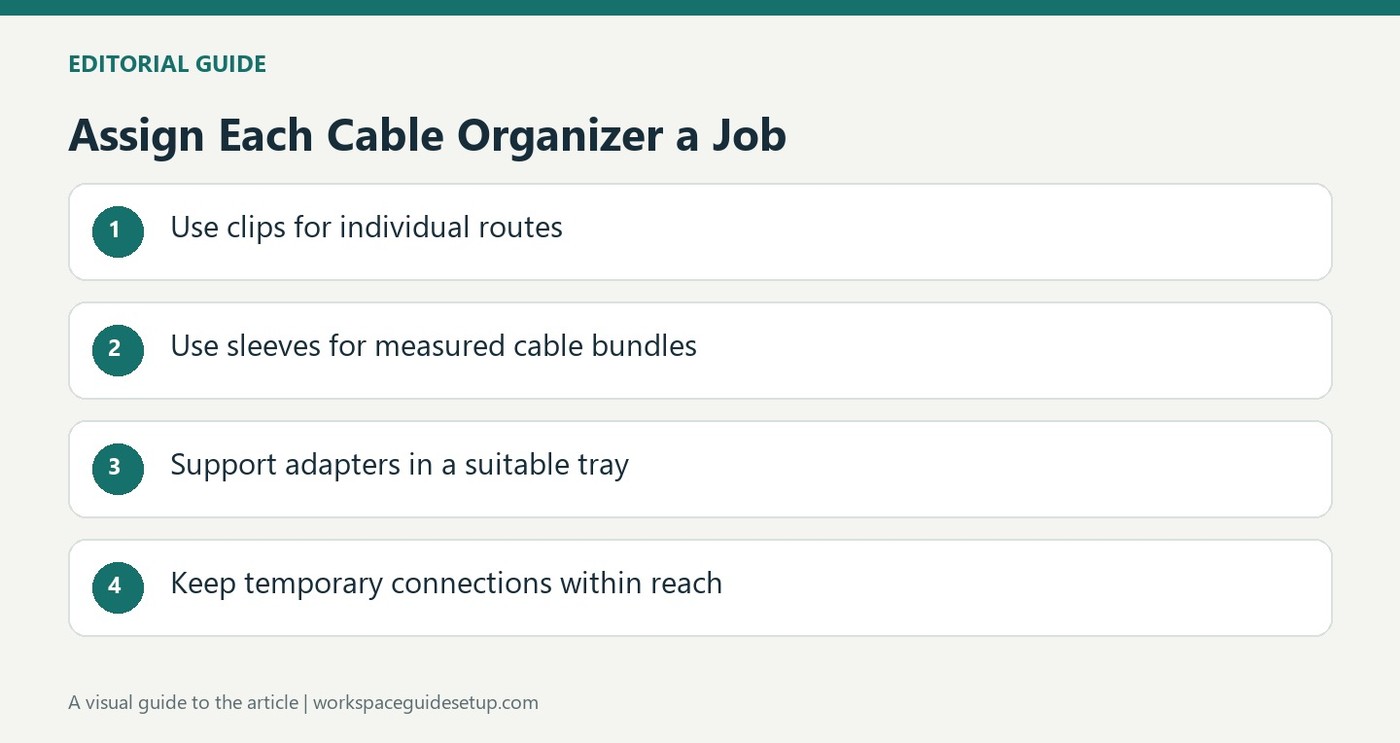
Cable clips establish individual routes, sleeves organize thicker bundles and under desk trays lift power supplies away from the floor. Choose the accessory according to how often that part of the setup changes. Some stronger adhesive fasteners may damage furniture finishes, so place them carefully and check suitability first. Measure sleeve routes with enough slack rather than stretching a bundle tight. Color identification supports the layout, but it works best when connectors and the points where cables leave a sleeve remain accessible.
Accommodate the power supply shapes
The guide describes a surge protector with rotating outlets to accommodate bulky adapters, rather than treating every socket as equally usable. It also distinguishes a small accessible strip for temporary equipment from the larger permanent arrangement below the desk. Check rated capacity and actual adapter clearance before selecting either. For a standing desk, the author discusses mounting a compatible desktop-computer holder under the surface so more of the system moves together. That requires checking the holder and desk specifications, not simply attaching an arbitrary load. The overall method combines different tools for separate jobs: guiding one lead, carrying a bundle, supporting adapters and preserving a reachable place for temporary connections.
Use color only where it explains the grouped equipment
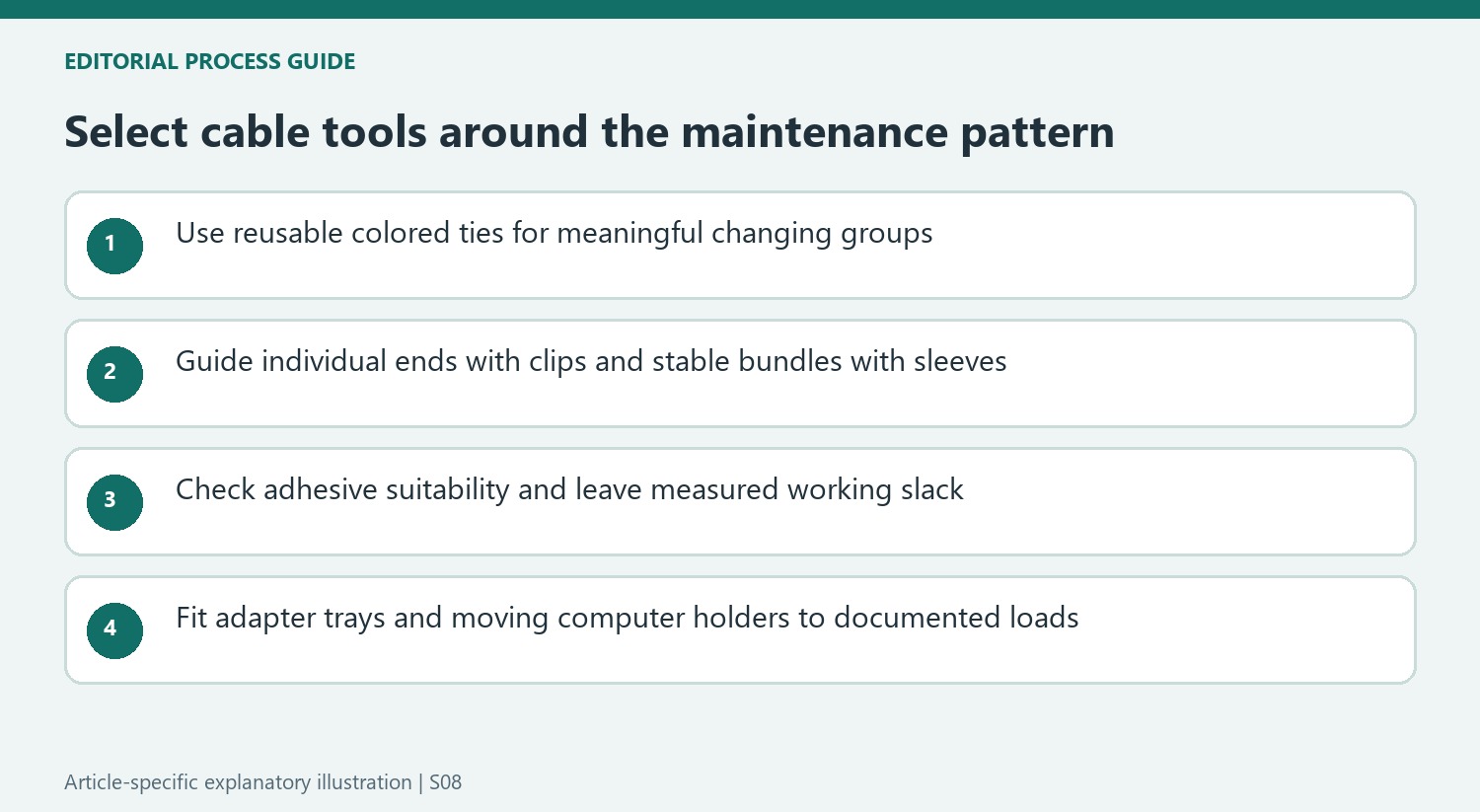
The guide's first recommendation is reusable hook-and-loop strips because they can be applied and removed without tools. Black strips can remain visually subdued, while different colors can identify groups in a more complicated arrangement. Define those groups before choosing the colors. A marker that consistently refers to one part of the setup is more useful during maintenance than an assortment selected only to make the bundle look decorative.
The author treats the list as a set of options for different desks rather than a requirement to install every accessory. Begin with the changing connections and the intended route, then use the simplest attachment that supports them. An individual charging lead may need only a clip near its normal position. A substantial display bundle may benefit from a sleeve, but both ends still need enough working length and an accessible way to disconnect the equipment.
Match holding strength to service access and surface suitability
The article distinguishes flexible individual clips from locking plastic fasteners intended for less frequent movement. Select the hold around the maintenance pattern instead of assuming stronger is always more convenient. Check the attachment surface and follow the current adhesive instructions. The source specifically notes that its heavy-duty interlocking pads can be unkind to furniture finishes, so that choice should not be treated as universally removable without marks.
Sleeve length needs measurement and practical slack, particularly where a bundle follows a monitor support. The guide describes leaving room rather than stretching the route tight. Use a product's intended exits for individual leads and avoid modifications outside its instructions. A sleeve groups the wiring visually; it does not make an inaccessible plug easier to service or substitute for a proper support for a heavy power supply.
Check adapter geometry and moving loads independently
The rotating-outlet surge protector example shows why the number of sockets is only one part of a power plan. Bulky adapters can occupy neighboring space, and the strip's rated capacity must still suit the connected equipment. An accessible small strip for temporary devices serves a different role from the larger permanent arrangement below the desk. Plan both access and load without assuming that spare visible sockets imply unused electrical capacity.
For a standing desk, the source also suggests a compatible under-desk desktop-computer holder so more equipment moves with the surface. That requires checking the holder's fit, load rating, desk attachment and operating clearance for the particular tower. It is not a recommendation to suspend an arbitrary computer from any worktop. Coordinate the holder and tray only after those requirements are satisfied, leaving an appropriate route to fixed room connections through the full movement actually used.
References
- The Best Tools for Beautiful Cable Management for Your Desk or TV. How-To Geek; Michael Crider.


Bir Cevap Yaz
E-posta adresiniz yayınlanmayacak. Gerekli alanlar * ile işaretlenmişlerdir.