
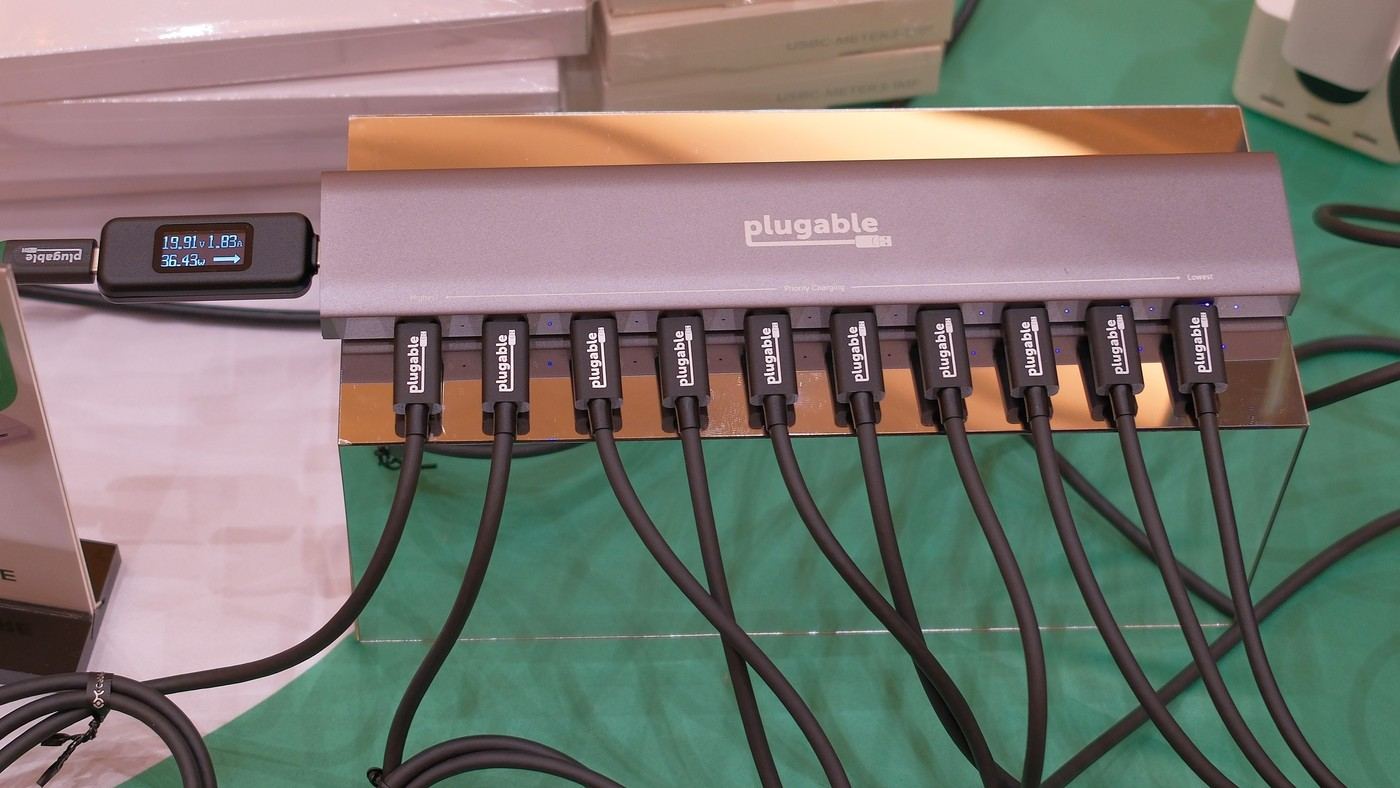
Tom's Guide's Plugable PS-10CC hands-on describes ten USB-C charging ports in a long metal body. Power allocation prioritizes the leftmost connection, then distributes remaining capacity to other devices. Rubber strips underneath help hold the station on the desk.
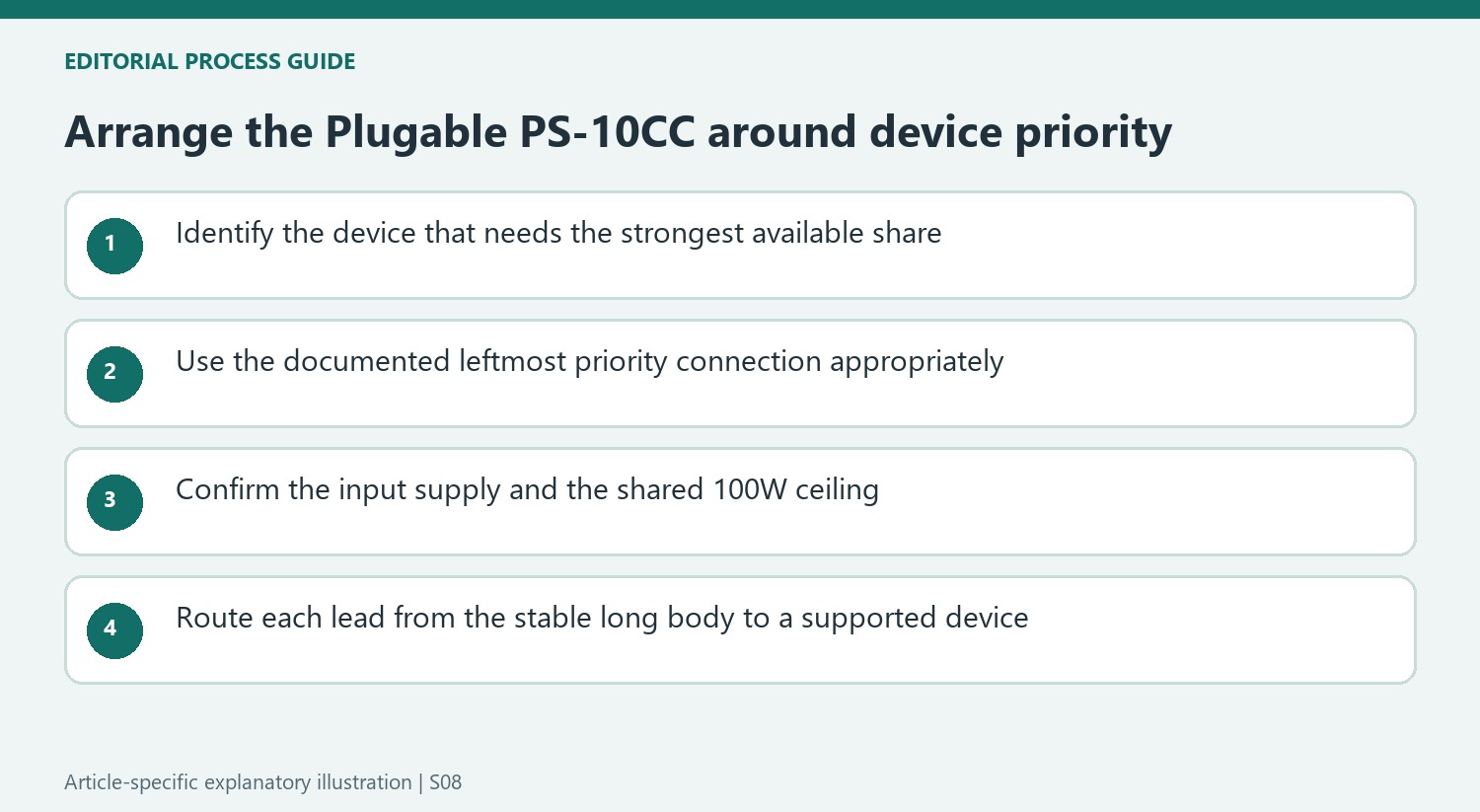
Place the highest-priority device appropriately and check the supported input supply. Plan short suitable leads from the station to each device rather than recreating a loose cable pile. Ten available ports do not mean ten simultaneous full-speed laptop charging connections.
Place the demanding device first
The source describes power entering at the left end, near the highest-priority charging port. The controller checks what that device actually draws and sends remaining capacity along the row. This is useful for a mix of a laptop and smaller accessories, but it also makes port order part of the arrangement. Check the current product instructions for the supported supply before reproducing the writer's setup.
Interpret the 100W limit as a shared budget
The entire station provides up to 100W at a time. Ten USB-C sockets therefore do not represent ten independent 100W outputs. The hands-on writer charged a collection of wearables, headphones, camera gear, a phone and a laptop overnight during CES. Finding those devices ready in the morning demonstrates that mixed overnight scenario, not simultaneous maximum-rate charging for ten power-hungry machines.
Keep the indicators and connections accessible
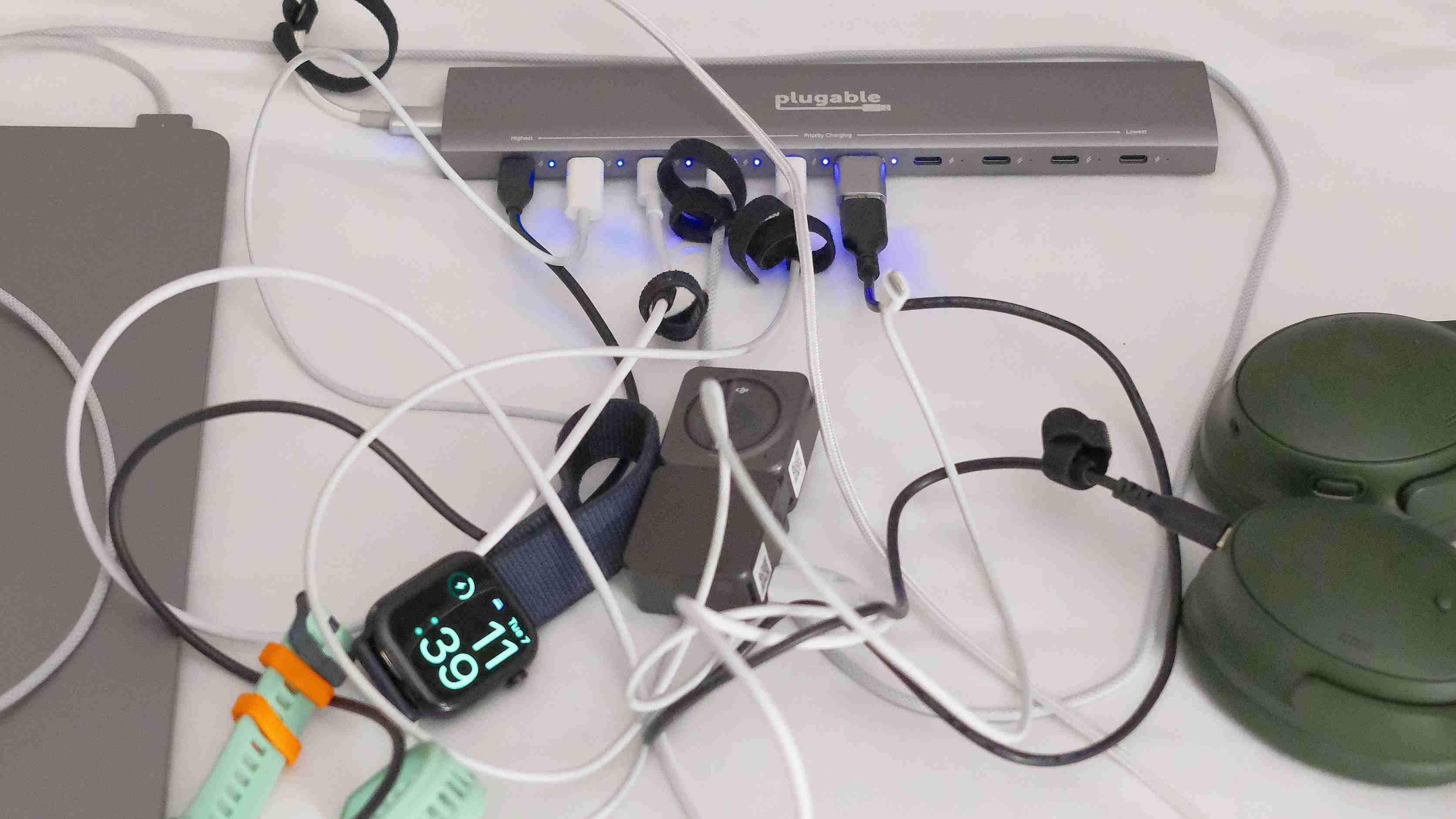
A blue indicator beside each output illuminates or flashes when it is actively drawing power. The long metal body and rubber strips underneath helped the reviewer keep the station in place. Give that elongated shape a stable location with room for the connectors along its face. The article was an early hands-on account and explicitly anticipated more testing, so its positive impressions should be read in that limited context.
Choose the charging order before arranging ten leads
The leftmost output receives priority in the described allocation system. Its actual demand is assessed before remaining capacity is passed to other connected devices. That makes port position relevant when a laptop should receive the strongest available share. Begin with the equipment's relative priority and check the current product instructions, rather than filling ports solely according to which cable looks neatest beside a particular socket.
Power enters through the left end near that priority connection. Confirm the supported input supply and its placement before measuring the outgoing runs. A ten-port station can reduce the number of separate charging cubes, but it still needs a suitable upstream source and properly specified device leads. The source's successful mixed-device use should not be interpreted as removing those requirements or making every connected accessory draw the same amount of power.
Keep the total ceiling separate from the connector count
The quoted maximum is one hundred watts for the station at a time. Ten sockets therefore provide flexibility for a collection of devices rather than ten independent high-power supplies. A group of wearables, headphones, camera equipment, a phone and a laptop has a different demand pattern from several depleted laptops. Identify the devices that need to be ready first and the time available before assuming that the full row suits a demanding simultaneous workload.
The hands-on writer's devices were ready after charging overnight during CES. That is a useful real-use account with a long charging window, not a port-by-port maximum-output measurement or a universal finishing time. The article explicitly anticipated further testing. Keep that early context visible when comparing the station with a later full review or current specification, and avoid presenting enthusiasm from the first outing as a comprehensive endurance or allocation test.
Give the elongated body a stable serviceable position
The metal enclosure and rubber strips underneath helped the reviewer keep the long station in place. Include its full width and the outgoing connector space when choosing a home on the desk. The body needs a stable supported surface, while each lead needs a practical path to the device rather than a loose coil across the keyboard area. A centralized charger can otherwise recreate the same tangle in a more concentrated location.
The blue indicators beside the sockets illuminate or flash when an output is actively drawing power. Keep them visible enough to check alongside the actual device state; they are useful connection feedback rather than a promise that every battery is already full. Current price and availability should be checked separately from the launch preorder. The strongest use case is an orderly mixed-device charging point with meaningful priority, adequate input and a shared budget appropriate to the available charging time.
References
- Plugable's 10-port smart USB-C charging hub is the peripheral hero we deserve. Tom's Guide; Dan Bracaglia.


Bir Cevap Yaz
E-posta adresiniz yayınlanmayacak. Gerekli alanlar * ile işaretlenmişlerdir.