
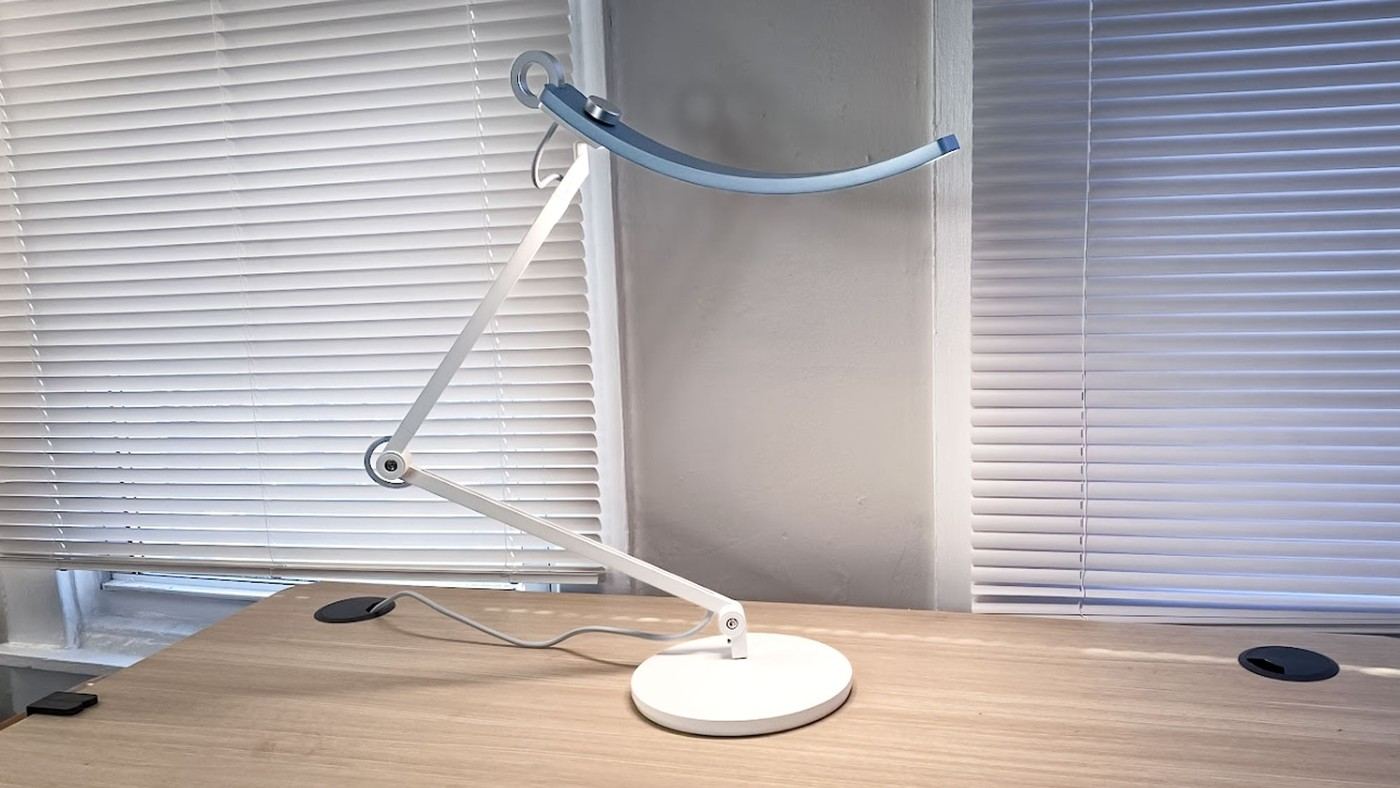
A Tom's Guide writer describes using BenQ's e-Reading lamp in a room shared by an office and a den. Its adjustable color temperature allows a cooler work light to change to a warmer tone when the room is used for relaxing.
The article also highlights an ambient-light sensor and simple controls. These features make adjustment easier, but placement still matters. Aim the light at the task while avoiding screen reflections, and select a brightness that fits the surrounding room rather than treating the lamp independently.
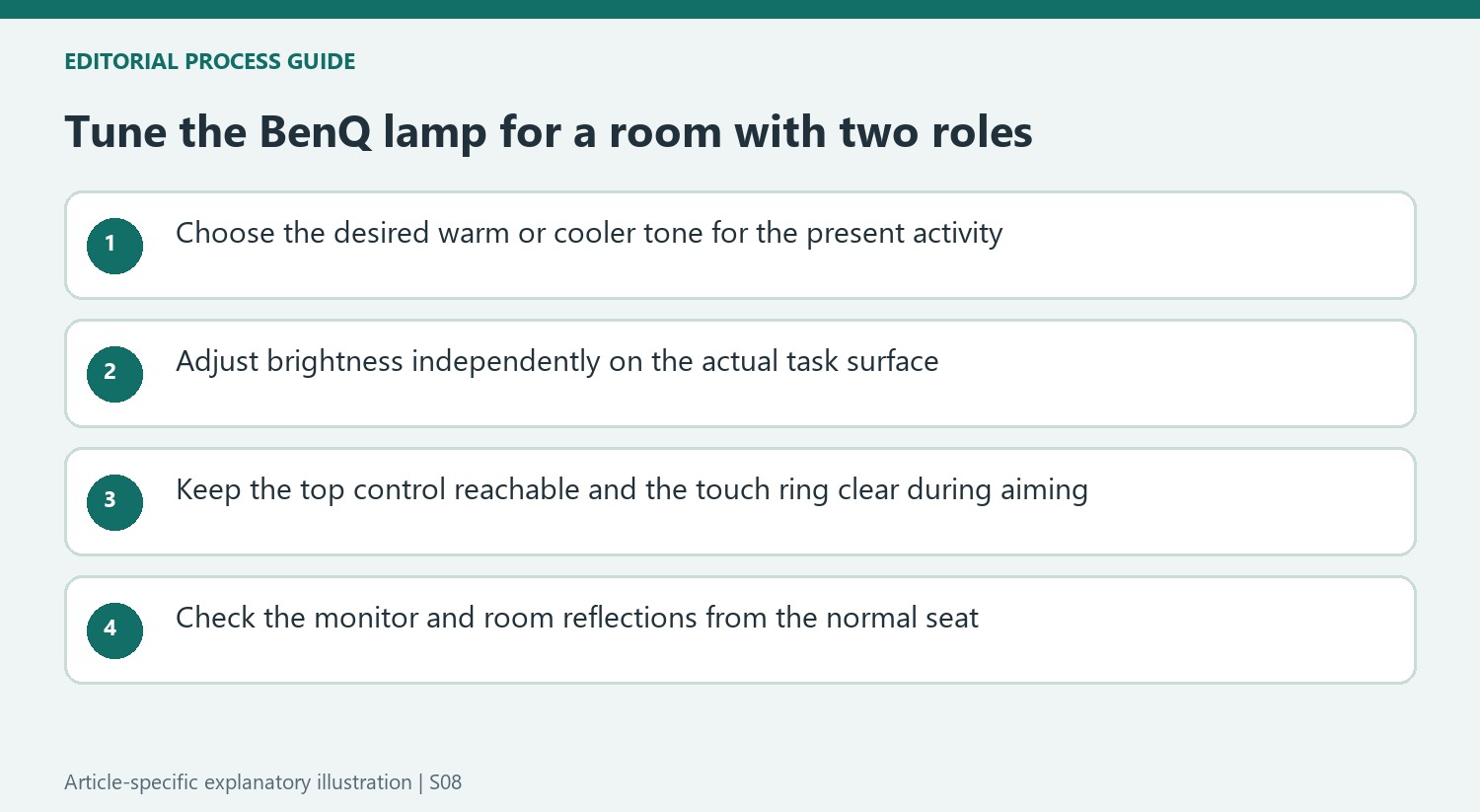
Choose tone and brightness as separate settings
The source lists a color-temperature range from 2700K to 5700K. Turning the top control allows the writer to move between a warm evening appearance and cooler work lighting, while dimming controls the amount of light. Those are related but different adjustments. Test both on the actual reading or typing area rather than assuming one preferred temperature also supplies the right brightness.
Keep the touch ring within reach
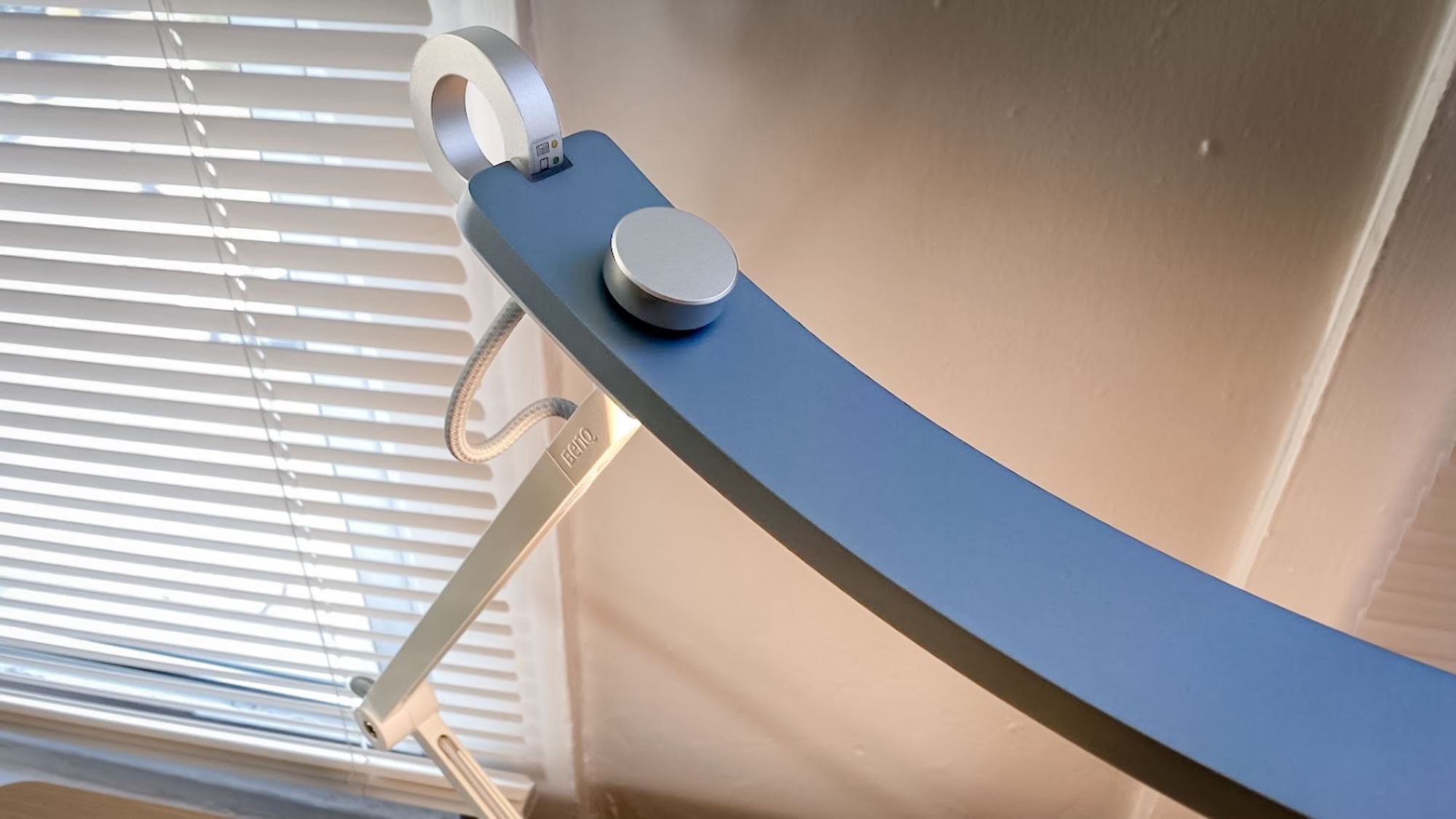
The author liked finding the sensitive on-off ring in a dark room but sometimes activated it unintentionally while adjusting the head. That is a concrete usability trade-off. Position the lamp so normal adjustments do not require repeatedly brushing the switch, and leave enough space to grip the intended parts. The source describes a pleasing control feel, but that remains a personal preference rather than a measured productivity improvement.
Consider the light reflected by the room
The angled head spread illumination across the writer's desktop and onto white walls, which then reflected light into the combined office and den. Another room's surfaces and layout may behave differently. The account's main advantage was moving one shared space between work and relaxation without changing lamps. Check reflections in the monitor and retain suitable ambient lighting rather than expecting the same room-wide effect from the product alone.
Choose settings around the shared room rather than a universal work tone
The writer preferred warm lighting for relaxing but used a daylight-like tone at the desk after sunset. Combining an office and den in one room made that contrast particularly noticeable. The lamp's value in this account was allowing the same corner to change character without replacing the fixture. That personal preference does not establish that every worker concentrates better under a cooler setting or that warmer light is always too dim for a task.
The reported 2700K-to-5700K range gives an idea of the available tonal change, while dimming independently adjusts the light level. Try the combination on the page, keyboard and surrounding surfaces actually used. A warmer setting is a lower color-temperature value, and it need not mean accepting inadequate task illumination. Check brightness separately rather than treating the selected tone as an automatic solution for all activities in the room.
Keep the controls reachable without making accidental touches routine
The source liked the top adjustment control and the absence of a collection of separate buttons. Its tactile appeal was a memorable part of the writer's experience, but it is still a handling preference rather than evidence of a measurable work benefit. Position the lamp where the control can be reached comfortably from the normal seated position, then test how easily it is used while looking at the task.
The touch-sensitive activation ring helped the writer find the switch in a dark room, yet also triggered during head adjustments. Leave room to grip the intended adjustment points without repeatedly brushing that ring. The same sensitivity can be convenient for one action and irritating for another. The practical question is whether the final placement lets the user turn the lamp on and aim it deliberately, rather than whether a touch control looks simpler in a product photograph.
Assess the room-wide effect in the actual surroundings
The angled head spread light across the source writer's desktop and toward white walls, which reflected it into the rest of the combined room. Darker walls, different furniture and another lamp position can produce a different result. Check monitor reflections from the ordinary viewing position and adjust the light direction as well as brightness. A wide beam can be helpful without being a guarantee of identical coverage in every home office.
The described ambient-light sensor adds automatic adjustment, but the overall balance still depends on the room and the user's activity. The writer retained another lamp even while sometimes forgetting to turn it on. That context is more useful than claiming this one fixture replaces all room lighting. Compare the present complete setup and current price with the desired transition between desk work and leisure, keeping personal comfort observations distinct from broader health or productivity promises.
References
- This color-changing desk lamp is one of my favorite home office upgrades of the year. Tom's Guide; Adam Schram.


Bir Cevap Yaz
E-posta adresiniz yayınlanmayacak. Gerekli alanlar * ile işaretlenmişlerdir.