
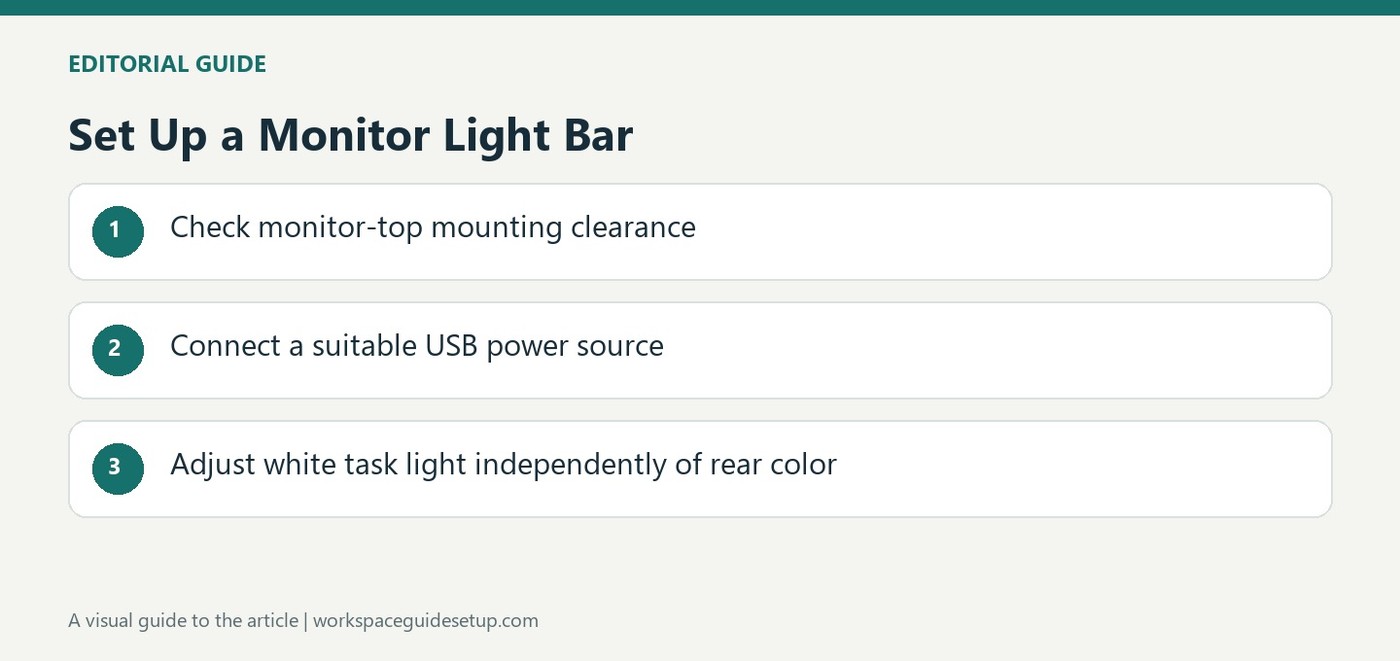
A Quntis bar provides separately controlled white task lighting and decorative rear color effects above the screen.
Connect the lamp and position the control
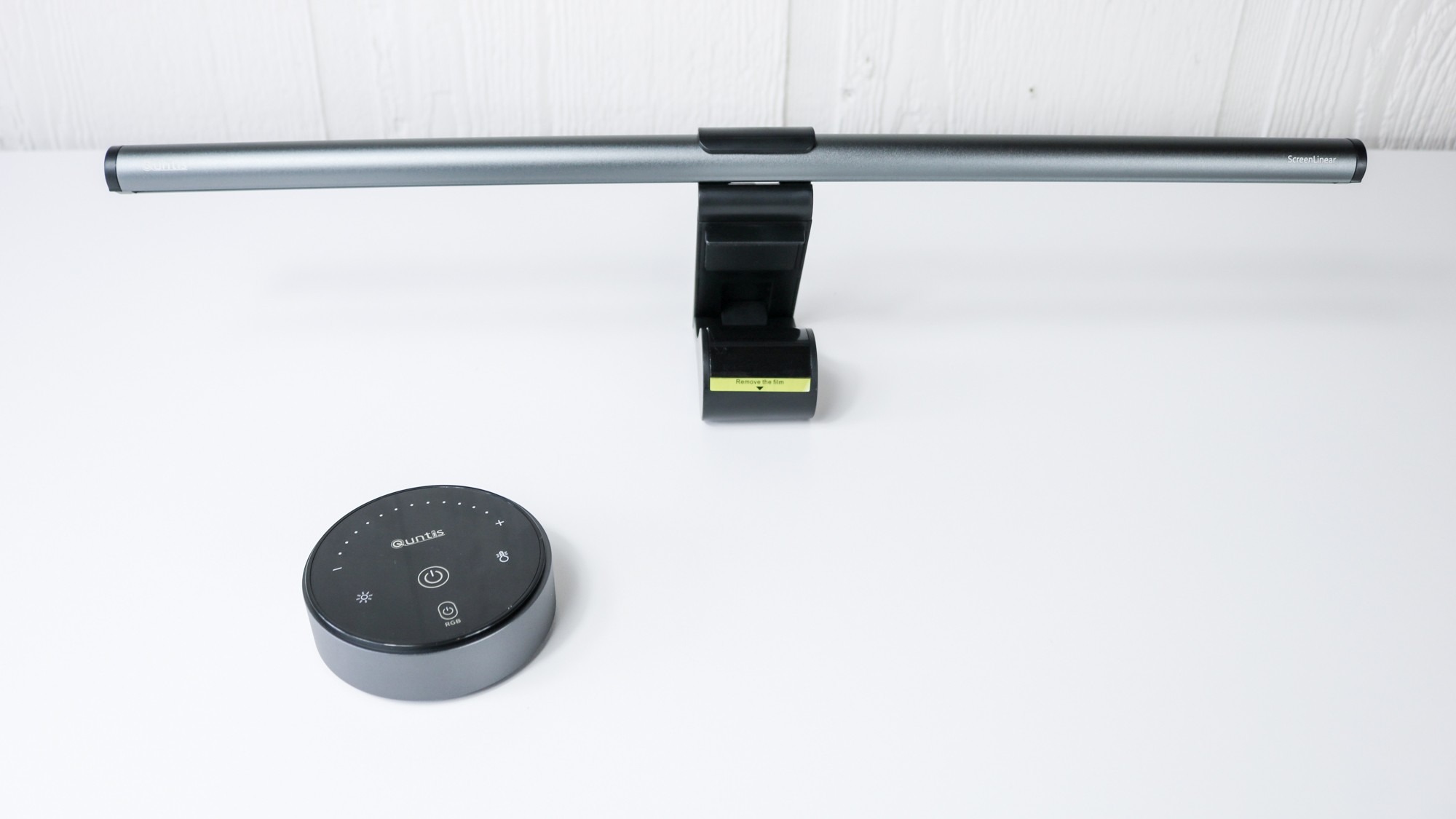
Tom's Guide describes a USB-C power connection at the rear of the light bar. It can draw power from a suitable powered monitor port or a separate USB adapter. The included puck-shaped remote lets the user switch it on and change brightness or color temperature without touching the bar on top of the screen.
Consider the full screen width
The reviewed model is 20 inches wide and is described as suitable for flat and curved displays. The article suggests that a wider or dual-monitor arrangement may benefit from two bars, which can share one controller. Rear RGB effects are separate from the white task light, so decorative color should not be confused with the light needed on the working surface. The original sale price was time-specific and is not a current pricing guarantee.
Keep task color independent from decorative effects
The source lists a white-light range from 3000K to 6500K at the front and fifteen preset color modes at the rear. The remote provides separate access to those functions, so a preferred wall color does not have to determine the work-surface illumination. Test the bar on the actual monitor shape and check for reflections before increasing brightness. The included remote is battery powered, while the bar itself uses the USB-C supply. Keep those two power requirements distinct when troubleshooting a failed control or light. The article's suggestion of two bars for a wide arrangement is a coverage option, not proof that every dual-screen desk requires that purchase.
Check the monitor position before expecting the bar to save space
The twenty-inch bar moves the task light above the screen, avoiding a separate lamp base beside the keyboard. Its mounting still needs to suit the exact display and remain clear of other equipment near the top edge. The source describes use with flat and curved displays, but that broad description does not establish every bezel and monitor shape. Check the current fitting guidance and the actual working position before increasing brightness or routing the supply lead.
Aim the light onto the task surface and look at the display from the normal seat. A monitor-mounted product does not automatically make reflections impossible. The source's suggestion of two bars for a wide or dual-display arrangement is a coverage option, not a requirement derived from a measured test of every desk. Evaluate where the light actually falls before adding another unit simply to match the number of monitors.
Separate front task settings from the rear color effect
The white front light is described with a 3000K-to-6500K range, while fifteen preset modes control the rear RGB effect. Use the front setting for the work surface and treat the wall color as a separate atmosphere choice. The preferred decorative mode does not need to determine how readable the paper or keyboard remains. Try both together with the room's existing illumination rather than judging them in an otherwise unlit promotional scene.
A rear glow also depends on wall distance and surface color. The guide's appeal is combining useful desk light with an optional colored background in one mounted object. That is a feature description rather than a guaranteed improvement in concentration or comfort for every person. Compare the simpler non-RGB alternative mentioned in the coverage if the rear effect is unlikely to be used, while still checking the exact current model and its controls.
Keep the bar and remote power paths understandable
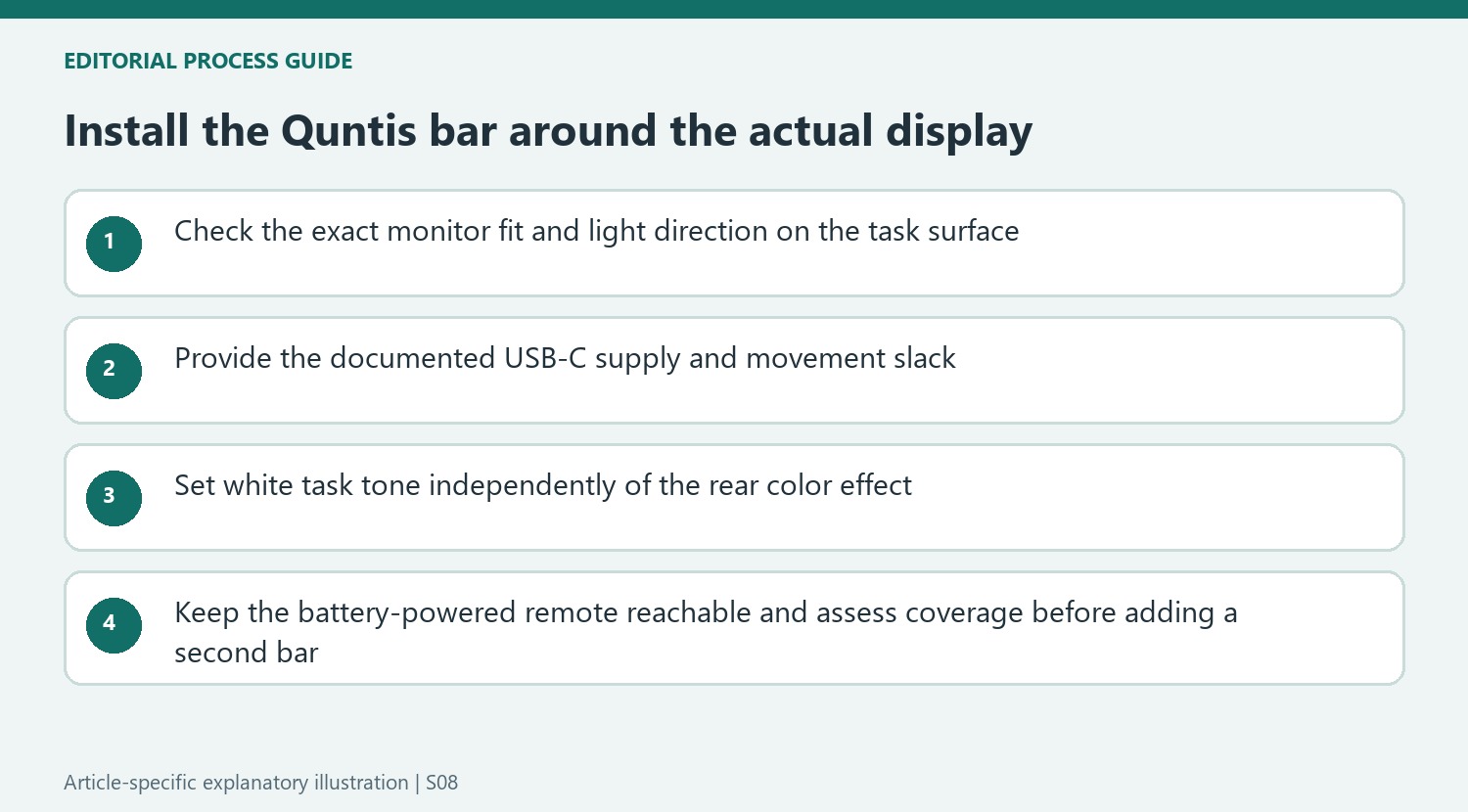
The lamp's USB-C input is at the rear and can use a suitably powered monitor port or a separate USB adapter. Confirm the required supply for the chosen version instead of assuming every monitor socket remains powered in every state. Route the input with slack for the screen's actual adjustment. A light bar saves a base on the worktop, but it retains a cable whose source and behavior should be clear.
The supplied puck controller uses batteries, so a control problem and a lamp-supply problem are separate checks. Keep the remote reachable where its brightness and color adjustments are used, and follow the current pairing guidance if controlling two bars together. The quoted Prime Day price is historical. The useful choice is a supported single- or two-bar arrangement that provides adequate task coverage and convenient control, with the decorative rear function included because it serves the intended room.
References
- I reviewed this monitor light bar, and I’d easily pick up another in this last-minute Prime Day deal. Tom's Guide; Anthony Spadafora.


Bir Cevap Yaz
E-posta adresiniz yayınlanmayacak. Gerekli alanlar * ile işaretlenmişlerdir.