
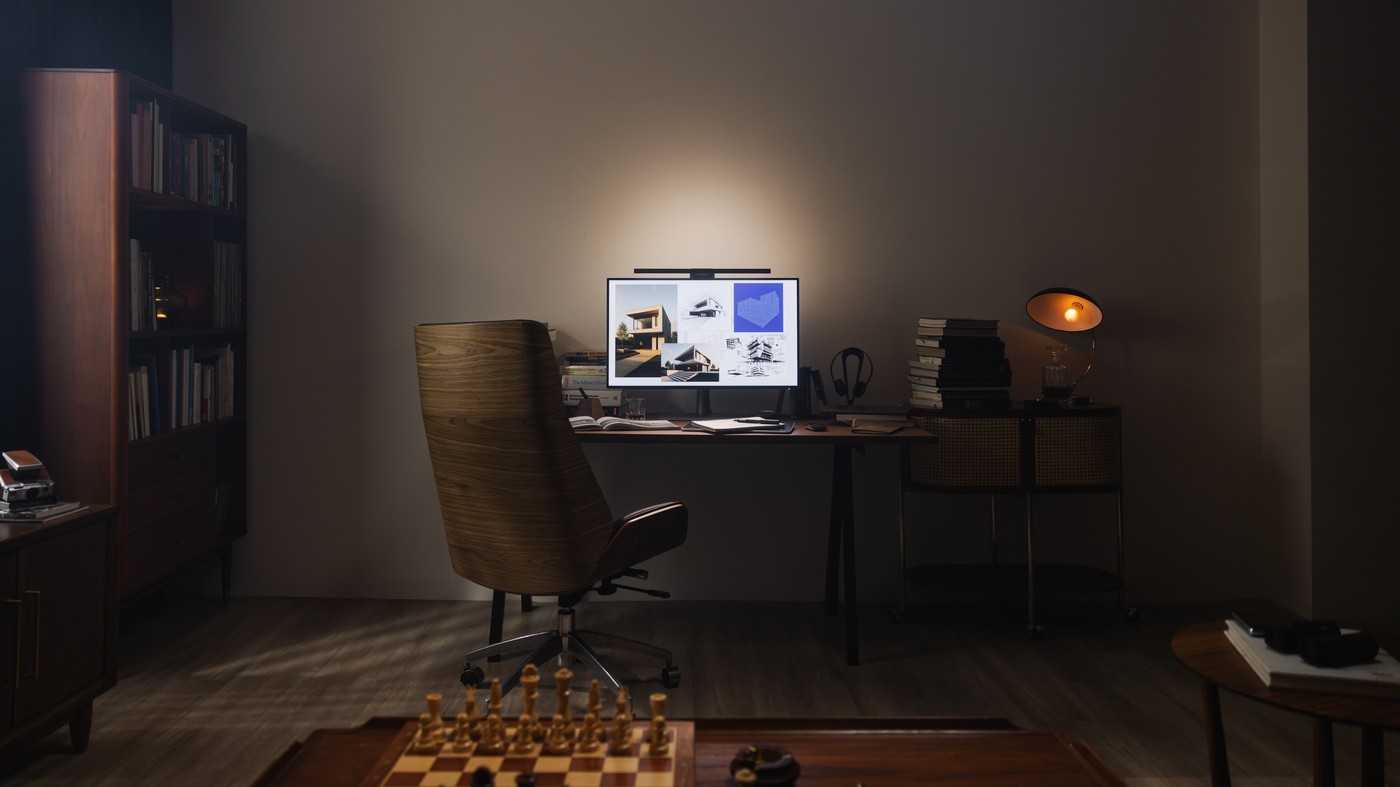
Sponsored coverage of BenQ's ScreenBar range presents monitor-mounted lighting as an option for late-night work and multi-screen setups. The design aims to illuminate the desk while managing the relationship between screen brightness and surrounding light.
Check monitor compatibility and mounting space before choosing a light bar, particularly if a webcam already occupies the top edge. Adjust the beam to avoid reflections and assess it with the room's other lights switched on. Manufacturer claims about fatigue do not replace checking what is comfortable for your own tasks.
Distinguish the two promoted ScreenBar models
The sponsored source describes Halo 2 with front and rear illumination and a wireless controller for brightness and color-temperature changes. ScreenBar Pro is presented as a broad task-light option for physical desk work. Both are described as offering presence detection and automatic adjustment. Those are manufacturer-backed feature descriptions, not an independent head-to-head test, so check the exact current model documentation before comparing functions.
Make room for the clamp and existing accessories
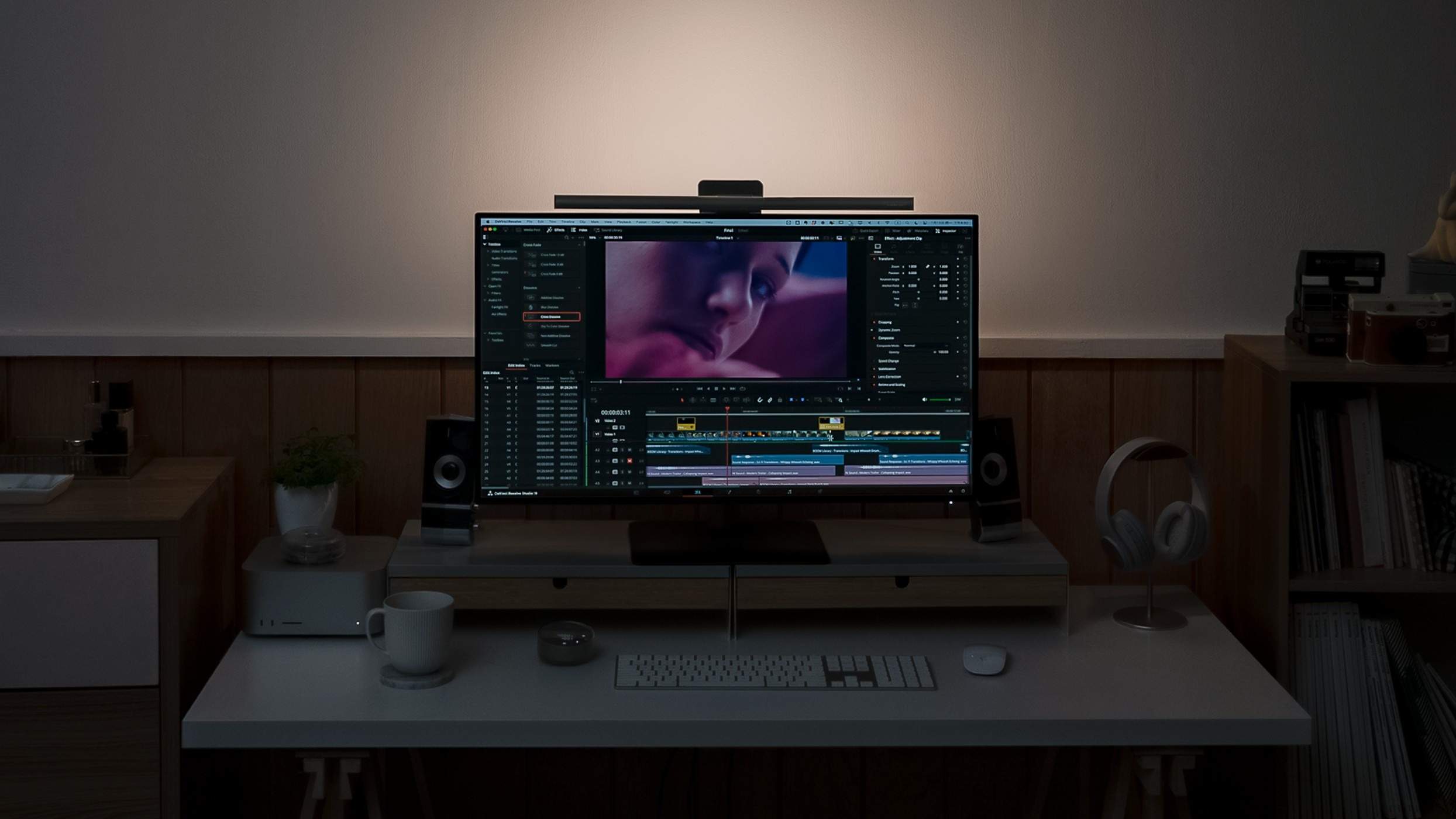
Monitor-top placement removes a traditional lamp base from the desktop but uses space on the display itself. Check bezel shape, panel thickness, curved-screen compatibility and any webcam mount against the chosen model's instructions. An apparently small bar can still conflict with another device or obscure a sensor. Complete that physical check before organizing its power cable behind the monitor arm.
Assess the beam in the working room
The sponsored discussion emphasizes asymmetrical front lighting and balancing the screen with the surrounding area. Evaluate those aims with the actual notebook, keyboard and monitor position rather than assuming the promotional examples match every desk. Check reflections and shadows while changing brightness. Claims about fatigue and productivity remain claims in this source; the practical benefit to assess is usable desk illumination with convenient control and minimal glare.
Keep the sponsored features tied to the exact model
The source is sponsor content created with BenQ, with Halo 2 and Pro presented for related but different lighting needs. Halo 2 is described with front and rear illumination plus a wireless controller. Pro is presented as a broad task-light option for work beyond the screen. Compare the current model documentation rather than combining every promoted function into one unspecified ScreenBar product.
The source describes presence detection and automatic dimming on both models. Those features can reduce the number of manual adjustments, but they remain manufacturer-backed descriptions in this account. Test their behavior in the actual room and follow current control instructions if a particular automatic action is inconvenient. The article does not provide an independent head-to-head comparison demonstrating that the same mode is preferable for every user or work schedule.
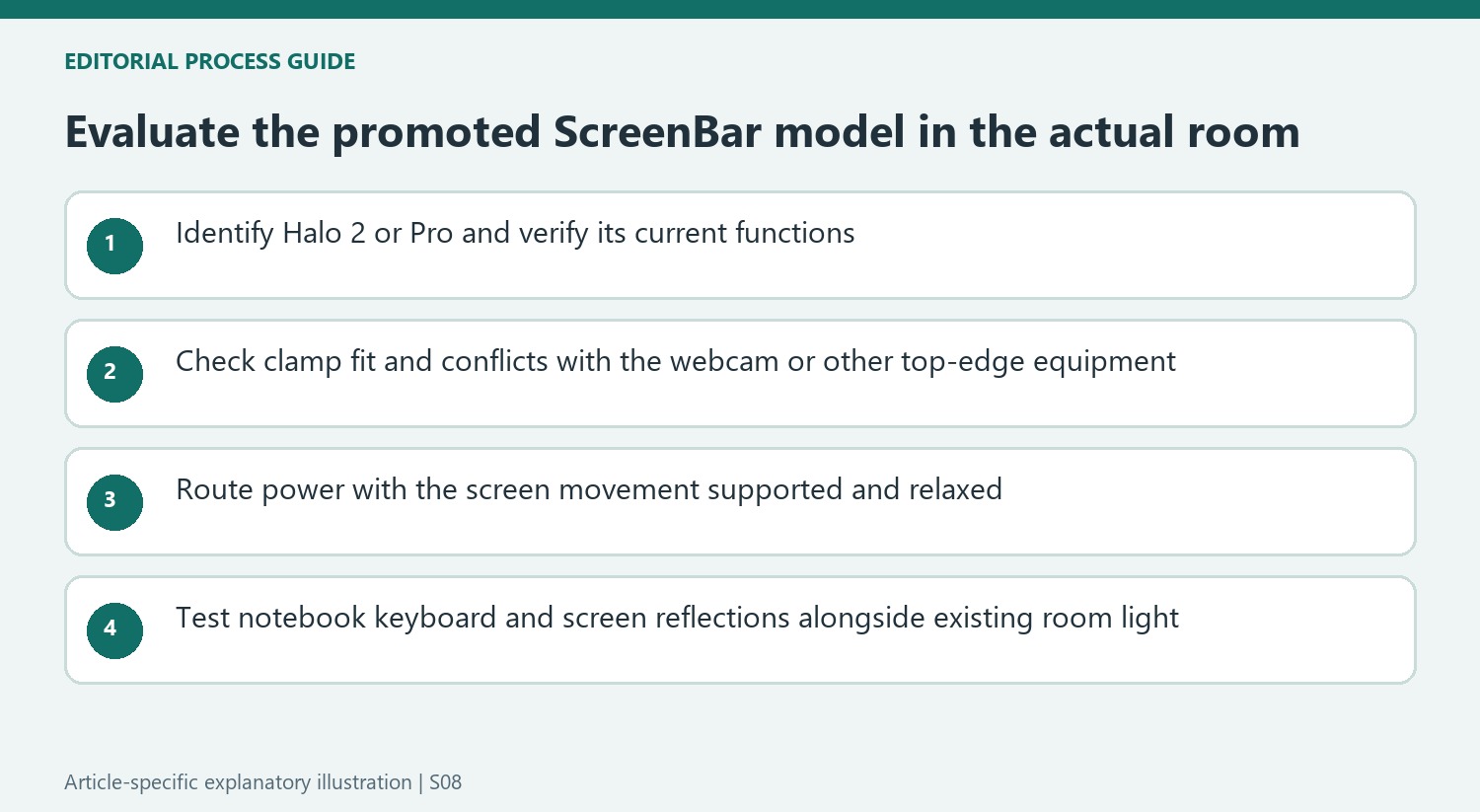
Check the physical top edge before routing the power lead
A monitor-mounted lamp removes a desk-lamp base but transfers the support requirement to the screen. Check the exact clamp compatibility, panel shape and available space against the selected model's instructions. A webcam or other top-edge accessory may occupy that same area. A broad claim about fitting many monitors does not establish that a particular combination can be stacked together without obstructing the panel or an existing sensor.
After the physical fit is confirmed, inspect the supply route through the monitor's normal adjustments. Keep the cable supported and relaxed rather than securing it tightly at the initial screen height. If the display sits on an arm, consider the route to the fixed power source through the movement actually used. The small visible bar still belongs to a complete supported installation, not an isolated object whose cable disappears automatically when mounted.
Evaluate actual task coverage rather than a fatigue promise
The sponsored account emphasizes asymmetrical light intended to reach the desk while limiting reflections. Place the real notebook, keyboard and screen in their normal positions and judge the beam from the chair. The rear-lit Halo arrangement also interacts with the wall and surrounding surfaces. Adjust the combined light with the room's existing fixtures rather than assuming the promotional example predicts the same contrast in every room.
The source makes broad claims about concentration, eye comfort and creative work without supplying an independent clinical comparison in the available account. Keep those claims attributed instead of promising that the lamp prevents fatigue or makes long late-night sessions harmless. The useful practical assessment is whether the chosen model provides accessible controls, adequate task coverage and acceptably low reflections for the individual setup. That can support a sensible lighting choice without requiring the wider productivity promises to be treated as measured results.
References
- Give your office an edge with one simple upgrade. TechRadar; Jacob York.


Bir Cevap Yaz
E-posta adresiniz yayınlanmayacak. Gerekli alanlar * ile işaretlenmişlerdir.