
Map the usable space
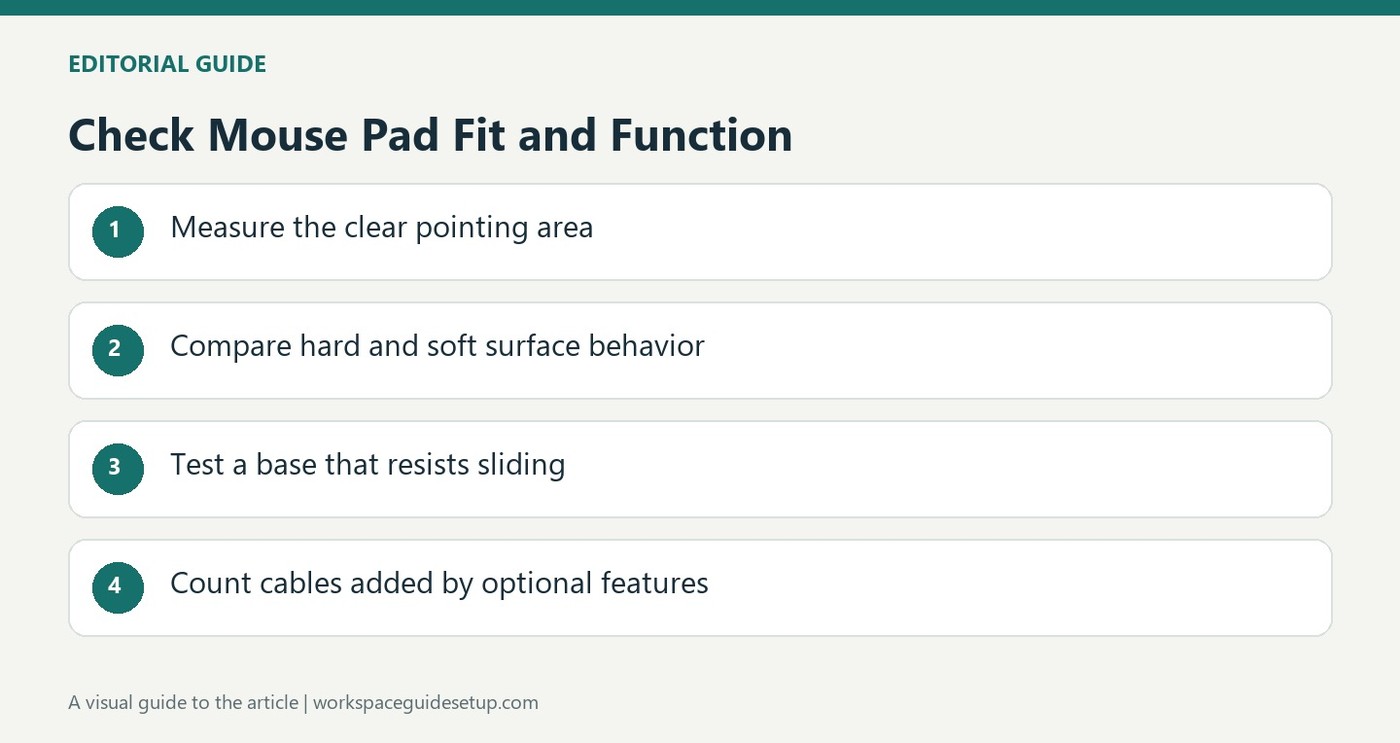
A mouse pad that is too small interrupts movement, while an oversized mat can compete with other desk items. How To Geek recommends measuring the intended area with a ruler or tape measure and accounting for a keyboard, monitor, laptop and paperwork. The useful measurement is the clear working space, rather than simply the full width of the furniture. Consider how the mouse moves during the tasks you perform most often.
Balance coverage and portability
A large pad makes more sense at a permanent workstation than in a bag carried between coffee shops and offices. Smaller models are easier to transport and fit into unfamiliar spaces. The guide also distinguishes hard surfaces from softer cloth pads, with different friction, cleaning and portability characteristics. A slip resistant base helps keep either style in place. Choose a size that supports normal movement while leaving the rest of the workspace usable, then check the material's maintenance requirements before ordering.
Assess extra features as extra equipment
The guide notes that illuminated pads need a USB connection, adding another lead to the workstation. Cable holders and built-in charging features can serve useful purposes, but each should be compared with the task it actually solves. A wireless-charging surface still needs its own power input and compatible device. Check those details before increasing the pad's footprint for an accessory feature. The source also distinguishes water resistance from being immune to dirt or spills. Follow the chosen material's cleaning instructions and let the surface dry appropriately before use. A stable base and controlled mouse movement are the basic requirements, with lighting and storage features considered afterward.
Measure the mouse route rather than the whole desk
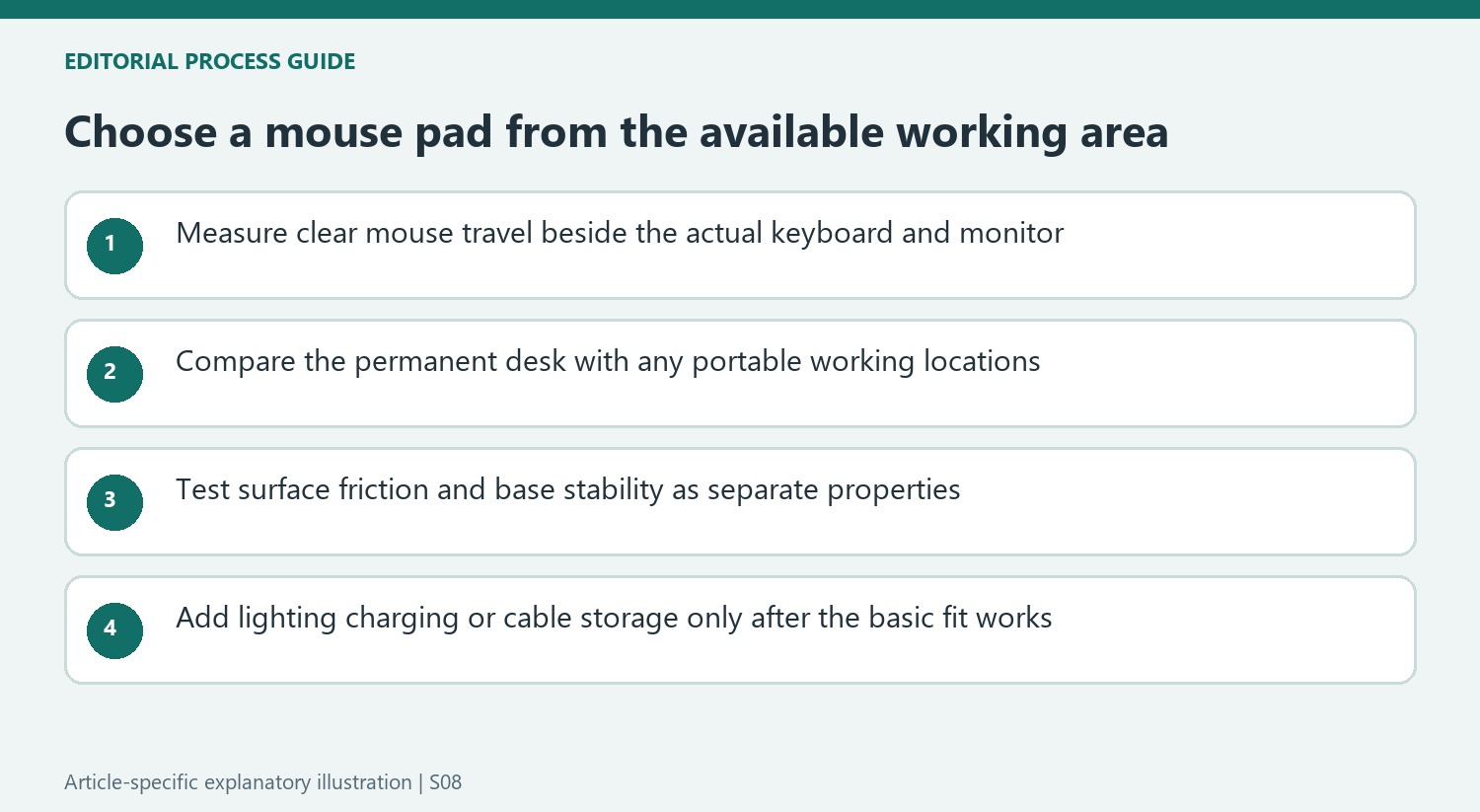
Begin with the space that remains clear during normal work, including the keyboard, display base, laptop and any paperwork. The guide notes that a small pad can force frequent recentering or let the mouse leave the surface. Check the movements used most often instead of assuming that the full furniture width is available. A larger pad should fit within a usable supported area rather than depending on an inconvenient overhang.
Think about every location where the pad will be used. A permanent station can accommodate a large surface without a packing penalty, while a coffee-shop table may provide only a small patch beside the laptop. The source's forty-inch example illustrates that distinction. A portable pad should suit both the bag and the likely destination, not merely roll small enough to carry while remaining too large to deploy comfortably.
Compare friction and stability as separate characteristics
The guide broadly contrasts hard plastic, metal or glass surfaces with softer cloth. Harder surfaces tend to provide a faster glide with less friction, which can require adaptation when stopping precisely. Cloth can offer more resistance and a softer feel. These are general material tendencies rather than proof that every hard pad suits the same mouse or every soft one guarantees greater accuracy. Check the exact product and the intended movement style.
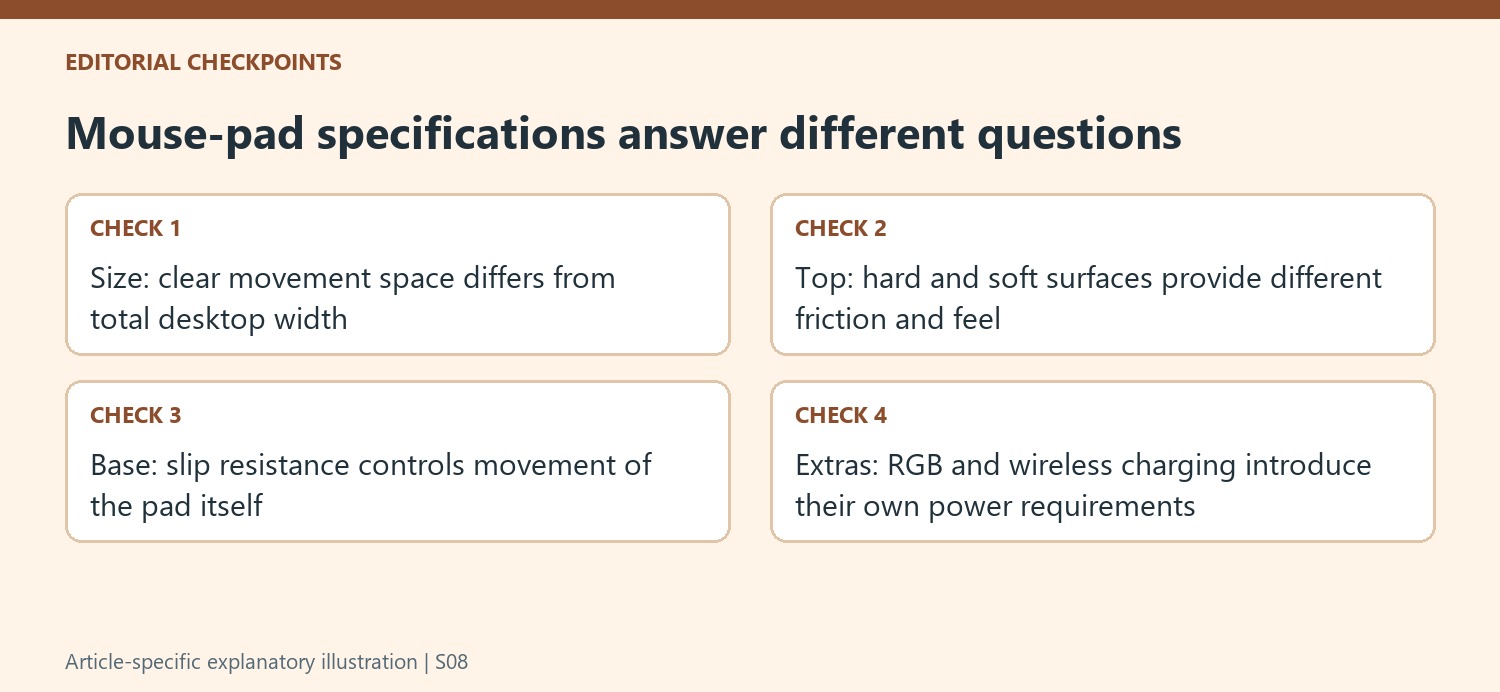
The base should also stay in place independently of how fast the mouse moves across the top. A textured slip-resistant underside can help prevent the whole pad from shifting. Compare that stability with the actual desk finish and clean according to the product guidance. A surface that feels good under the mouse is less useful if the mat itself creeps or bunches during a normal task.
Treat lighting and charging as additions to the basic surface
An illuminated edge requires power and adds a USB lead to the workstation. Decide whether that decoration is useful after size, tracking and grip are satisfactory. Cable holders or a hidden paper layer may also help a specific routine, but they change the object from a simple movement surface into additional storage or connection equipment. Check whether those features remain reachable with the keyboard and mouse in their normal positions.
A built-in wireless charging area needs compatible equipment and its own supported input supply. It does not create a cable-free desk by itself, and the available footprint may be divided between charging and mouse movement. Water resistance is likewise different from immunity to dirt or damage. Follow material-specific cleaning and drying instructions. The practical choice is a stable surface with enough unobstructed movement, with extra features included only when they solve another defined need without compromising that basic function.
References
- How to Choose the Perfect Mouse Pad. How-To Geek; Andy Nguyen.


Bir Cevap Yaz
E-posta adresiniz yayınlanmayacak. Gerekli alanlar * ile işaretlenmişlerdir.