
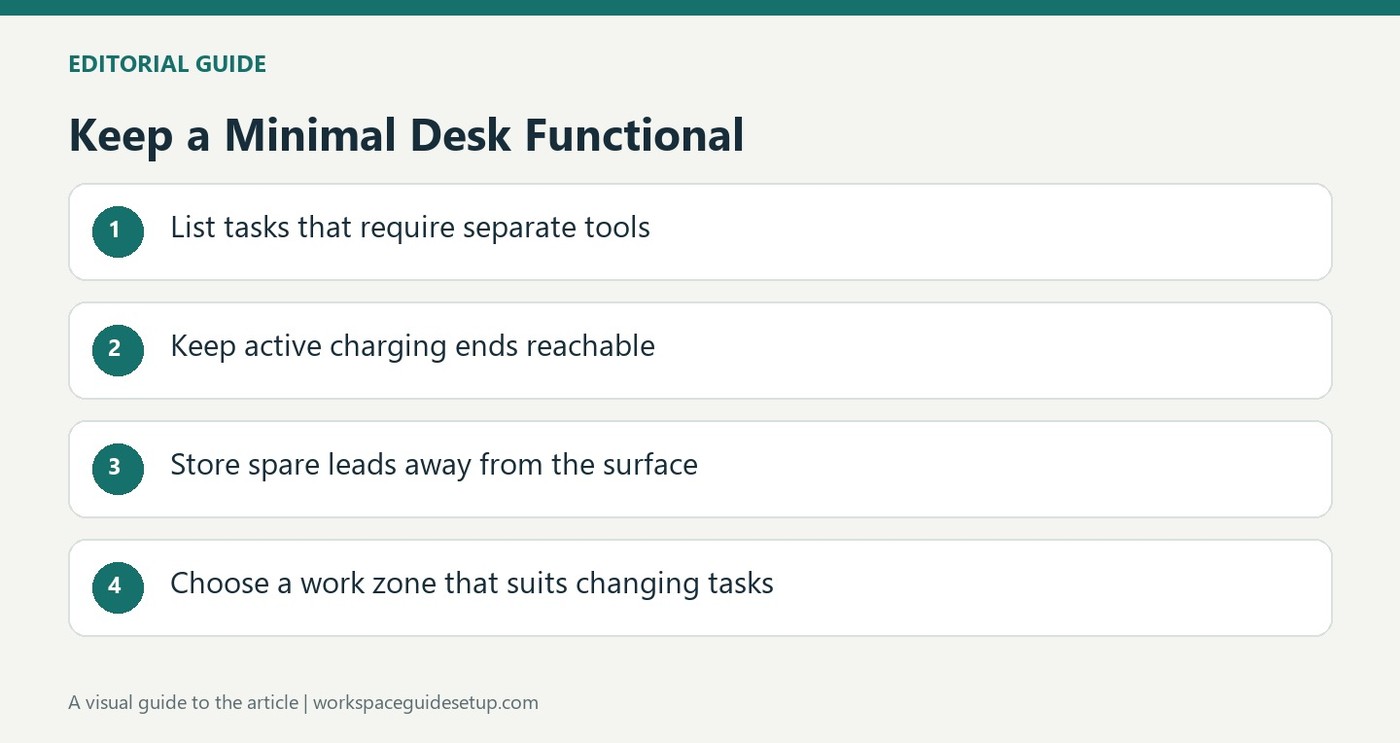
TechRadar's minimalist-office feature reflects on moving between a bare laptop setup and a desk crowded with screens and gadgets. Its conclusion favors a small, carefully chosen set of items rather than assuming either extreme is automatically productive.
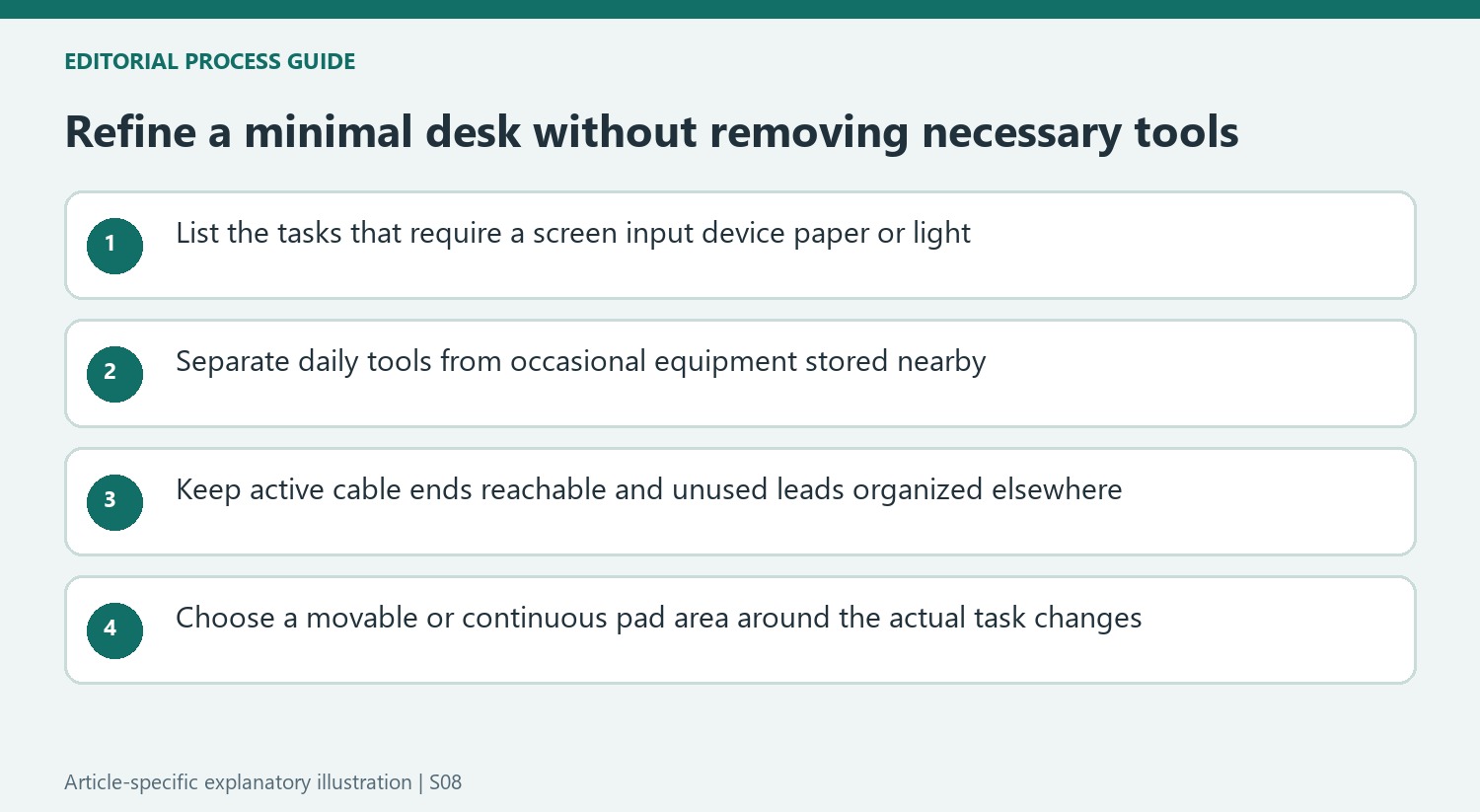
Apply that idea by checking which accessories support regular work and which merely occupy space. Keep the functions that matter, such as suitable inputs, charging and light, then give occasional equipment a storage location. Minimalism should make the routine easier rather than remove tools needed to complete it.
Begin with the tasks the small setup must retain
The source's decade-long comparison includes both a laptop alone and a heavily equipped desk. Its conclusion favors deliberate selection, not a fixed maximum number of objects. List the tasks that genuinely need a separate screen, input device or paper area. That makes removing clutter a functional decision, rather than copying a bare photograph that leaves necessary work unsupported.
Reduce cable confusion without removing useful tools
Tom's Guide's cable-management contributors distinguish active charging leads from stored spares. Small clips keep the former reachable, while categorized pockets give the latter a separate home. This supports a restrained desk without assuming that every device must become wireless. Clear routes and identifiable ends can reduce visual clutter while preserving the connections needed by the daily workflow.
Choose a movable work zone when tasks change
Grovemade's desk-pad guide describes a smaller pad that can slide away with the keyboard when the user switches to sketching. A larger pad instead unifies a keyboard-and-mouse area. The manufacturer's example illustrates another way to keep a surface purposeful: size the accessory around the work that occurs there. Check the desk's dimensions and material requirements before adopting either arrangement, and store occasional equipment where it can be retrieved easily.
Keep the small setup accountable to the actual work
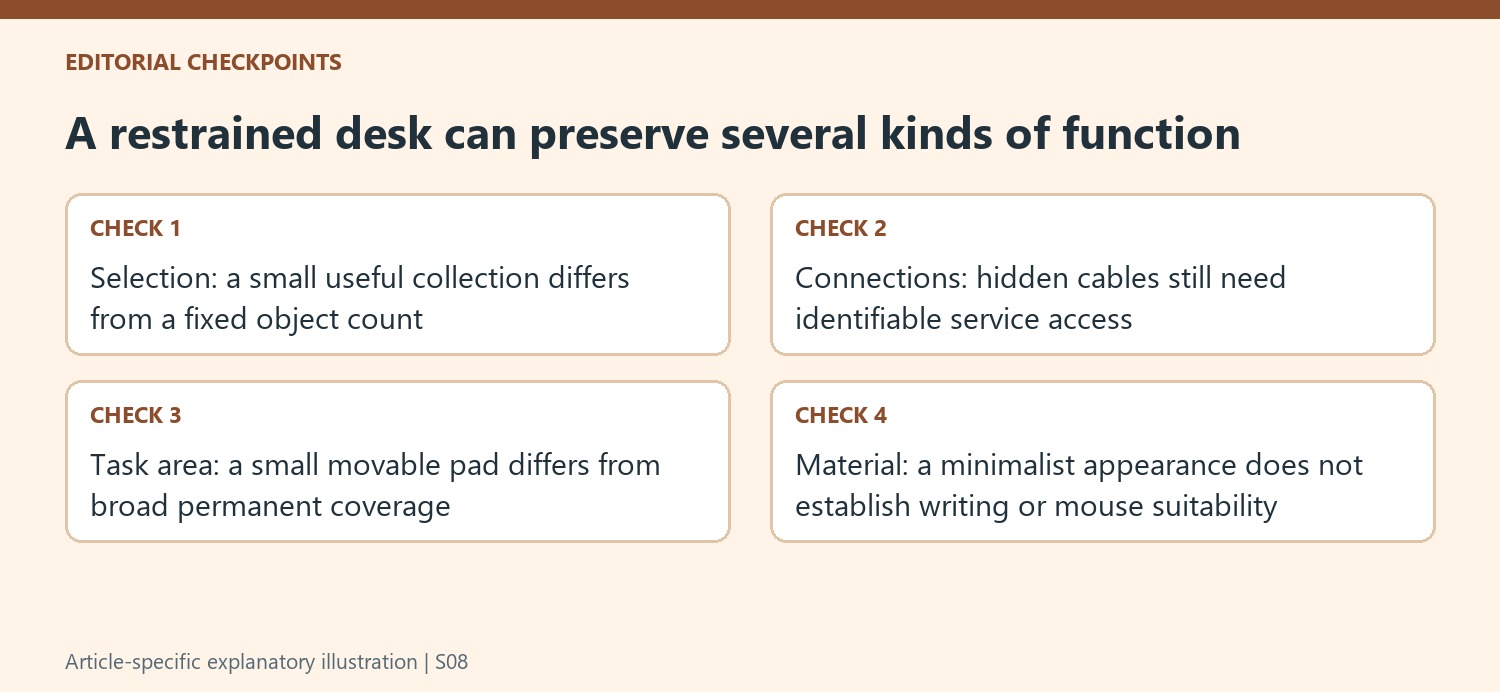
The writer tried both a laptop-only arrangement and a heavily equipped desk before favoring a deliberately chosen small collection. That is a personal process, not a universal eight-object limit. Identify what the daily tasks need: a second screen, a mouse, paper for notes or a suitable light may each have a clear role. Removing a necessary tool to imitate a bare photograph can make the routine less efficient even when the surface looks calmer.
The available introduction does not provide detailed performance evidence for every item in the curated selection. Use its principle to review the existing equipment before treating it as a complete shopping instruction. Separate objects needed during most sessions from occasional tools that can be stored nearby. The practical goal is fewer unnecessary decisions and obstacles, while retaining the functions that let the work proceed normally.
Make cables understandable instead of making them disappear at any cost
The cited cable-management feature distinguishes frequently used charging ends, stable routed leads and unused spares. A small clip can keep the active end reachable rather than allowing it to fall behind the desk. A sleeve may suit a fixed visible run, while a divided organizer serves stored leads. These are different jobs, so one hidden bundle should not be expected to make all three easier to maintain.
That distinction also avoids replacing every wired device simply to achieve a wireless-looking setup. A wireless accessory may still need periodic charging, while a dependable routed connection can remain unobtrusive and easy to identify. Check the actual device requirements and leave service access. A restrained workstation can keep its useful connections without forcing a later unplugging task to begin with tracing an anonymous mass of hidden cables.
Give changing tasks a movable area rather than another permanent object
The manufacturer desk-pad guide cited here describes a small pad that moves with the keyboard when typing gives way to sketching. A larger pad instead groups both keyboard and mouse into a continuous area. Choose between those examples by measuring the actual desk and task pattern. The smaller option is useful only if it has somewhere to move, while the larger one should not cover an area needed for another activity.
Material still matters once the footprint is chosen. Soft felt can be pleasant beneath equipment yet less suitable for writing directly on one sheet. Check the pen, mouse and cleaning requirements rather than selecting only the appearance that fits a minimalist theme. The author's decade-long reflection supports deliberate selection; the secondary cable and pad examples show how that can become practical. Keep what earns its place, make occasional tools retrievable and judge the resulting station by the work it supports.
References
- It took me a decade to refine my minimalist home office – here are the 8 products I recommend. TechRadar; Owain Williams.
- I asked 5 tech journalists how they beat cable clutter — here are their tips. Tom's Guide; Camilla Sharman.
- All About Desk Pads. Grovemade.


Bir Cevap Yaz
E-posta adresiniz yayınlanmayacak. Gerekli alanlar * ile işaretlenmişlerdir.