
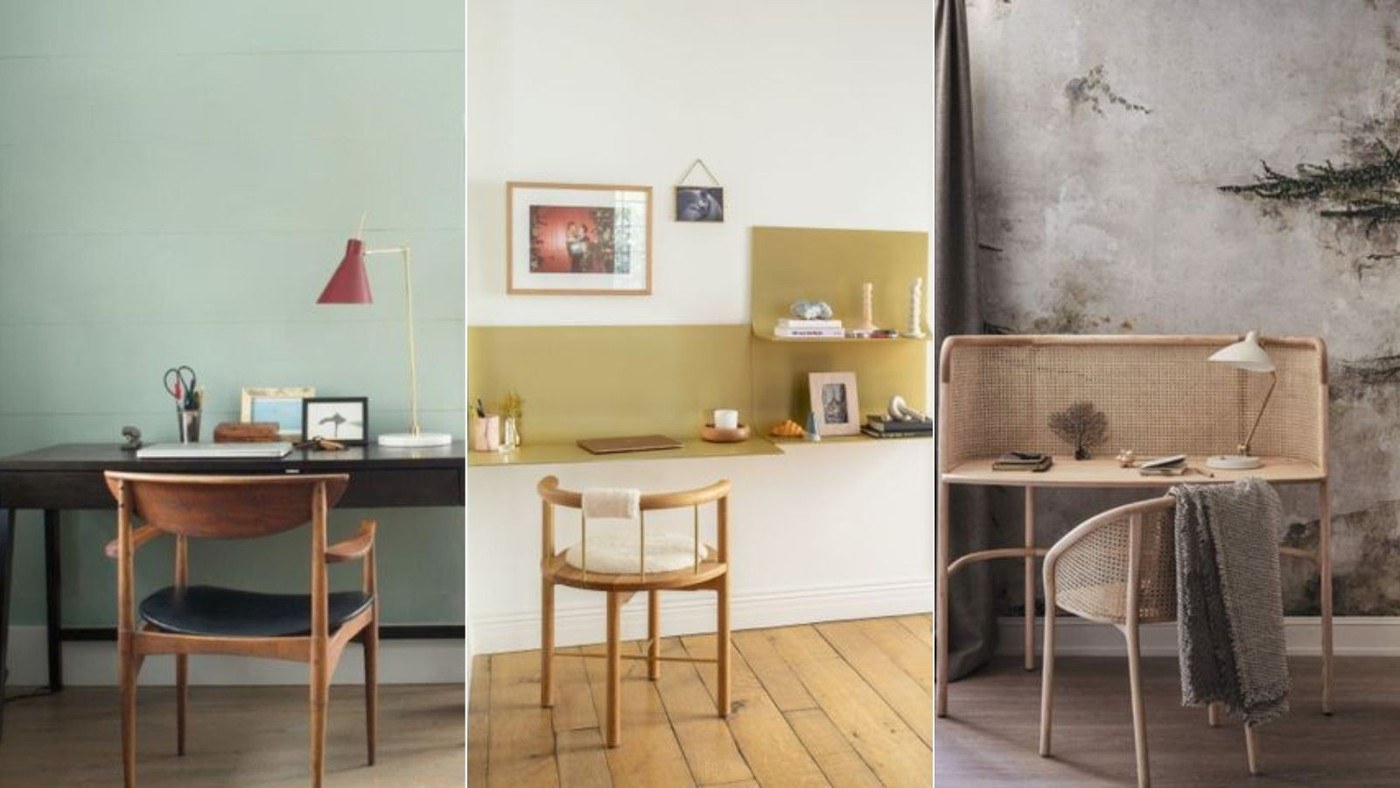
Homes & Gardens recommends combining task lighting for concentrated work with ambient light for the wider room. Adjustable controls can help adapt illumination to different activities, rather than relying on a single fixed overhead source throughout the day.
The same advice connects visual order with practical equipment placement. Route cords through clips or suitable under-desk storage, and choose a chair and desk that work together. If using a laptop stand, plan separate input devices and an accessible work area around it rather than merely raising the screen.
Define the work area before adding accessories
Homes & Gardens recommends a clear boundary around a work zone in a room that serves several purposes. This may be physical, such as a divider, or created by an agreed arrangement and storage routine. Keeping paperwork in a separate filing area can also stop it spreading across the keyboard space. The aim is to make each area recognizable and easy to use.
Give incoming paperwork a visible destination
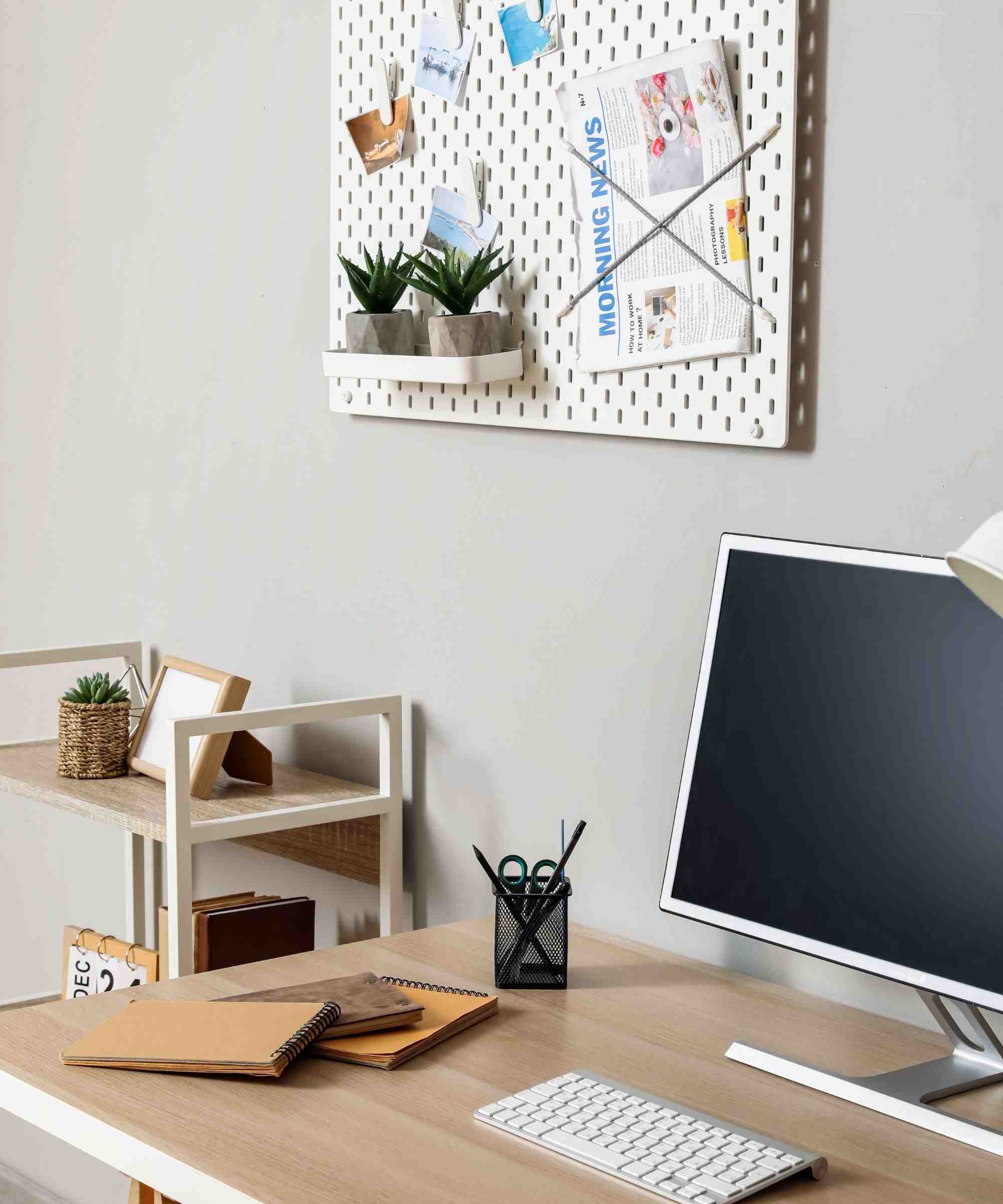
The article suggests boards, labeled organizers and separate incoming and outgoing sections for paper. Color coding can help distinguish projects without requiring every document to remain on the desk. Choose the system that matches the work itself: a pegboard supports frequently reached objects, while a wall file can separate material awaiting attention from documents ready to be filed or removed.
Reset the lighting and tools after work
A brief daily reset is another recommendation from the source. Return accessories to their places and prepare the surface for the next session rather than allowing yesterday's materials to become permanent obstacles. Adjustable task and ambient lighting then serve the activity at hand. Reassess the arrangement as tasks change, since a system designed for paperwork may need altering when the same desk becomes primarily a laptop station.
Assess the light needed for the actual task
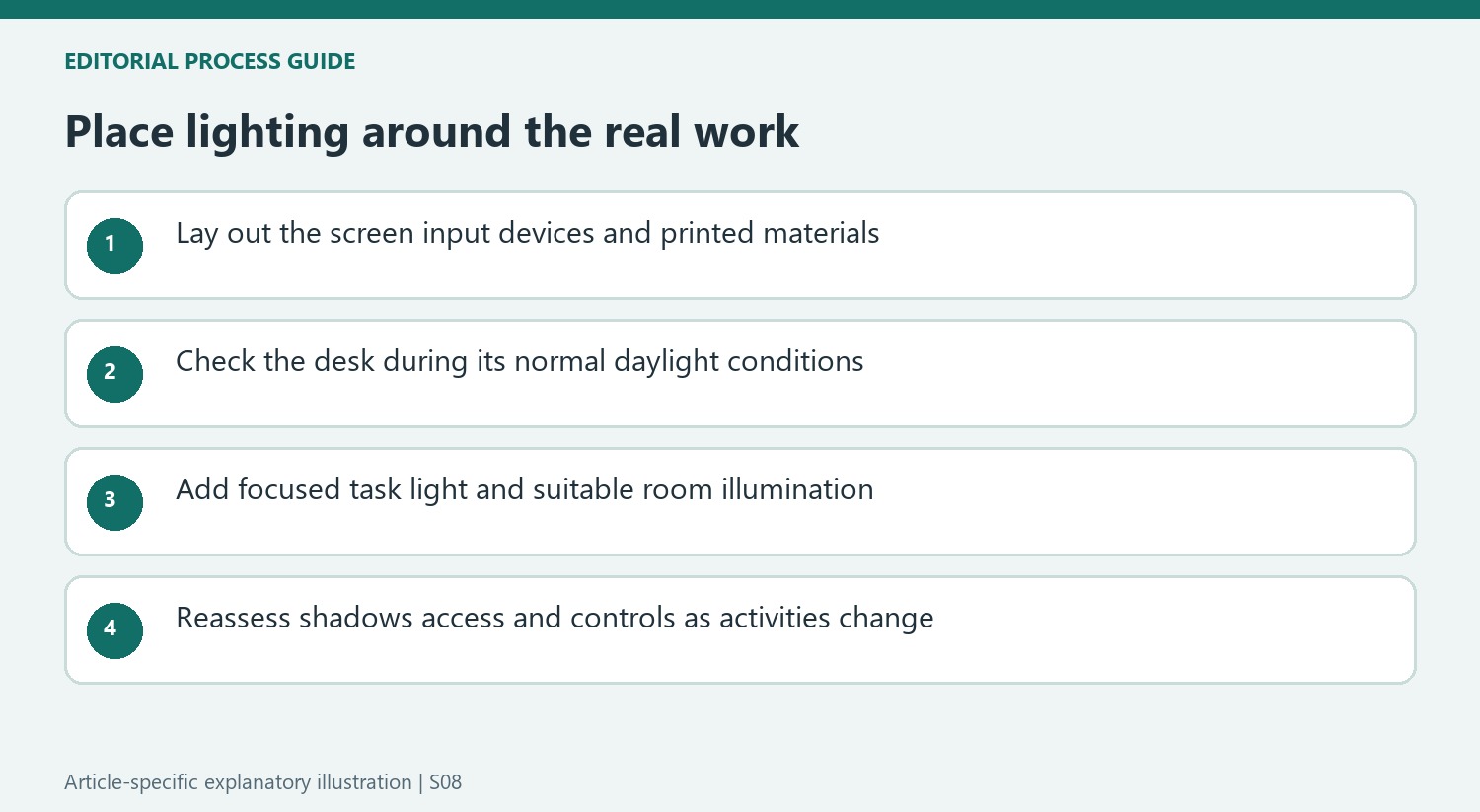
The source distinguishes focused task lighting from general ambient illumination, allowing each to support a different activity. Reading printed notes, typing on a keyboard and looking at a bright display may call for different adjustments. Place the intended work materials on the desk before deciding where a lamp belongs. A decorative light that looks balanced in the room can still leave the active paper area in shadow or occupy the space needed for daily tools.
Natural light is part of the feature's advice, but a window location also changes throughout the day. Test the proposed desk position during the hours it will be used, with the screen and writing area in place. Adjustable brightness and color temperature can be useful when conditions change, rather than becoming reasons to install complex controls without a clear need. The article's productivity language expresses the contributors' advice; it does not quantify an improvement guaranteed by a particular lamp.
Connect visual organization with a clear end to work
The board and filing suggestions are more useful when the categories correspond to decisions. Incoming paperwork needs a place before action, while completed material needs a filing or removal destination. A display board should clarify the current schedule rather than become another permanently crowded surface. Keep the system within practical view and reach so that ordinary work does not require spreading every active document across the keyboard area.
For a workstation inside a shared living room, the feature's boundary can be physical or agreed through the arrangement. Storage that closes at the end of work and a brief reset can help that area return to its other role. A divider is one option, not a requirement for every small room. Decide which materials must remain accessible and which can be put away without making the next session cumbersome.
Reassess the accessories when the work changes
The article encourages adapting the arrangement as requirements evolve. A desk used for paperwork may need visible filing and stronger task light, while a mainly digital station may place greater emphasis on screen position, input devices and cable routes. Review which accessories remain useful instead of keeping them only because they once belonged in the scheme. The layout should continue to express the current tasks rather than a past version of the workspace.
The optional refreshment area makes the same point about purpose. A coffee setup may reduce interruptions for one person but consume valuable room or introduce another maintenance job for another. Keep it distinct from the active equipment area if it is included, and compare its benefit with the available space. Color, plants and personal details are likewise choices to evaluate in the room, rather than substitutes for suitable furniture, usable lighting and a storage routine that actually works.
References
- How to make your home workspace more productive – 7 simple steps for improved focus. Homes and Gardens; Lola Houlton.


Bir Cevap Yaz
E-posta adresiniz yayınlanmayacak. Gerekli alanlar * ile işaretlenmişlerdir.