
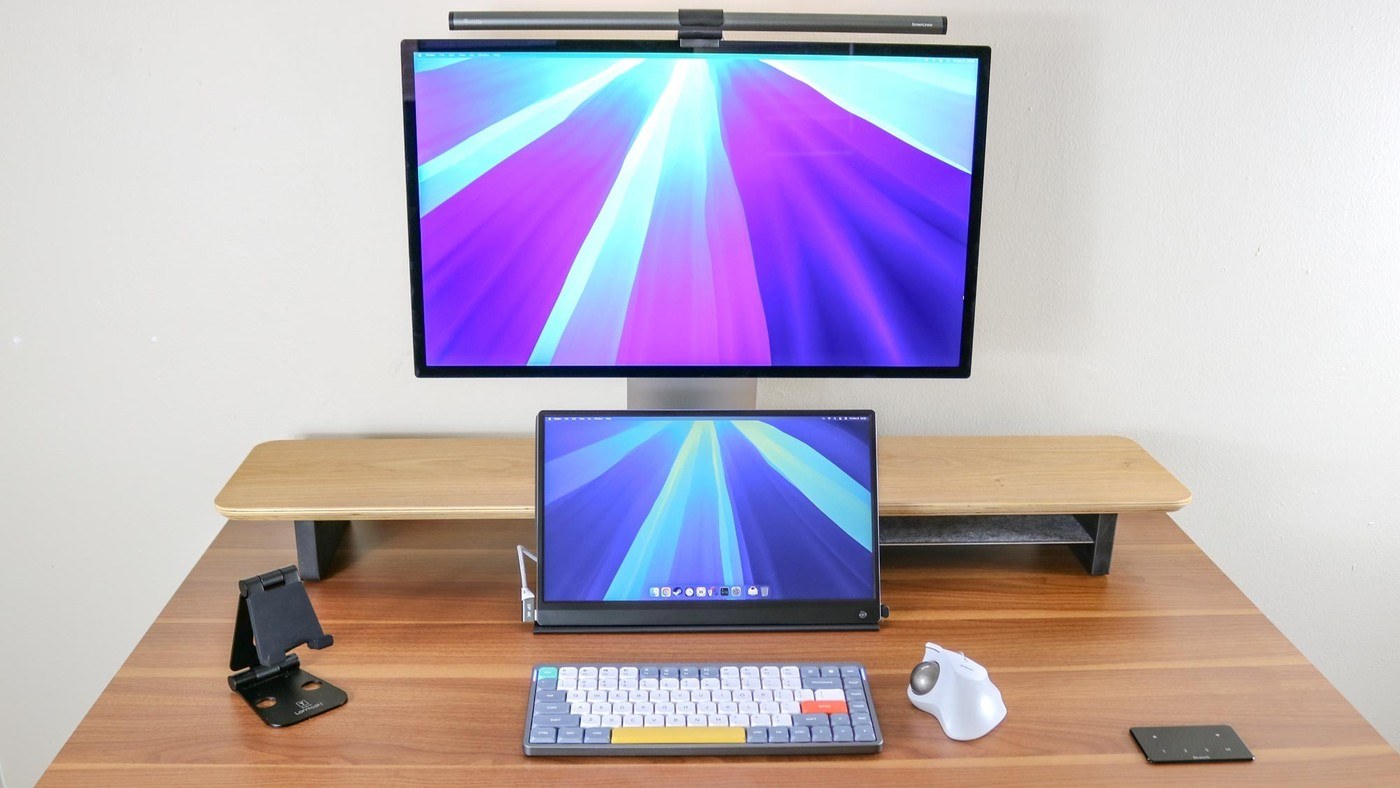
A dual-monitor riser can create a defined lower storage area, provided the laptop and its connectors actually fit.
Storage is part of the layout
The article compares a KIVY dual-monitor riser with a more expensive Oakywood shelf. Both raise a fixed-height display, but the KIVY design includes an aluminum lower shelf intended for a laptop or tablet. The example is sized for smaller machines, so a larger computer should not be assumed to fit merely because the top shelf spans the desk.
Distinguish a riser from a typing stand
This arrangement creates a place to store or dock equipment beneath the main display; it is not the same as an angled platform for using the laptop's keyboard. The source also notes non-slip feet and a stated load limit for the monitor platform. Measure the laptop, its connectors and the screen base, then decide whether this storage-focused design suits the actual way the computer will be used.
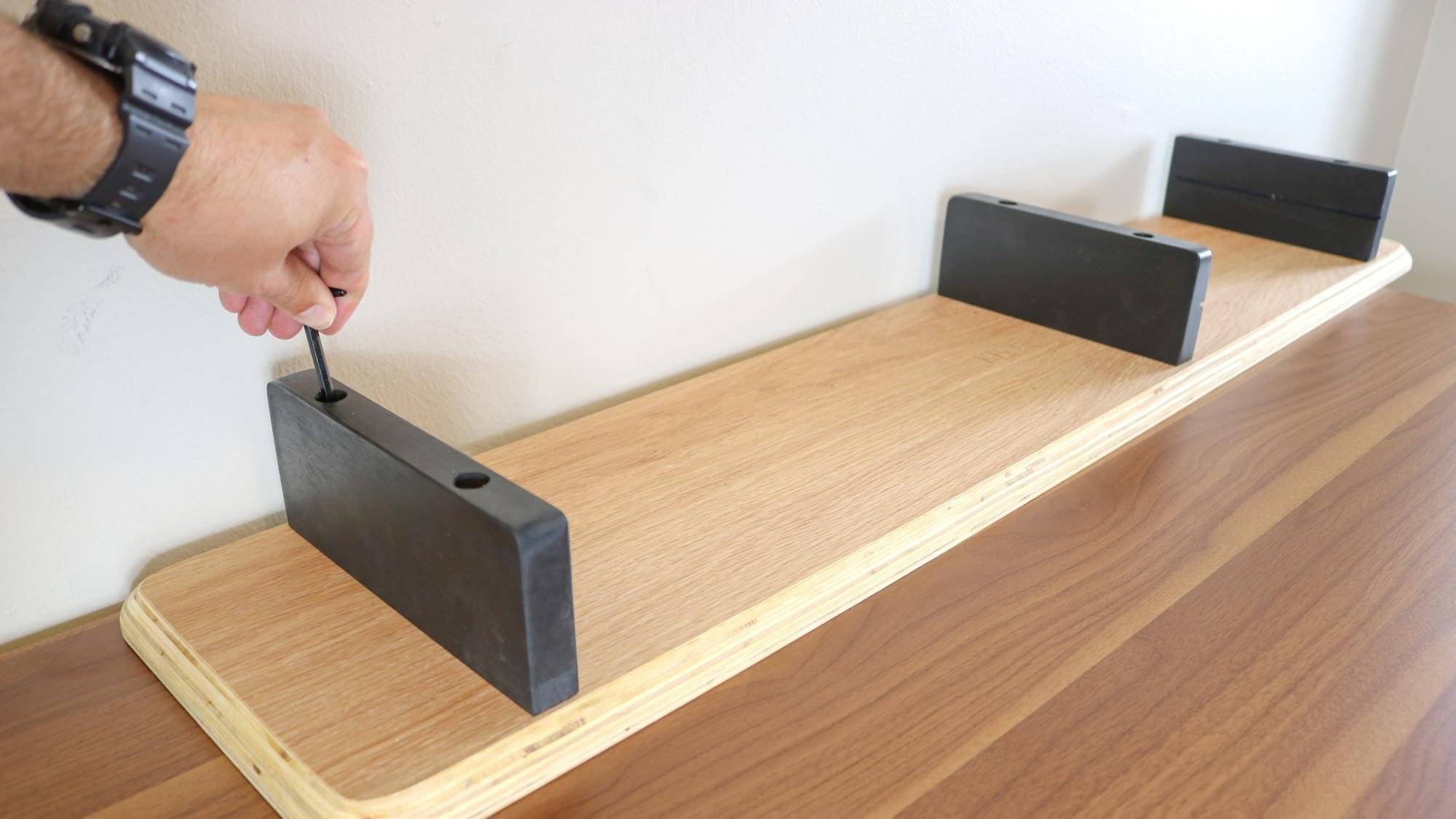
Measure the lower shelf independently
The KIVY top is described as 43 inches wide, 9 inches deep and 4 inches tall. Its aluminum lower shelf is much smaller: just under 14 inches wide and 7.5 inches deep. That difference is important when choosing a storage position for a laptop, especially once side connectors are included. The source lists a 60-pound platform capacity and describes assembly with six bolts. By comparison, the Oakywood shelf uses a broader accessory system with optional drawers and trays rather than a standard integrated laptop shelf. Choose between those storage approaches by the devices actually being parked, not by assuming that all long monitor shelves provide the same usable space underneath.
Check whether the display really needs a fixed lift
The source's starting problem is a display with limited built-in height adjustment. A separate shelf can change that position without altering the stand, but it adds a fixed amount rather than offering the continuous adjustment of a suitable arm. Test the intended screen height from the normal seated position before selecting the riser. A shelf that helps one user can lift another user's screen too far, so the accessory should answer an observed placement problem.
A shared workstation makes that distinction particularly relevant. Different users may not need the same fixed elevation, even when they share the same computer. Check the screen's own available adjustments and the chair arrangement as part of the choice. The article describes alternatives involving VESA configurations and service changes, but those depend on the exact display model and current support arrangements. A plain shelf is one option, not proof that every other support route is impractical.
Separate the top platform from the lower storage opening
The KIVY shelf's long top can accommodate a broad display arrangement, while its much smaller lower insert targets selected devices. Include the laptop's side plugs and rear leads when checking that opening. A machine may slide in while disconnected but become awkward once a dock cable or charger is attached. If it will operate there, follow its ventilation instructions instead of treating a closed-laptop storage photograph as evidence that any running device belongs in the same position.
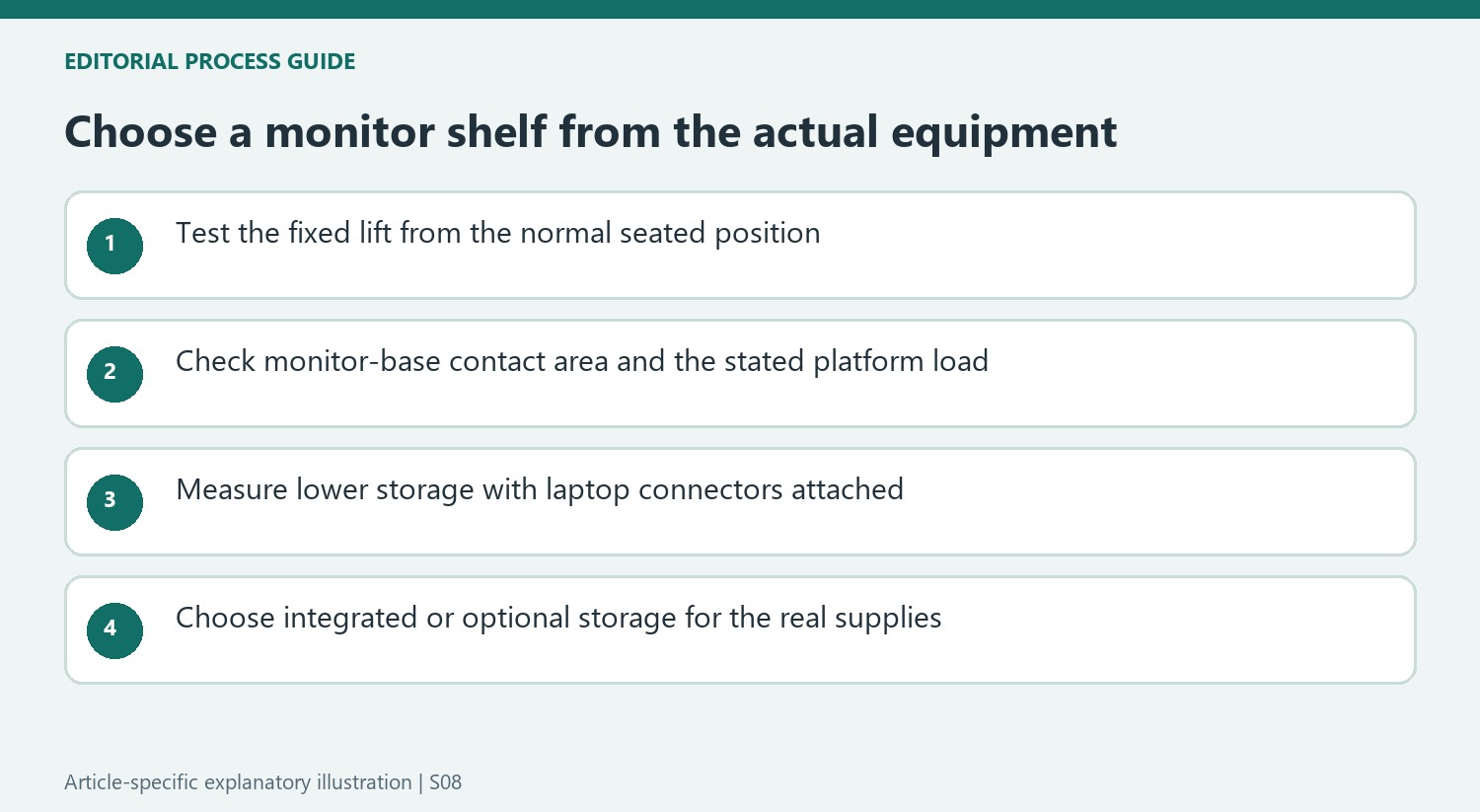
The source also describes assembly using predrilled holes, bolts and an inserted aluminum shelf. Confirm the selected product's current instructions and orientation, including protective surfaces and feet. The reported monitor capacity applies to the specified arrangement; it does not establish that any concentrated load or overhanging base is appropriate. Check the display base's contact area as well as its total weight, then test whether the remaining front working area is sufficient.
Compare integrated storage with an optional accessory system
Oakywood takes a different approach by leaving the basic opening clear and offering separate drawers or trays. That creates configuration choices but also introduces dimensions, cost and compatibility to check. Compare the actual supplies being stored rather than assuming the more expensive shelf automatically organizes more. A built-in laptop insert may be useful for one small machine, while an optional drawer may better suit stationery that otherwise scatters across the top.
Finish and care matter as well. The article discusses natural wood and several material or color options, whose treatment should follow the version actually purchased. Historical sale prices and temporary availability should not become current buying claims. Compare the complete arrangement, including any needed accessory inserts, with a simple riser or different monitor support. The useful outcome is a suitable screen position plus accessible storage, with neither function allowed to compromise the other.
References
- I added this accessory to my desk setup and it fixes the biggest downside with the iMac M4 and Studio Display. Tom's Guide; Anthony Spadafora.


Bir Cevap Yaz
E-posta adresiniz yayınlanmayacak. Gerekli alanlar * ile işaretlenmişlerdir.