
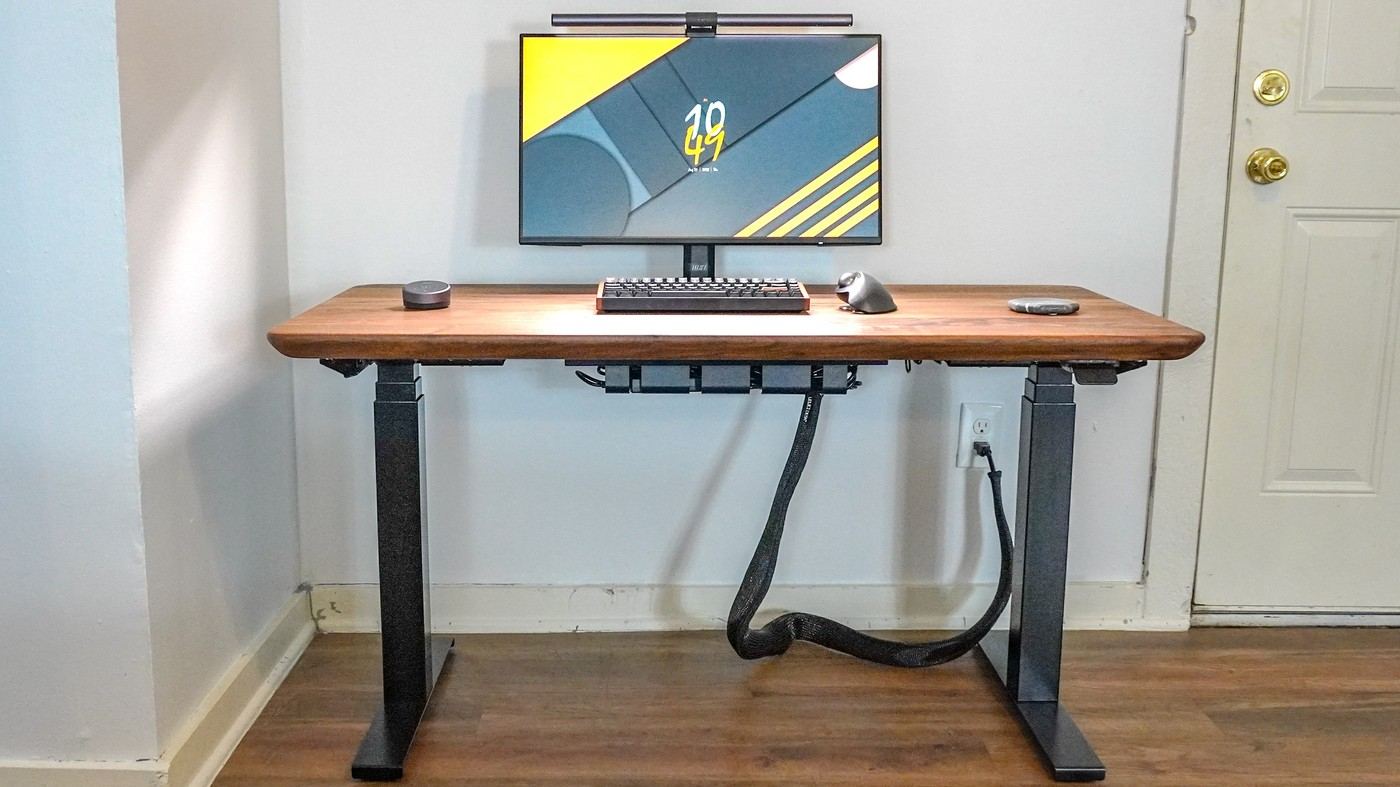
Tom's Guide's Oakywood Standing Desk Pro review describes a solid-wood top on a LINAK frame. Bluetooth controls and reminders complement the height adjustment. The reviewer praises stability and the wood's feel, while noting that the surface needs periodic maintenance.
The cable tray is an optional addition rather than a default inclusion. Budget for the chosen organizing hardware and follow the finish-care instructions before adding mats, clamps or mounts. The desk's visual simplicity works best when the surrounding accessories and maintenance expectations are planned together.
Identify the exact desktop finish
The range includes solid-wood and veneer options, so the care routine should follow the finish actually ordered. In the reviewed solid-wood arrangement, an oil-wax treatment preserves the timber's texture rather than covering it with a thick sealed layer. That produces a distinctive feel but also leaves regular surface care as part of ownership. Do not infer identical maintenance from a similar-looking product photograph.
Allow for periodic surface maintenance
The source reports a manufacturer recommendation to refresh the wooden surface every six to twelve months. The optional kit includes oil, an application cloth and sandpaper intended for minor damage. This is a maintenance commitment to check against current instructions, rather than a reason to improvise abrasive cleaning. The reviewer used a coaster and still noticed small scratches over time.
Map the controls and wiring separately
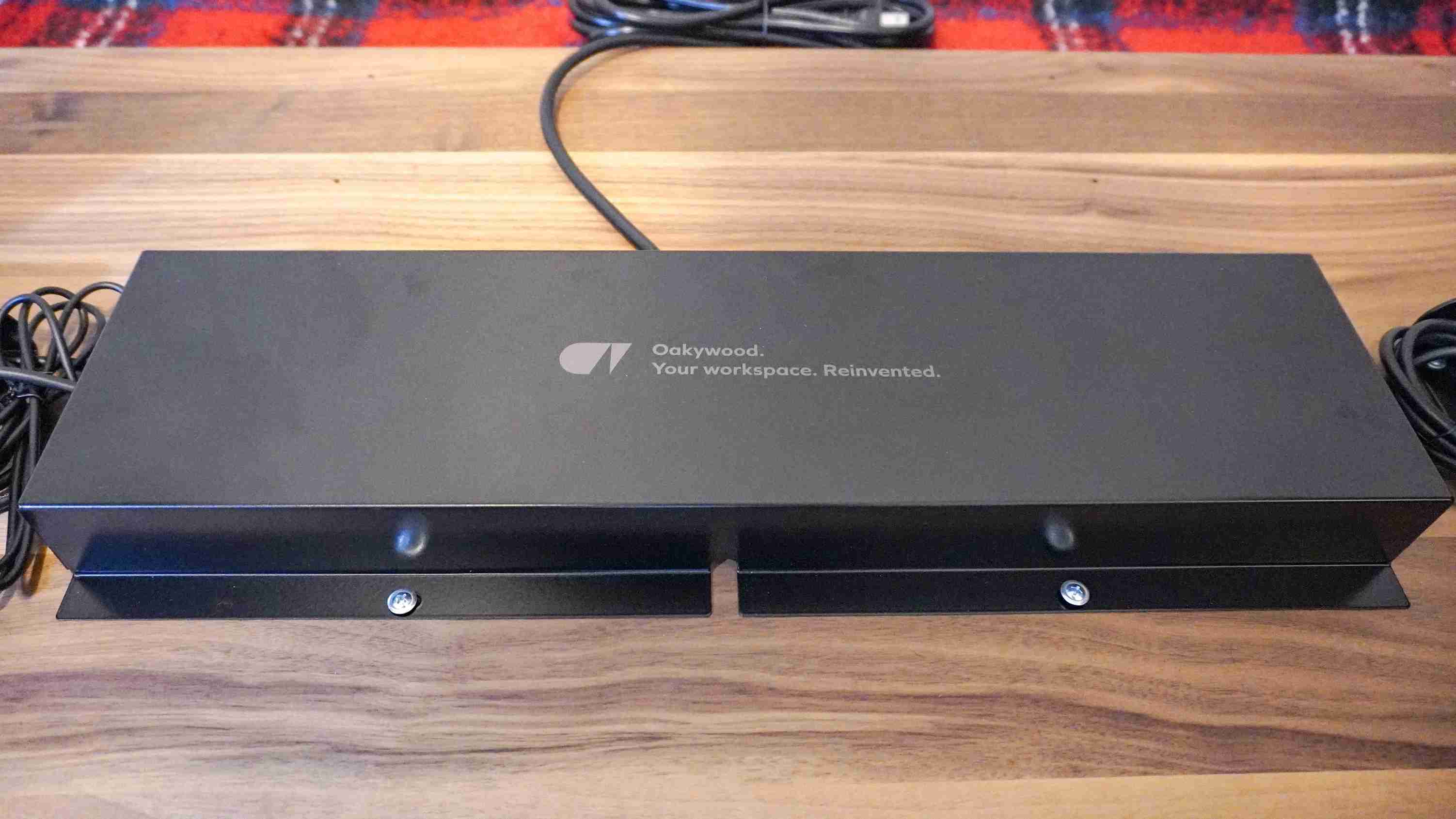
The paddle pairs by Bluetooth with LINAK's Desk Connect app, which can manage settings and standing reminders. A cover conceals some frame wiring, but the broader cable tray remains optional. The specified lifting capacity is 154 pounds, with two height presets in the reviewed model. Include the monitor support, shelf and power equipment in the planned load, and leave the paddle accessible once the desktop is arranged.
Distinguish the tested desk from the wider product range
The review covers a premium wood-topped arrangement while the range also includes veneer choices. A photograph of one finish cannot establish the construction or care requirements of another. Identify the exact material and size before applying the source's impressions to a purchase. This matters for maintenance and accessory mounting as much as appearance, because a method that suited the writer's top is not automatically approved for every configuration.
The extended period of use makes the writer's stability and surface-wear observations more informative than a brief unboxing, but they still belong to his actual load and room. He reports returning to the desk for several different computer and monitor projects. That demonstrates the range of arrangements he tried, without proving that every arm, drilled fitting or equipment distribution is permitted. Check the current instructions for any proposed modification rather than copying a reviewer's attachment method unquestioned.
Make finish maintenance an ordinary ownership task
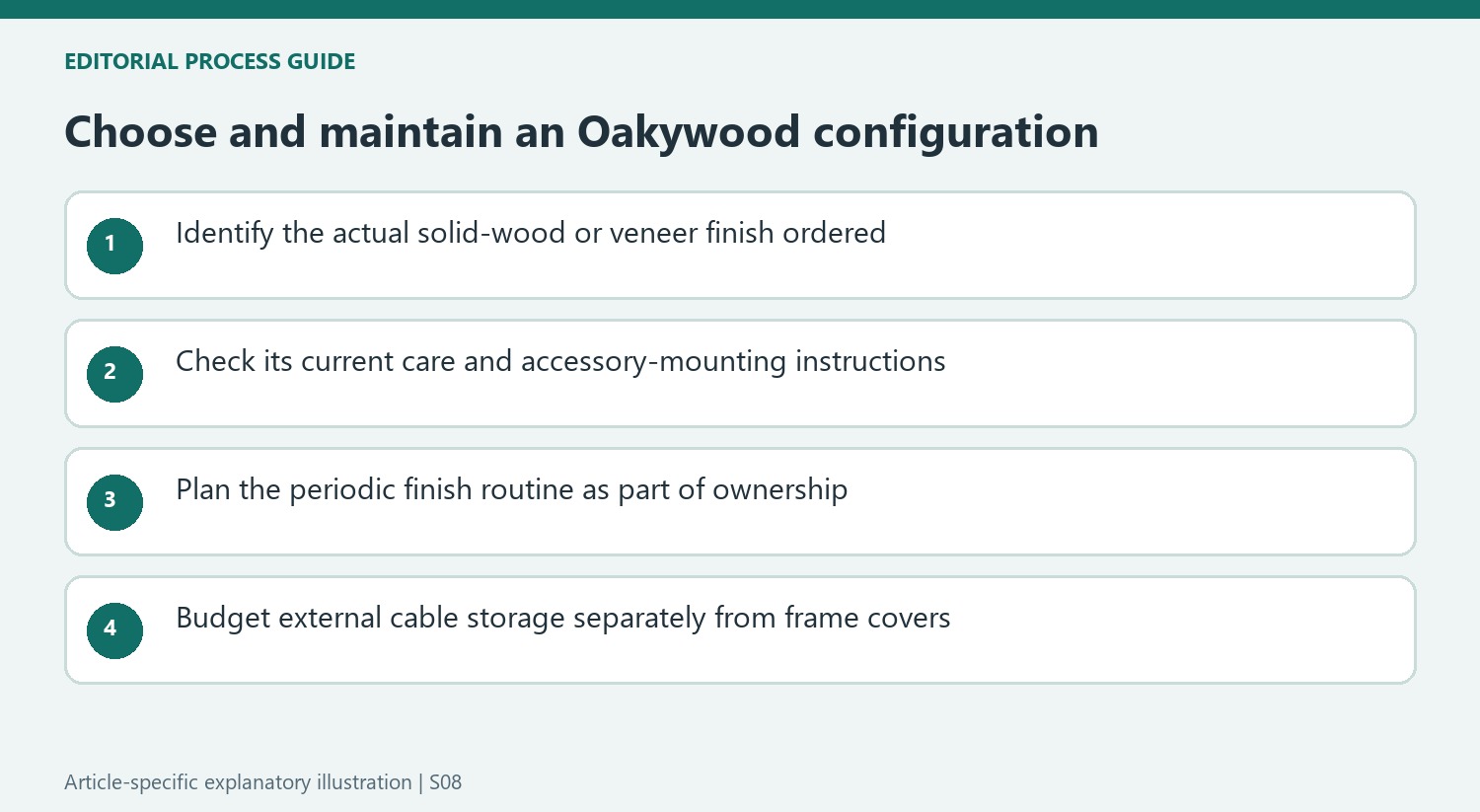
The source values the oil-waxed texture precisely because it does not feel like a thick plastic coating. That preference comes with a different care commitment from a laminate surface. Consider whether the user is willing to follow the specified refresh routine and protect the top during normal work. The review's small scratches, despite careful handling and a coaster, are a more concrete ownership detail than an unqualified promise that premium wood stays unchanged.
The optional maintenance kit is described as including abrasives for minor damage, yet the writer had not actually used the supplied kit in that review. His confidence that scratches could be improved should therefore remain an expectation rather than a demonstrated repair result. Follow current instructions for the ordered finish, including any restrictions around sanding and treatment. A valuable surface deserves an identified care method, not improvised cleaning based on the material's visual appeal.
Budget the useful technology and organizing hardware separately
The LINAK app offers Bluetooth-connected height control and reminders, while the paddle remains a physical part of the workstation. Decide whether phone control will actually be used, then leave the paddle accessible for ordinary changes. The cover near the frame hides some internal wiring; it does not supply a complete home for the laptop charger, display leads and external power equipment.
The source's pricing discussion includes changing offers, optional accessories and publication-time economic explanations. None establishes the current complete purchase cost. Compare the chosen top, frame, cable tray and any required support together, and confirm warranty and regional terms. The premium is most understandable when the buyer wants this material, can maintain it and has a settled workflow, rather than expecting a higher price to remove every later decision about storage, connections or ergonomic fit.


Bir Cevap Yaz
E-posta adresiniz yayınlanmayacak. Gerekli alanlar * ile işaretlenmişlerdir.