
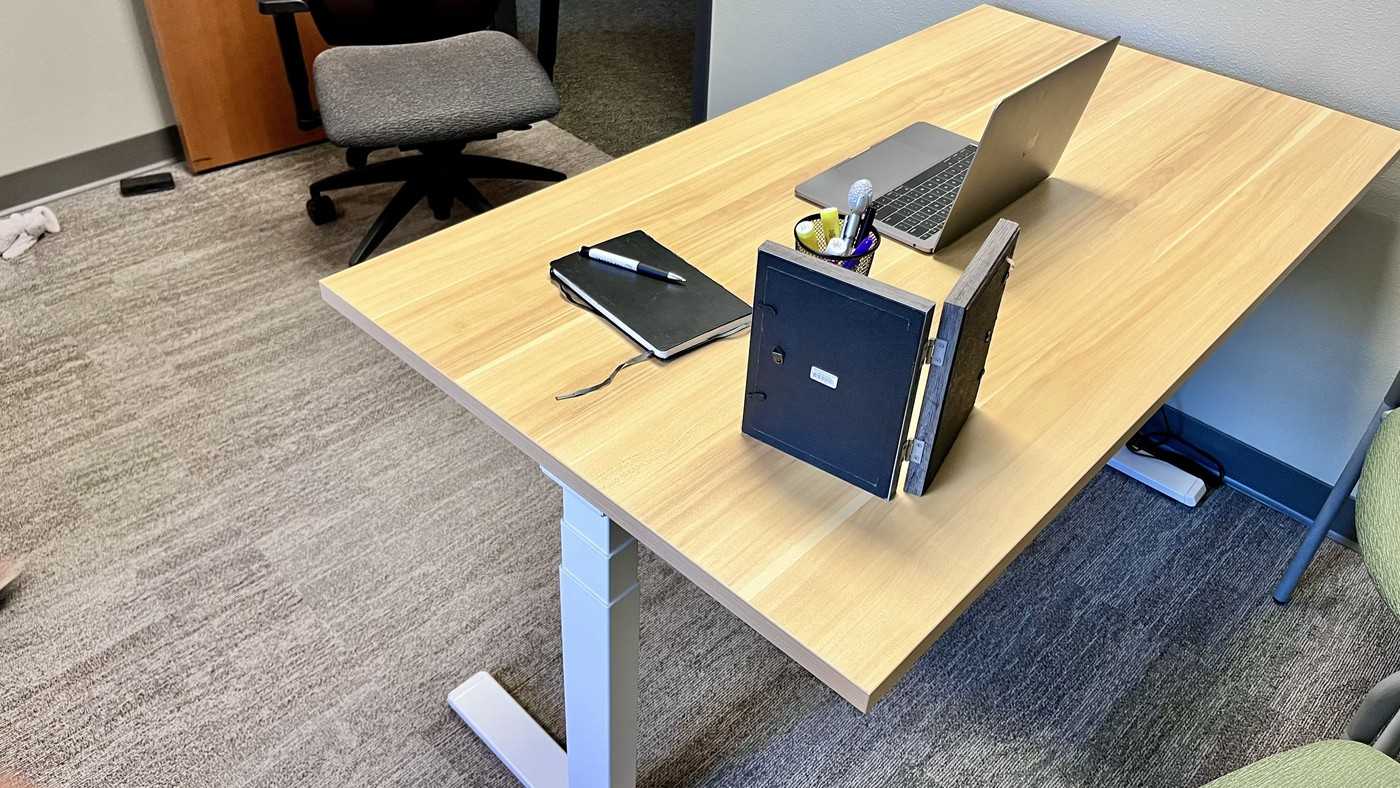
The Mount-It dual-motor standing desk offers a 55-inch surface and three programmable heights. Its reviewer used it primarily as a laptop station with relatively little equipment, emphasizing easy adjustment rather than a crowded display arrangement.
The same approach suits a shared work area where users need different settings. Establish a clear place for the laptop and separate input devices, then save useful positions. Adjustment was described as smooth but relatively slow, so allow the desk to finish moving before rearranging items or resuming work.
Compare depth and usable width
TechRadar lists a 55-by-29-inch top and a 220-pound capacity. Although that can accommodate multiple displays, the reviewer notes that two horizontal screens may leave little free width at either end. A laptop-only station uses the same surface differently, leaving room for separate inputs and temporary materials. Sketch the equipment footprint before assuming that a nominally large top has generous spare space.
Set presets for the people who share it
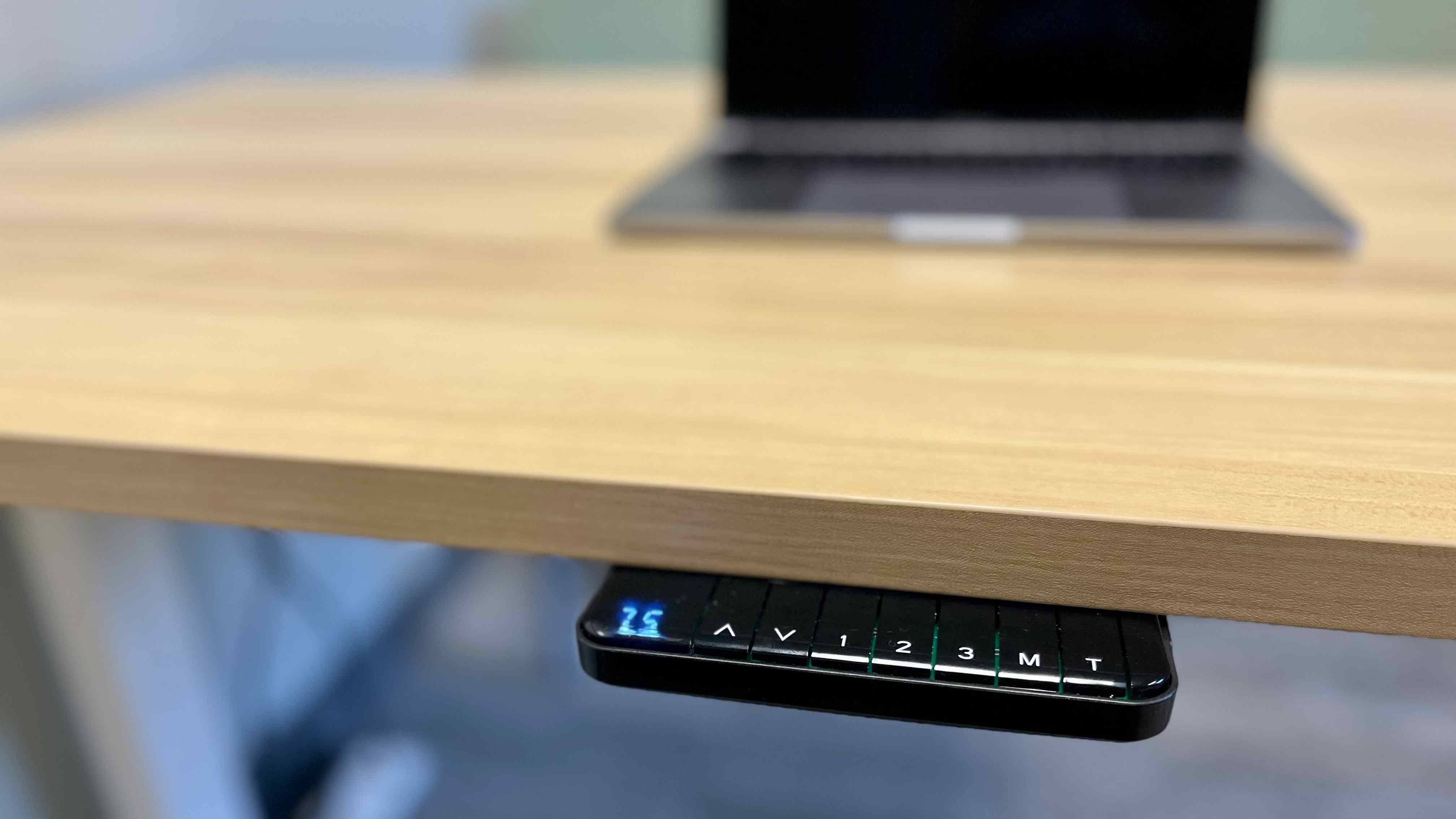
The published height range is 25.4 to 51.4 inches, with three memory positions. In the reported shared station, users could select a saved setting instead of repeatedly adjusting by eye. Three presets may still require compromise when several people each want seated and standing positions. Agree which settings deserve a saved button, and keep the controller unobstructed.
Treat appearance and movement as separate choices
The reviewed light-wood top and white legs produced a simple visual arrangement, while the square desktop edges and steel base gave it a conventional standing-desk form. Its reported 0.8-inch-per-second movement is relatively slow compared with some premium alternatives. That is a trade-off to consider alongside stability, rather than evidence of a fault. Check current regional availability and warranty terms before copying the exact product choice.
Read the shared-station experience as a particular configuration
The reviewer and team used this desk with relatively few objects, mainly as a laptop workstation. Their easy use of saved heights therefore describes a lightly equipped shared arrangement rather than a full test of every multi-monitor setup the 55-inch surface might hold. Keep that distinction when applying the stability observations. A larger computer, support arm and additional displays change the equipment distribution and deserve their own checks against the current specifications.
Depth and width also solve different problems. The reported 29-inch depth gives another dimension to plan around, while two horizontal displays can still occupy most of the 55-inch span. Mark the actual stands, separate keyboard, pointing area and writing space rather than drawing only screen rectangles. For a laptop station, decide whether the laptop is the main screen or a secondary device, because that changes the location needed for the input devices and camera.
Allocate memory settings before sharing the desk
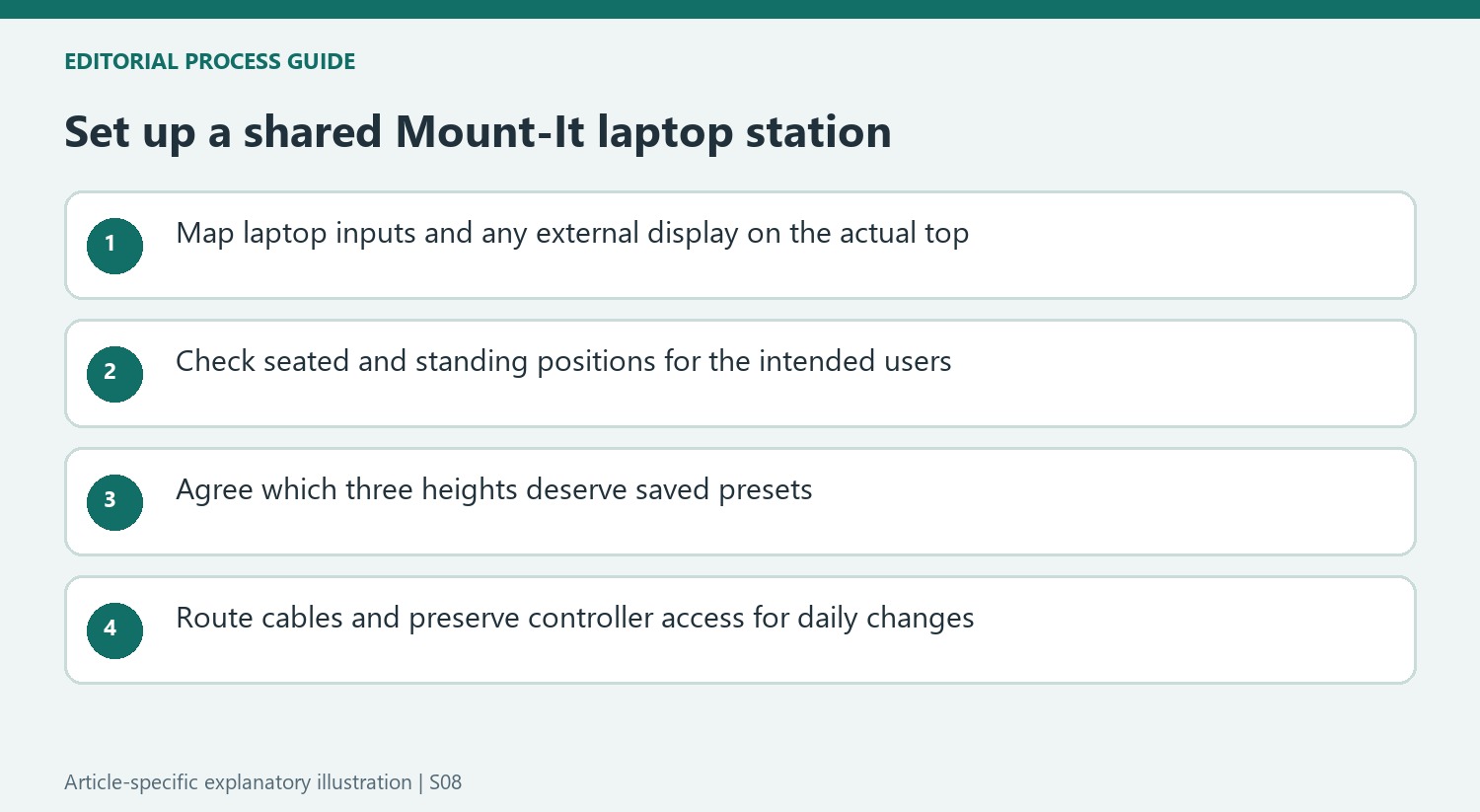
Three presets can simplify a shared station when the users agree which positions matter most. They cannot automatically preserve two preferred heights for every person in a larger group. Establish whose settings are stored and how another user makes a temporary change. Keep the controller within easy reach but clear of objects that make selecting a setting inconvenient; the convenience described by the review depends on the controls remaining usable in the finished arrangement.
The slower reported lifting speed is also a daily-use trade-off to consider honestly. A broad height range does not say how quickly a transition will feel during a busy task. The source describes smooth movement and relatively quiet operation, while noting that faster alternatives exist. Compare that behavior with the intended frequency of height changes rather than treating speed, sound and maximum travel as interchangeable measures of quality.
Include room context in the final choice
The review appreciates the simple light-wood and white combination but also points out the square desktop edges in a home with children. Look at circulation around those edges when placing the station, particularly if different users approach it from different sides. Appearance should be judged with the chair, equipment and normal room movement in place, not only as a clean product photograph against a wall.
Finally, the article's pricing, available finishes and regional limitations describe its publication context. Confirm the current size, configuration, shipping and warranty terms where the desk will be used. Include appropriate cable organization and any display support in the comparison. A dependable shared laptop area emerges from those combined decisions about fit, preset use, access and equipment, rather than assuming that a dual-motor label by itself settles the needs of several users.
References
- Mount-It Ultimate Dual Motor Electric Standing Desk review. TechRadar; Collin Probst.


Bir Cevap Yaz
E-posta adresiniz yayınlanmayacak. Gerekli alanlar * ile işaretlenmişlerdir.