
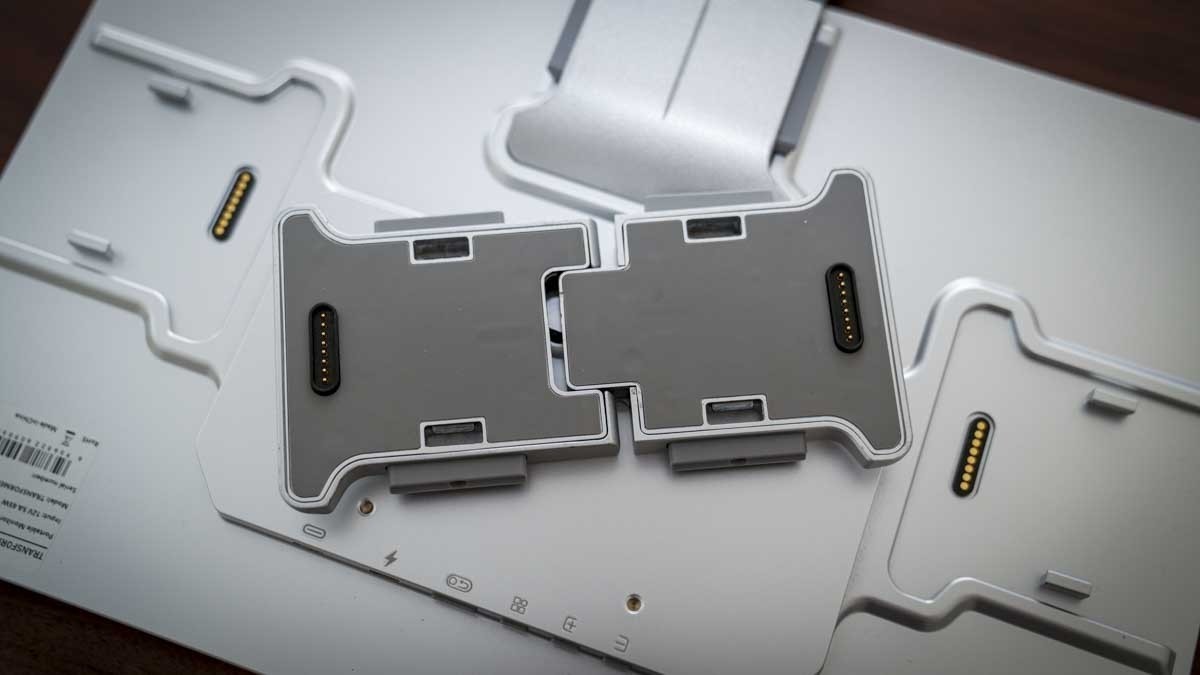
Lepow's TriScreen Pro places auxiliary displays on the main monitor instead of assigning every panel a separate desktop stand.
Reserve the center for the main work
TechRadar's review describes a 27-inch 4K screen with two detachable 16-inch panels. The side displays can hold chat, reference material or terminal windows while the central screen remains the primary workspace. Their portrait or landscape positioning provides flexibility, although adding panels still increases the physical area occupied above the desk.
Consider the setup complexity
The side-panel clips need to be fully secured; the reviewer encountered an attachment that did not seat correctly at first. Mac use required software and recording permissions before the auxiliary displays operated. Those details make the design more involved than a simple single-screen arrangement. It may save the space used by several stands, but a compact desk still needs adequate overall width, stable support and room for the connected computer and input devices.
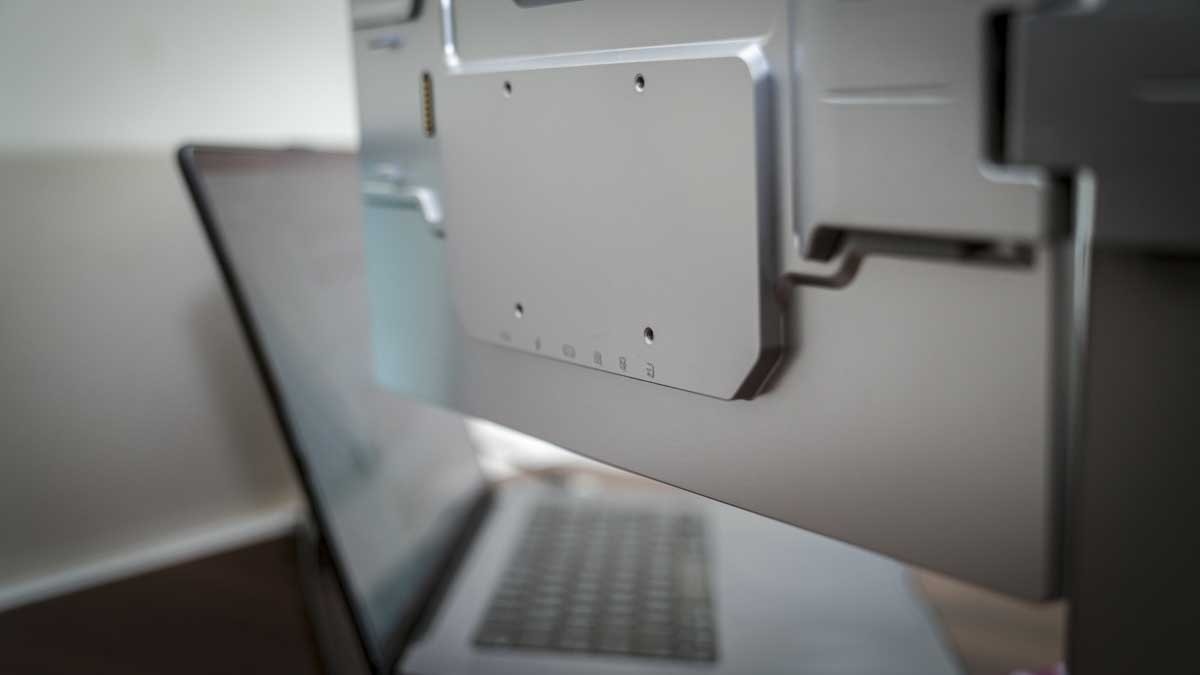
Keep reference material on the auxiliary panels
The center screen offers 3840 by 2160 resolution, while each 16-inch side panel runs at 1920 by 1200. TechRadar found the center useful for content creation and the outer screens more appropriate for email, chat and reference windows. Their different brightness and color performance mean the three panels should not be treated as interchangeable tools for judging images. The connectors carry both power and data to the auxiliary panels, reducing separate leads around the stand. However, their magnetic alignment does not replace checking the physical clips. On a Mac, the USBDisplay application also needed Screen and System Audio Recording permissions. Confirm those software requirements before assuming a single connected cable completes the installation.
Account for the occupied area above the desk
A shared stand reduces the number of bases on the worktop, but the complete display assembly still spreads beyond the central panel. The review describes bringing the side screens inward or spreading them farther back. Before positioning the system, consider the surrounding wall, speakers and shelves as well as the empty patch where the stand sits. A low footprint and a narrow overall display arrangement are different measurements.
The connector design is central to that distinction. Magnets help align each auxiliary panel, while mechanical clips provide the secure attachment. The review reports a panel falling during the first installation and another taking repeated attention to seat properly. Follow the supplied assembly procedure, support each panel while fitting it and verify the connection before leaving it loaded. A magnetically aligned edge alone does not establish that the physical retention is complete.
Distinguish claimed performance from the tested result
TechRadar tested the central display with a Spyder X2 Ultra after first adjusting its appearance. The measured peak brightness was about 354 nits, below the published 500-nit specification. That observation does not mean the screen was unusable in the reviewer's room, where it was normally operated well below its maximum setting. It does mean the advertised figure should not be repeated as the measured result of that test.
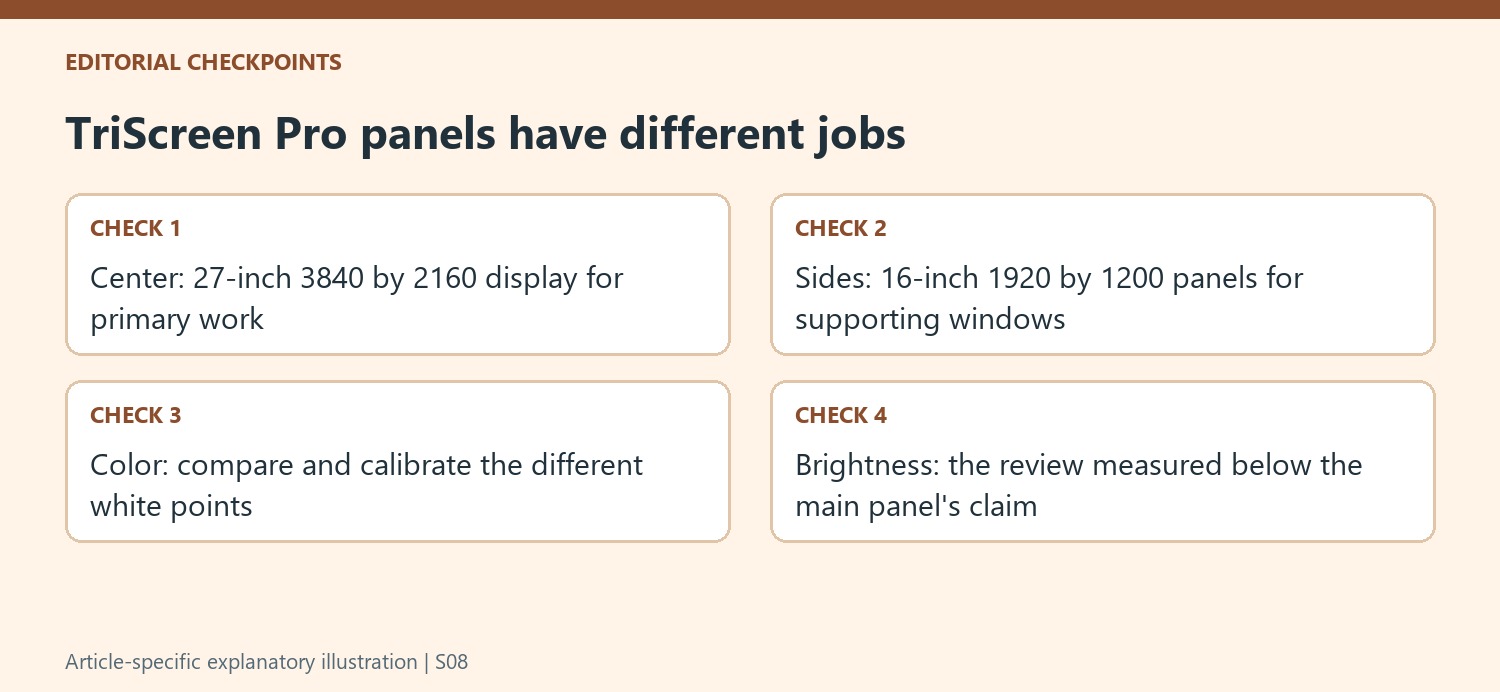
The side displays also looked noticeably cooler before calibration. The review reports white-point readings around 7200 to 7500K on those panels, compared with roughly 6600 to 6700K on the main one. Calibration brought the appearance closer, but the auxiliary screens still had different specifications and intended roles. Put color judgments on the appropriate calibrated display instead of assuming a photograph looks consistent merely because all three panels belong to one product.
Rehearse the software and window arrangement
In the reported Mac workflow, the center mirrored the laptop while email occupied one side screen and a terminal occupied the other. The reviewer also described editing video centrally while an auxiliary application handled audio. These examples show the value of persistent supporting windows without requiring every panel to perform the same work. Choose the arrangement around the applications actually used, and confirm that text remains readable at the selected orientation.
The USBDisplay requirement is particularly relevant before making the monitor part of a managed computer environment. Confirm whether installation and the requested recording permissions are allowed on the intended machine. The review found the PC setup more straightforward, but both operating systems still required the correct connections and configuration. A complete installation check includes panel security, software authorization, display arrangement and a representative work session, rather than stopping when the center screen first lights up.
References
- Lepow TriScreen Pro review: This 27in 4K monitor with dual detachable 16in side screens is a space-saver for your desk. TechRadar; Alastair Jennings.


Bir Cevap Yaz
E-posta adresiniz yayınlanmayacak. Gerekli alanlar * ile işaretlenmişlerdir.